| Color | White |
|---|---|
| Country of Origin | China |
| PID | 535620 |
| Product depth (mm) | 91 |
| Product height (mm) | 190 |
| Product weight (g) | 1 |
| Product width (mm) | 91 |
| WiFi | Yes |
| Wi-Fi Band technology | Dual-band |
| Wireless network standard | Wi-Fi 5 (802.11ac) |
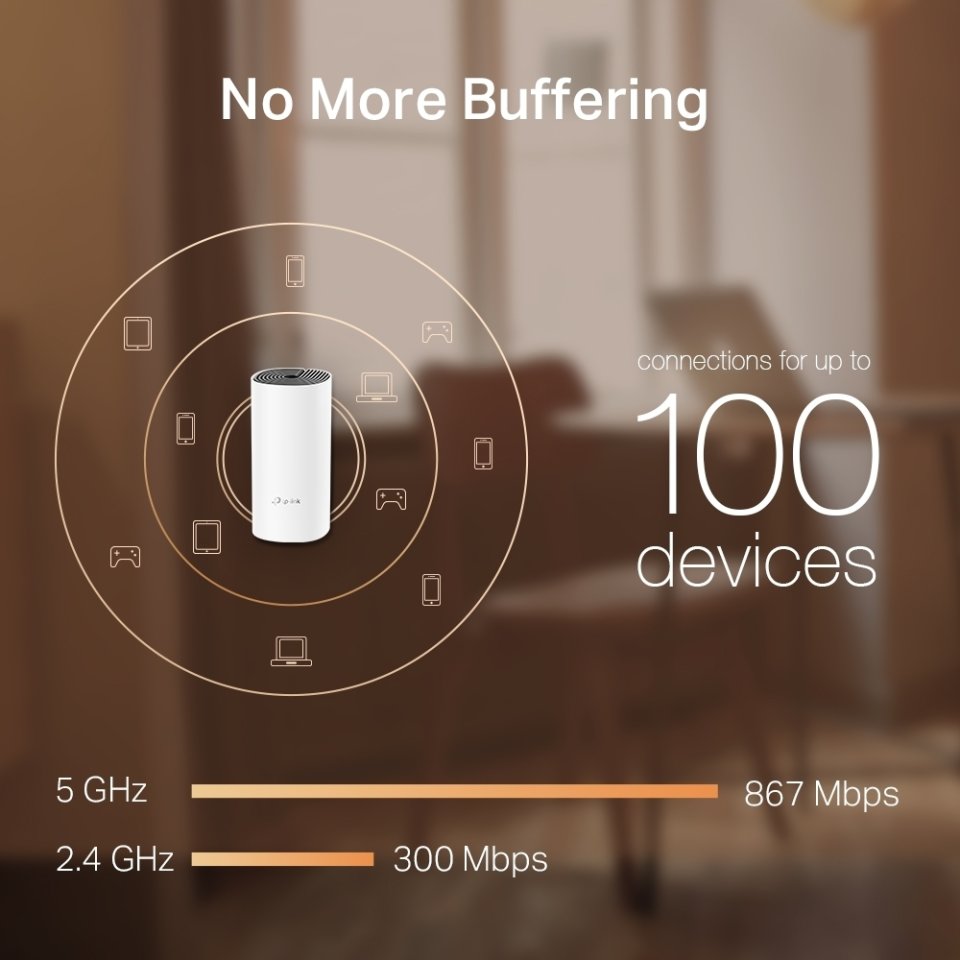
| Wireless network maximum speed (Mbps) | 1 167 |
| Ethernet (RJ-45) ports quantity | 2 |
| Manufacturer address | TP-Link, Gustav III:s Boulevard 54, 169 74 Solna |
| Manufacturer's email address | |
| Manufacturer name | TP-LINK Enterprises Nordic AB |
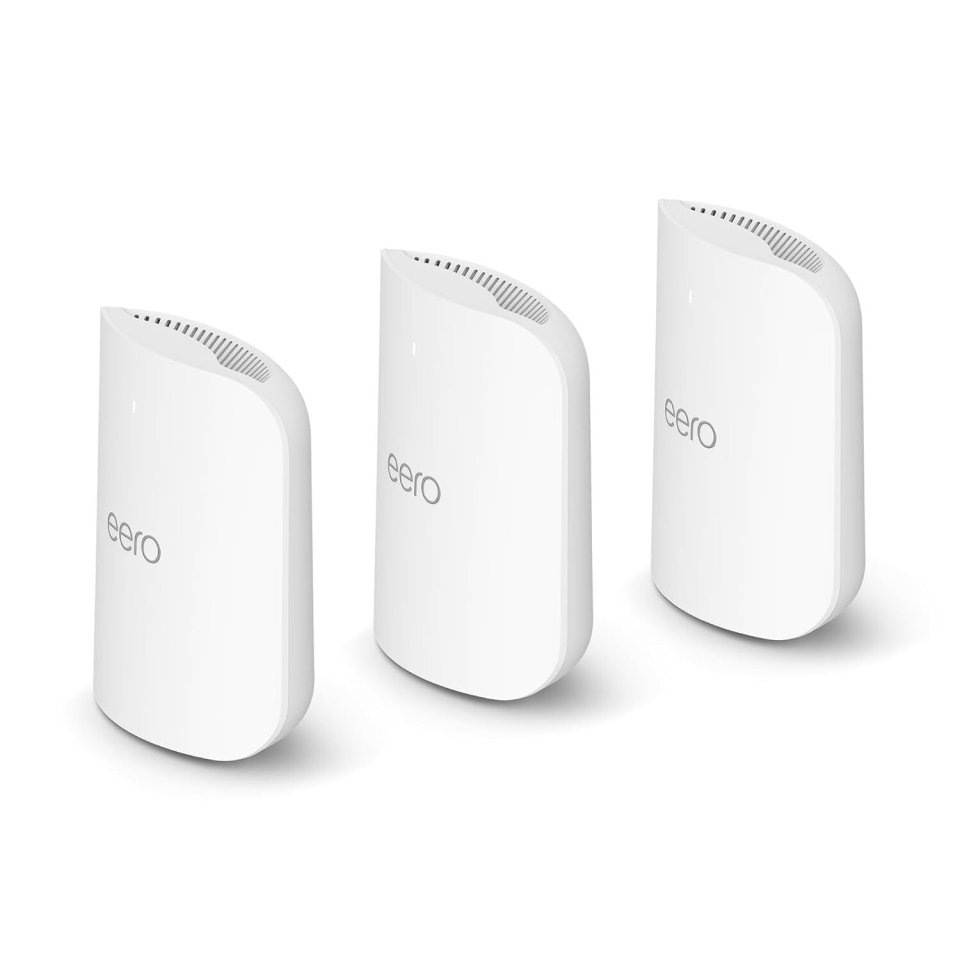
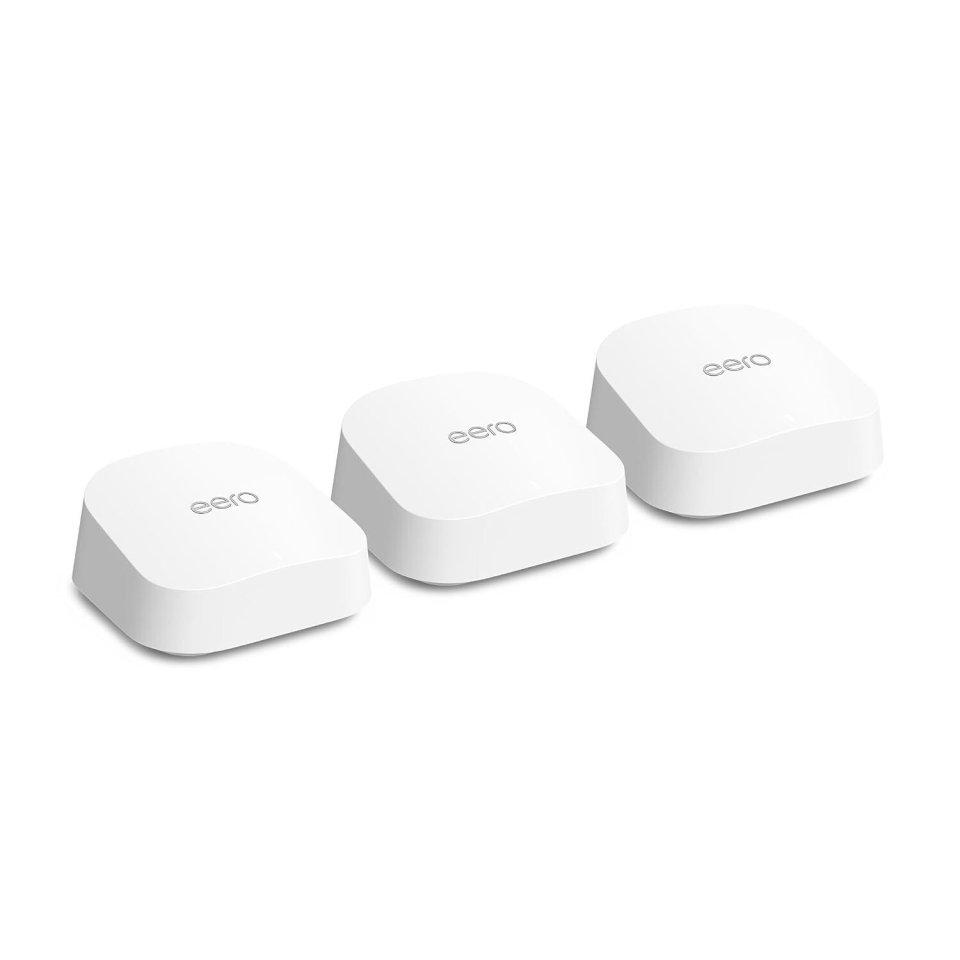
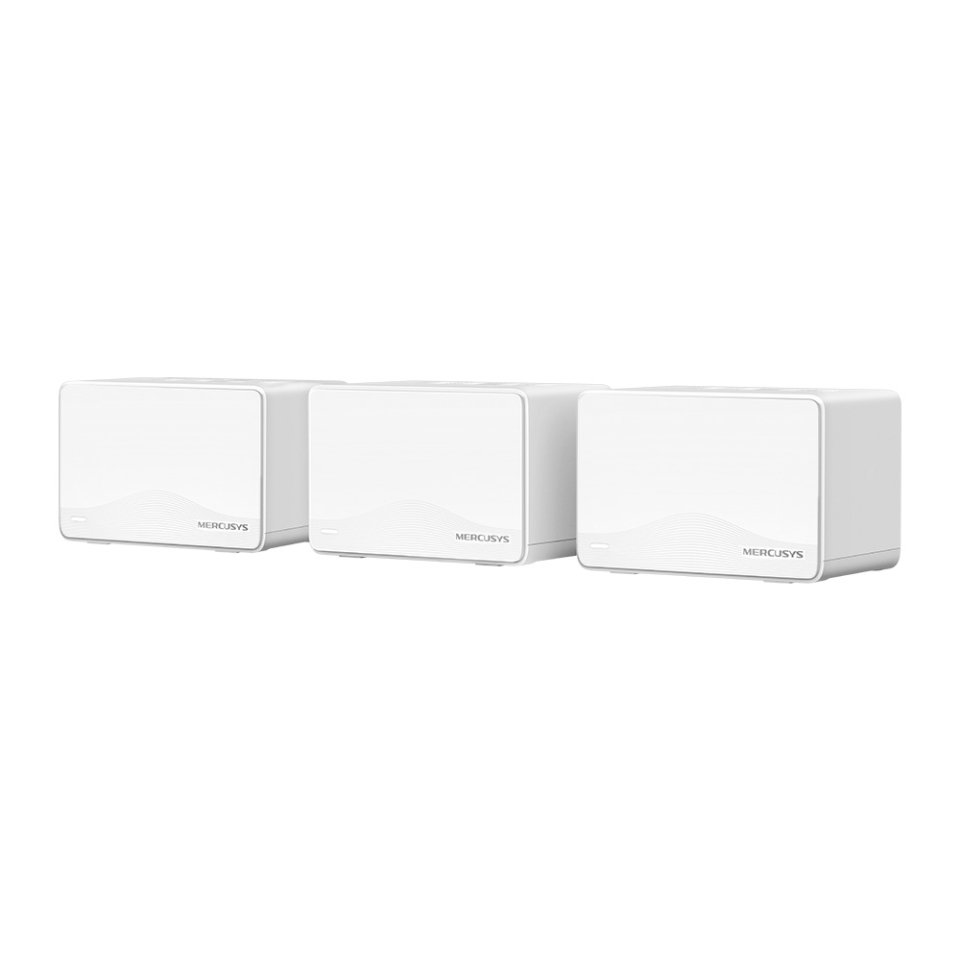
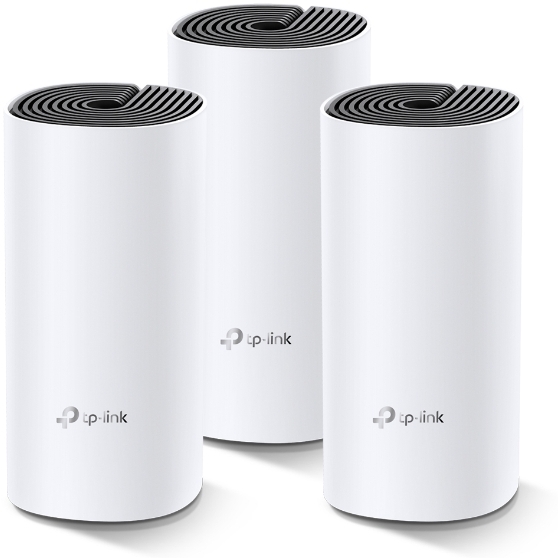
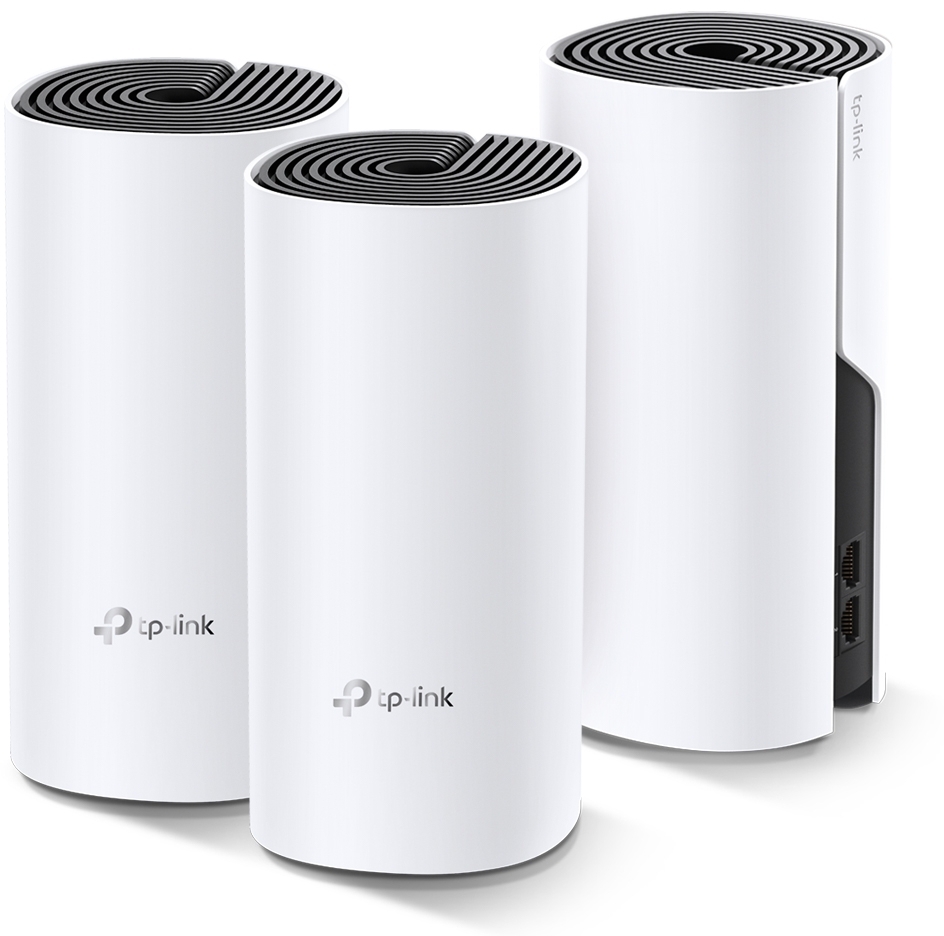
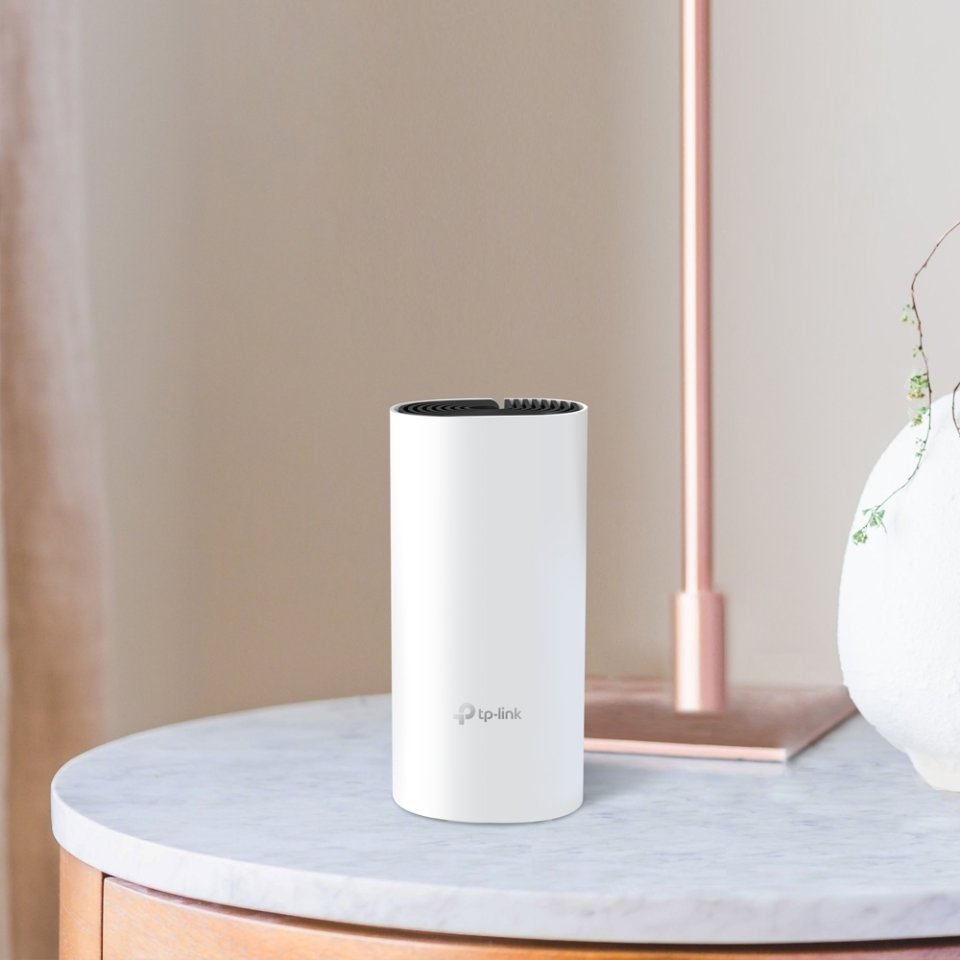
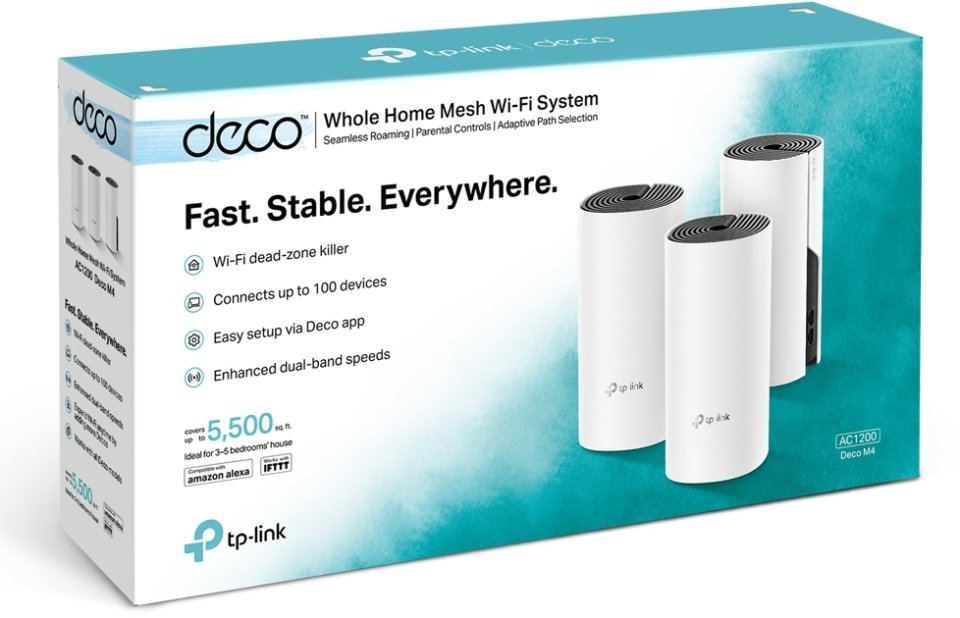
With the TP-LINK Deco M4 system, you can create a fast and comprehensive network for your home or office. Simply connect the TP-LINK Deco M4 to your LTE, ADSL, or cable modem, and enjoy smooth surfing across your entire space with a speedy network.
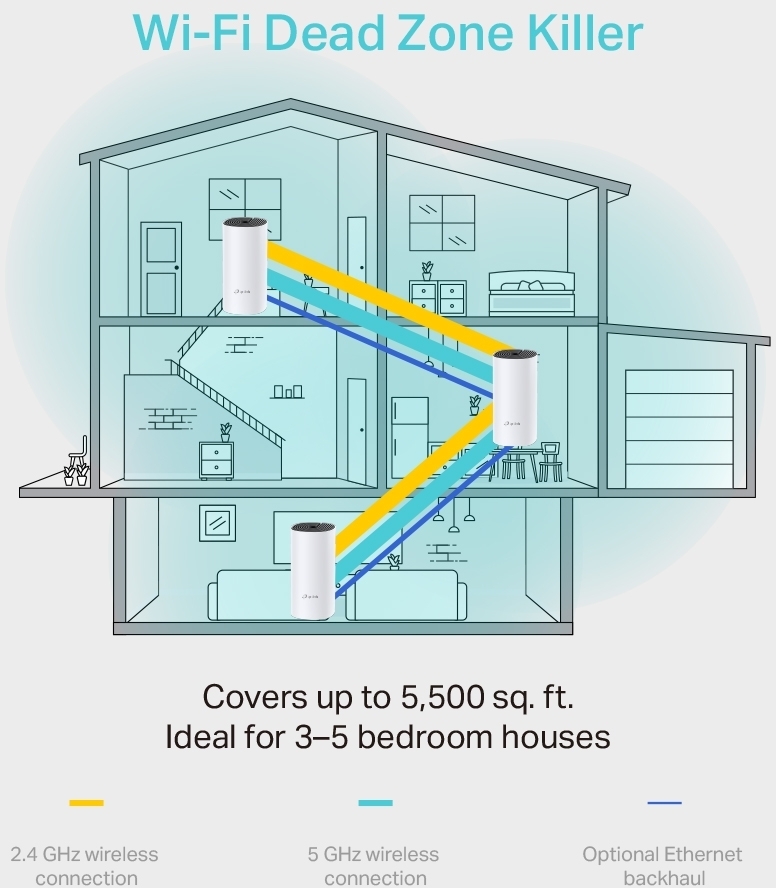
The Deco M4 is your all-in-one Wi-Fi solution that ensures a strong connection, regardless of your home’s size or structure. This system operates under a single network name, allowing seamless transitions between access points. Expanding your network is a breeze with Deco routers. You can connect anywhere from 1 to 10 Deco routers to your network.
Thanks to TP-Link’s Adaptive Path Selection, the system automatically chooses the most efficient route for all your devices based on the location of the Deco units. You’ll always have the best connection available, no matter where you are, all through a single SSID (network name).
With TP-Link Parental Control, scheduling, limiting, and managing connections is a piece of cake.
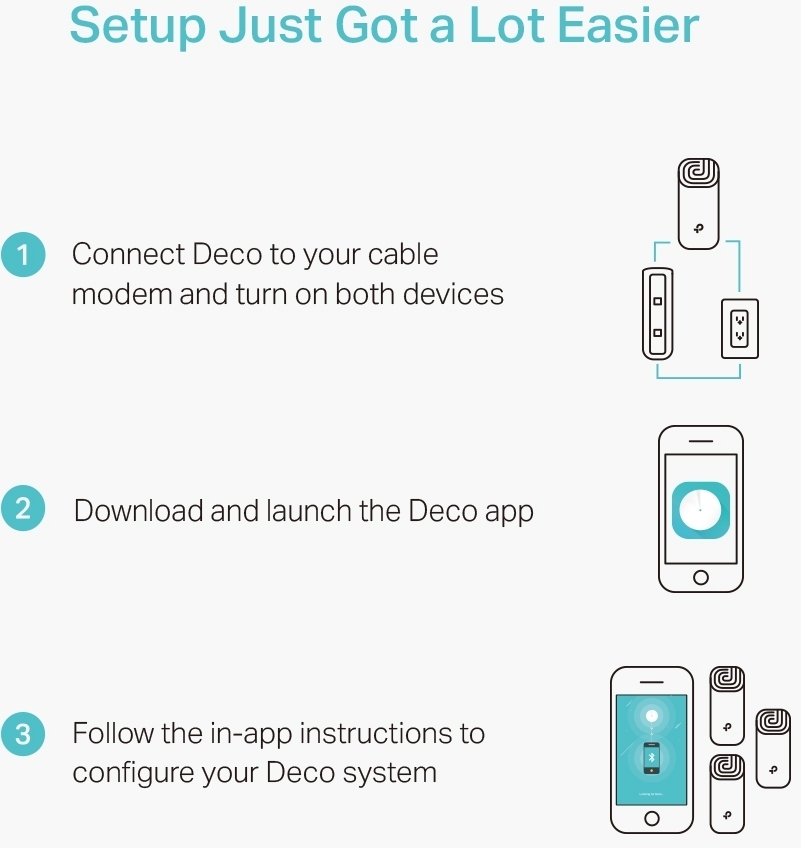
Let Deco handle the setup for you! Installing Deco is simple: just download the app for Android or iOS, and let Deco find the perfect spots for your access points. You can manage your network without a computer, using a tablet or the app on your Android or iOS device. With a clear user interface, even beginners can easily configure all network settings and monitor device status. A system with three access points can cover an area of up to 370 square meters.
The device has two operational modes:
Access Point Features:
8 in stock

With the TP-LINK Deco M4 system, you can create a fast and comprehensive network for your home or office. Simply connect the TP-LINK Deco M4 to your LTE, ADSL, or cable modem, and enjoy smooth surfing across your entire space with a speedy network.
The Deco M4 is your all-in-one Wi-Fi solution that ensures a strong connection, regardless of your home’s size or structure. This system operates under a single network name, allowing seamless transitions between access points. Expanding your network is a breeze with Deco routers. You can connect anywhere from 1 to 10 Deco routers to your network.
Thanks to TP-Link's Adaptive Path Selection, the system automatically chooses the most efficient route for all your devices based on the location of the Deco units. You’ll always have the best connection available, no matter where you are, all through a single SSID (network name).
With TP-Link Parental Control, scheduling, limiting, and managing connections is a piece of cake.
Let Deco handle the setup for you! Installing Deco is simple: just download the app for Android or iOS, and let Deco find the perfect spots for your access points. You can manage your network without a computer, using a tablet or the app on your Android or iOS device. With a clear user interface, even beginners can easily configure all network settings and monitor device status. A system with three access points can cover an area of up to 370 square meters.
The device has two operational modes:
Access Point Features: