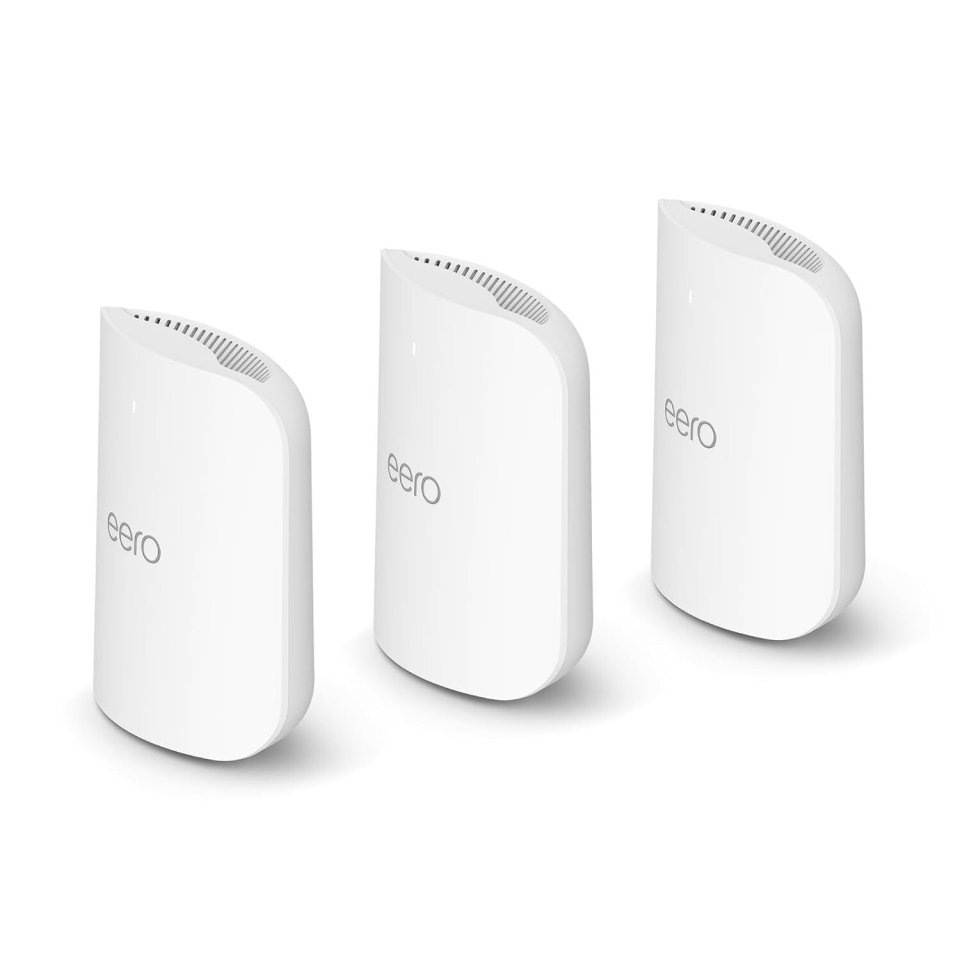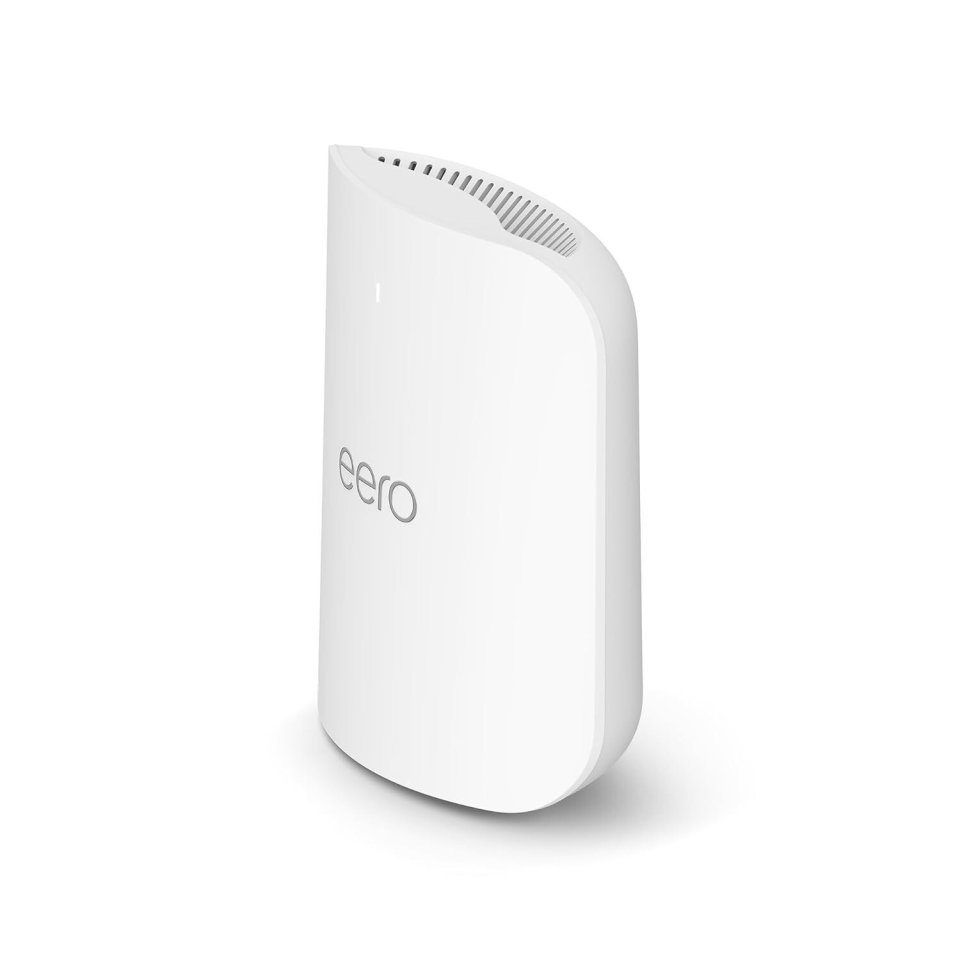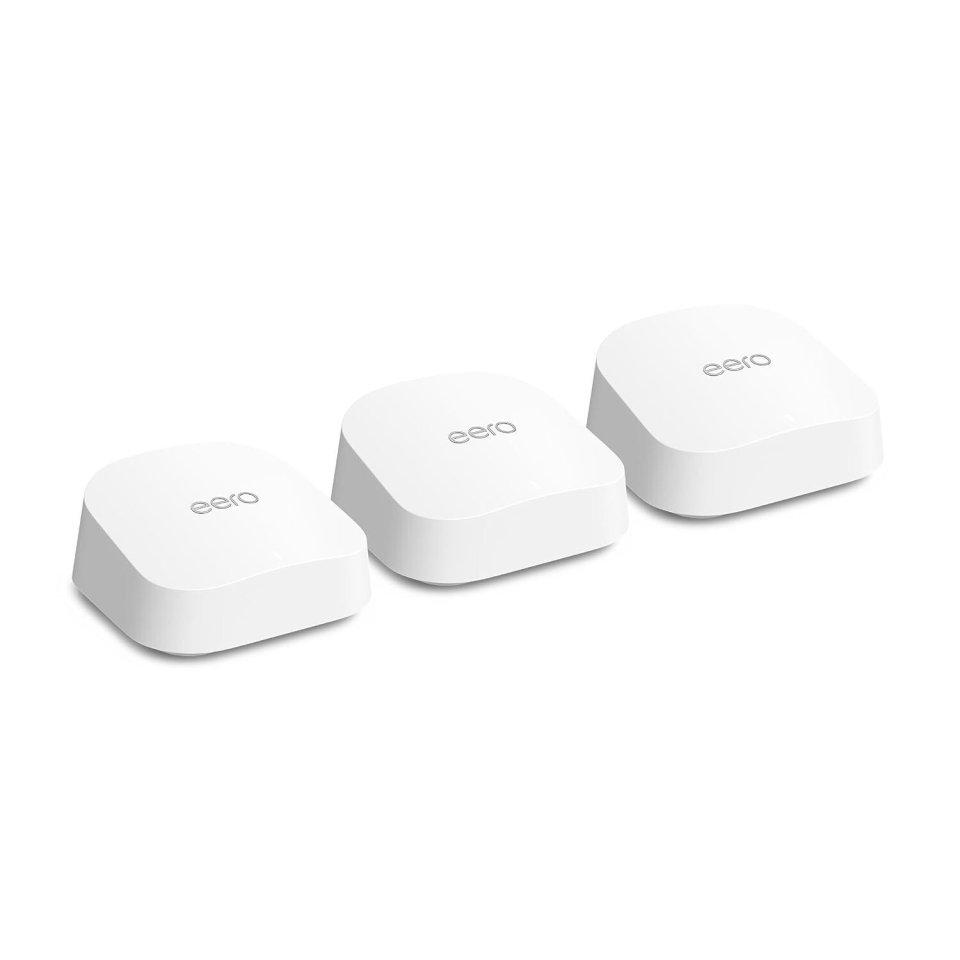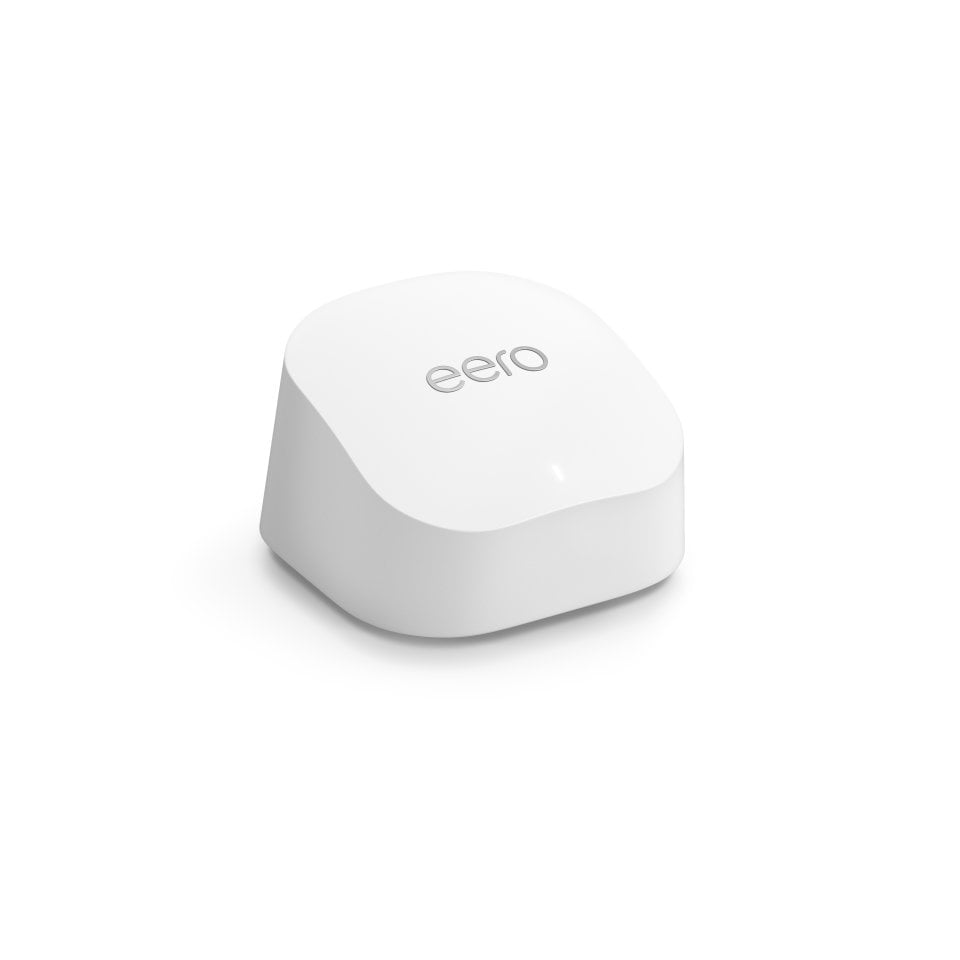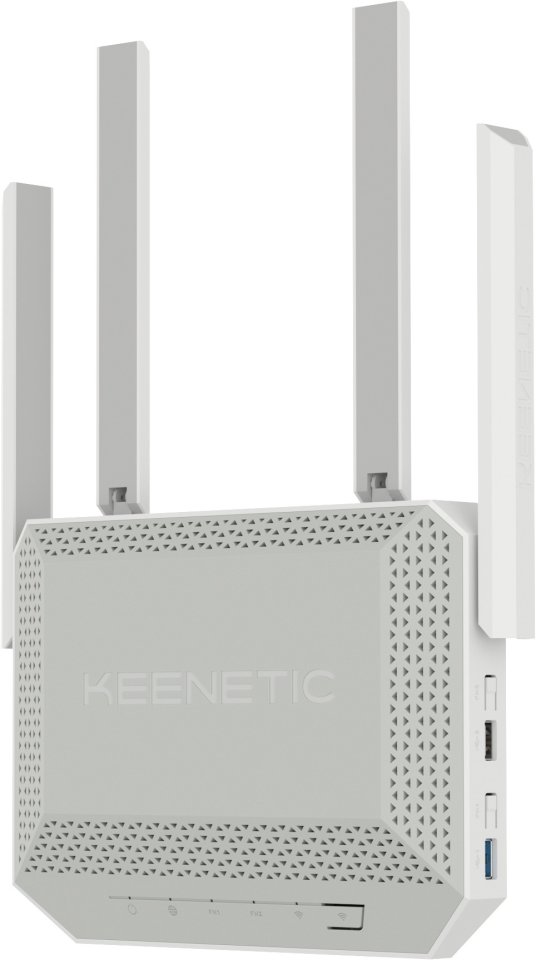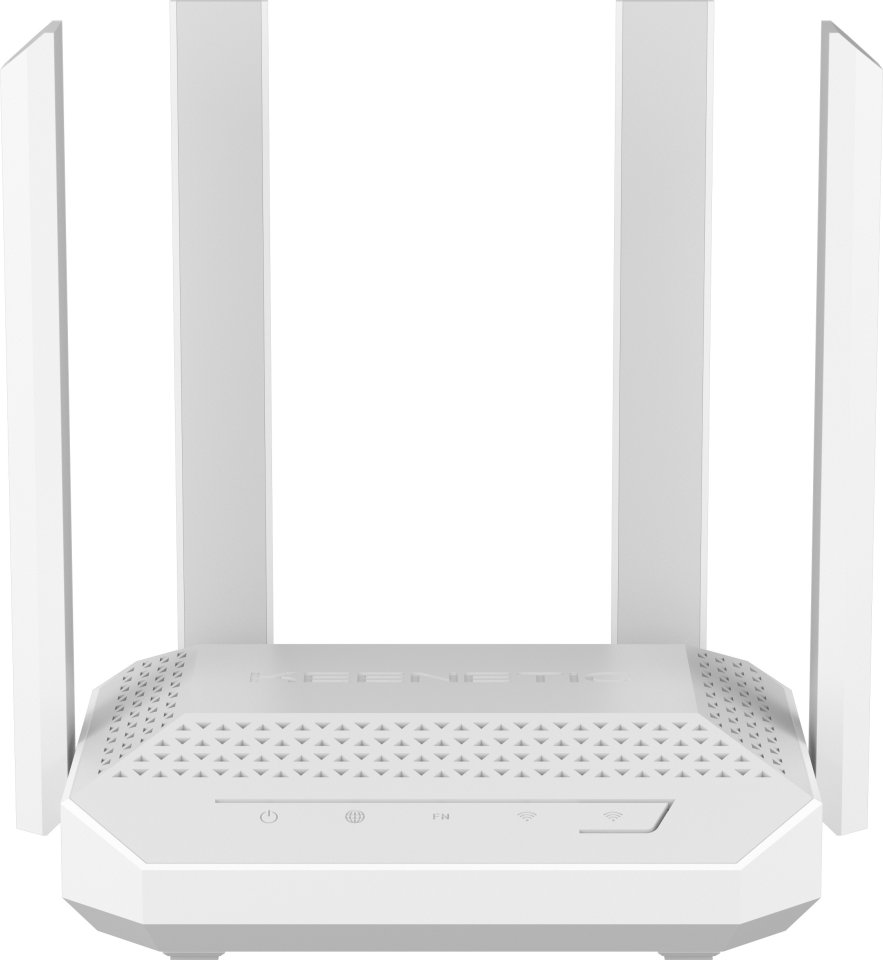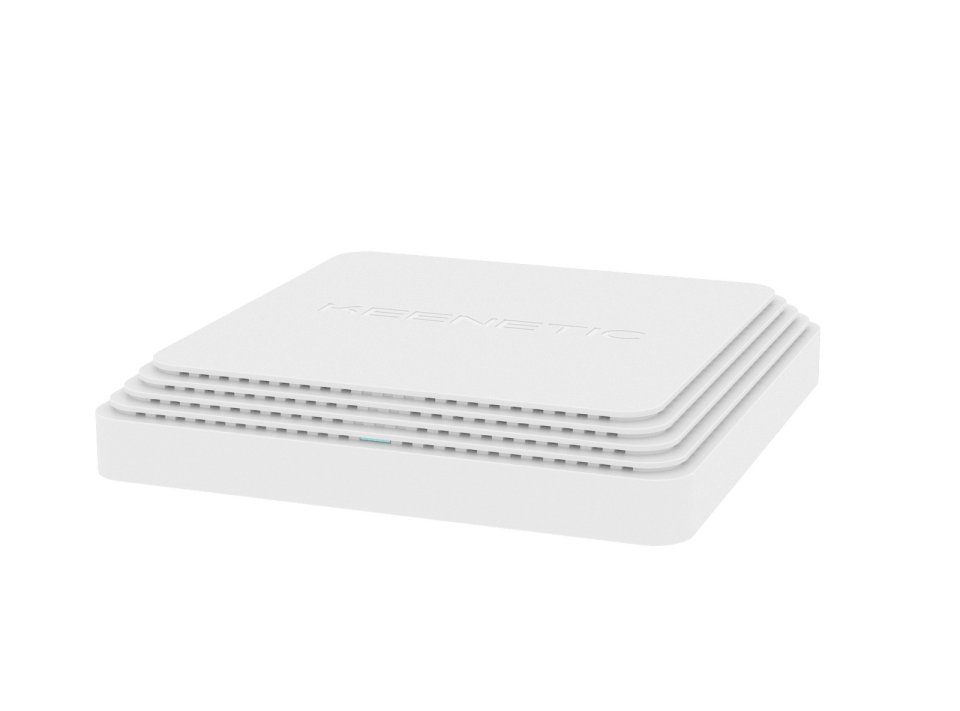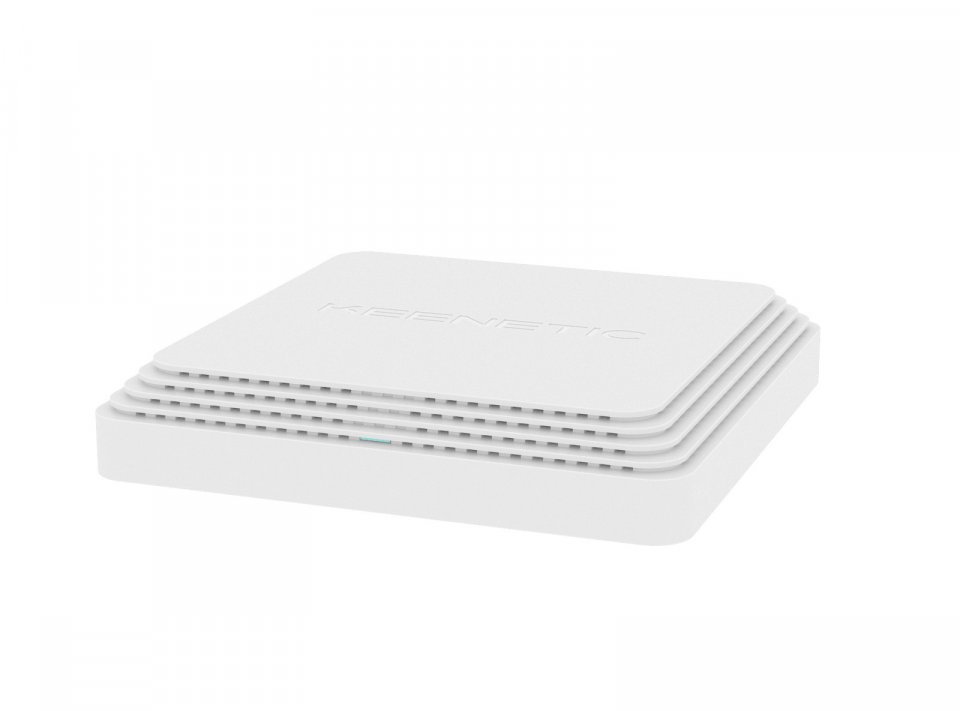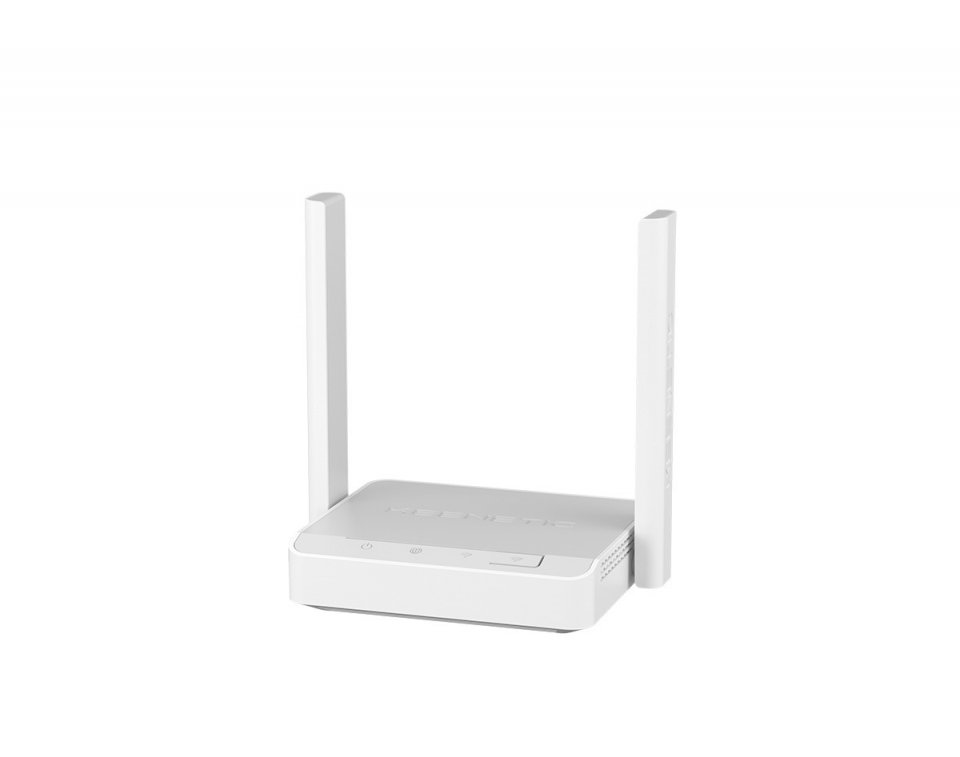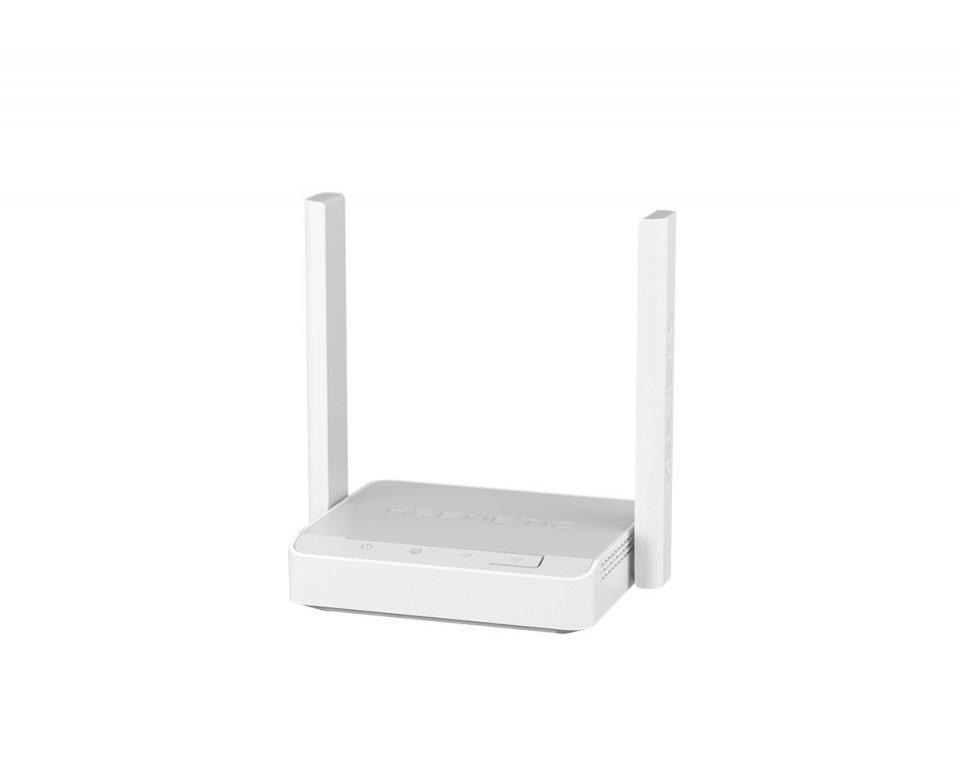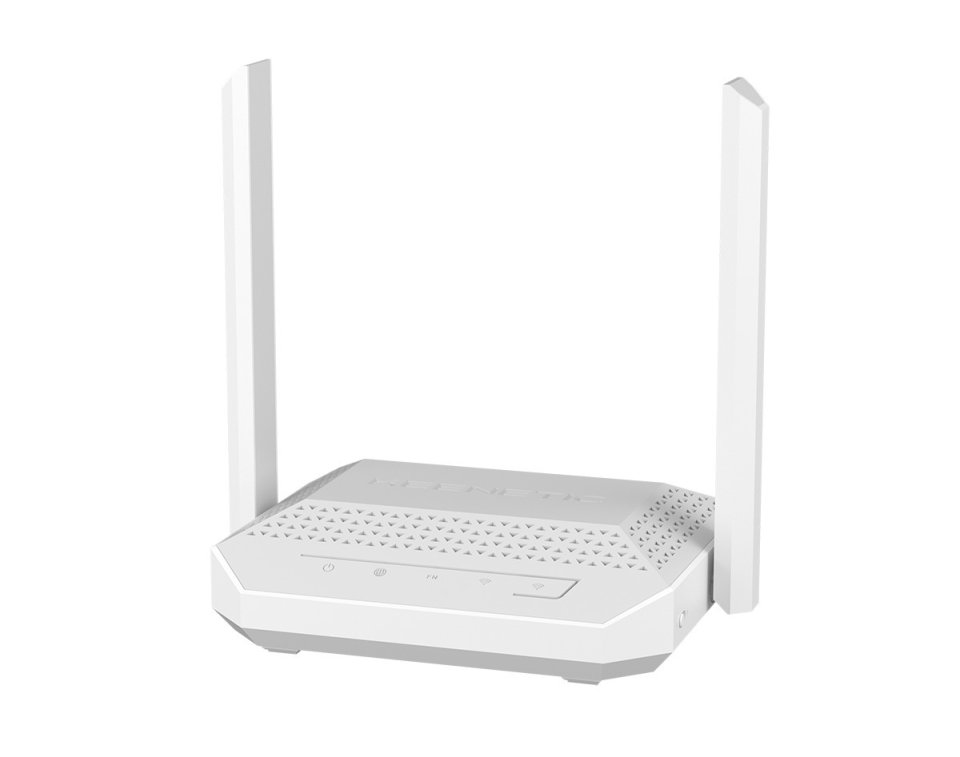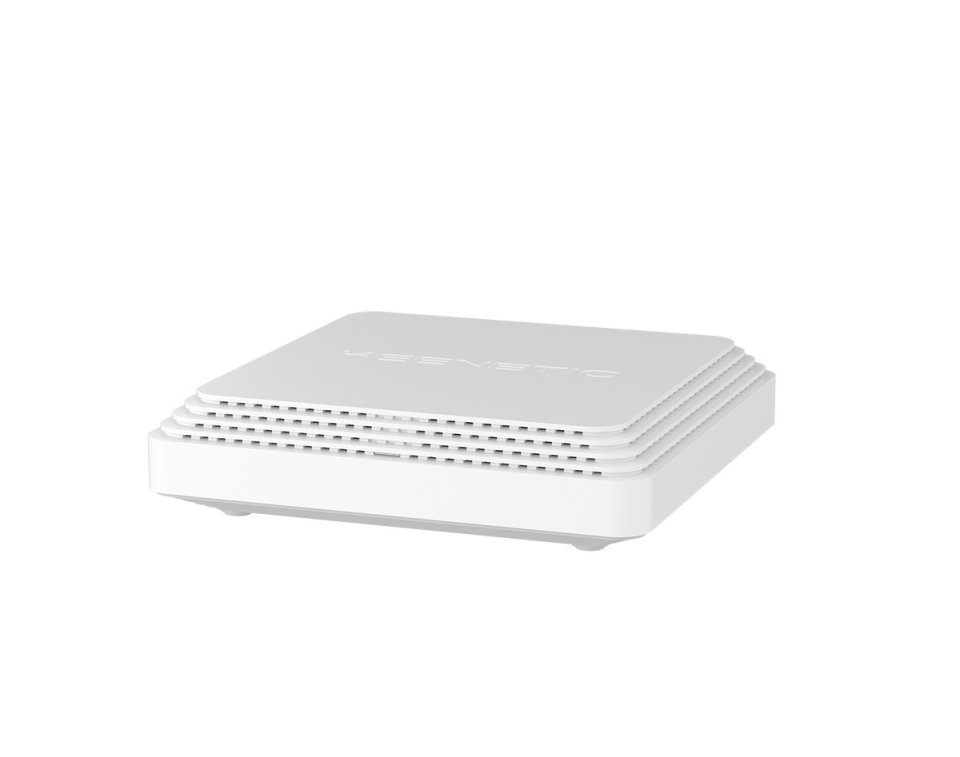
| Color | White |
|---|---|
| PID | 535611 |
| Product depth (mm) | 120 |
| Product height (mm) | 38 |
| Product weight (g) | 950 |
| Product width (mm) | 120 |
| WiFi | Yes |
| Wi-Fi Band technology | Dual-band |
| Wireless network standard | Wi-Fi 5 (802.11ac) |
| Wireless network maximum speed (Mbps) | 1 267 |
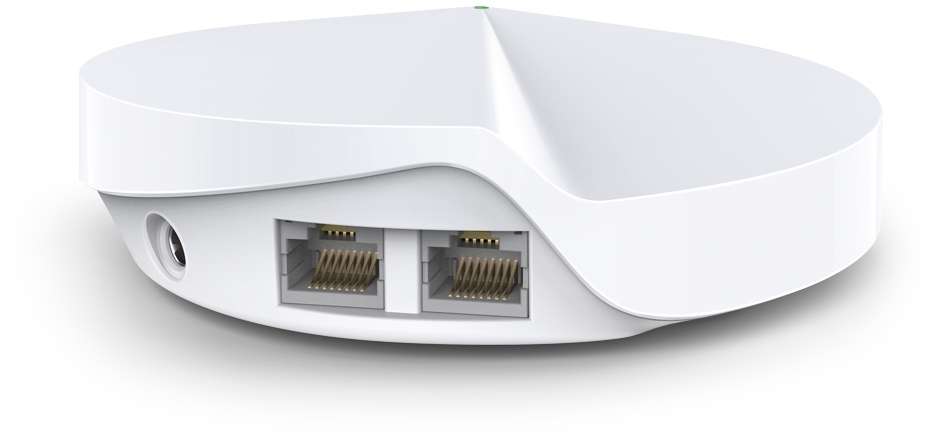
| Ethernet (RJ-45) ports quantity | 2 |
| Manufacturer address | TP-Link, Gustav III:s Boulevard 54, 169 74 Solna |
| Manufacturer's email address | |
| Manufacturer name | TP-LINK Enterprises Nordic AB |
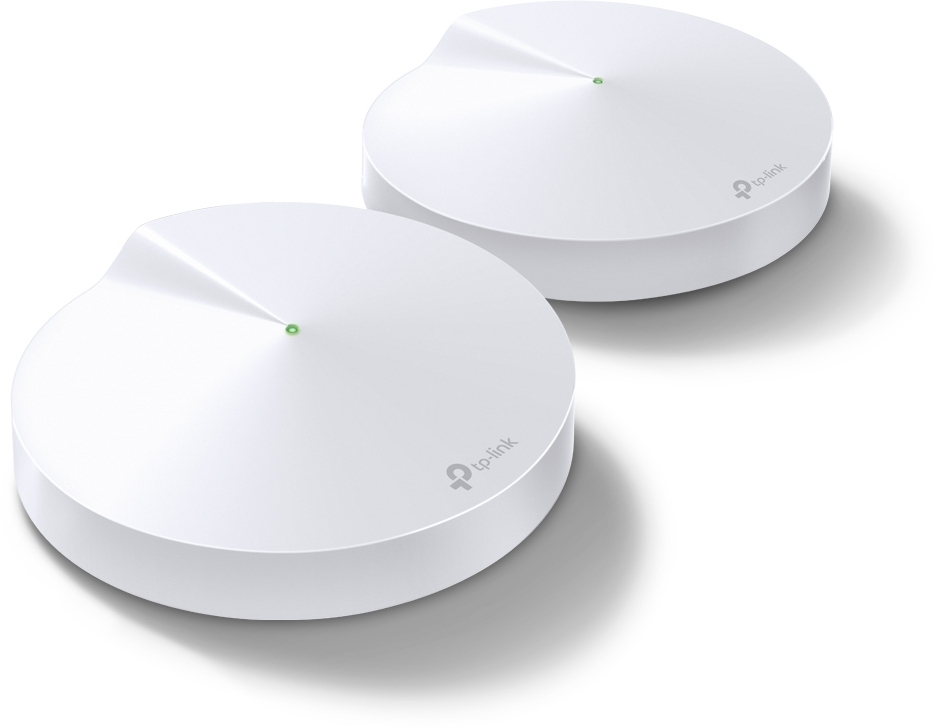
The TP-LINK Deco M5 system creates a fast and comprehensive network for your home or office. Connect the TP-LINK Deco M5 to, for example, your LTE, ADSL, or cable modem and enjoy surfing on a fast network that covers your entire apartment.
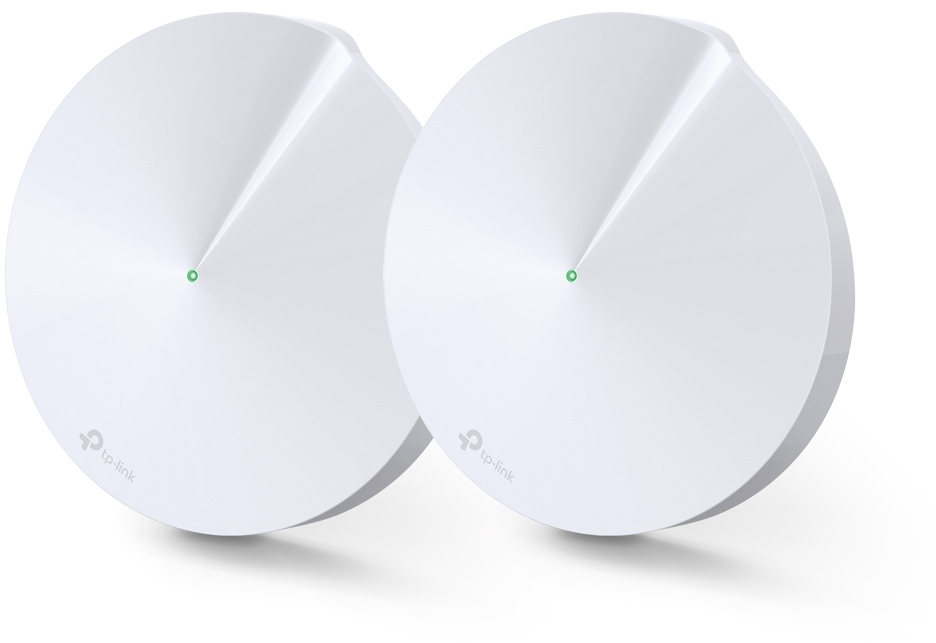
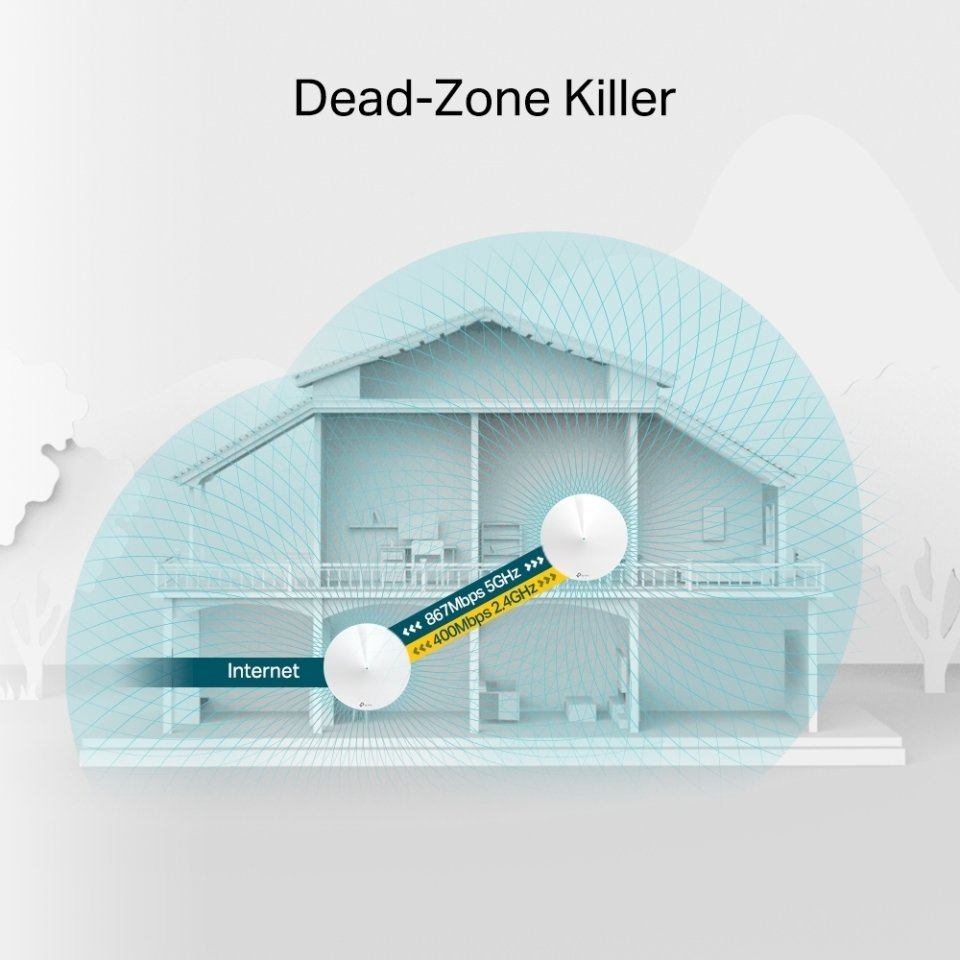
Deco M5 is a whole-home Wi-Fi solution that keeps your network strong regardless of the size and structure of your home. With the Deco system, you create a fast and comprehensive network for your home or office. The system uses a single network name and seamlessly switches connections between access points. Expanding the network is easy with Deco routers. You can connect 1-10 Deco M5 routers to the network.
TP-Link’s ART automatically selects the most direct route to all devices in your home based on the location of the Deco devices. You always have the best possible connection wherever you are, all through a single SSID (network name). The 2.4 GHz or 5 GHz ART always sets your device to the right frequency based on your device and its usage. With ART, you are free to move from room to room while streaming, gaming, downloading, and browsing — all with seamless Wi-Fi connectivity.
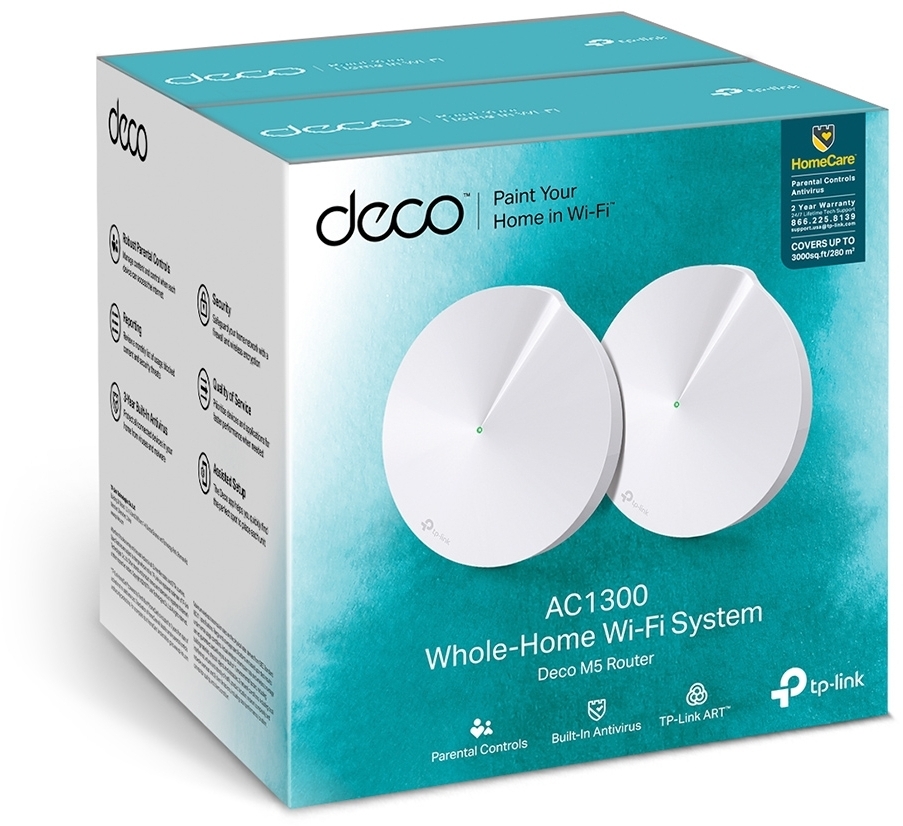
TP-Link HomeCare takes care of your network’s security and enables scheduling and management of connections. HomeCare includes built-in Trend Micro antivirus protection for three years.
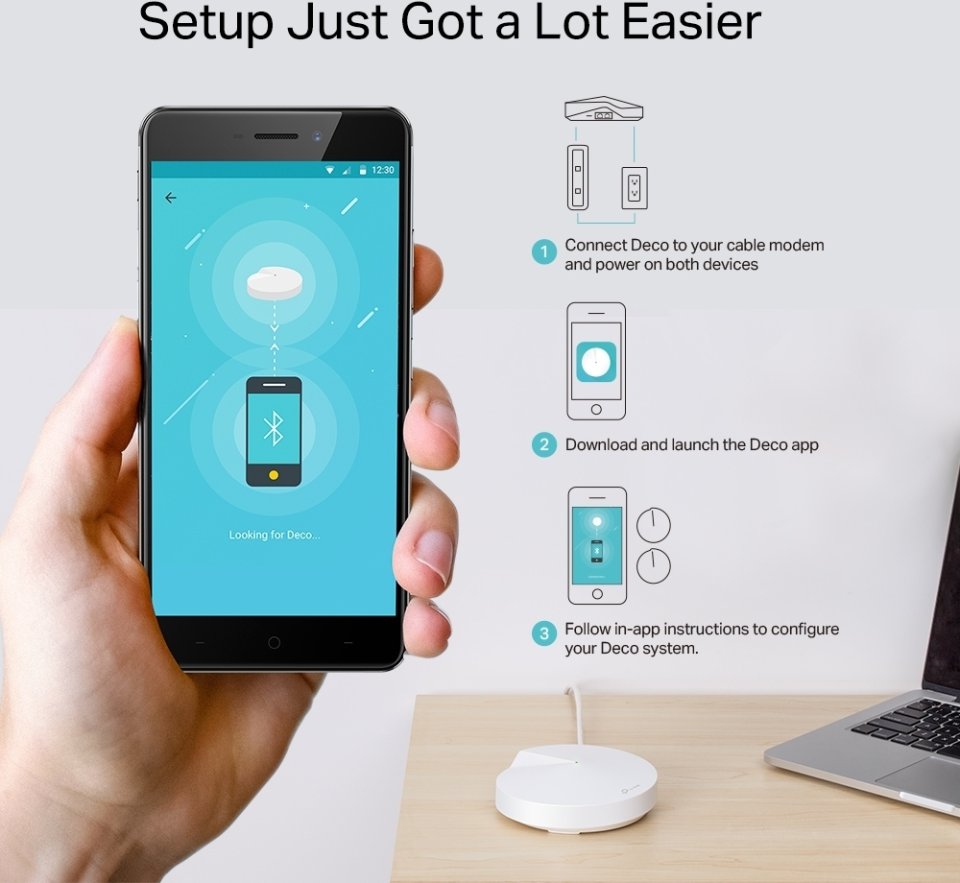
Let Deco handle the installation. Installing Deco is easy. Download the Android or iOS app and let Deco find the perfect spots for the access points. Network management is possible without a computer, for example, using a tablet or the Android or iOS app. The clear user interface allows even novice users to easily configure all network settings and monitor the device status. A two-access-point system can cover an area of up to 280 m².
The device has two operating modes:
Access Point Features:

The TP-LINK Deco M5 system creates a fast and comprehensive network for your home or office. Connect the TP-LINK Deco M5 to, for example, your LTE, ADSL, or cable modem and enjoy surfing on a fast network that covers your entire apartment.
Deco M5 is a whole-home Wi-Fi solution that keeps your network strong regardless of the size and structure of your home. With the Deco system, you create a fast and comprehensive network for your home or office. The system uses a single network name and seamlessly switches connections between access points. Expanding the network is easy with Deco routers. You can connect 1-10 Deco M5 routers to the network.
TP-Link’s ART automatically selects the most direct route to all devices in your home based on the location of the Deco devices. You always have the best possible connection wherever you are, all through a single SSID (network name). The 2.4 GHz or 5 GHz ART always sets your device to the right frequency based on your device and its usage. With ART, you are free to move from room to room while streaming, gaming, downloading, and browsing — all with seamless Wi-Fi connectivity.
TP-Link HomeCare takes care of your network’s security and enables scheduling and management of connections. HomeCare includes built-in Trend Micro antivirus protection for three years.
Let Deco handle the installation. Installing Deco is easy. Download the Android or iOS app and let Deco find the perfect spots for the access points. Network management is possible without a computer, for example, using a tablet or the Android or iOS app. The clear user interface allows even novice users to easily configure all network settings and monitor the device status. A two-access-point system can cover an area of up to 280 m².
The device has two operating modes:
Access Point Features: