| Color | Black |
|---|---|
| Country of Origin | Japan |
| PID | 901780 |
| Product depth (mm) | 399 |
| Product height (mm) | 319 |
| Product weight (g) | 11 |
| Product width (mm) | 410 |
| WiFi | Yes |
| Colour Printing | No |
| Duplex Printing | Yes |
| Duplex Scanning | No |
| Multifunction Printer | Yes |
| Printer type | Laser |
| Manufacturer address | Äyritie 12 B, 01510 Vantaa, Finland |
| Manufacturer's email address | |
| Manufacturer name | Brother Nordic A/S, Suomen sivuliike |
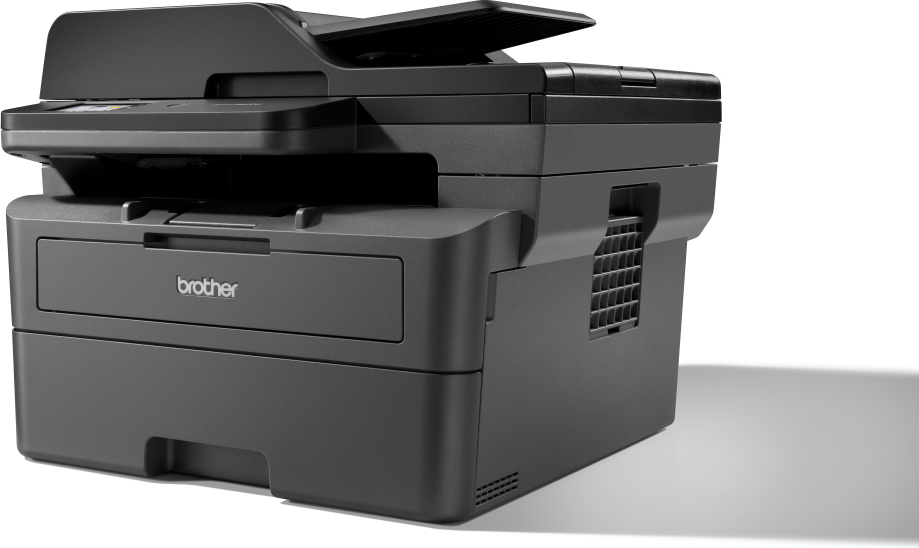
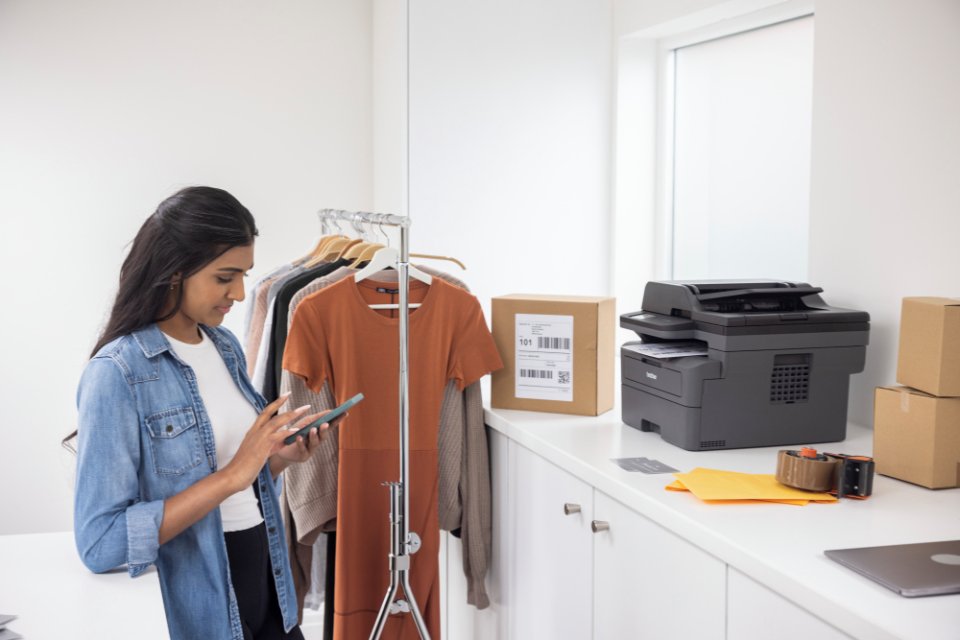
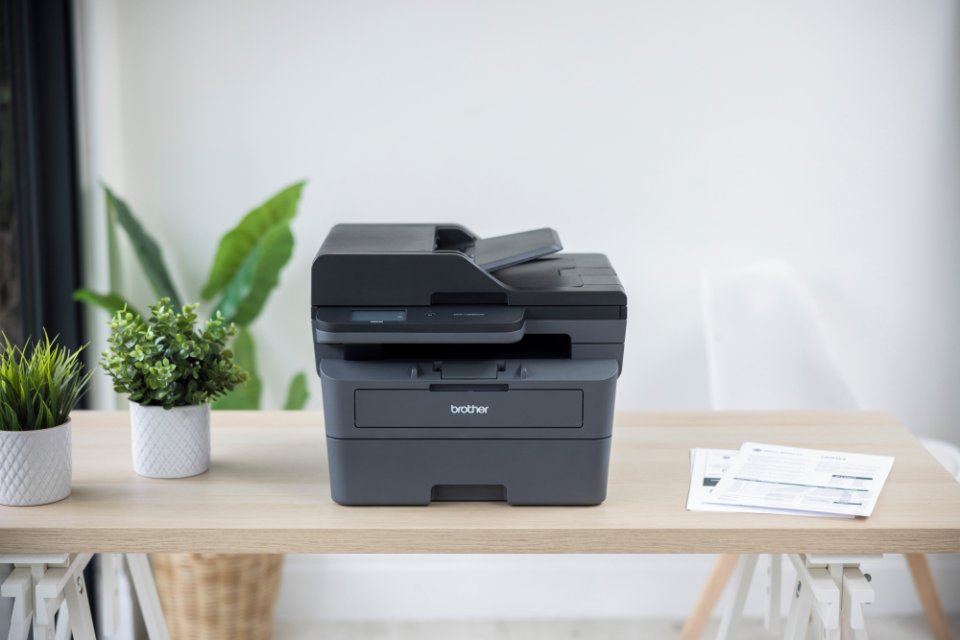
You can work efficiently from anywhere, as the Brother DCP-L2660DW offers versatile connectivity, making it a great choice for both home and office use.
This monochrome laser multifunction device comes packed with features that enhance productivity and save you time.
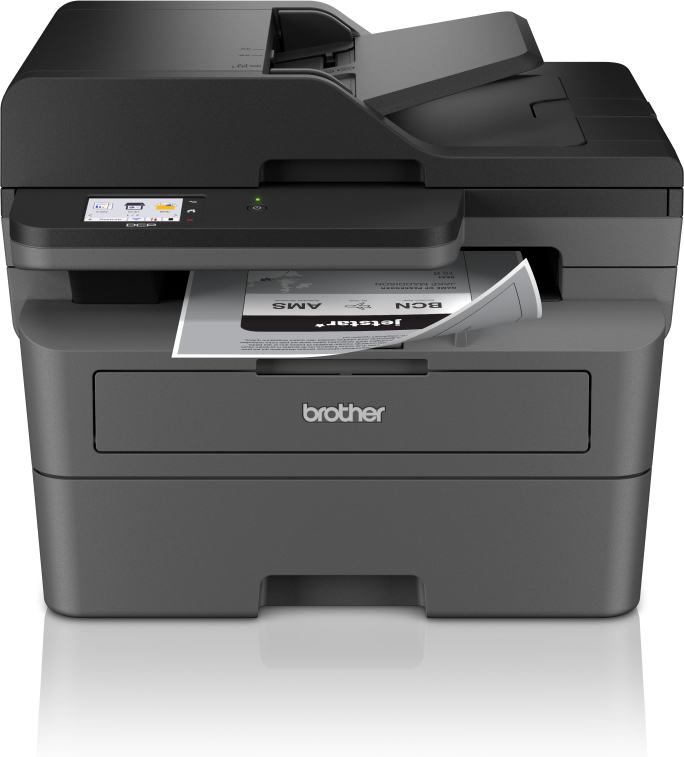
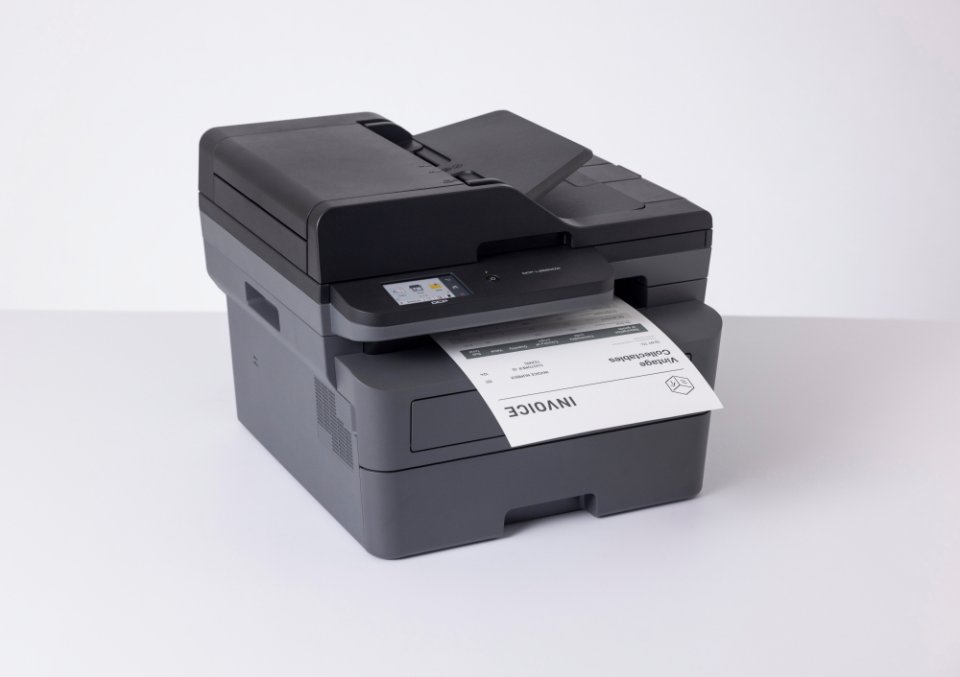
Enjoy fast, high-quality printing and scanning, automatic duplex printing, a large paper capacity, and an automatic document feeder with this multifunction printer.
Setting up the printer is a breeze, and by downloading the Brother Mobile Connect app, you can print and scan from almost anywhere.
The DCP-L2660DW keeps your printing costs low since the toner cartridge and drum can be replaced separately. It comes with a starter toner cartridge that prints up to 1,200 pages, allowing you to print for a long time. Changing the toner cartridge is simple, and there’s a high-yield cartridge available that can print up to 3,000 pages, reducing your cost per page and extending the time between cartridge changes.
Easy and Smooth – Your workday gets easier with seamless printing, straightforward functions, and fast Ethernet, 5 GHz Wi-Fi, or USB connectivity. The efficient DCP-L2660DW multifunction printer features a clear 6.8 cm color touchscreen that makes finding the functions you need a snap. You can create your own custom shortcuts on the touchscreen for the functions you use most often.
A Great Choice – High-quality printing technology ensures your prints are flawless and professional every time. Designed by our experts, the DCP-L2660DW offers a large paper capacity for both input and output. This compact printer is an excellent option for small workspaces, as it operates quietly.
Print for a Long Time – The DCP-L2660DW helps keep your printing costs low thanks to the separate drum and toner cartridge. It includes a starter toner cartridge that lasts for 1,200 pages. Switching out the laser toner cartridge is a breeze, and a high-yield cartridge is available for up to 3,000 pages. Opt for the high-yield cartridge to make your cost per page even more affordable and extend the time between cartridge changes.
Designed for Security – Our devices protect your documents according to the latest industry standards. Our cybersecurity experts are constantly looking for new ways to improve our products, solutions, and services proactively during the design phase. Brother’s monochrome A4 laser printers utilize three levels of protection at the device, network, and document levels. You can rest easy knowing that security ensures data safety throughout all stages of device use.
Print from Anywhere – The Brother Mobile Connect app lets you use your Brother printer from anywhere. You can print and scan documents on the go and order original Brother supplies. You can customize frequently used functions and print in a whole new way from your mobile device. Download the app to get started on your mobile device.
Technical Specifications:
6 in stock

You can work efficiently from anywhere, as the Brother DCP-L2660DW offers versatile connectivity, making it a great choice for both home and office use.
This monochrome laser multifunction device comes packed with features that enhance productivity and save you time.
Enjoy fast, high-quality printing and scanning, automatic duplex printing, a large paper capacity, and an automatic document feeder with this multifunction printer.
Setting up the printer is a breeze, and by downloading the Brother Mobile Connect app, you can print and scan from almost anywhere.
The DCP-L2660DW keeps your printing costs low since the toner cartridge and drum can be replaced separately. It comes with a starter toner cartridge that prints up to 1,200 pages, allowing you to print for a long time. Changing the toner cartridge is simple, and there’s a high-yield cartridge available that can print up to 3,000 pages, reducing your cost per page and extending the time between cartridge changes.
Easy and Smooth - Your workday gets easier with seamless printing, straightforward functions, and fast Ethernet, 5 GHz Wi-Fi, or USB connectivity. The efficient DCP-L2660DW multifunction printer features a clear 6.8 cm color touchscreen that makes finding the functions you need a snap. You can create your own custom shortcuts on the touchscreen for the functions you use most often.
A Great Choice - High-quality printing technology ensures your prints are flawless and professional every time. Designed by our experts, the DCP-L2660DW offers a large paper capacity for both input and output. This compact printer is an excellent option for small workspaces, as it operates quietly.
Print for a Long Time - The DCP-L2660DW helps keep your printing costs low thanks to the separate drum and toner cartridge. It includes a starter toner cartridge that lasts for 1,200 pages. Switching out the laser toner cartridge is a breeze, and a high-yield cartridge is available for up to 3,000 pages. Opt for the high-yield cartridge to make your cost per page even more affordable and extend the time between cartridge changes.
Designed for Security - Our devices protect your documents according to the latest industry standards. Our cybersecurity experts are constantly looking for new ways to improve our products, solutions, and services proactively during the design phase. Brother’s monochrome A4 laser printers utilize three levels of protection at the device, network, and document levels. You can rest easy knowing that security ensures data safety throughout all stages of device use.
Print from Anywhere - The Brother Mobile Connect app lets you use your Brother printer from anywhere. You can print and scan documents on the go and order original Brother supplies. You can customize frequently used functions and print in a whole new way from your mobile device. Download the app to get started on your mobile device.
Technical Specifications: