
| Color | White |
|---|---|
| Country of Origin | Vietnam |
| PID | 1035224 |
| Product depth (mm) | 719 |
| Product height (mm) | 303 |
| Product weight (g) | 8 300 |
| Product width (mm) | 399 |
| WiFi | Yes |
| Colour Printing | Yes |
| Duplex Printing | Yes |
| Duplex Scanning | No |
| Multifunction Printer | Yes |
| Printer type | Inkjet |
| Product Family | MAXIFY |
| Manufacturer address | Huopalahdentie 24, 00351 Helsinki |
| Manufacturer's email address | |
| Manufacturer name | Canon Oy |
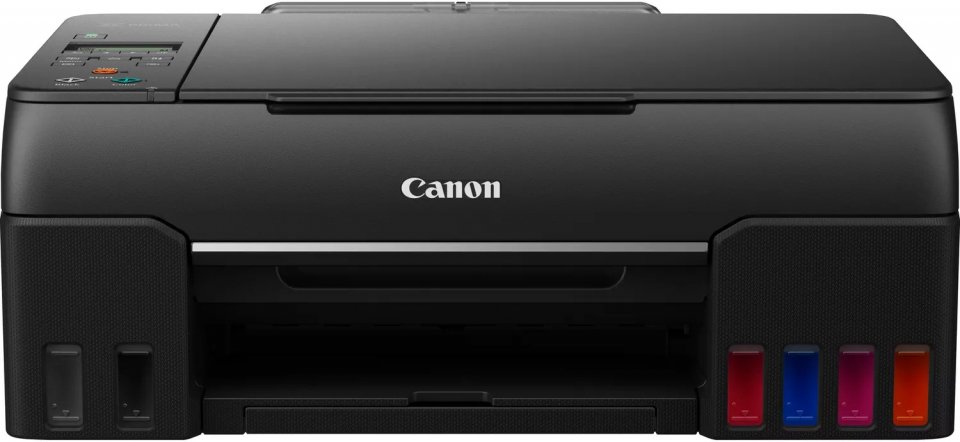
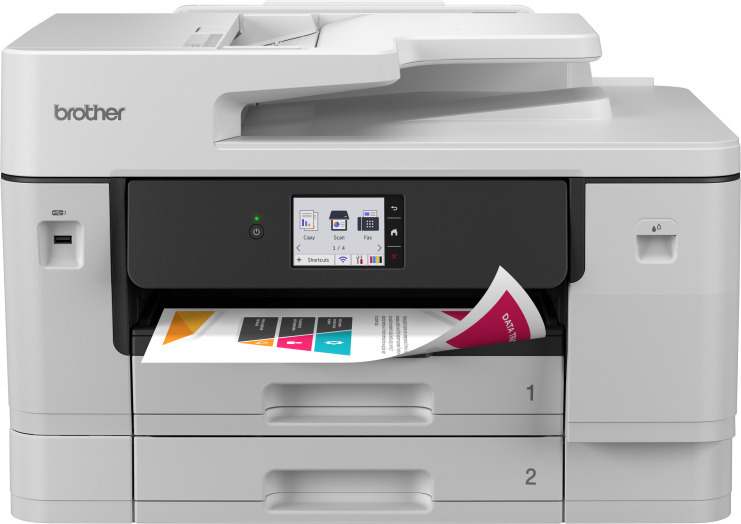
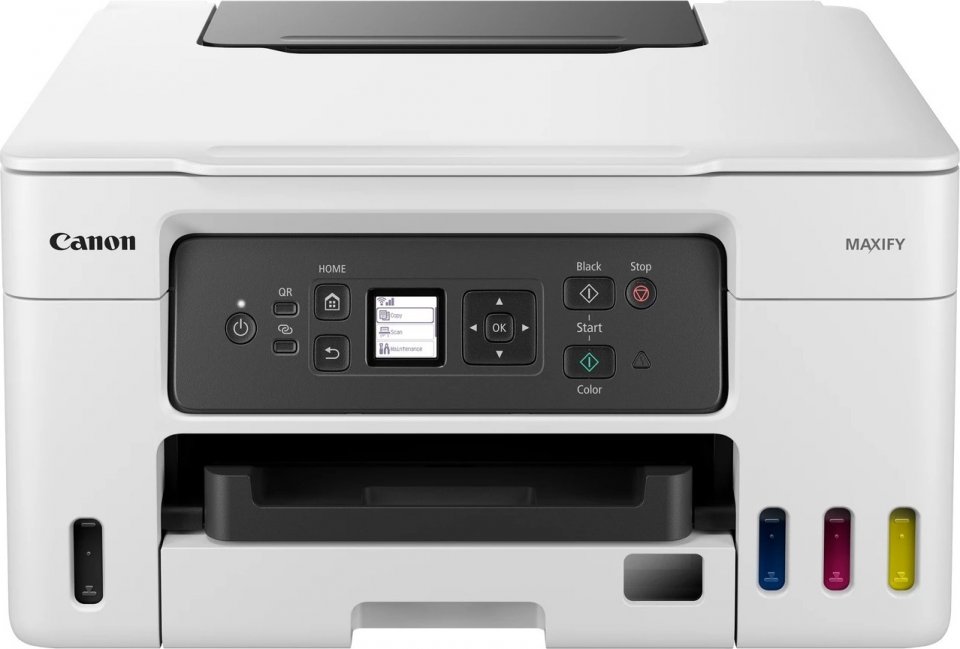
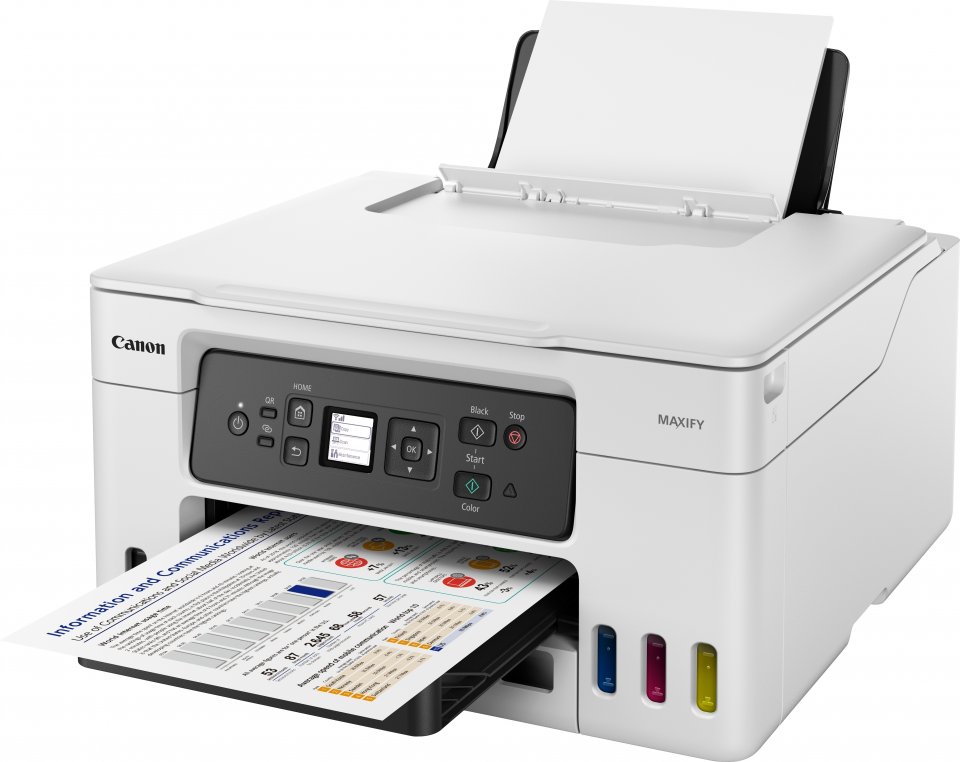
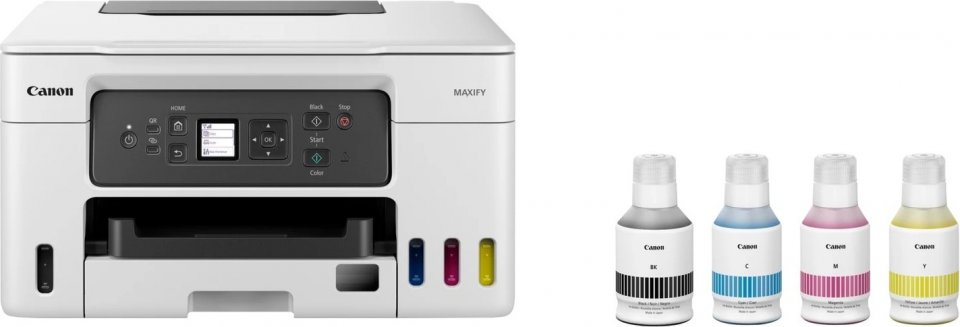
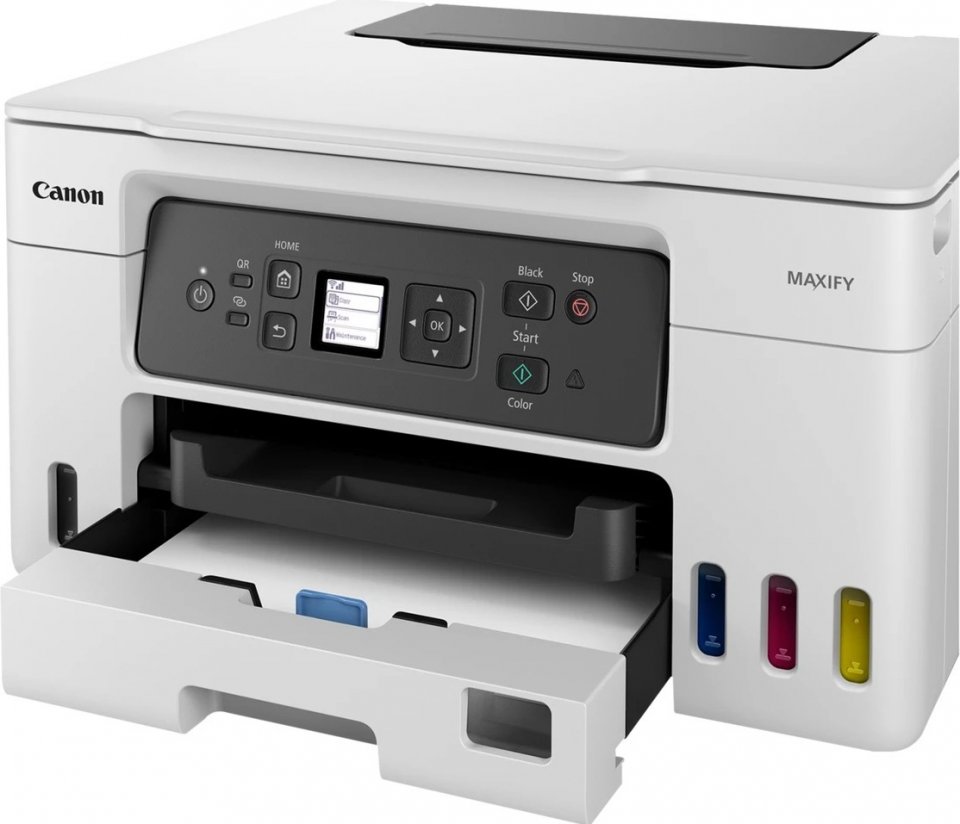
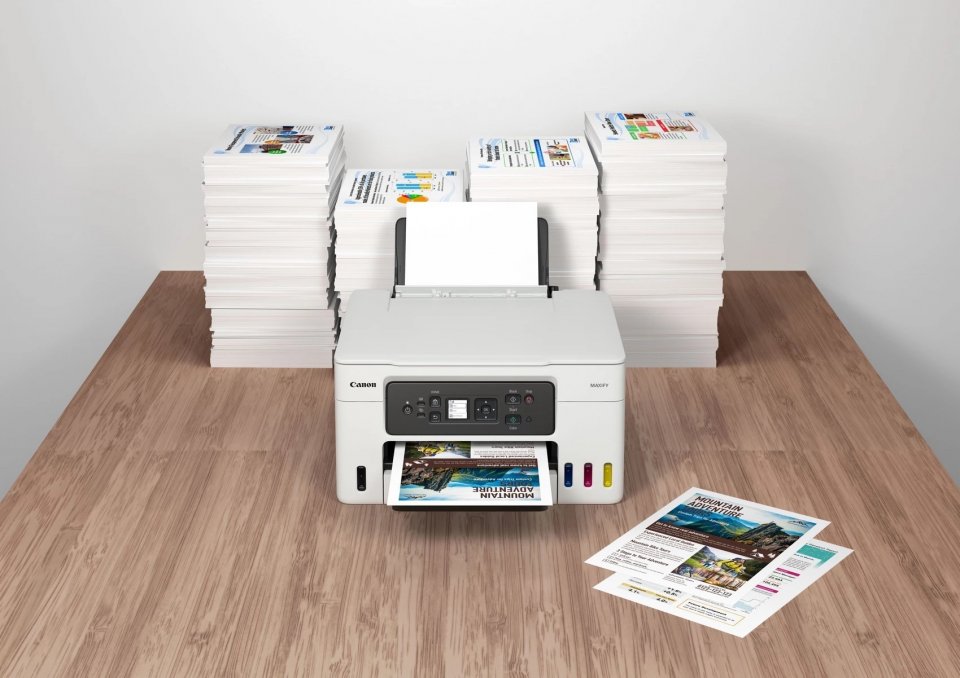
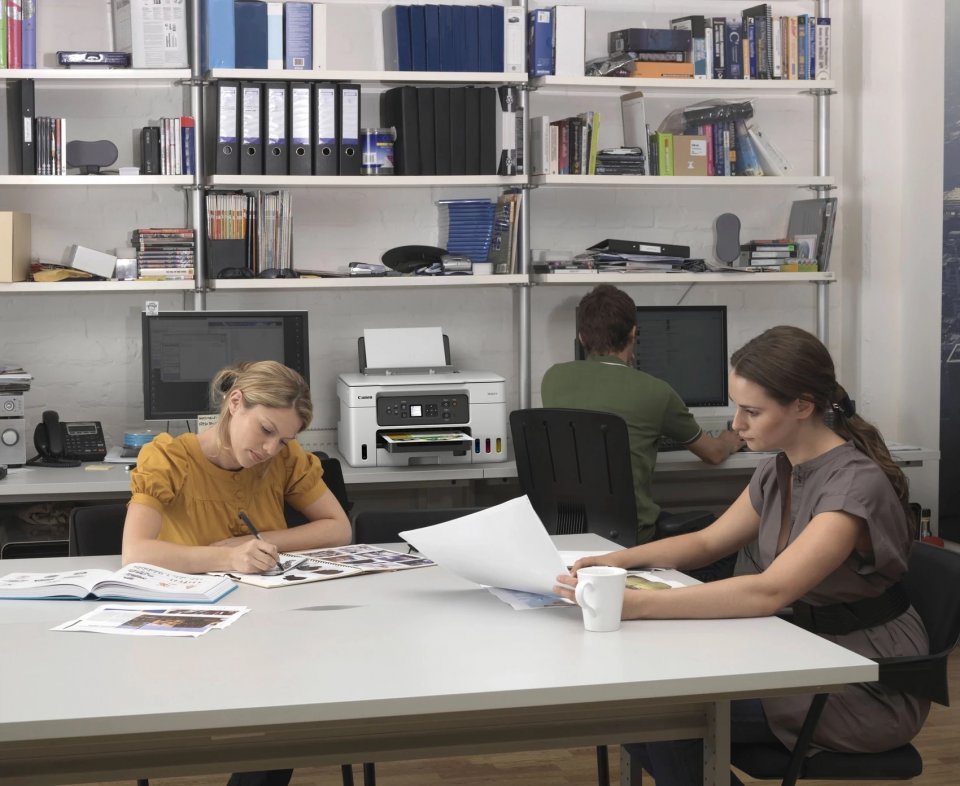
Canon Maxify GX3050 is a multifunction printer that efficiently combines printing, copying, and scanning into one device. It is designed especially for home offices and small businesses that need a reliable and affordable solution for handling large print volumes. The printer uses refillable ink tanks, allowing you to print up to 14,000 color pages with one set of ink bottles, significantly reducing operating costs.
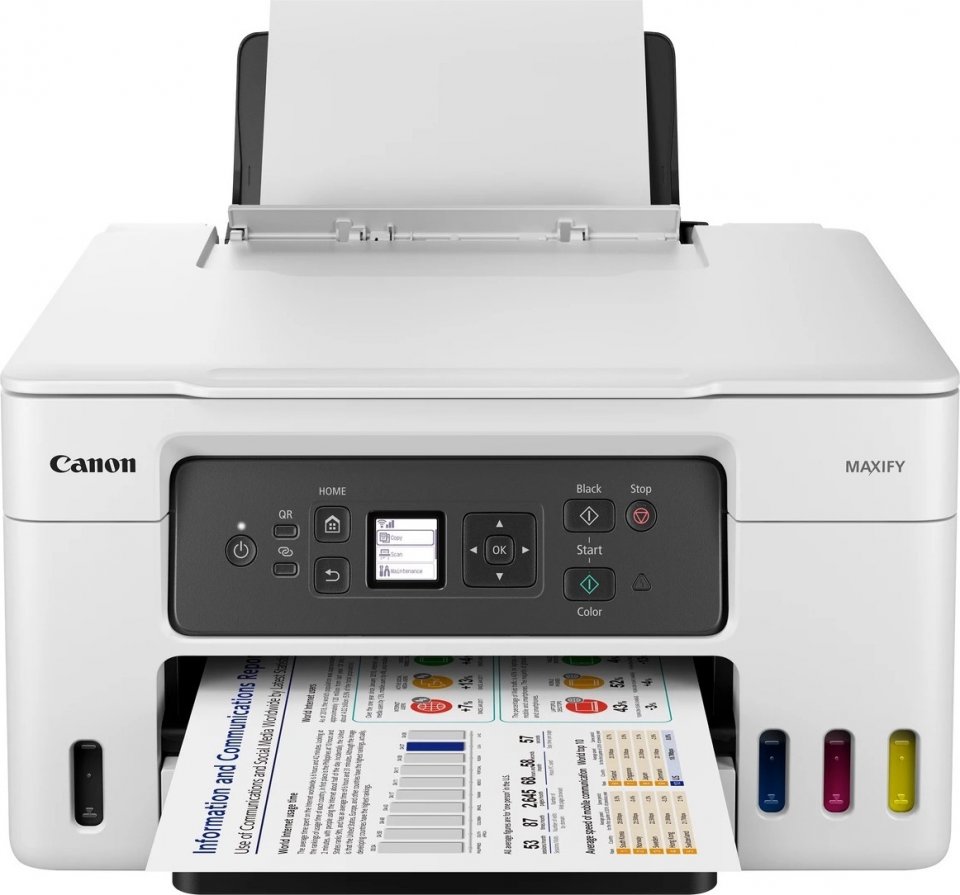
The Maxify GX3050 prints black and white pages at a speed of about 18 pages per minute and color pages at 13 pages per minute. Automatic duplex printing saves paper and makes printing more flexible. The printer has three paper input trays with a total capacity of 350 sheets – 100 sheets in the rear trays and 250 sheets in the front cassette. This enables handling large print volumes without frequent paper refills.
In addition to color copying, the device offers duplex copying and ID card copying. The number of copies can be up to 99 at a time, and copy size adjustment options range from 25% to 400%. Scanning is done with a flatbed scanner with an optical resolution of 1200 x 2400 dpi. Scanning is in color, but duplex scanning is not supported.
The Canon Maxify GX3050 supports Wi-Fi connection on 2.4 GHz and 5 GHz bands and has a USB Type B port. Wireless printing can be easily done using the Canon PRINT app, which allows printing, copying, and scanning directly from a smart device. Additionally, the device supports Apple AirPrint, Mopria, and PIXMA Cloud Link, making printing from cloud services effortless.
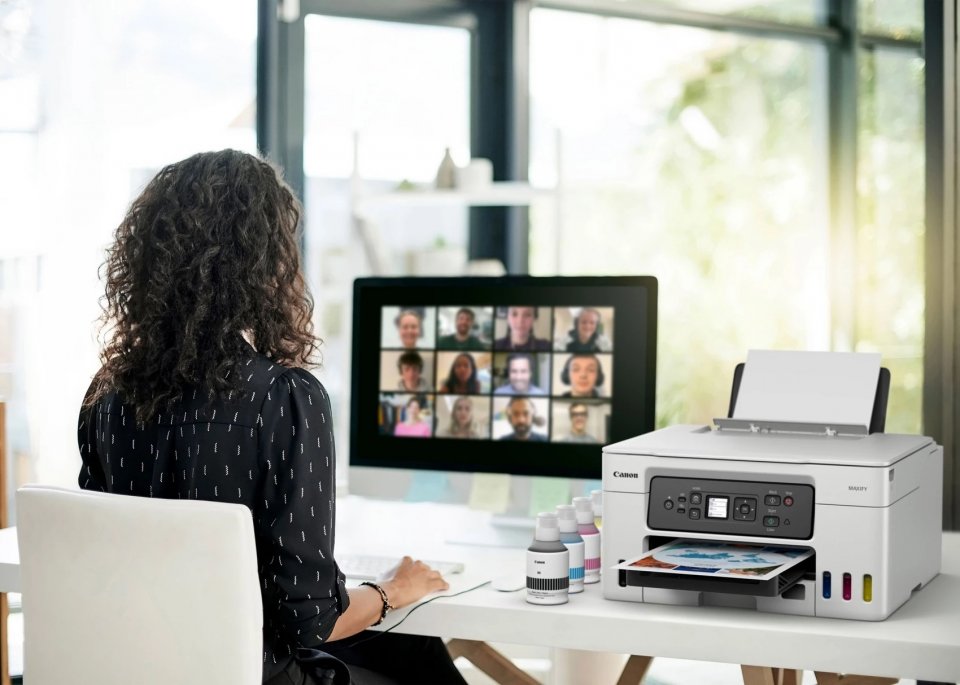
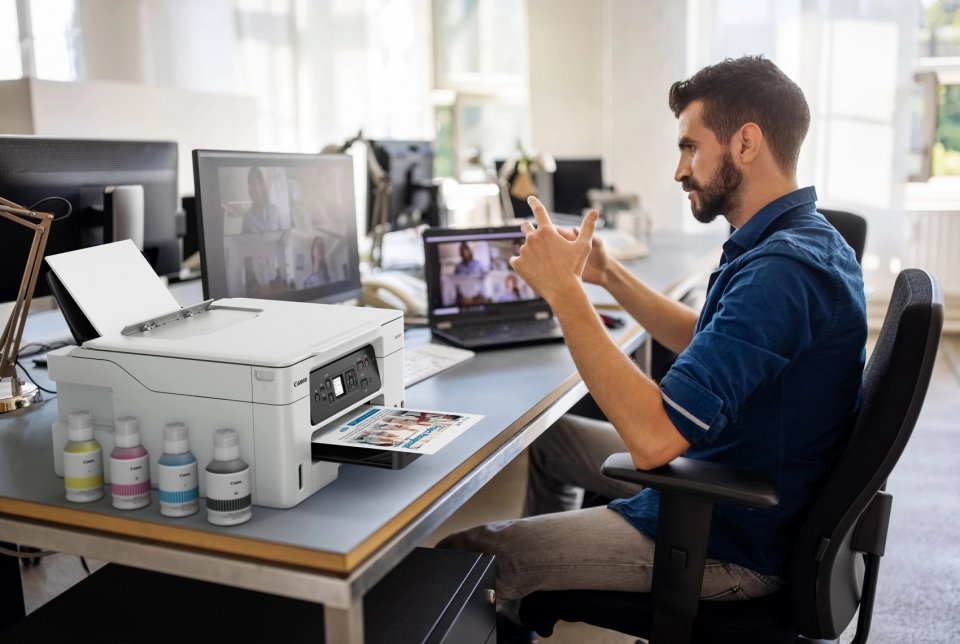
The 3.4 cm monochrome LCD display helps manage menus and settings. The device is compact and weighs about 8.3 kg, making it suitable for various work environments. Replaceable ink tanks and a waste ink tank make maintenance quick and easy without long downtime.
The printer works with most common operating systems, including Windows 7 or newer, macOS 10.14 or newer, Chrome OS, as well as mobile devices running iOS, iPadOS, and Android. Included are the Canon PRINT Inkjet/SELPHY app and other software such as Easy-PhotoPrint Editor and Creative Park, which facilitate printing and image management.

Canon Maxify GX3050 is a multifunction printer that efficiently combines printing, copying, and scanning into one device. It is designed especially for home offices and small businesses that need a reliable and affordable solution for handling large print volumes. The printer uses refillable ink tanks, allowing you to print up to 14,000 color pages with one set of ink bottles, significantly reducing operating costs.
The Maxify GX3050 prints black and white pages at a speed of about 18 pages per minute and color pages at 13 pages per minute. Automatic duplex printing saves paper and makes printing more flexible. The printer has three paper input trays with a total capacity of 350 sheets – 100 sheets in the rear trays and 250 sheets in the front cassette. This enables handling large print volumes without frequent paper refills.
In addition to color copying, the device offers duplex copying and ID card copying. The number of copies can be up to 99 at a time, and copy size adjustment options range from 25% to 400%. Scanning is done with a flatbed scanner with an optical resolution of 1200 x 2400 dpi. Scanning is in color, but duplex scanning is not supported.
The Canon Maxify GX3050 supports Wi-Fi connection on 2.4 GHz and 5 GHz bands and has a USB Type B port. Wireless printing can be easily done using the Canon PRINT app, which allows printing, copying, and scanning directly from a smart device. Additionally, the device supports Apple AirPrint, Mopria, and PIXMA Cloud Link, making printing from cloud services effortless.
The 3.4 cm monochrome LCD display helps manage menus and settings. The device is compact and weighs about 8.3 kg, making it suitable for various work environments. Replaceable ink tanks and a waste ink tank make maintenance quick and easy without long downtime.
The printer works with most common operating systems, including Windows 7 or newer, macOS 10.14 or newer, Chrome OS, as well as mobile devices running iOS, iPadOS, and Android. Included are the Canon PRINT Inkjet/SELPHY app and other software such as Easy-PhotoPrint Editor and Creative Park, which facilitate printing and image management.