| Color | White |
|---|---|
| Country of Origin | Vietnam |
| PID | 1013261 |
| Product depth (mm) | 461 |
| Product height (mm) | 430 |
| Product weight (g) | 23 300 |
| Product width (mm) | 425 |
| WiFi | Yes |
| Colour Printing | Yes |
| Duplex Printing | Yes |
| Duplex Scanning | Yes |
| Multifunction Printer | Yes |
| Printer type | Laser |
| Product Family | i-SENSYS |
| Manufacturer address | Huopalahdentie 24, 00351 Helsinki |
| Manufacturer's email address | |
| Manufacturer name | Canon Oy |
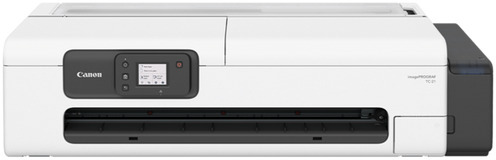
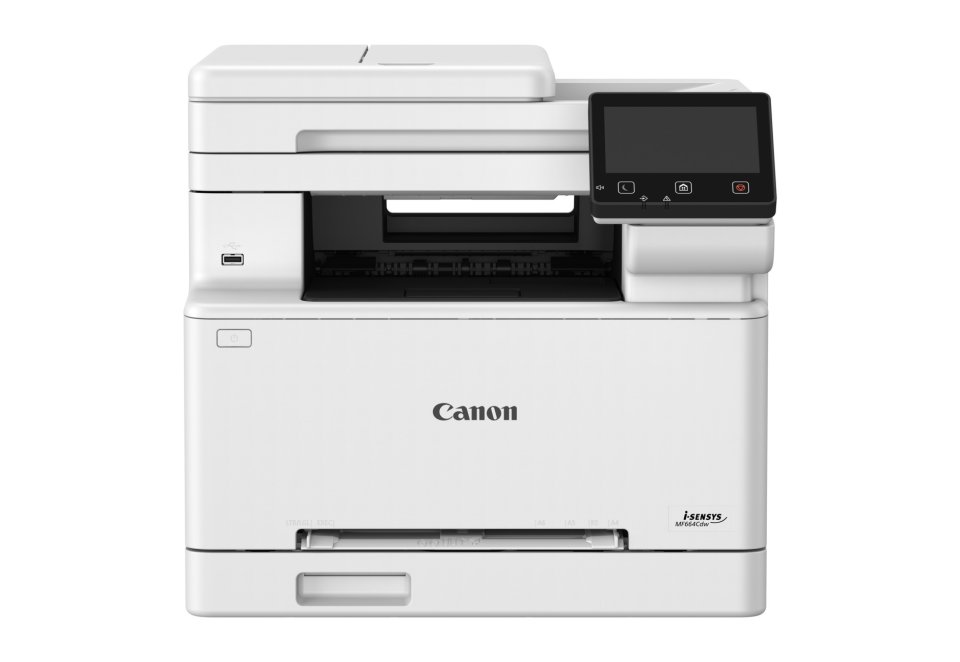
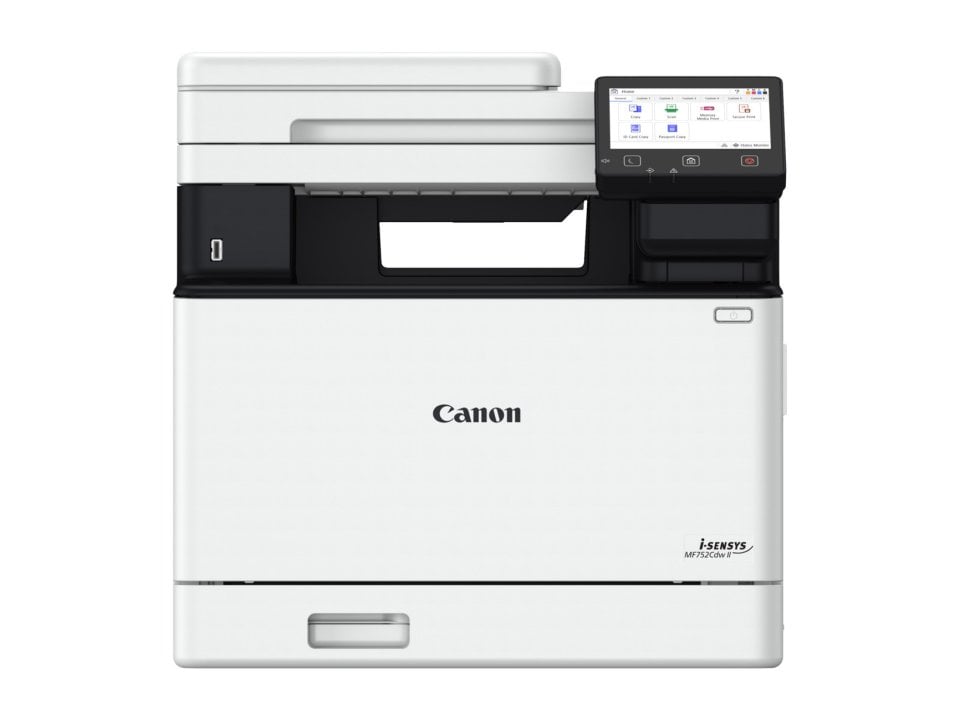
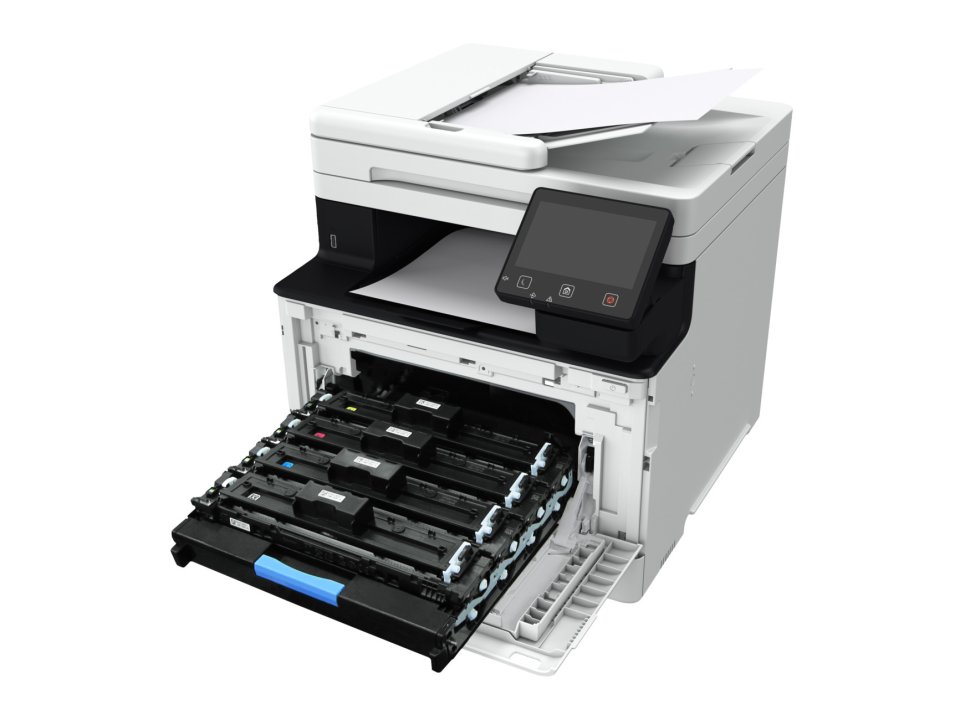
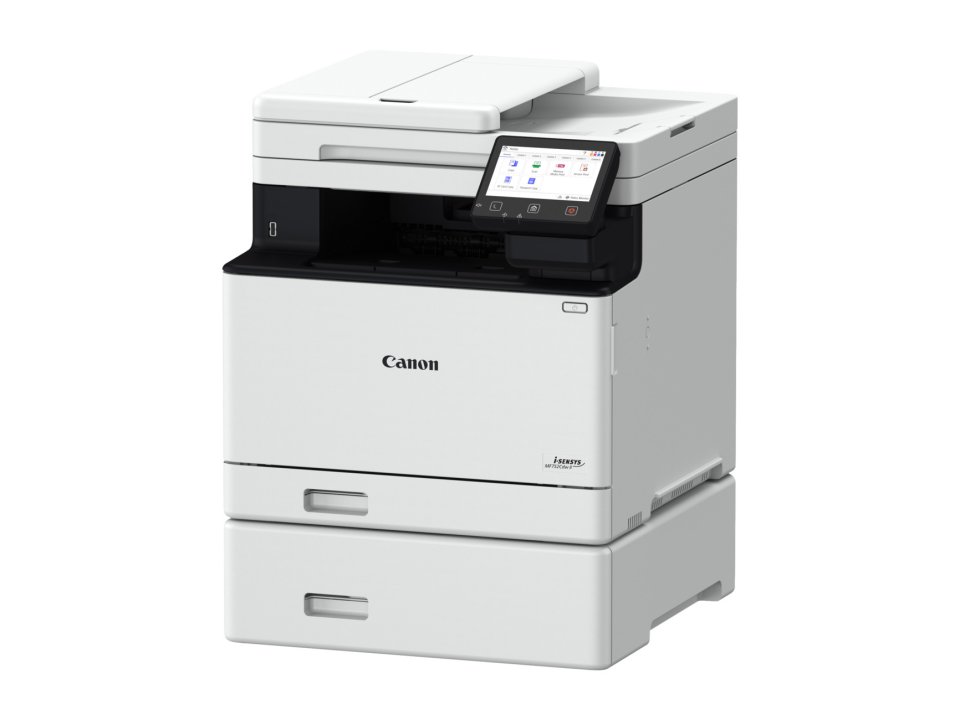
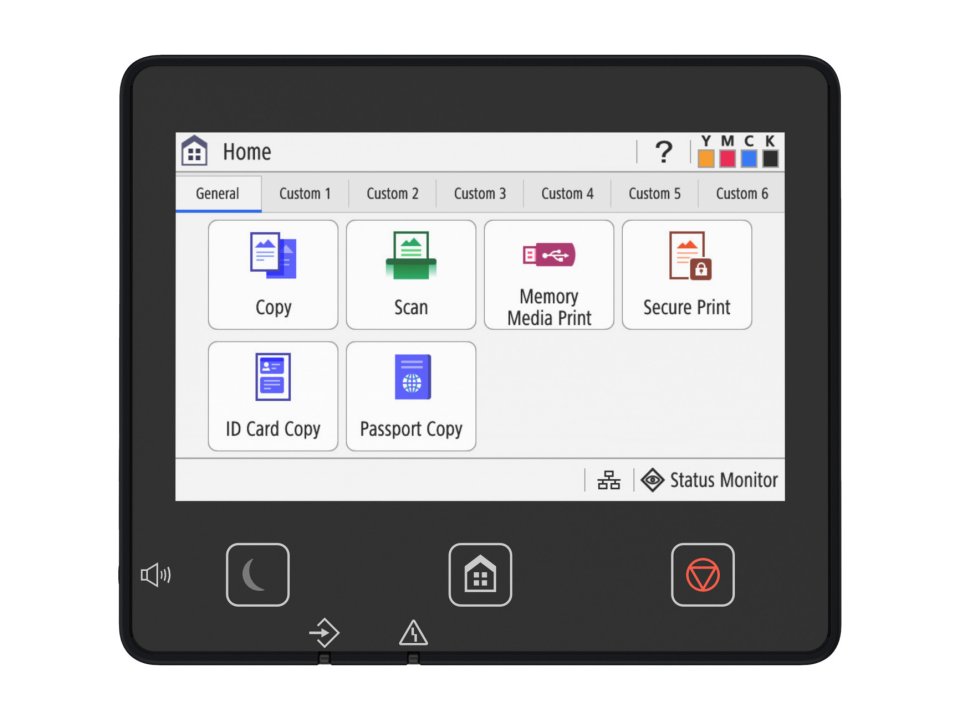
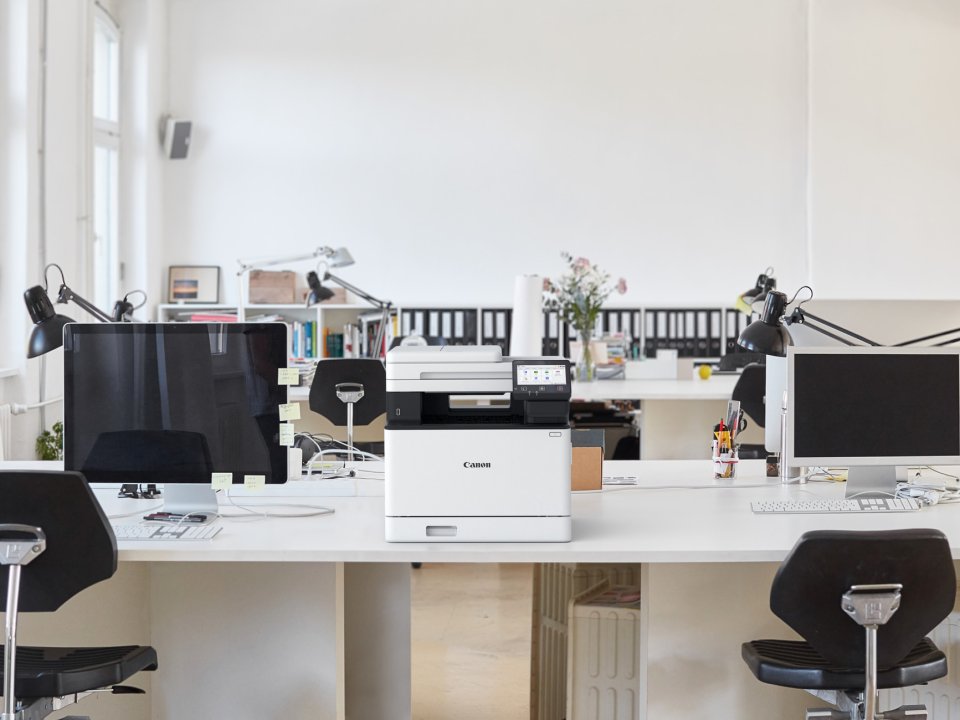
The Canon i-SENSYS MF752Cdw II is a color laser printer that efficiently combines printing, copying, and scanning into one multifunction device. It offers a fast print speed of up to 33 pages per minute and scanning speeds of up to 100 images per minute, making it suitable for small to medium work environments. The device features an intuitive 12.7 cm touchscreen and a QR code guide to simplify usage and settings management.
The MF752Cdw II prints precisely at up to 1200 x 1200 dpi resolution and supports automatic duplex printing. Copying speed matches printing speed, and the device can copy double-sided documents as well as handle various copy types, such as combinations of text and photos. Additionally, the toner save mode helps manage operating costs.
Scanning is possible in both color and black-and-white modes at up to 100 images per minute, supporting both single- and double-sided scanning. Scans can be saved in multiple file formats, including PDF, JPEG, and TIFF, and can be sent directly via email, USB drive, FTP server, or cloud services. This makes document digitization flexible and efficient.
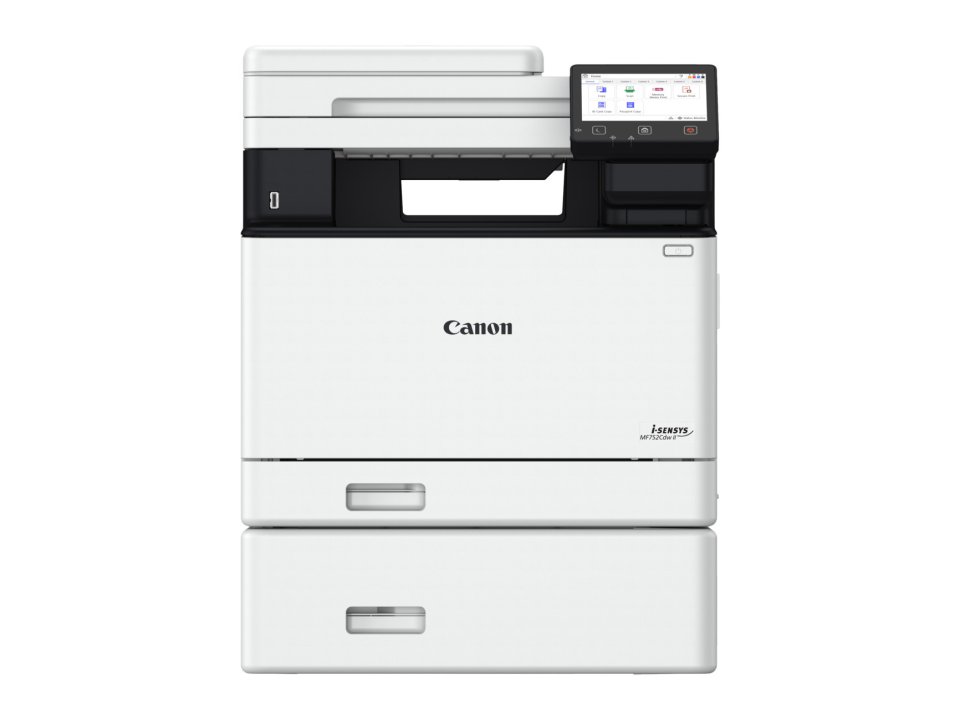
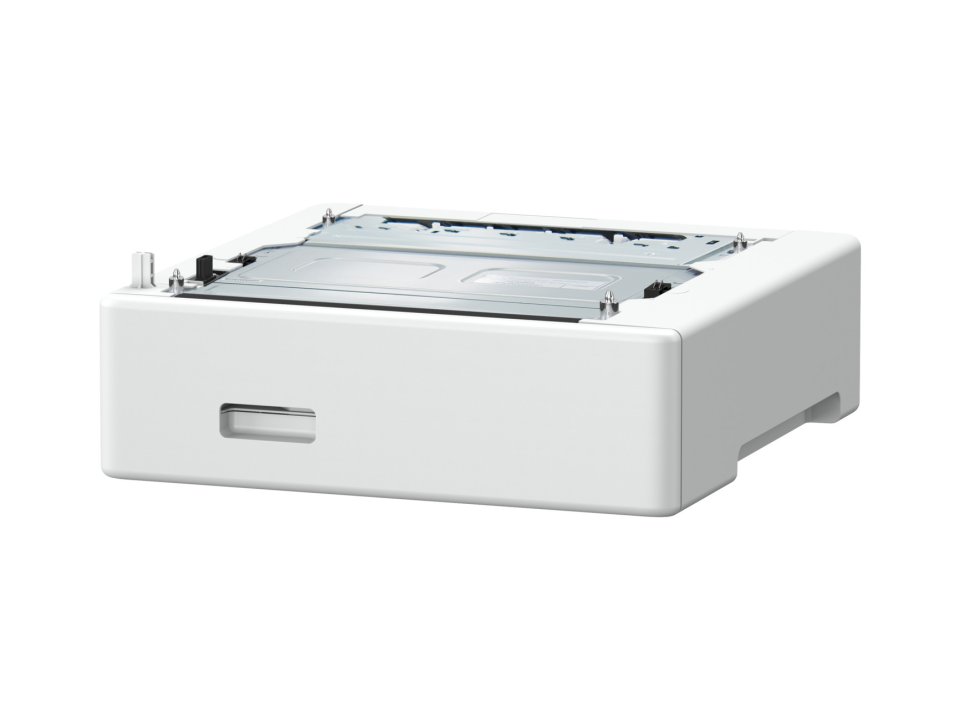
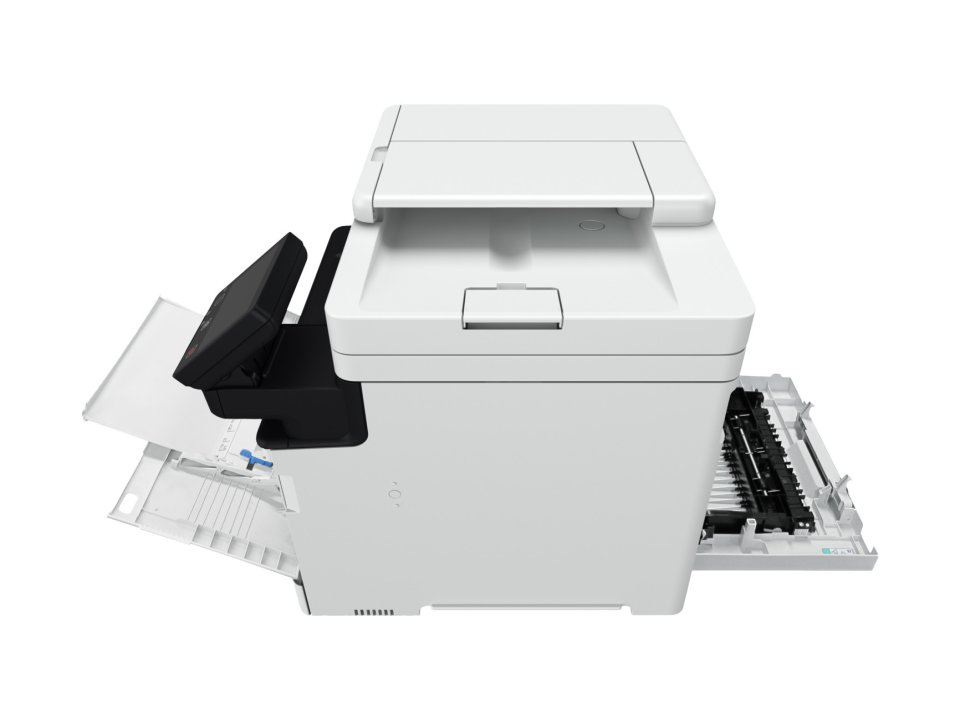
The Canon MF752Cdw II handles a wide range of paper types and sizes, such as plain and recycled paper, thick and thin paper, colored paper, coated paper, labels, postcards, and envelopes (C5, DL, Monarch, COM10). The standard configuration includes a 250-sheet paper cassette and a 50-sheet multipurpose tray, with an optional 550-sheet cassette available. The maximum capacity is 850 sheets, reducing the need for frequent refills. Automatic duplex printing and copying support various sizes from A4 to Legal and Foolscap formats.
Standard features include a 250-sheet paper cassette and a 50-sheet multipurpose tray, with an optional 550-sheet cassette available. The device’s maximum paper capacity is 850 sheets, minimizing paper refilling. It supports various paper sizes and types, including coated paper and envelopes.
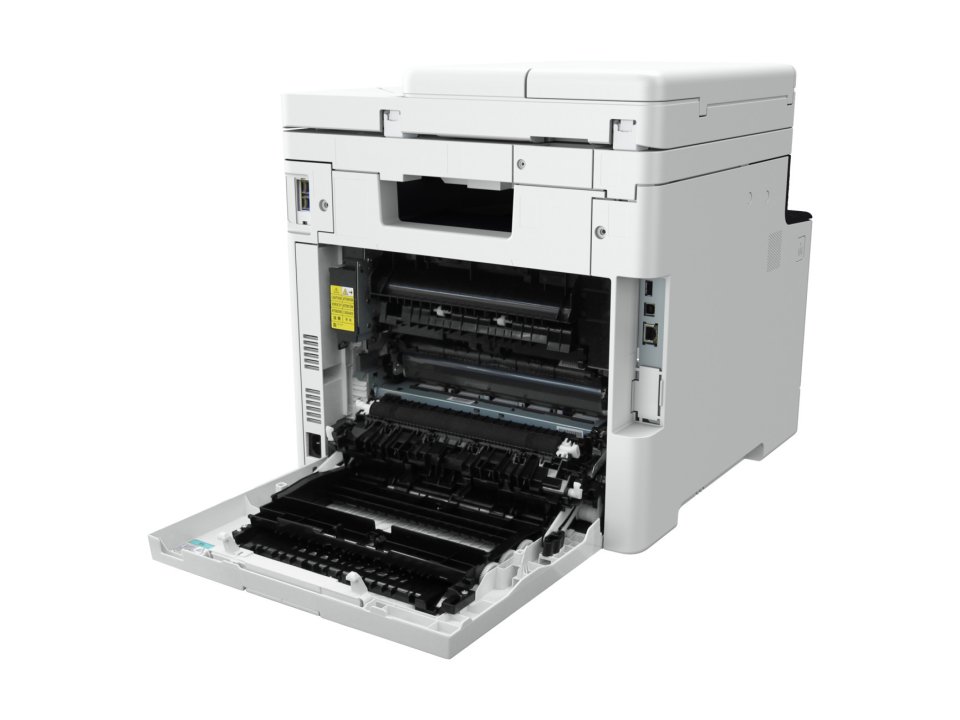
The device supports versatile connections, facilitating deployment in different environments. Available interfaces include USB 2.0 High-Speed, Ethernet (10/100/1000 Base-T), and wireless 802.11b/g/n. Additionally, wireless direct printing without a router is available. The printer supports Windows and macOS operating systems, Linux, and mobile printing (Apple AirPrint, Mopria, Canon PRINT app). Microsoft Universal Print support simplifies enterprise use.
Canon has extensively invested in the device’s security. It supports encrypted printing, multi-factor authentication, and protects both storage and network connections with the latest security protocols such as TLS 1.3, IPSec, and WPA3. This makes it an excellent choice for environments where security is a top priority.
The device’s user interface is clear and user-friendly, and the Master Setup software automates software installation, saving time and effort.
14 in stock

The Canon i-SENSYS MF752Cdw II is a color laser printer that efficiently combines printing, copying, and scanning into one multifunction device. It offers a fast print speed of up to 33 pages per minute and scanning speeds of up to 100 images per minute, making it suitable for small to medium work environments. The device features an intuitive 12.7 cm touchscreen and a QR code guide to simplify usage and settings management.
The MF752Cdw II prints precisely at up to 1200 x 1200 dpi resolution and supports automatic duplex printing. Copying speed matches printing speed, and the device can copy double-sided documents as well as handle various copy types, such as combinations of text and photos. Additionally, the toner save mode helps manage operating costs.
Scanning is possible in both color and black-and-white modes at up to 100 images per minute, supporting both single- and double-sided scanning. Scans can be saved in multiple file formats, including PDF, JPEG, and TIFF, and can be sent directly via email, USB drive, FTP server, or cloud services. This makes document digitization flexible and efficient.
The Canon MF752Cdw II handles a wide range of paper types and sizes, such as plain and recycled paper, thick and thin paper, colored paper, coated paper, labels, postcards, and envelopes (C5, DL, Monarch, COM10). The standard configuration includes a 250-sheet paper cassette and a 50-sheet multipurpose tray, with an optional 550-sheet cassette available. The maximum capacity is 850 sheets, reducing the need for frequent refills. Automatic duplex printing and copying support various sizes from A4 to Legal and Foolscap formats.
Standard features include a 250-sheet paper cassette and a 50-sheet multipurpose tray, with an optional 550-sheet cassette available. The device’s maximum paper capacity is 850 sheets, minimizing paper refilling. It supports various paper sizes and types, including coated paper and envelopes.
The device supports versatile connections, facilitating deployment in different environments. Available interfaces include USB 2.0 High-Speed, Ethernet (10/100/1000 Base-T), and wireless 802.11b/g/n. Additionally, wireless direct printing without a router is available. The printer supports Windows and macOS operating systems, Linux, and mobile printing (Apple AirPrint, Mopria, Canon PRINT app). Microsoft Universal Print support simplifies enterprise use.
Canon has extensively invested in the device’s security. It supports encrypted printing, multi-factor authentication, and protects both storage and network connections with the latest security protocols such as TLS 1.3, IPSec, and WPA3. This makes it an excellent choice for environments where security is a top priority.
The device’s user interface is clear and user-friendly, and the Master Setup software automates software installation, saving time and effort.