
| Color | White |
|---|---|
| Country of Origin | Vietnam |
| PID | 1035221 |
| Product depth (mm) | 510 |
| Product height (mm) | 260 |
| Product weight (g) | 8 100 |
| Product width (mm) | 374 |
| WiFi | Yes |
| Colour Printing | Yes |
| Duplex Printing | Yes |
| Duplex Scanning | No |
| Multifunction Printer | Yes |
| Printer type | Inkjet |
| Product Family | MAXIFY |
| Manufacturer address | Huopalahdentie 24, 00351 Helsinki |
| Manufacturer's email address | |
| Manufacturer name | Canon Oy |
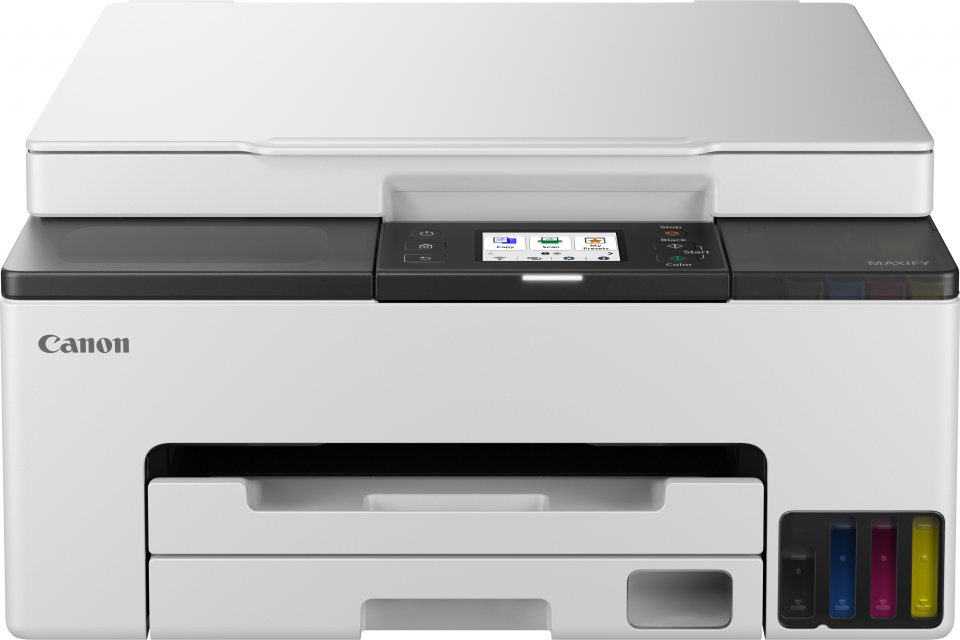
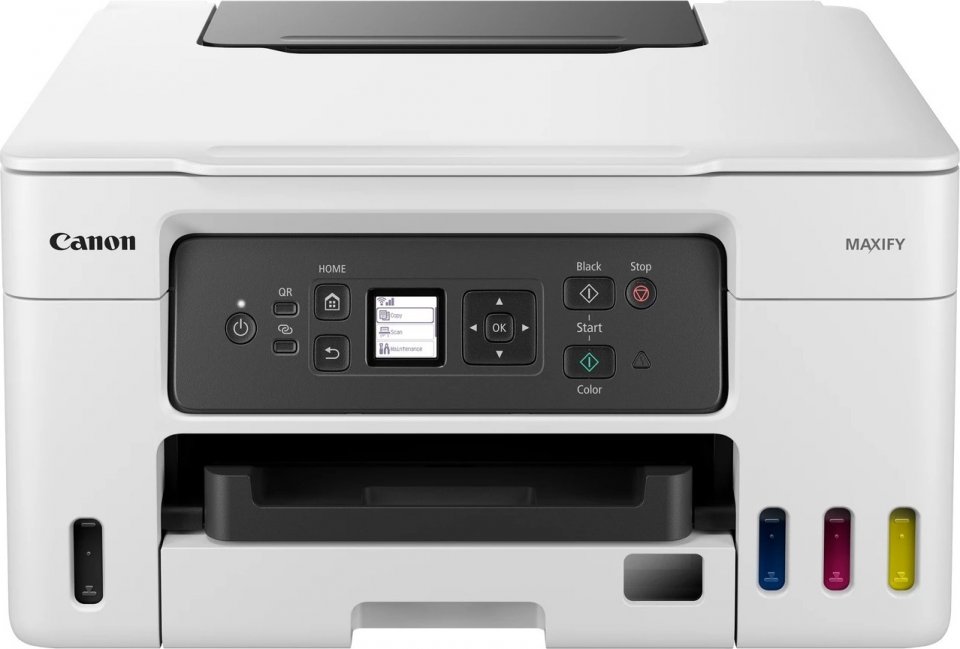
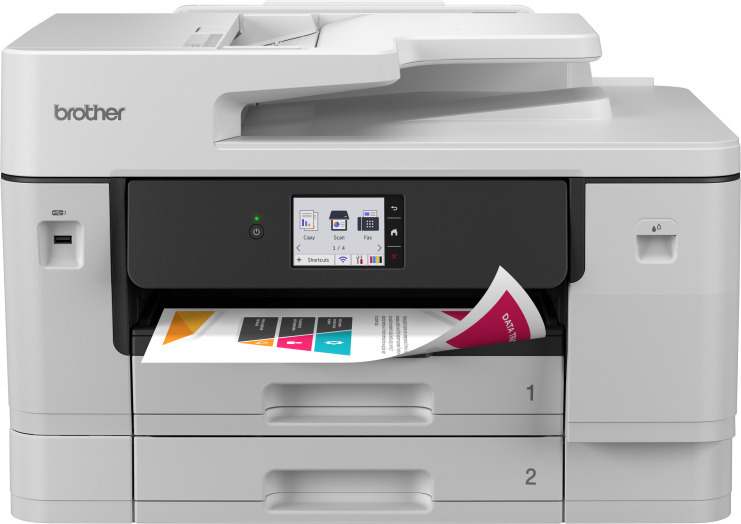
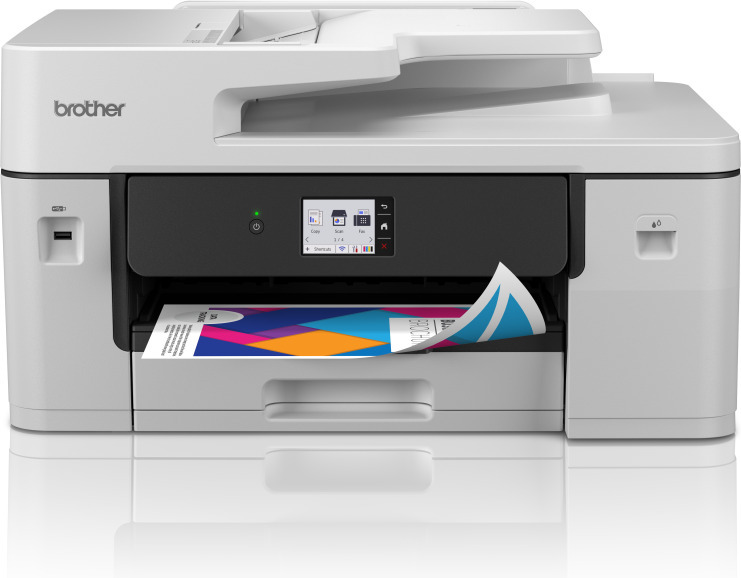
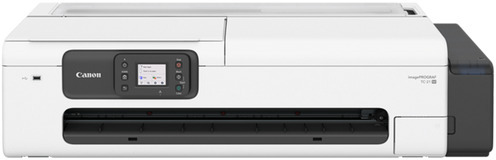
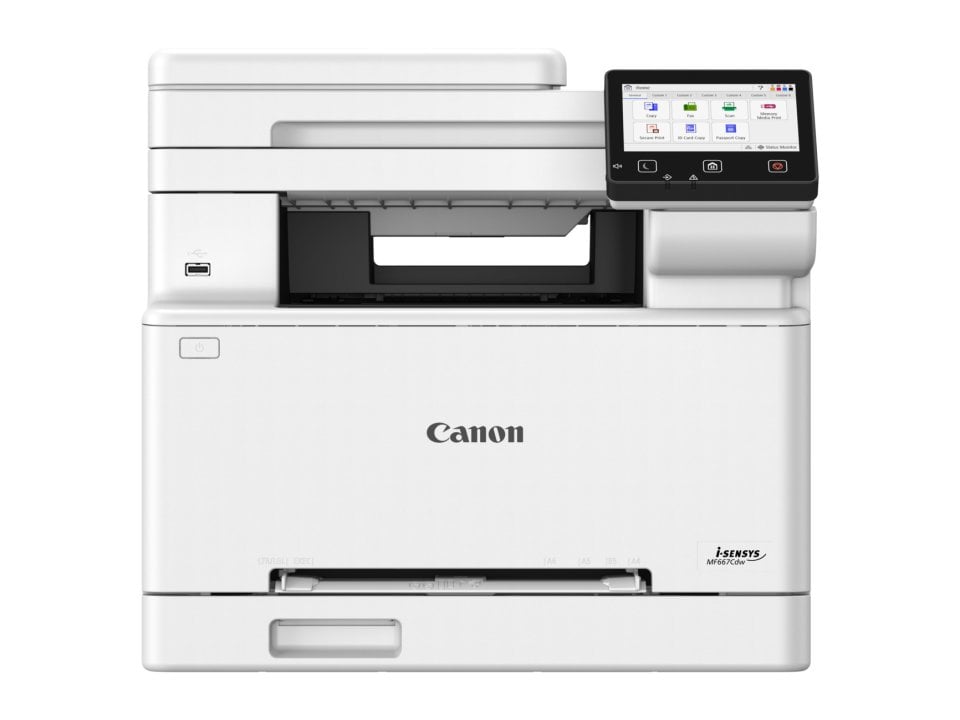
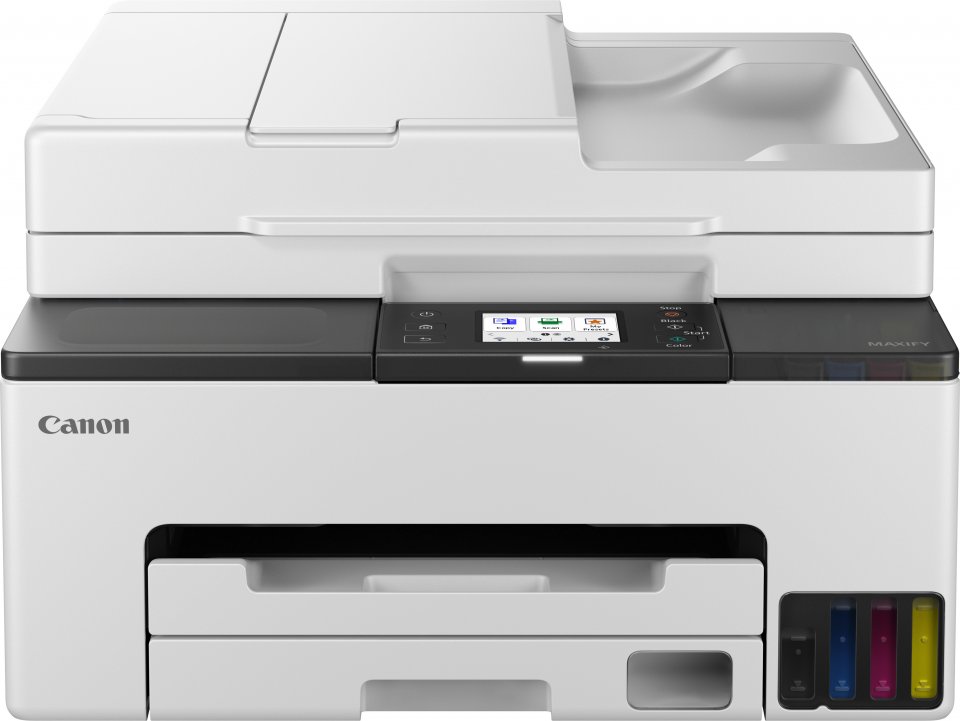
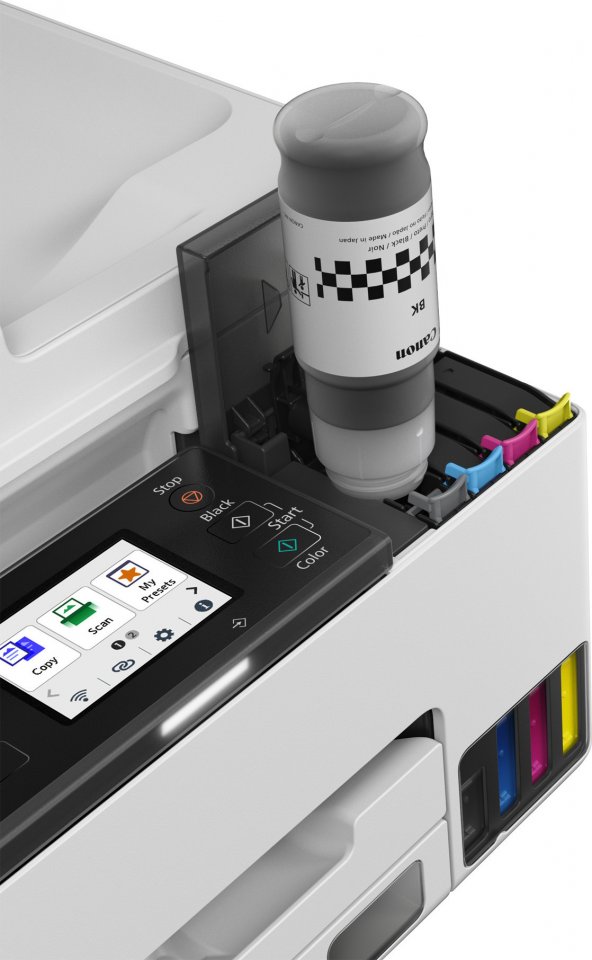
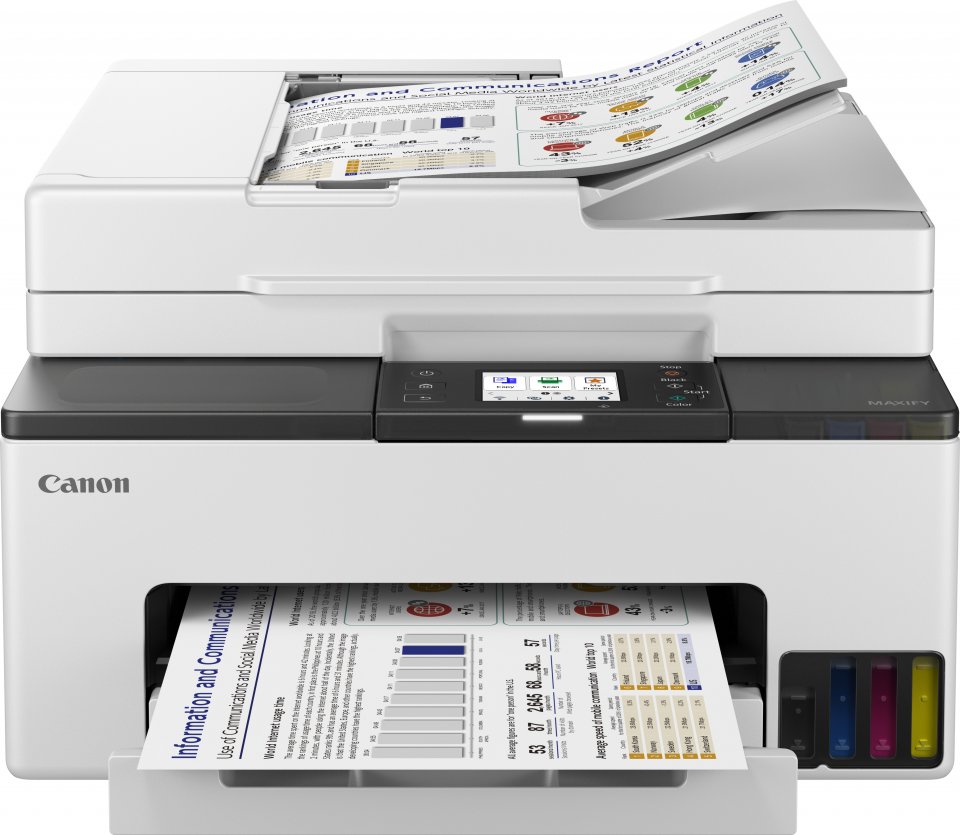
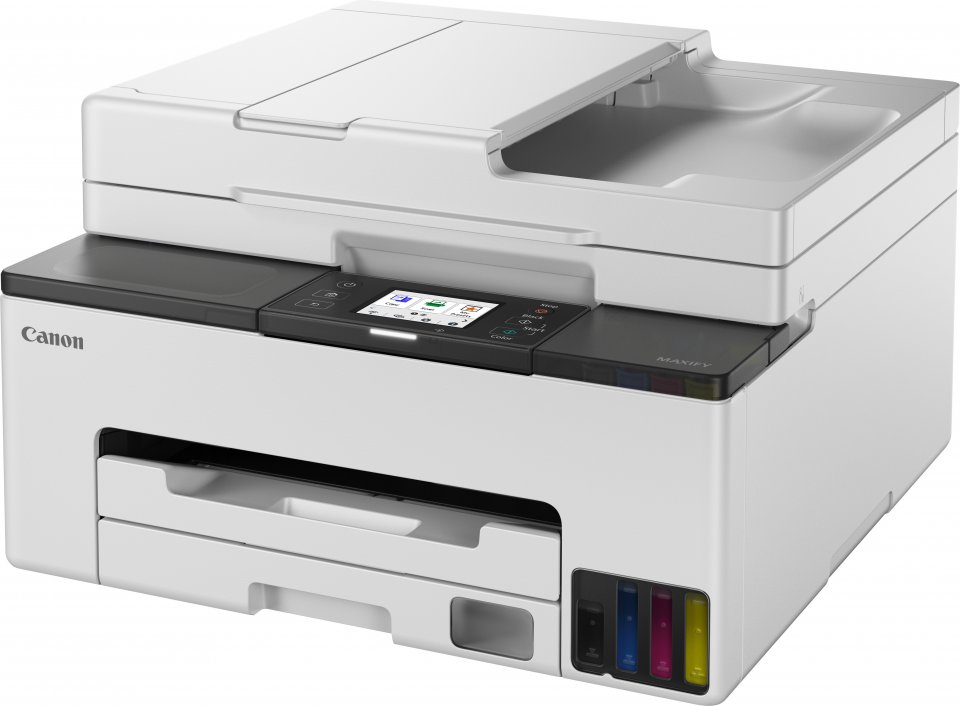
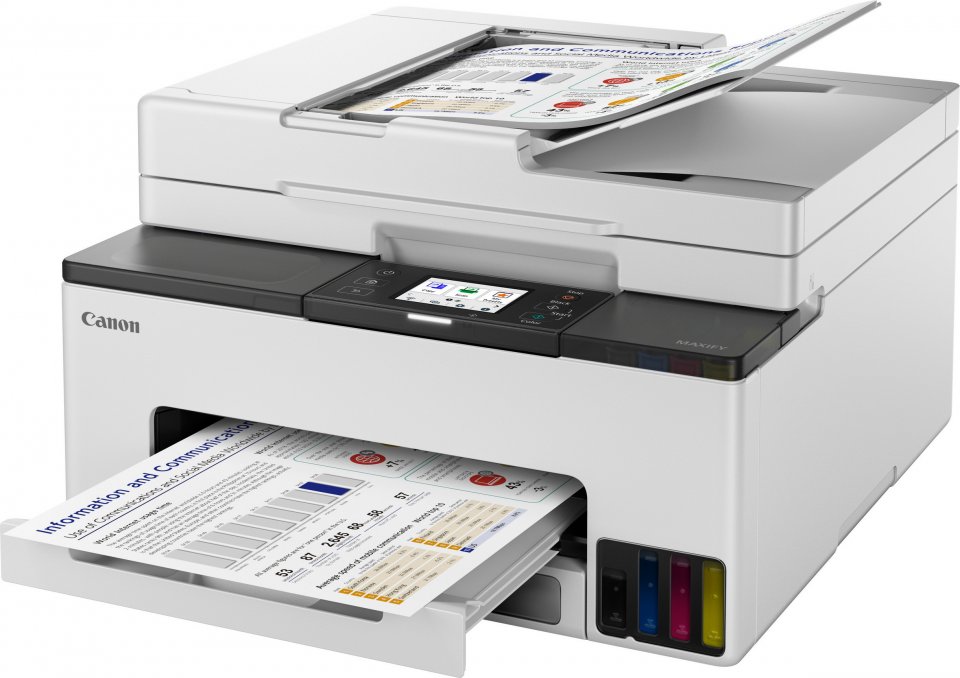
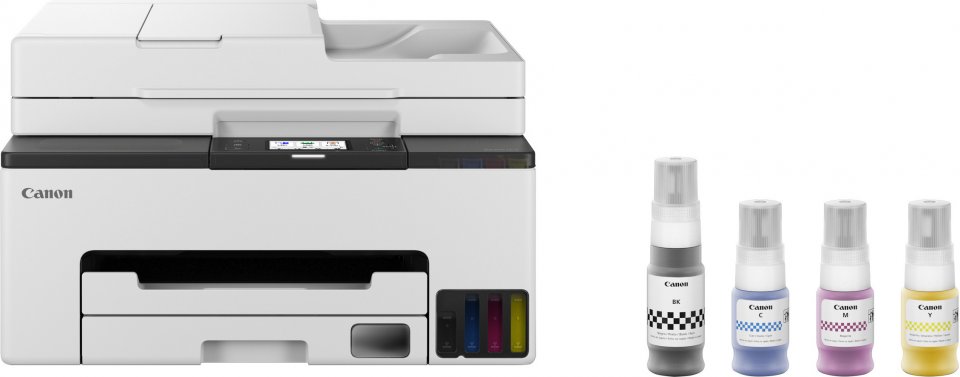
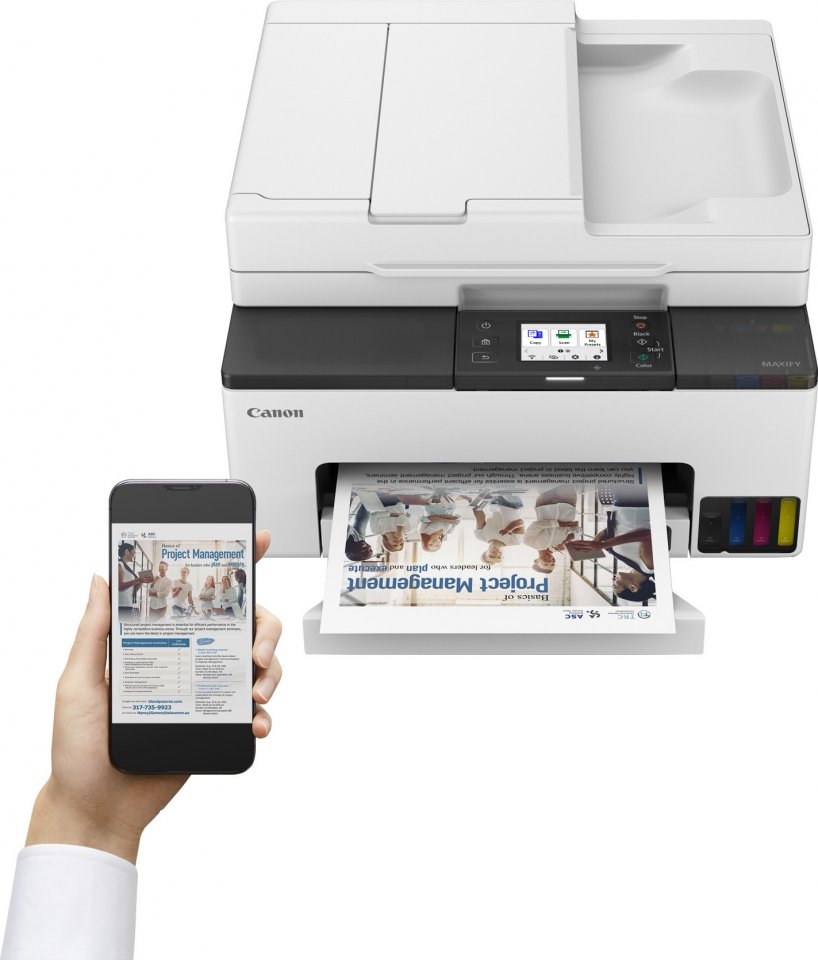
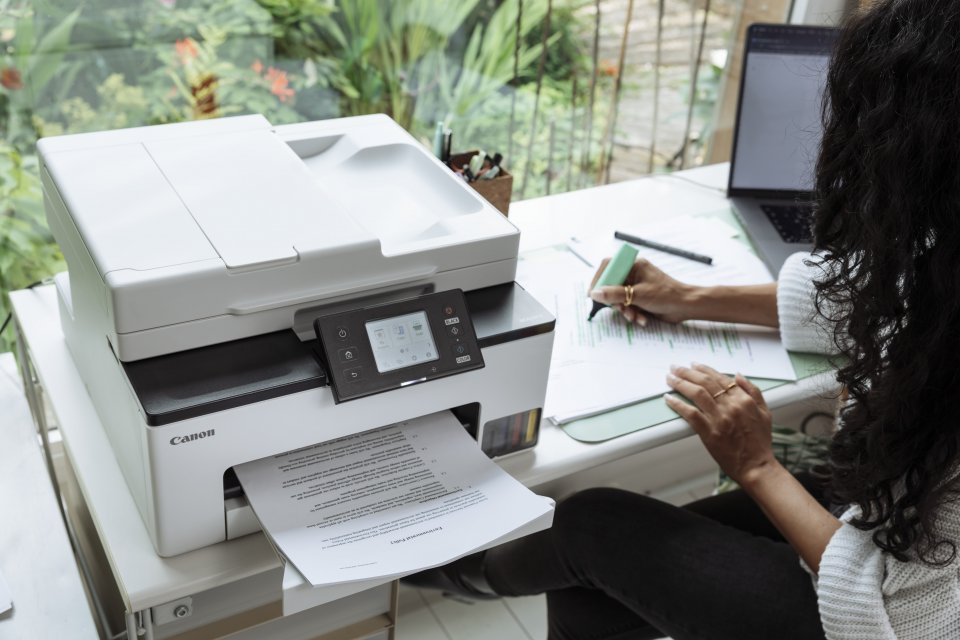
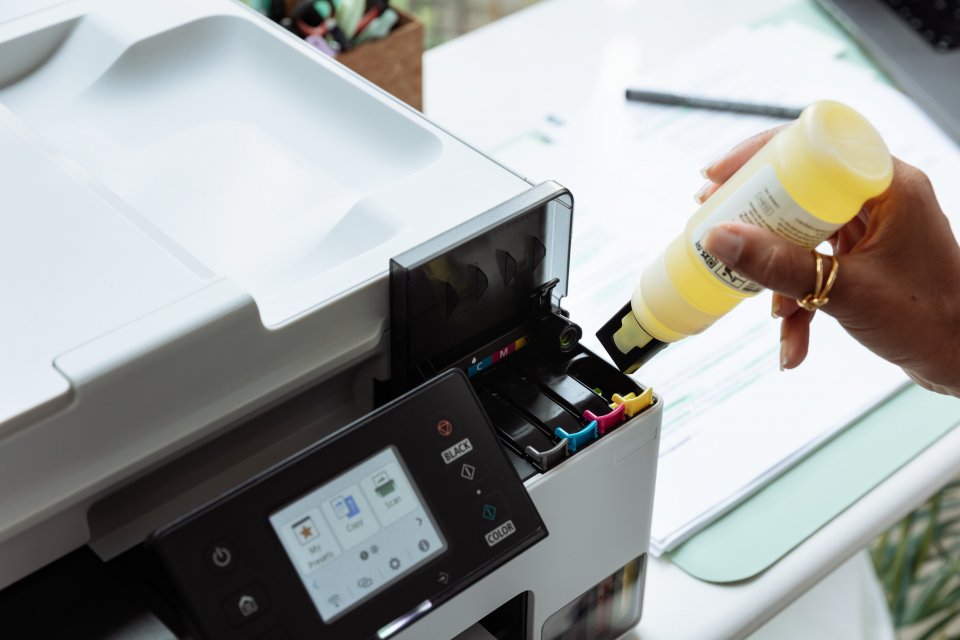
The Canon Maxify GX2050 is a multifunction inkjet printer suitable for home offices and small offices. It combines printing, copying, scanning, and faxing conveniently into one device. The printer uses four separate refillable ink tanks, helping to keep operating costs under control. Its 250-sheet paper cassette and 35-sheet automatic document feeder allow handling large volumes of documents without constant paper refilling.
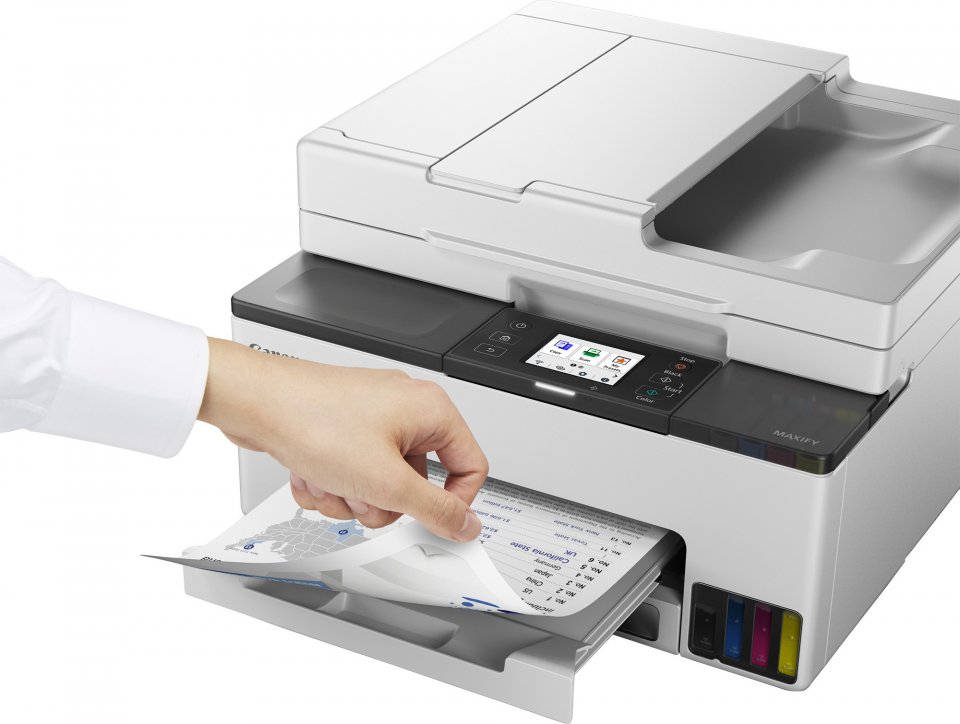
The GX2050 prints black and white pages at up to 15 pages per minute and color pages at 10 pages per minute. The print resolution is up to 600 x 1200 DPI, sufficient for clear documents and color prints. The device features automatic duplex printing, saving paper and making double-sided document preparation easier.
The multifunction device’s flatbed scanner offers 1200 x 2400 DPI optical scan resolution and a 35-sheet automatic document feeder that can handle multiple pages at once. Copy functions support color copying, multi-page copies, and ID card copying. Scanning can also be done directly to email or shared network folders.
The device supports wireless Wi-Fi, Ethernet, and USB connections, making it easy to connect to various networks and devices. Mobile printing is possible through Apple AirPrint, Mopria Print Service, and PIXMA Cloud Link. The 6.7 cm tiltable LCD touchscreen makes using the device smooth and intuitive.
The ink tanks last for about 3,000 pages in normal use and up to 4,500 pages in economy mode. The printer supports a variety of paper sizes and types, such as A4, A5, A6, B5, envelopes, and photo paper, making it suitable for versatile document handling.
The device supports several security algorithms, including WPA3, and works with multiple operating systems, including Windows, macOS, Android, and iOS. This ensures compatibility with modern work environments.

The Canon Maxify GX2050 is a multifunction inkjet printer suitable for home offices and small offices. It combines printing, copying, scanning, and faxing conveniently into one device. The printer uses four separate refillable ink tanks, helping to keep operating costs under control. Its 250-sheet paper cassette and 35-sheet automatic document feeder allow handling large volumes of documents without constant paper refilling.
The GX2050 prints black and white pages at up to 15 pages per minute and color pages at 10 pages per minute. The print resolution is up to 600 x 1200 DPI, sufficient for clear documents and color prints. The device features automatic duplex printing, saving paper and making double-sided document preparation easier.
The multifunction device's flatbed scanner offers 1200 x 2400 DPI optical scan resolution and a 35-sheet automatic document feeder that can handle multiple pages at once. Copy functions support color copying, multi-page copies, and ID card copying. Scanning can also be done directly to email or shared network folders.
The device supports wireless Wi-Fi, Ethernet, and USB connections, making it easy to connect to various networks and devices. Mobile printing is possible through Apple AirPrint, Mopria Print Service, and PIXMA Cloud Link. The 6.7 cm tiltable LCD touchscreen makes using the device smooth and intuitive.
The ink tanks last for about 3,000 pages in normal use and up to 4,500 pages in economy mode. The printer supports a variety of paper sizes and types, such as A4, A5, A6, B5, envelopes, and photo paper, making it suitable for versatile document handling.
The device supports several security algorithms, including WPA3, and works with multiple operating systems, including Windows, macOS, Android, and iOS. This ensures compatibility with modern work environments.