
| Color | White |
|---|---|
| Country of Origin | China |
| PID | 940519 |
| Product depth (mm) | 86 |
| Product height (mm) | 25 |
| Product weight (g) | 100 |
| Product width (mm) | 86 |
| Smart Home Protocol | WiFi |
| Connectivity type | WiFi |
| Voice Control | None |
| Requires a hub or a home automation controller | No |
| Batteries included | Yes |
| Battery operated | No |
| Manufacturer address | Signify – I.B.R.S. / C.C.R.I.Numéro 10461 5600 VB Eindhoven, the Netherlands. |
| Manufacturer's email address | |
| Manufacturer name | Signify |
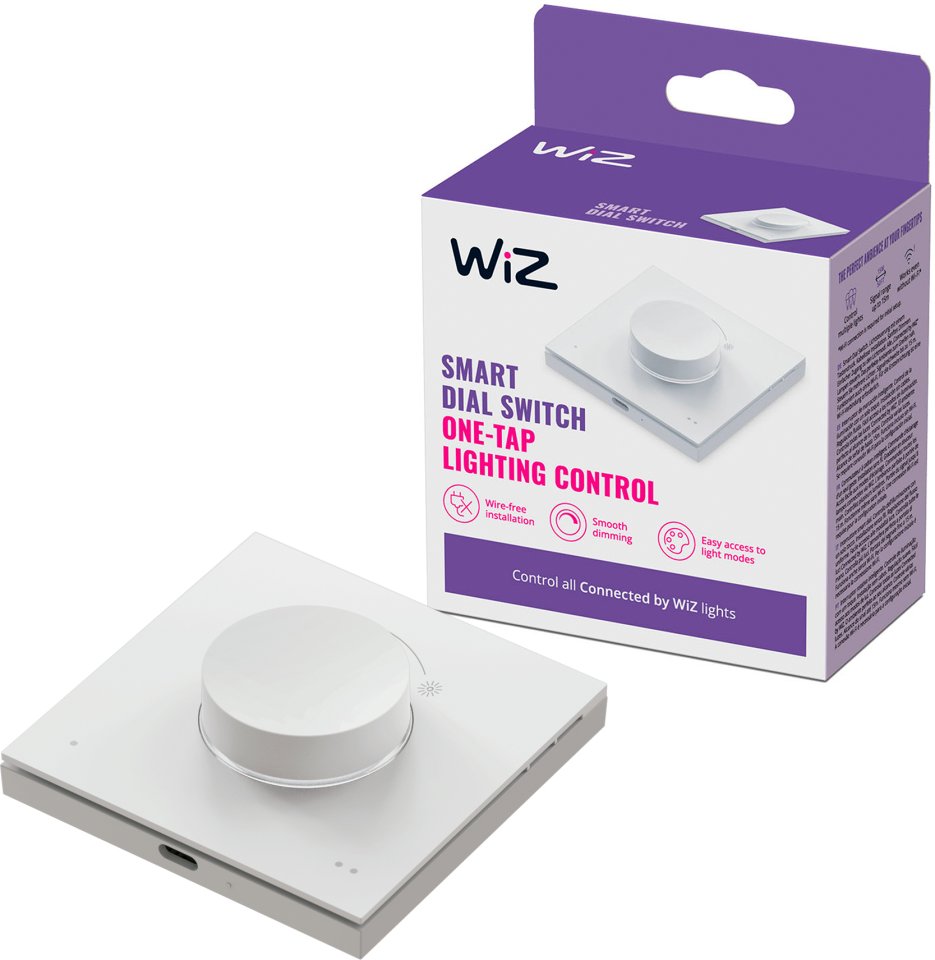
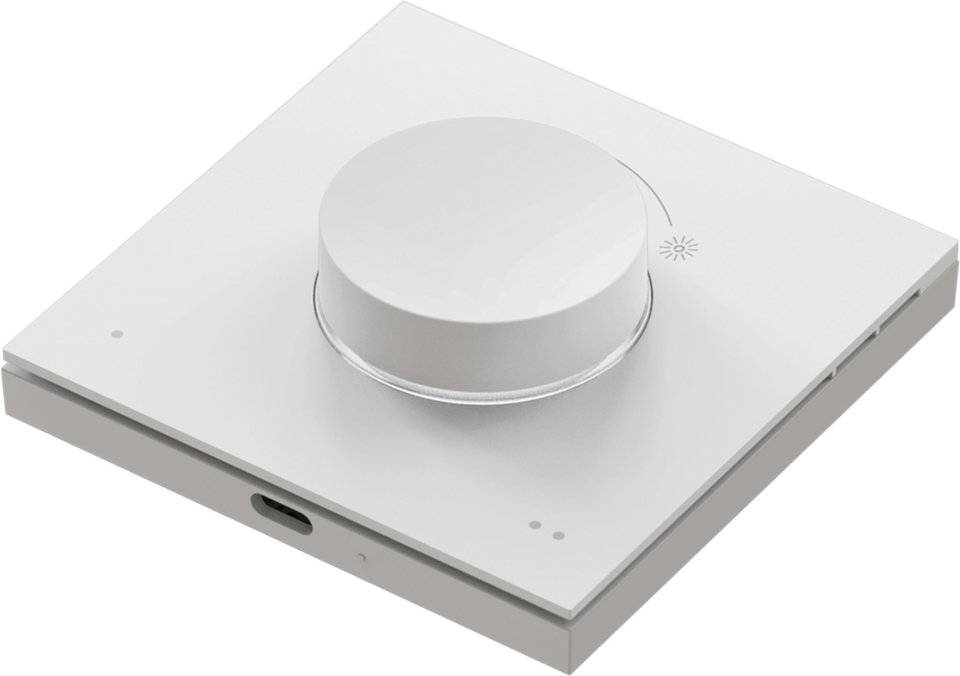
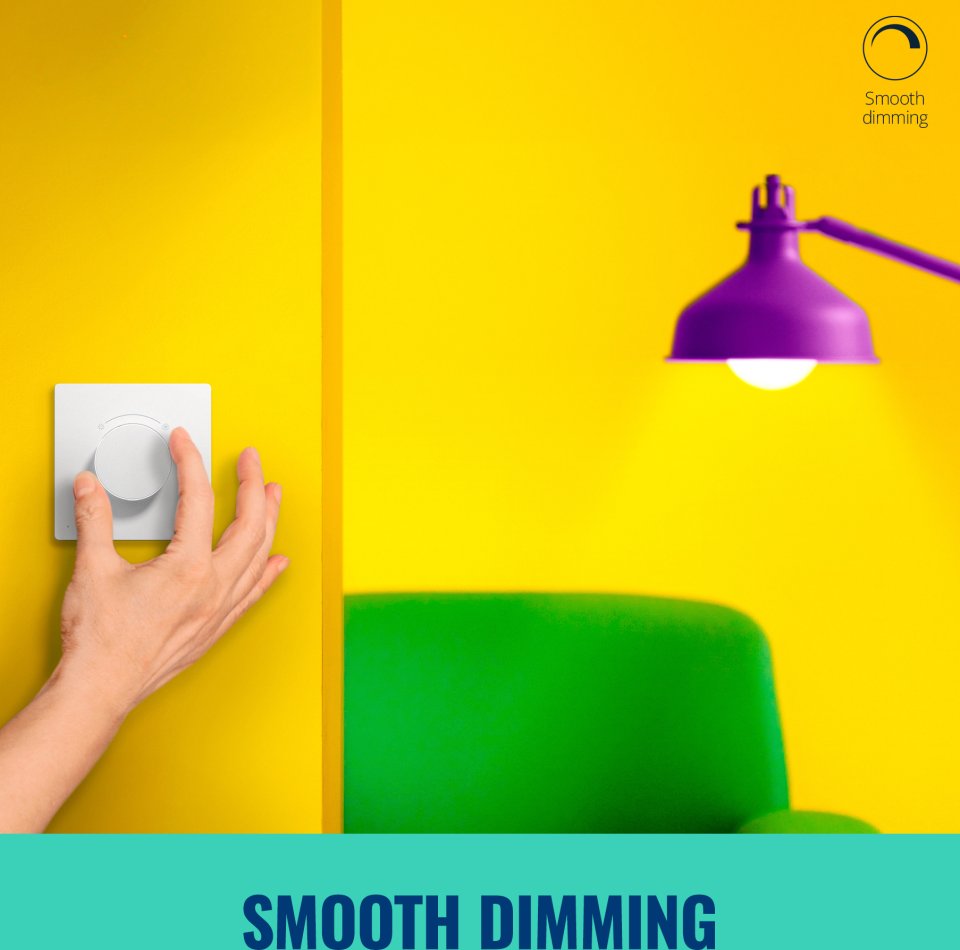
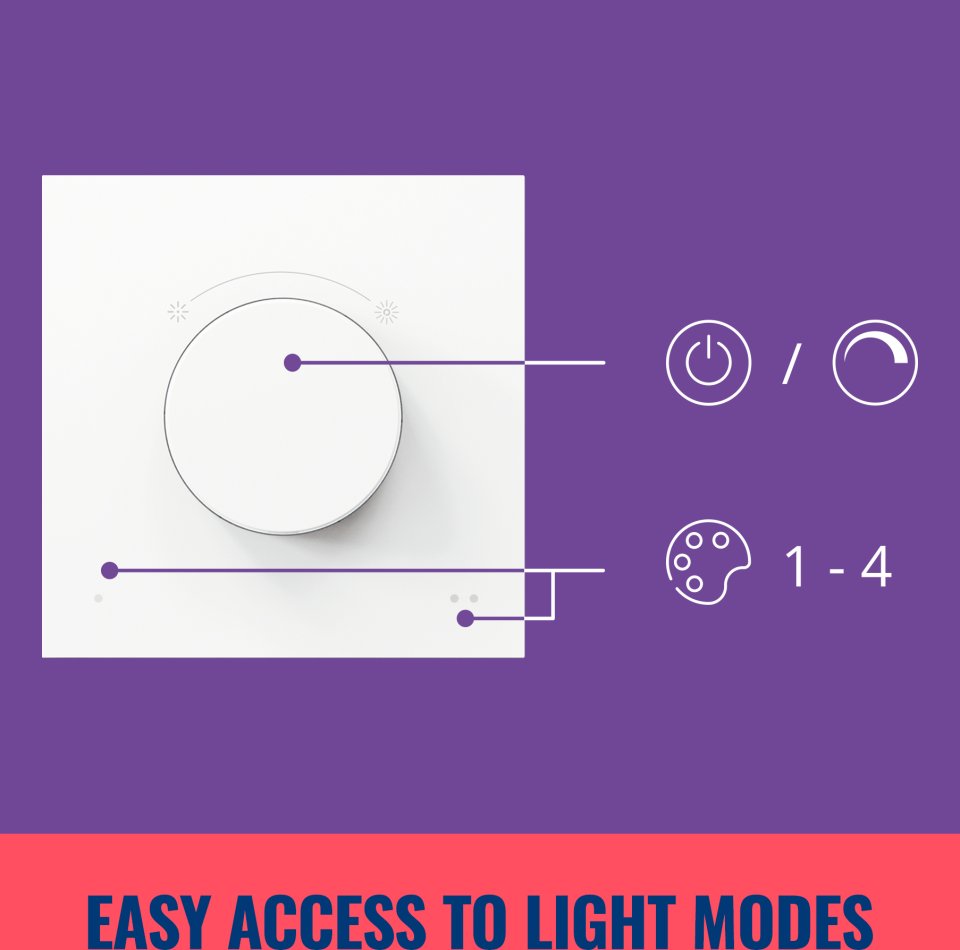
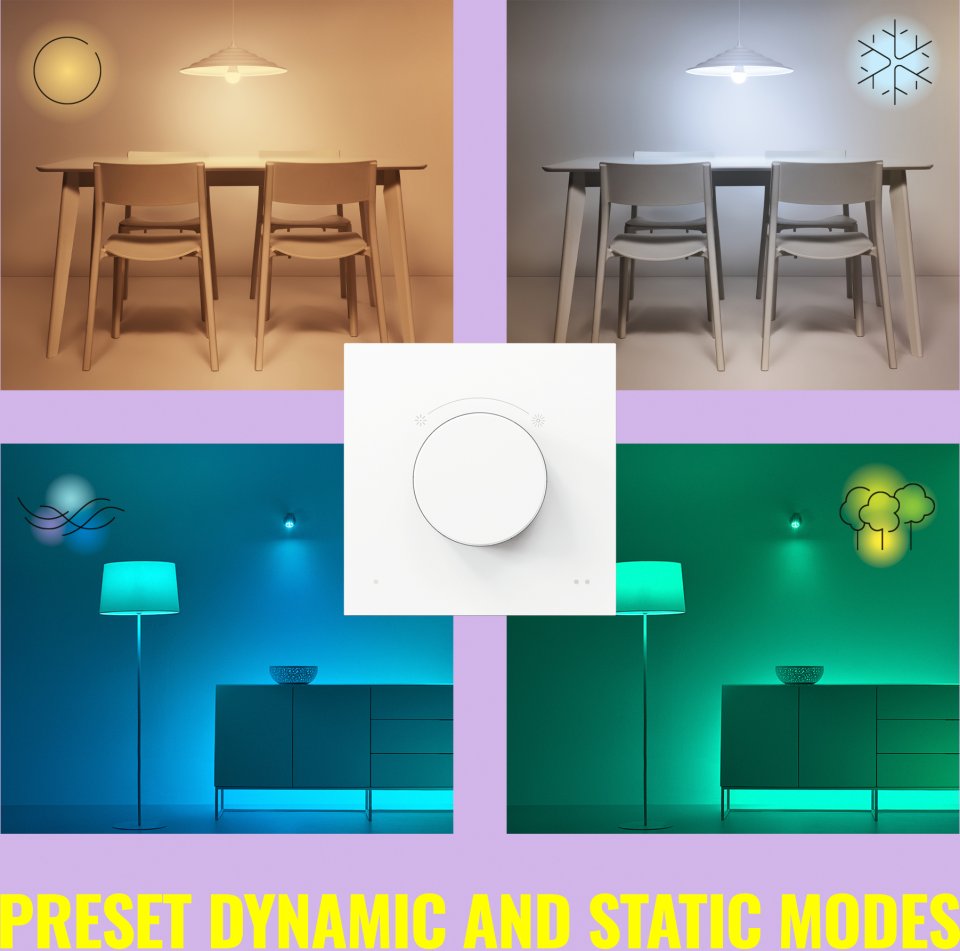
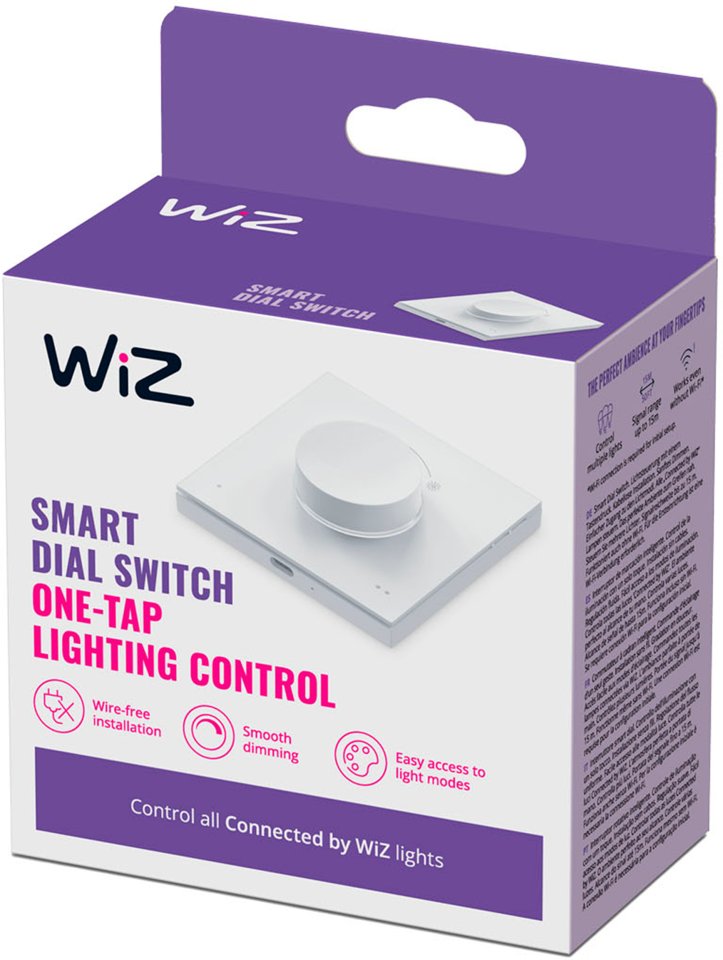
Controlling your home’s smart lighting is even more fun with the WiZ dial switch. With the smart, round switch, dimming the lights to just the right brightness is easy, and you can toggle between four favorite lighting settings with a light press of a button. These lighting settings can be configured in the WiZ app. The switch has a lithium battery that is charged via a USB-C cable, so you don’t have to worry about changing batteries. A small and stylish LED indicator shows when the lights are connected, when they are in use, or when the switch’s battery needs charging. Simply choose where to place the switch’s backplate—no separate installation is required. The switch is also easy to detach from the magnetic plate for wireless control.
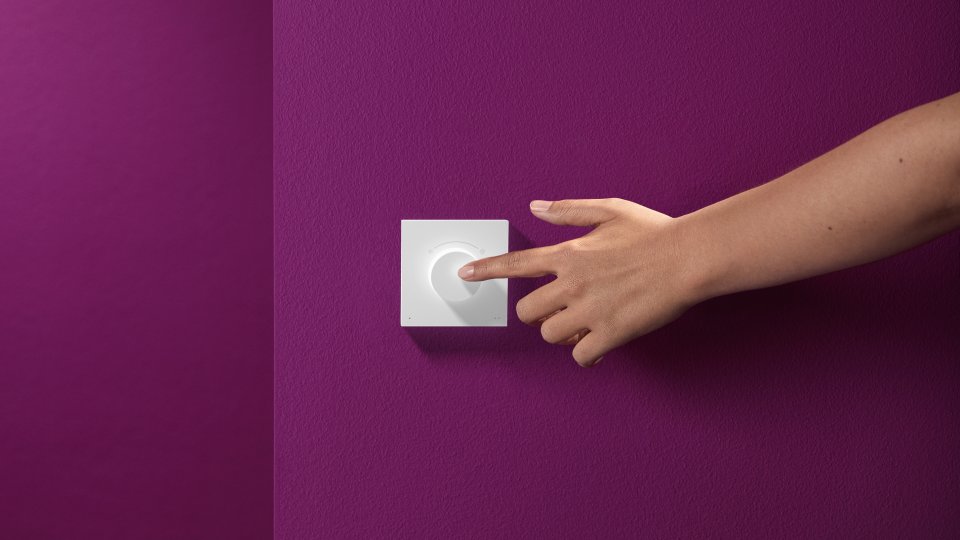
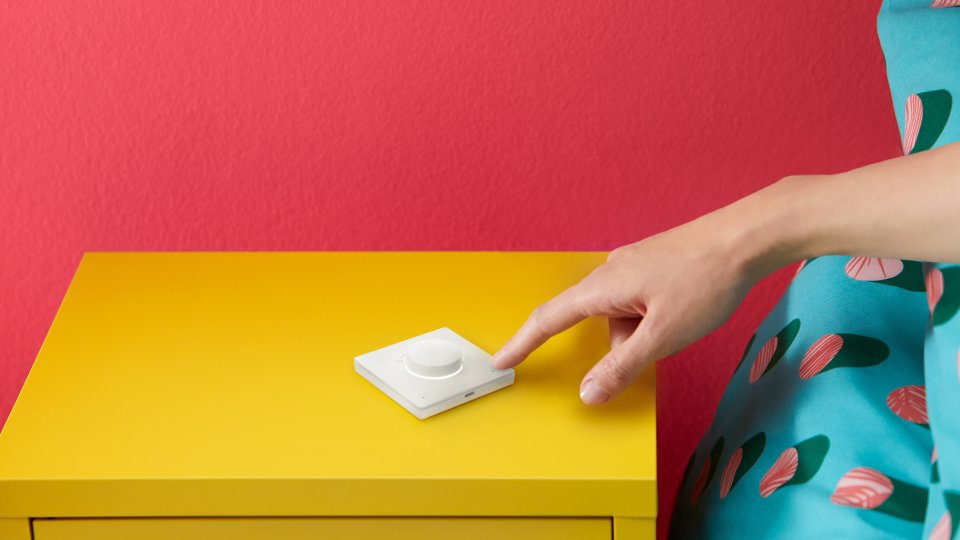
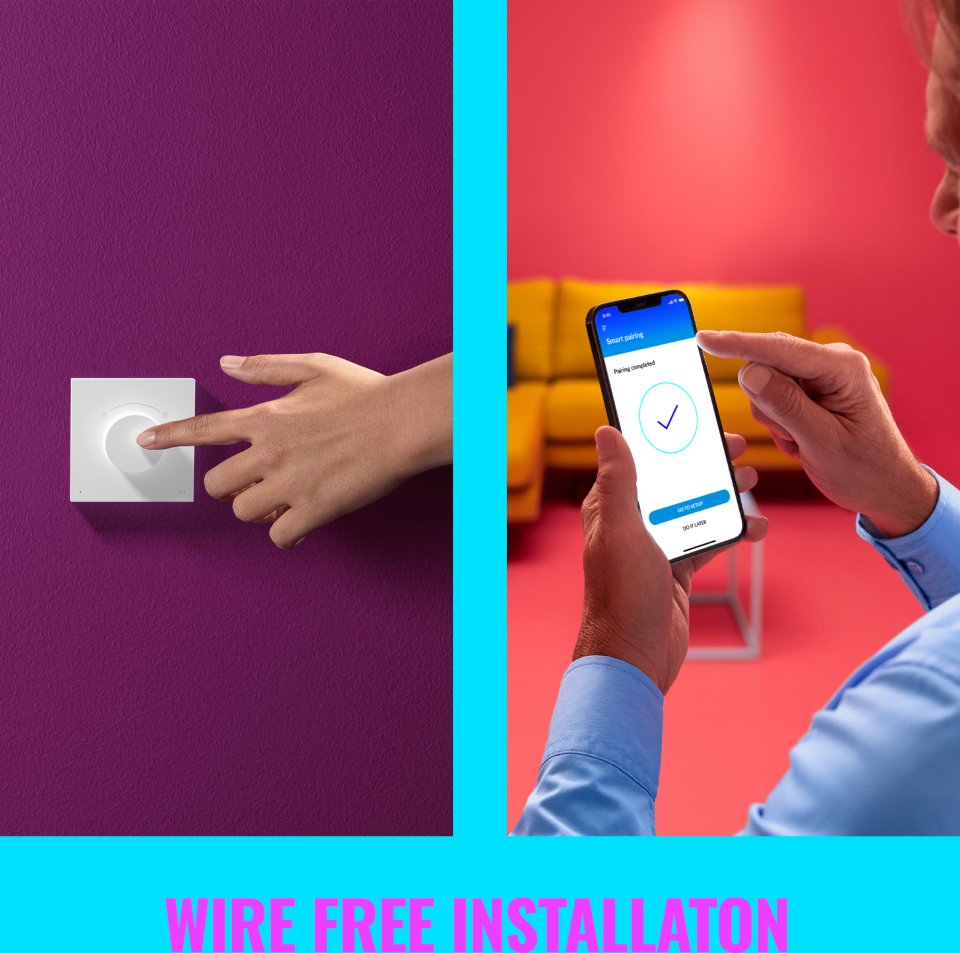
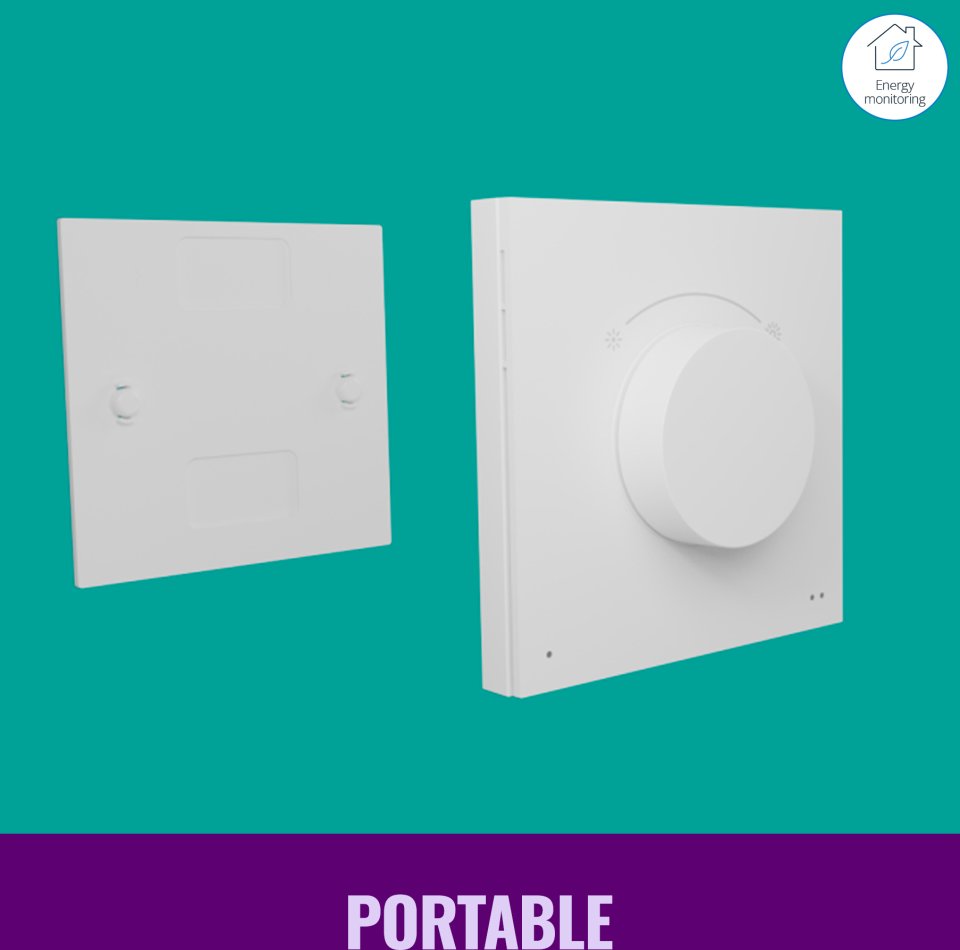
Place the backplate in a suitable location and attach the switch to it with the magnet. You can easily remove the switch from the plate to use it for wireless control from anywhere. Use the WiZ dial switch to quickly turn lights on and off, dim them, or switch between your favorite lighting settings with the press of a button.
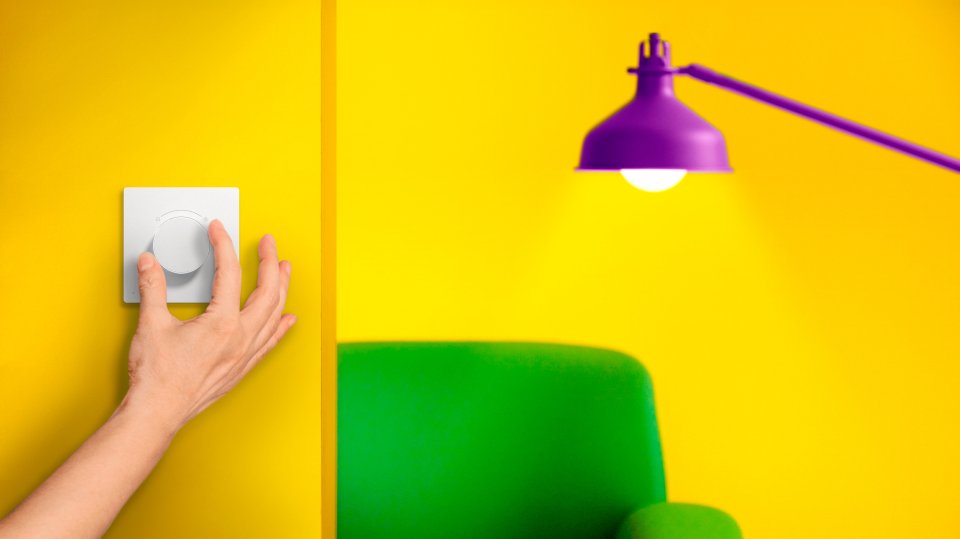
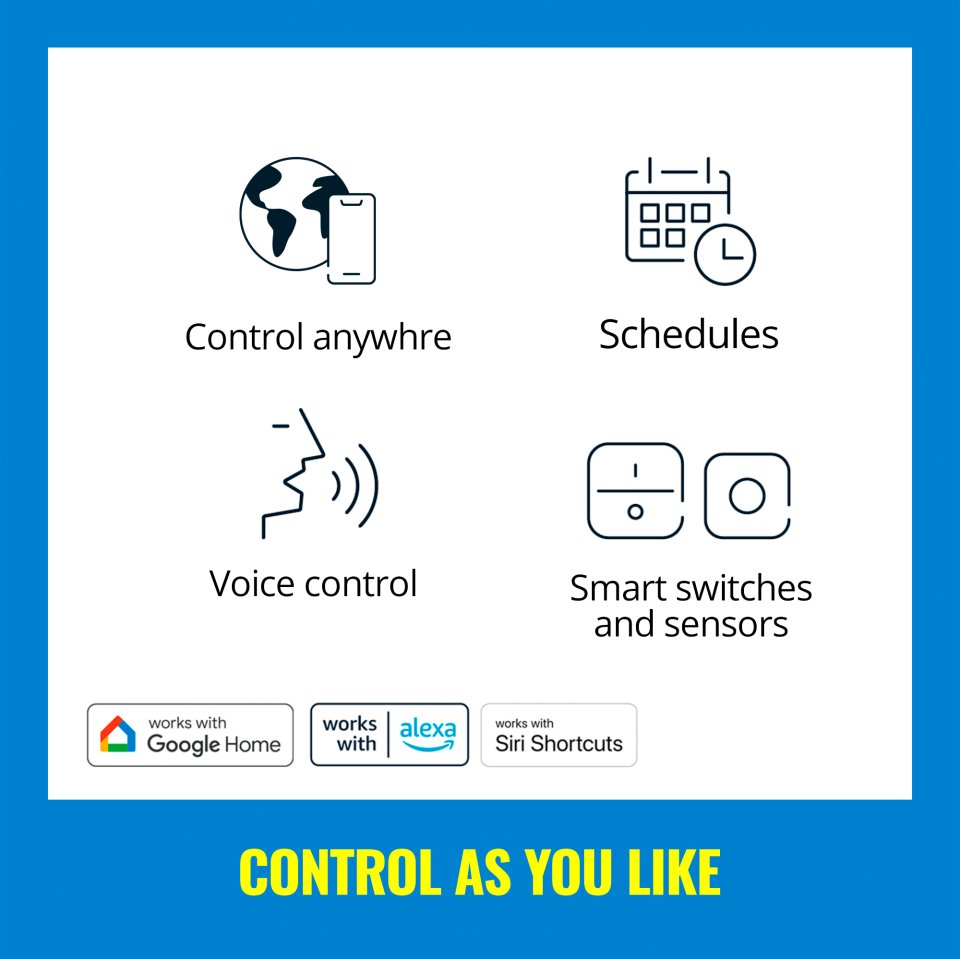
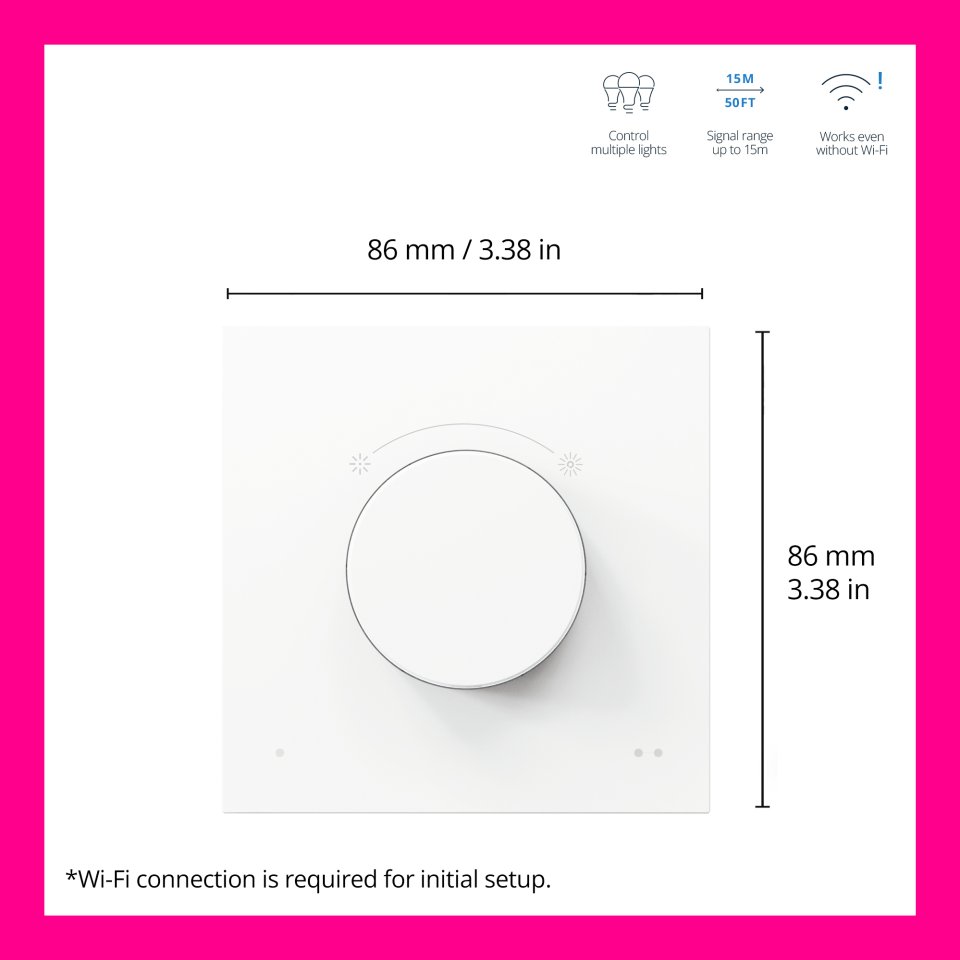
Control your WiZ lights quickly and easily. Turn lights on and off and adjust brightness with just one button press. The switch connects directly to your WiZ lights and also works when Wi-Fi is not available. Control lights and devices within a 15-meter radius indoors, even through walls.
You can connect the portable WiZ dial switch to one room and control all its lights—whether there is one or fifty. Want to control another room? You can easily change the room connected to the switch in the app.
Note, the WiZ Dial Switch must be connected to a wireless Wi-Fi network during setup. After setup, the switch connects to the lights and also works when no Wi-Fi network is available.
Technical specifications:
37 in stock

Controlling your home's smart lighting is even more fun with the WiZ dial switch. With the smart, round switch, dimming the lights to just the right brightness is easy, and you can toggle between four favorite lighting settings with a light press of a button. These lighting settings can be configured in the WiZ app. The switch has a lithium battery that is charged via a USB-C cable, so you don't have to worry about changing batteries. A small and stylish LED indicator shows when the lights are connected, when they are in use, or when the switch's battery needs charging. Simply choose where to place the switch's backplate—no separate installation is required. The switch is also easy to detach from the magnetic plate for wireless control.
Place the backplate in a suitable location and attach the switch to it with the magnet. You can easily remove the switch from the plate to use it for wireless control from anywhere. Use the WiZ dial switch to quickly turn lights on and off, dim them, or switch between your favorite lighting settings with the press of a button.
Control your WiZ lights quickly and easily. Turn lights on and off and adjust brightness with just one button press. The switch connects directly to your WiZ lights and also works when Wi-Fi is not available. Control lights and devices within a 15-meter radius indoors, even through walls.
You can connect the portable WiZ dial switch to one room and control all its lights—whether there is one or fifty. Want to control another room? You can easily change the room connected to the switch in the app.
Note, the WiZ Dial Switch must be connected to a wireless Wi-Fi network during setup. After setup, the switch connects to the lights and also works when no Wi-Fi network is available.
Technical specifications: