Additional information

Color

Black

PID

458160

Product depth (mm)

8,8

Product weight (g)

230

Wireless

No

Product Family

Intuos

Manufacturer address

Zollhof 11-15, 40221 Düsseldorf, Germany

Manufacturer's email address

https://support.wacom.com/hc/en-us

Manufacturer name

Wacom Europe GmbH

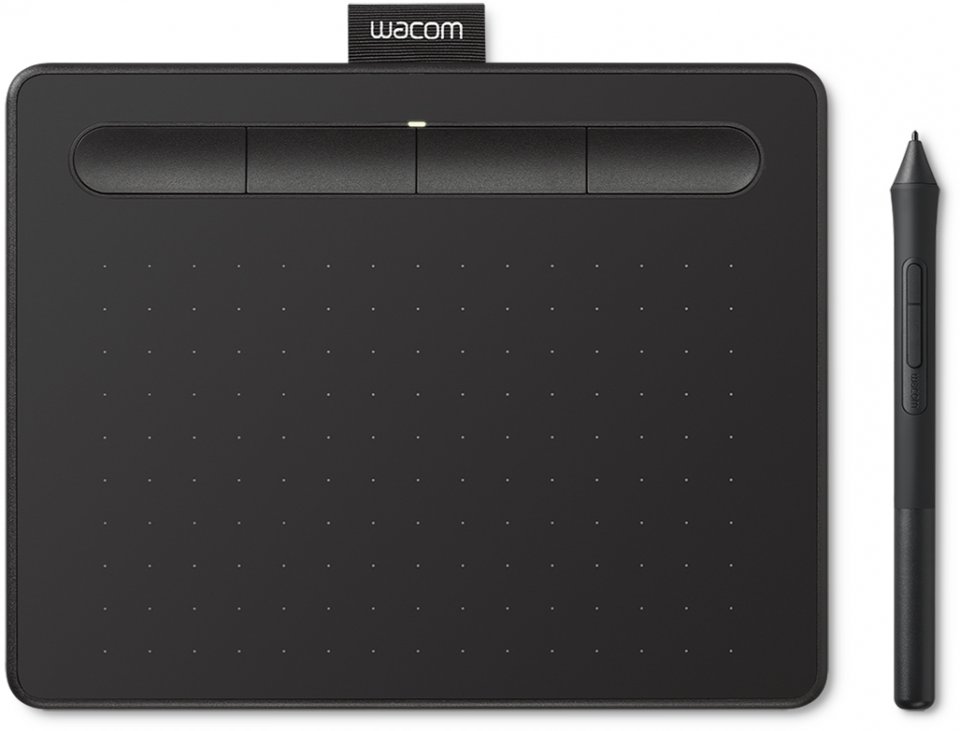
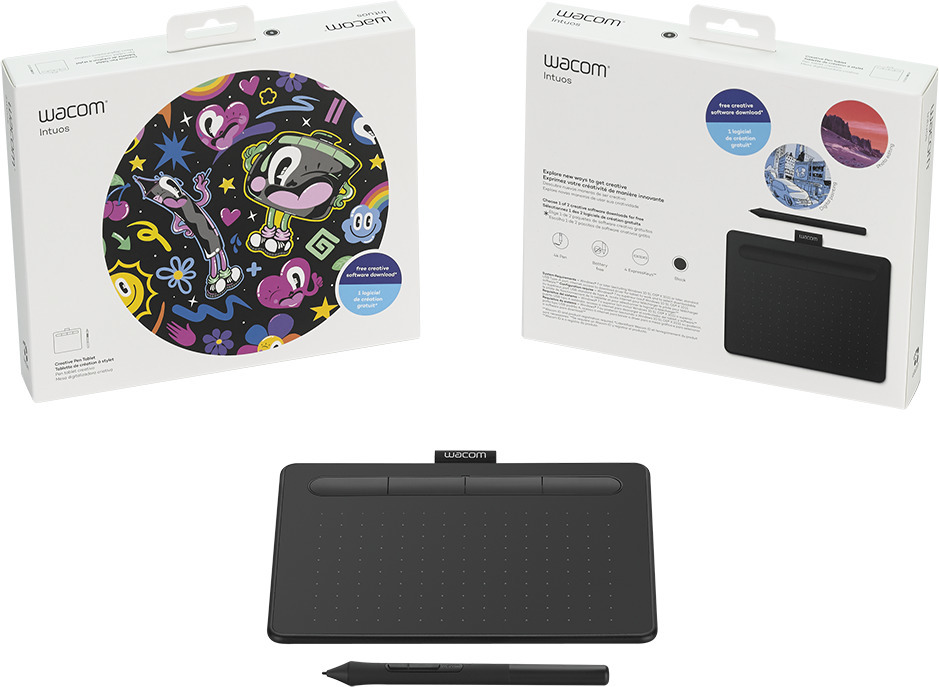
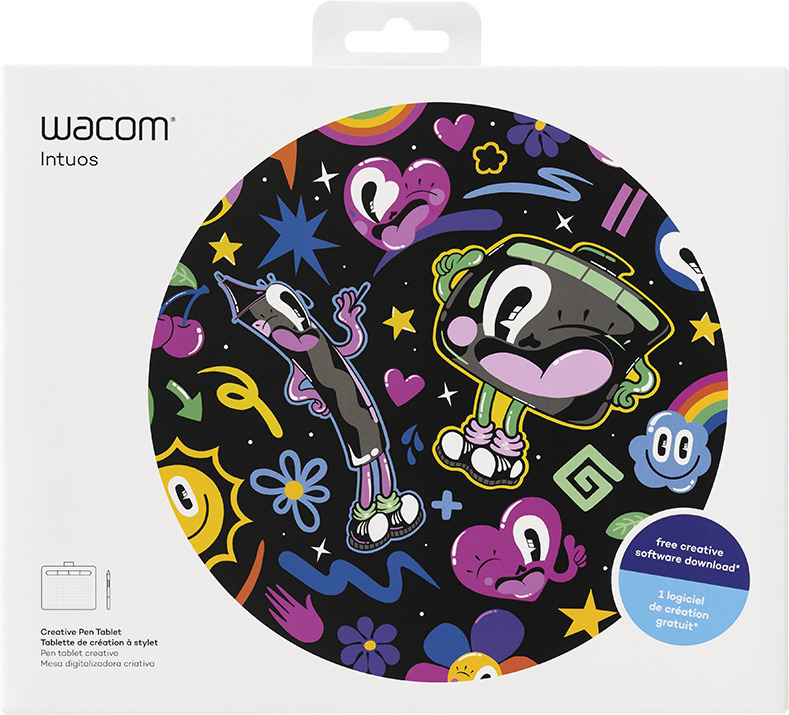
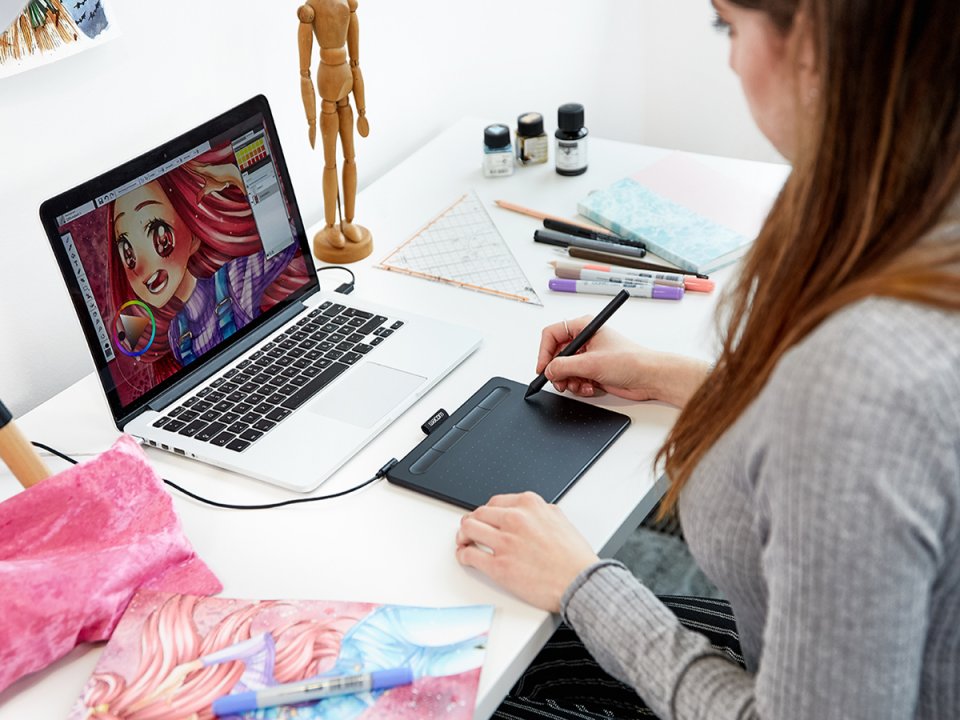
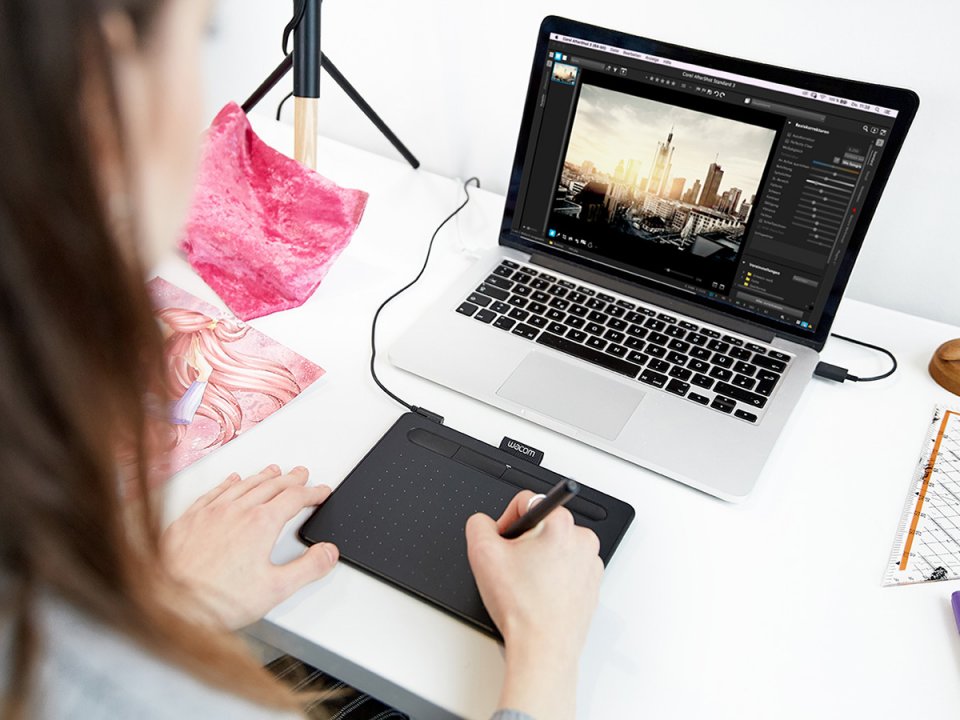
Whatever you want to create, the Wacom Intuos drawing tablet helps you discover new ways to draw, paint, and edit photos, whether you are a beginner or have used a drawing tablet before. The pressure-sensitive 4k pen, designed for both right- and left-handed users, is ergonomically shaped for easy and comfortable use. Getting started is quick and easy. Connect the drawing tablet to your Mac or PC via USB, download and install the driver software, register easily, and then you’re ready to go. With online tutorials and free downloadable software*, you can begin your creative work immediately.

You can download one (1) free software when you register your purchase. The software options are:

1. Corel Painter Essentials 7 (illustration, drawing), 90-day license
2. Corel AfterShot Pro 3 (photo editing), 90-day license

Wacom Intuos S features:

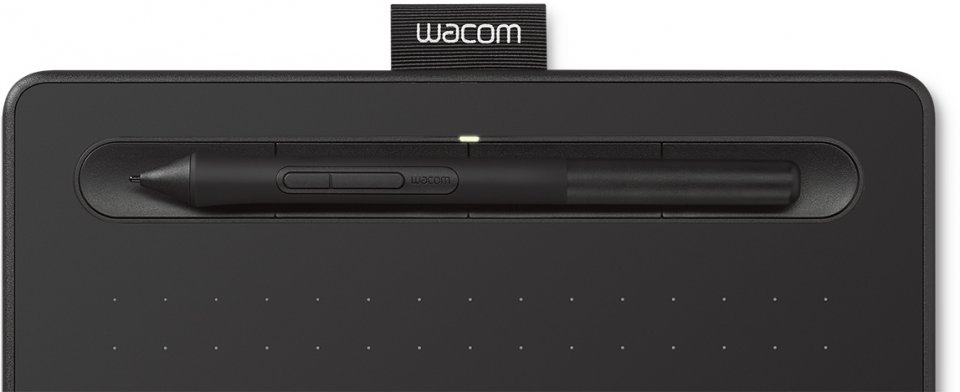
  • The pressure-sensitive pen has 4,096 levels of sensitivity, providing control and precision.
  • The pen is lightweight and comfortable because it has no battery, using electromagnetic resonance (EMR) technology.
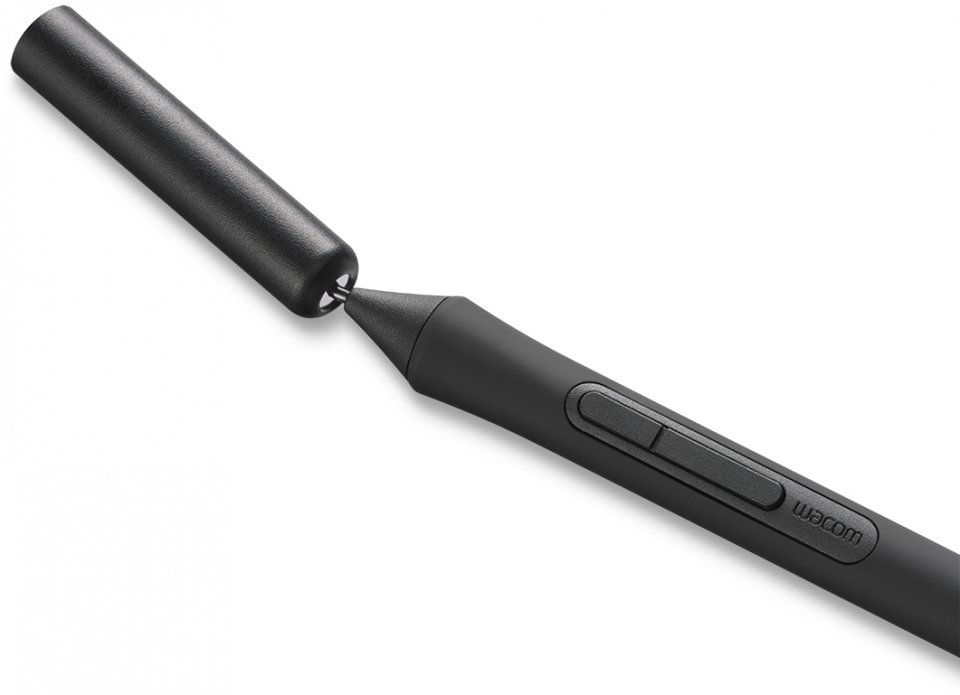
  • Three replacement nibs inside the pen
  • Connects to the computer via USB cable, which is included in the package.
  • ±0.25 millimeter digital accuracy precisely indicates where the pen is on the screen.
  • Seven millimeter reading height allows for precise movement.
  • The pen has two buttons for shortcut functions.
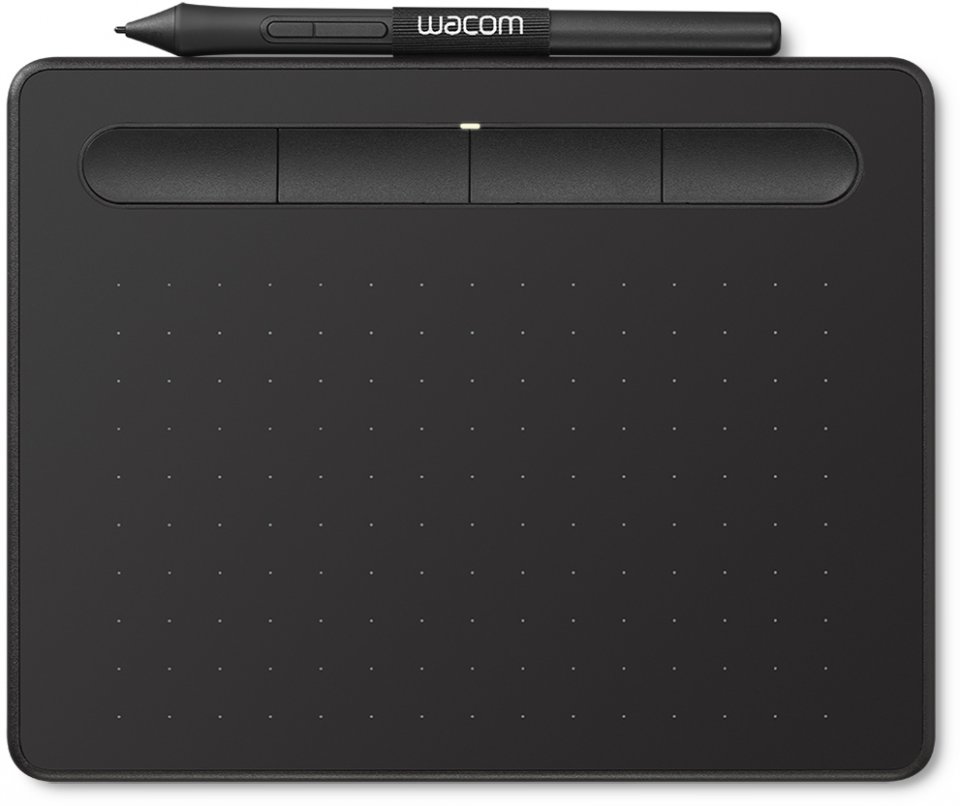
  • Four programmable ExpressKeys for faster and more efficient shortcuts.
  • Thinner and lighter tablet with the same drawing area size as previous Intuos models.
  • 133 electromagnetic signals per second ensure highly accurate interaction between the pen and tablet without a battery.
  • 152 x 95 millimeter active drawing area [Size S]
  • 100 lines per millimeter resolution ensures the tablet knows exactly where the pen is.
  • The tablet is only 8.8 millimeters thin, about the thickness of a smartphone.

* To get the free software, you need to sign in or create a Wacom ID at www.wacom.com and register your Wacom Intuos device. Make sure you visit the European Wacom website.
Toote pildid on illustratiivsed ja näitlikud. Originaaltoote omadused võivad nende tegelikust väljanägemisest erineda, seega palun tutvuge tootekirjelduses toodud tootespetsifikatsioonidega.
LAOS OLEMAS

Wacom Intuos S Drawing Tablet, Black

73.15
sis. KM 24%

9 in stock

  • 4096 sensitivity levels
  • Active area: 152 x 95 mm
  • 4 programmable keys
Eeldatav tarneaeg: 4-7 päeva
Maksa hiljem või osana
Tootekood: CTL-4100K-N
EAN kood: 4949268621335, 2220004581604

Whatever you want to create, the Wacom Intuos drawing tablet helps you discover new ways to draw, paint, and edit photos, whether you are a beginner or have used a drawing tablet before. The pressure-sensitive 4k pen, designed for both right- and left-handed users, is ergonomically shaped for easy and comfortable use. Getting started is quick and easy. Connect the drawing tablet to your Mac or PC via USB, download and install the driver software, register easily, and then you’re ready to go. With online tutorials and free downloadable software*, you can begin your creative work immediately.

You can download one (1) free software when you register your purchase. The software options are:

1. Corel Painter Essentials 7 (illustration, drawing), 90-day license
2. Corel AfterShot Pro 3 (photo editing), 90-day license

Wacom Intuos S features:

  • The pressure-sensitive pen has 4,096 levels of sensitivity, providing control and precision.
  • The pen is lightweight and comfortable because it has no battery, using electromagnetic resonance (EMR) technology.
  • Three replacement nibs inside the pen
  • Connects to the computer via USB cable, which is included in the package.
  • ±0.25 millimeter digital accuracy precisely indicates where the pen is on the screen.
  • Seven millimeter reading height allows for precise movement.
  • The pen has two buttons for shortcut functions.
  • Four programmable ExpressKeys for faster and more efficient shortcuts.
  • Thinner and lighter tablet with the same drawing area size as previous Intuos models.
  • 133 electromagnetic signals per second ensure highly accurate interaction between the pen and tablet without a battery.
  • 152 x 95 millimeter active drawing area [Size S]
  • 100 lines per millimeter resolution ensures the tablet knows exactly where the pen is.
  • The tablet is only 8.8 millimeters thin, about the thickness of a smartphone.

* To get the free software, you need to sign in or create a Wacom ID at www.wacom.com and register your Wacom Intuos device. Make sure you visit the European Wacom website.
Sarnased tooted

[woo_category_tree]