| Country of Origin | United Kingdom |
|---|---|
| PID | 898702 |
| Product depth (mm) | 23 |
| Product height (mm) | 40 |
| Product weight (g) | 50 |
| Product width (mm) | 51 |
| Manufacturer address | TARGUS, Office 208, Business Center Sinihelmi, FI-02630 ESPOO |
| Manufacturer's email address | eu.targus.com |
| Manufacturer name | Targus |
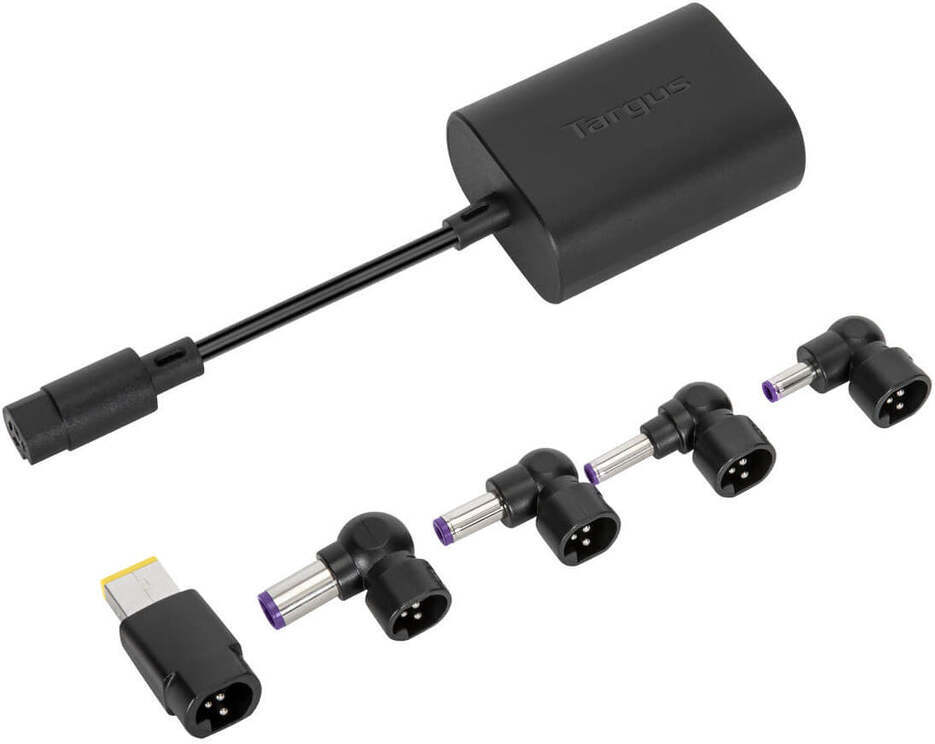
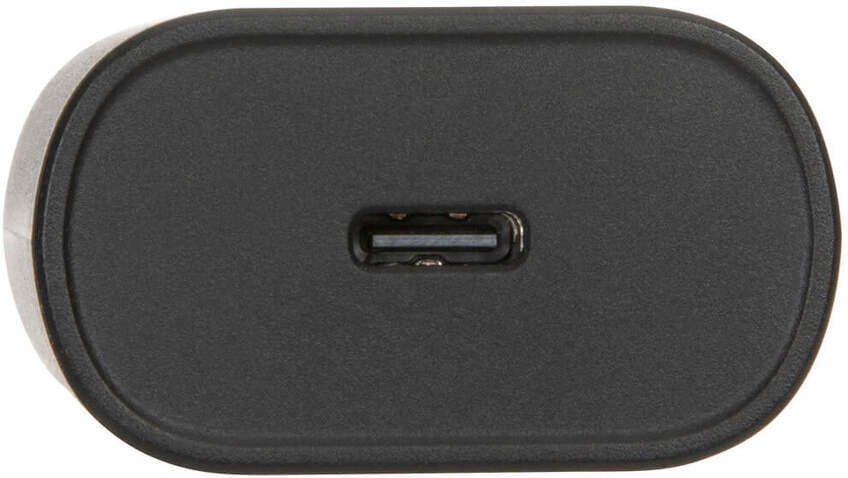
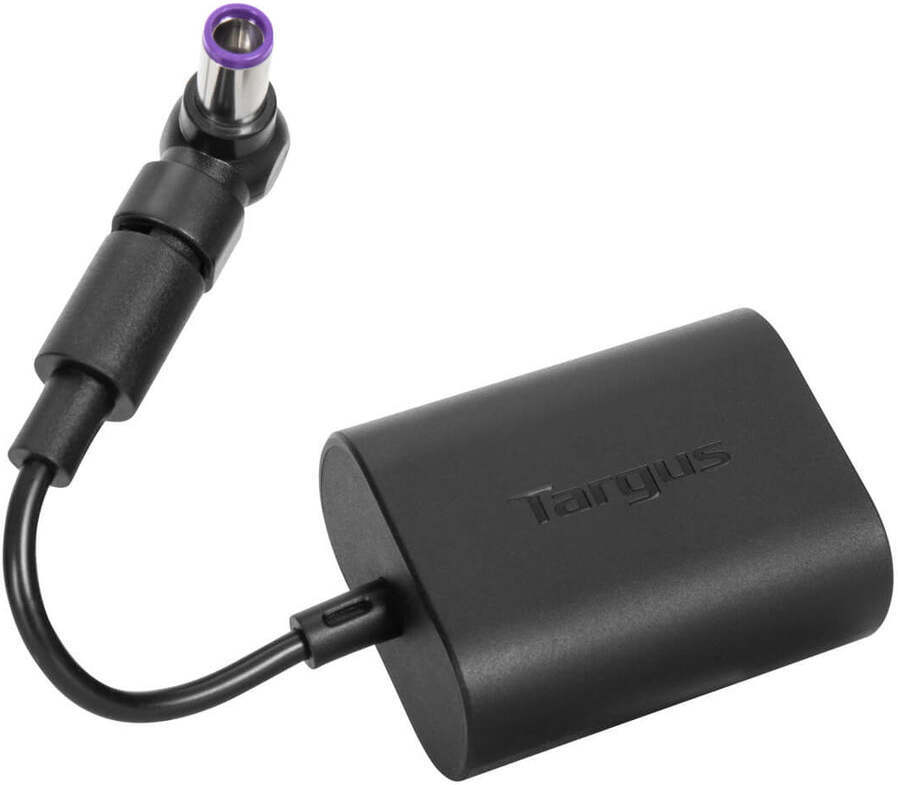
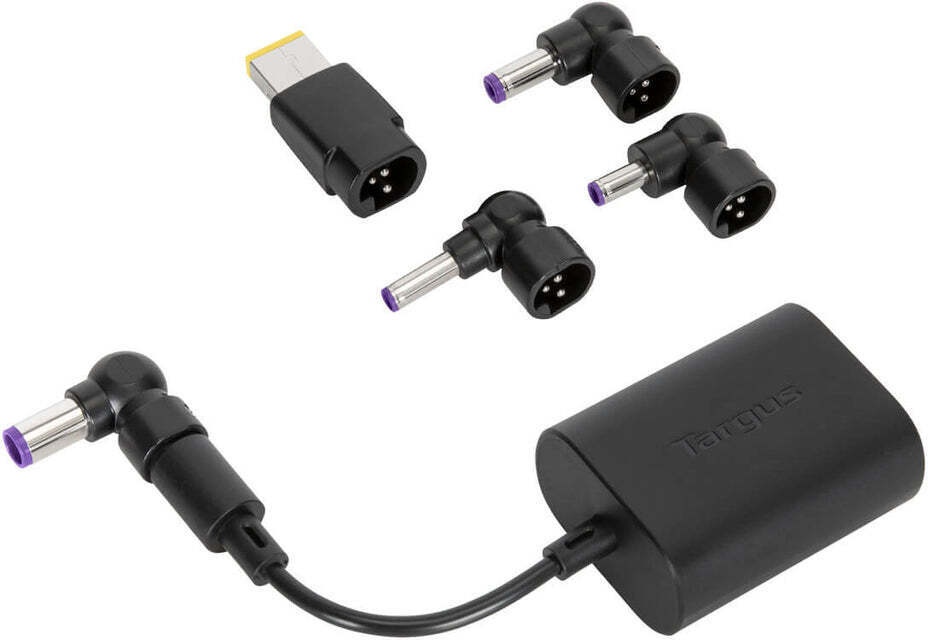
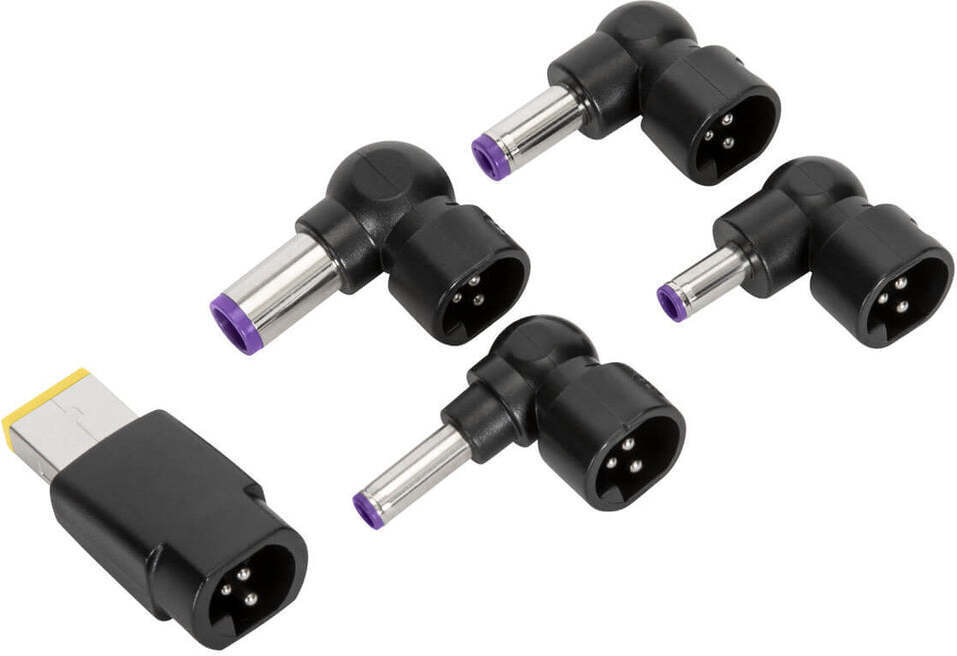
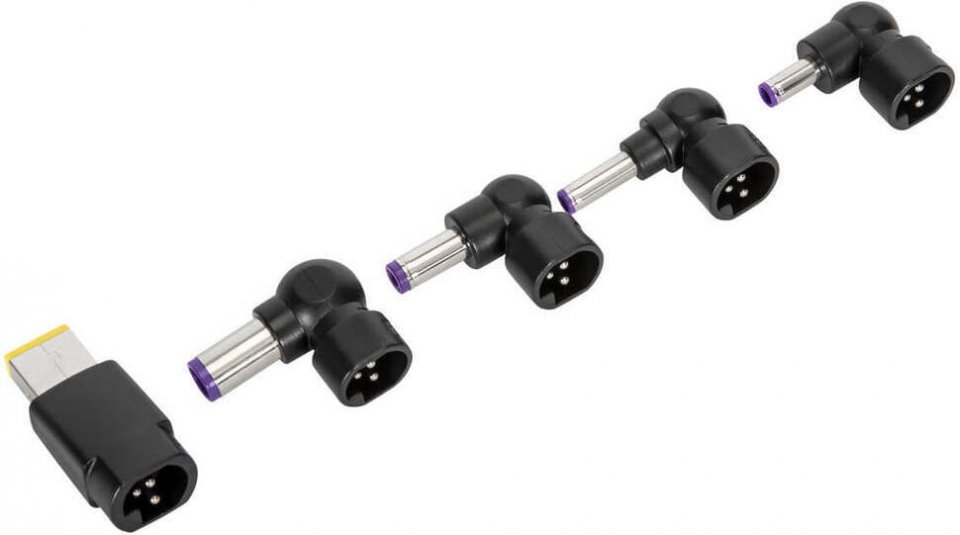
If you have a USB-C type charger but your laptop does not support USB-C charging and requires the device manufacturer’s own charging tip, you can use the Targus USB-C adapter, which includes the most common original laptop charging tips. Connect your USB-C charger to the Targus adapter and choose one of the five included charging connectors that fits your laptop’s port. The included charging tips fit most Acer, ASUS, Compaq, Dell, Fujitsu, Gateway, HP, IBM, Lenovo, and Toshiba laptops that require an older type of charger. The adapter and charging connector detect the correct required charging voltage, making it safe to use. Although USB-C power adapters are becoming more common, many laptops still use an older, non-USB-C power connector. Whether you need to replace your original charger or use a single power source to connect and charge different devices, you can easily take any USB-C power source (sufficiently powerful & sold separately) and connect it to the Targus® USB-C® power adapter to safely convert the USB-C charger to support the device manufacturer’s own charging port.
1 in stock

If you have a USB-C type charger but your laptop does not support USB-C charging and requires the device manufacturer's own charging tip, you can use the Targus USB-C adapter, which includes the most common original laptop charging tips. Connect your USB-C charger to the Targus adapter and choose one of the five included charging connectors that fits your laptop's port. The included charging tips fit most Acer, ASUS, Compaq, Dell, Fujitsu, Gateway, HP, IBM, Lenovo, and Toshiba laptops that require an older type of charger. The adapter and charging connector detect the correct required charging voltage, making it safe to use. Although USB-C power adapters are becoming more common, many laptops still use an older, non-USB-C power connector. Whether you need to replace your original charger or use a single power source to connect and charge different devices, you can easily take any USB-C power source (sufficiently powerful & sold separately) and connect it to the Targus® USB-C® power adapter to safely convert the USB-C charger to support the device manufacturer's own charging port.