| Color | Black |
|---|---|
| Country of Origin | China |
| PID | 798184 |
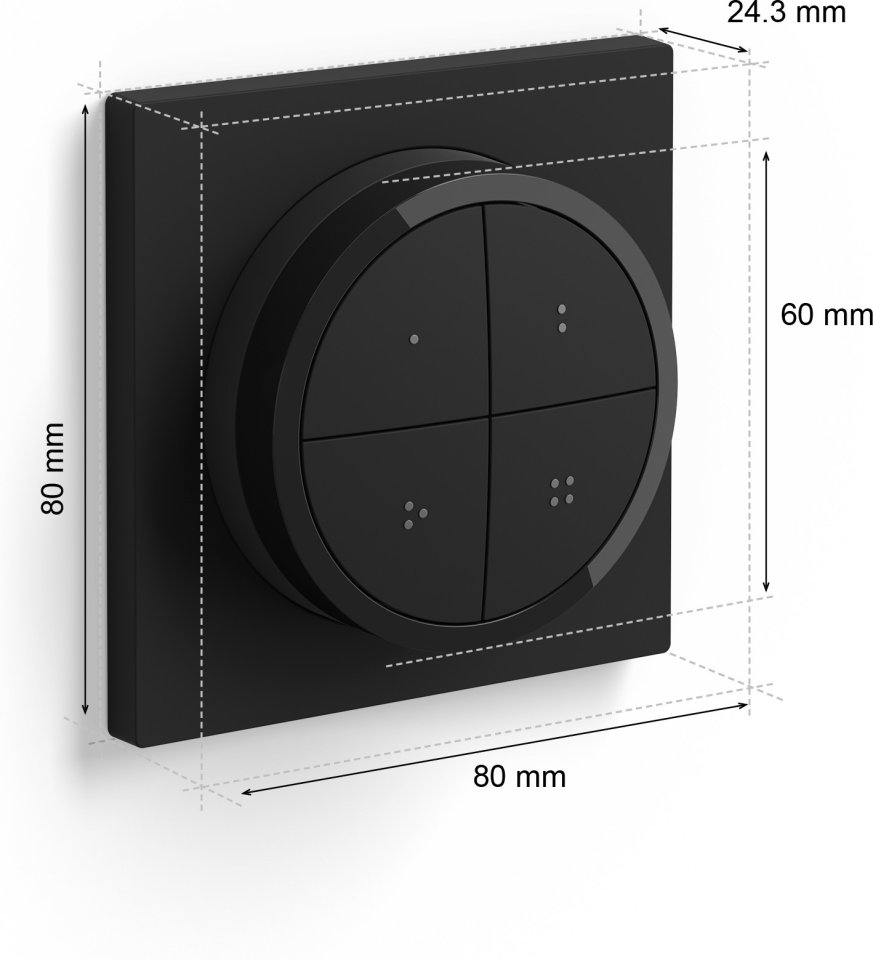
| Product depth (mm) | 60 |
| Product height (mm) | 20 |
| Product weight (g) | 70 |
| Product width (mm) | 60 |
| Smart Home Protocol | Zigbee |
| Voice Control | Amazon Alexa, Google Assistant |
| Requires a hub or a home automation controller | No |
| Batteries included | Yes |
| Battery type | CR2032 |
| Battery operated | Yes |
| Manufacturer address | Signify – I.B.R.S. / C.C.R.I.Numéro 10461 5600 VB Eindhoven, the Netherlands. |
| Manufacturer's email address | |
| Manufacturer name | Signify |
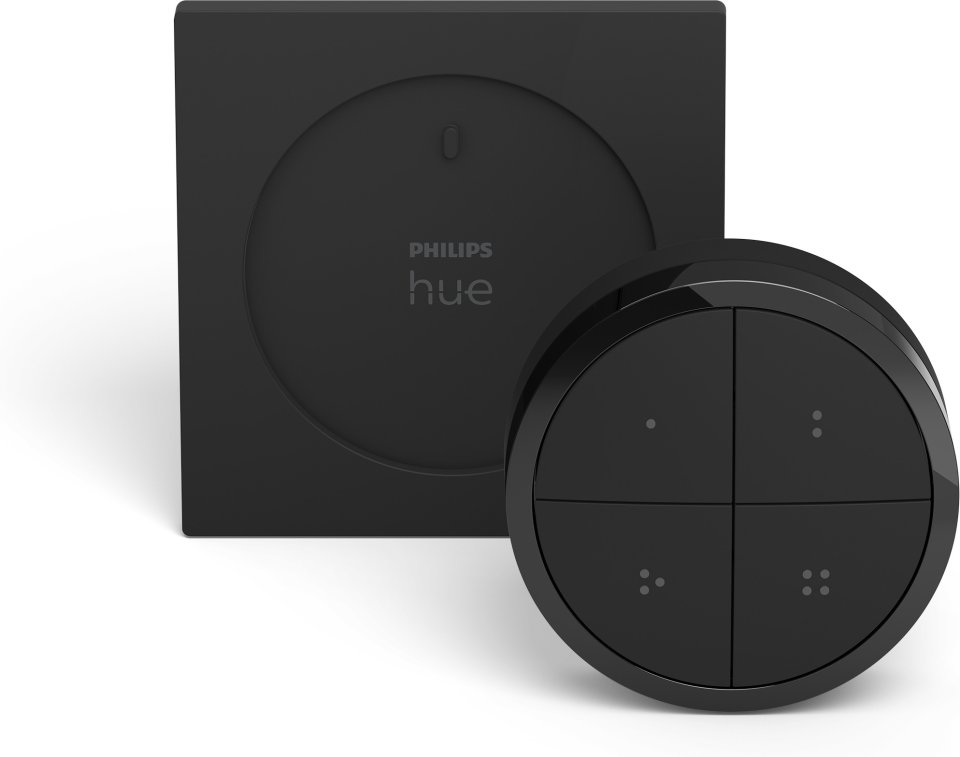
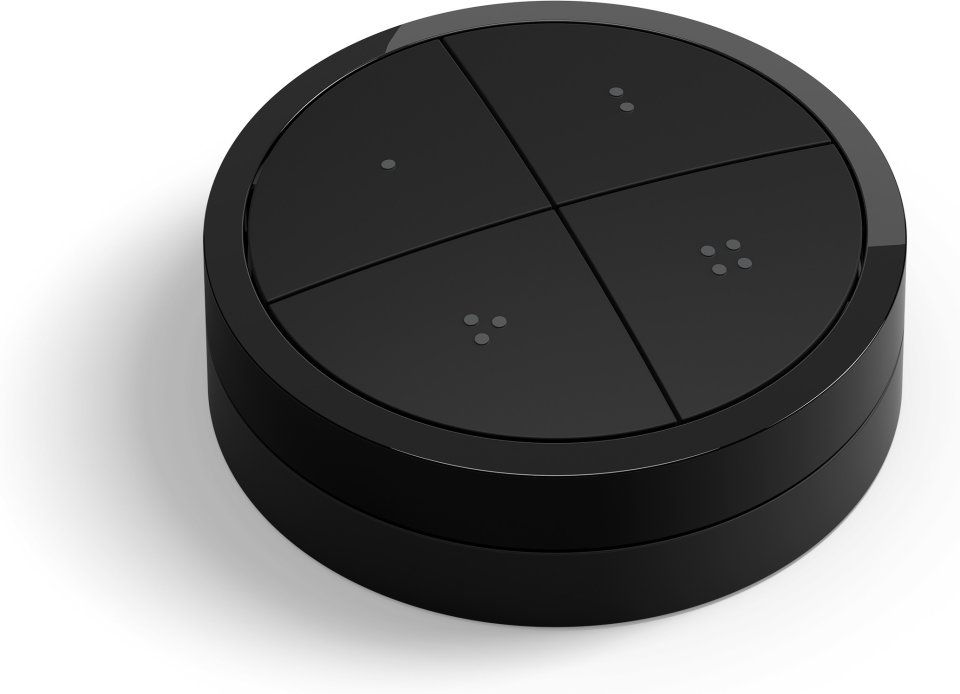
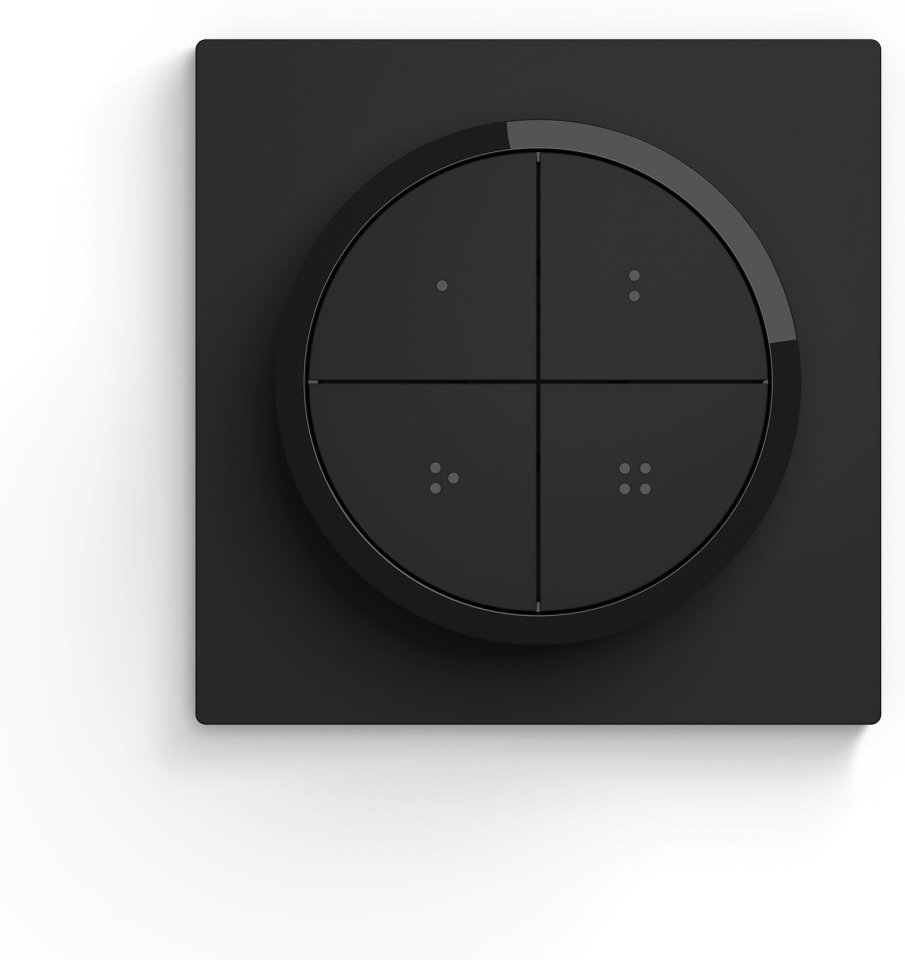
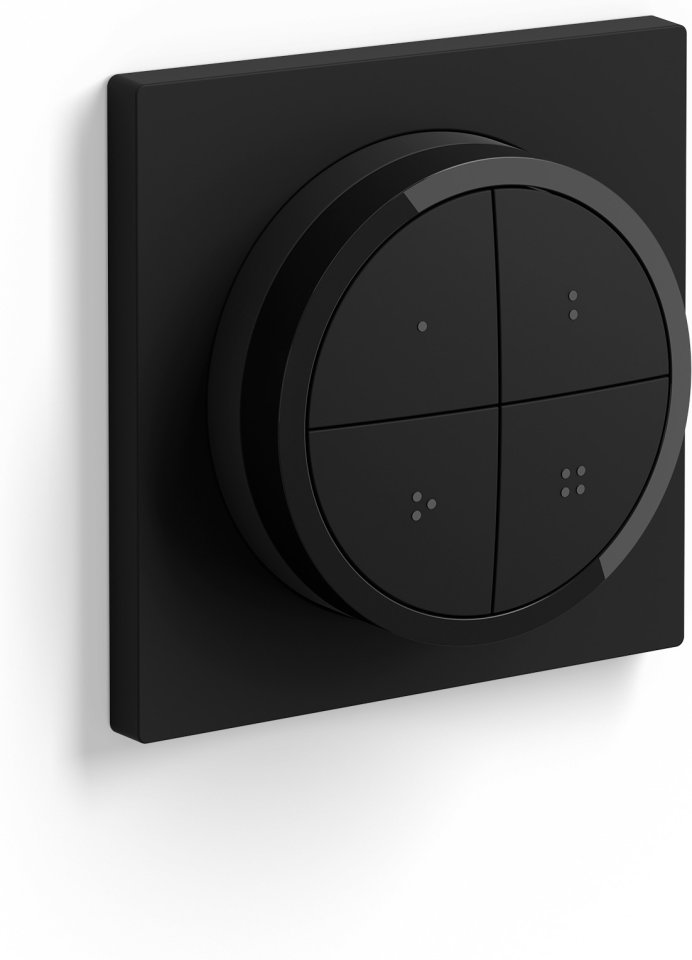
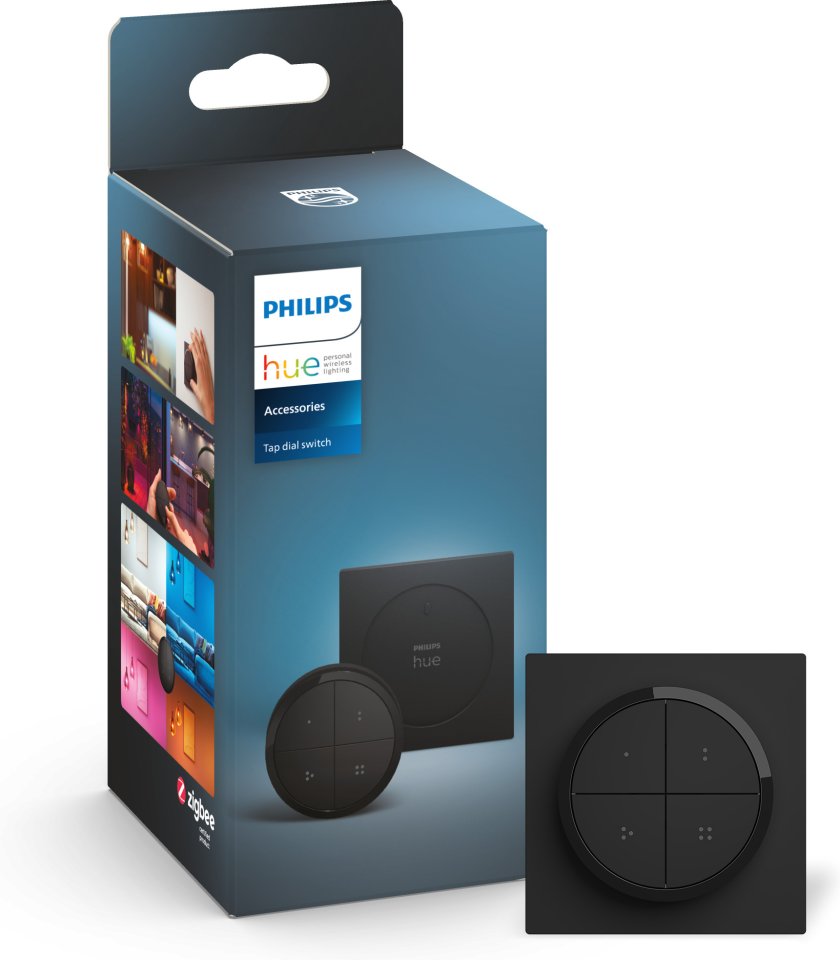
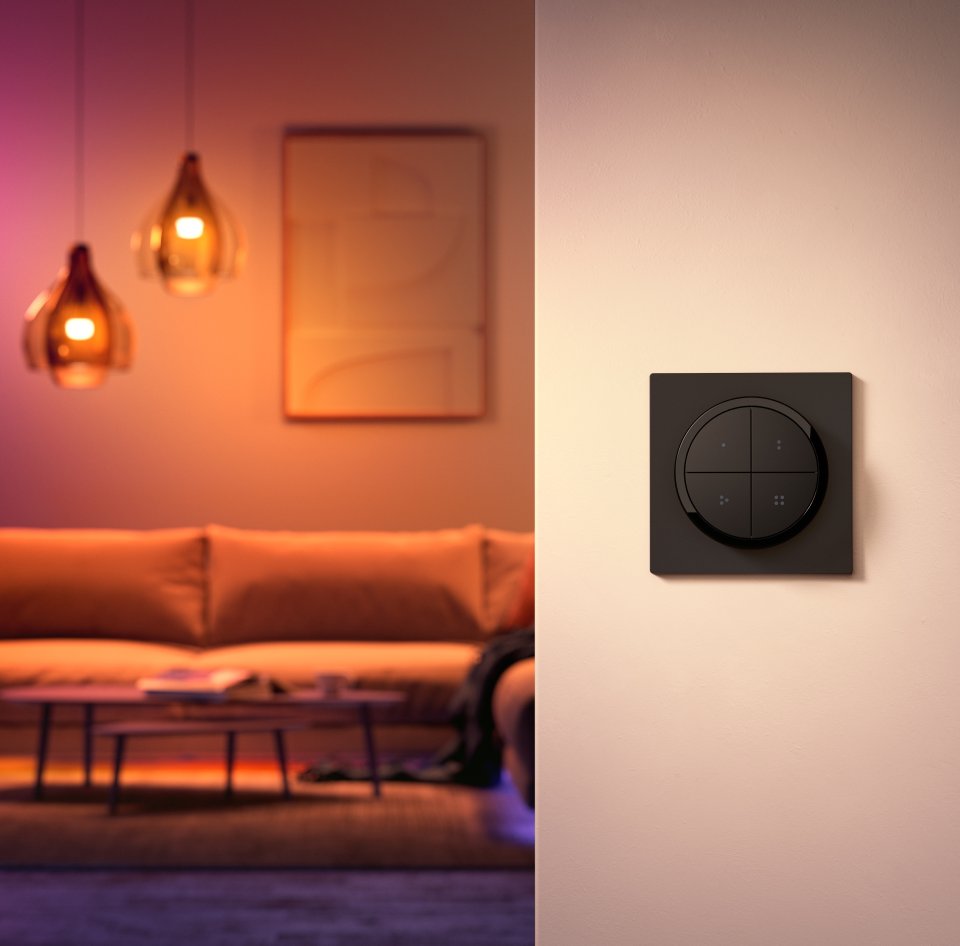
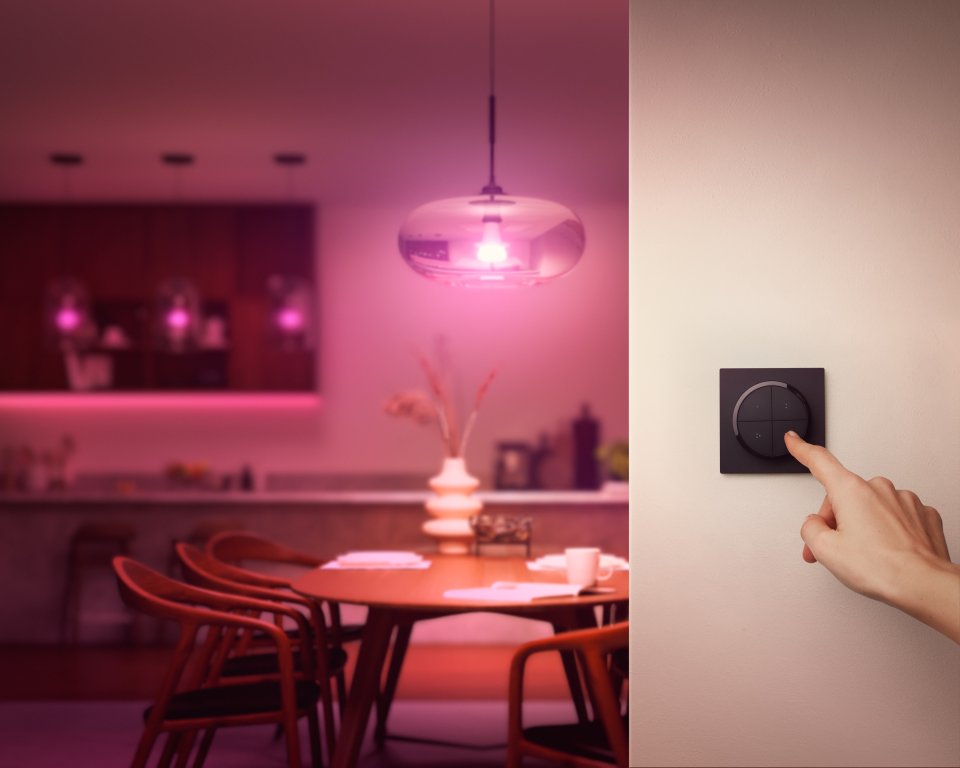
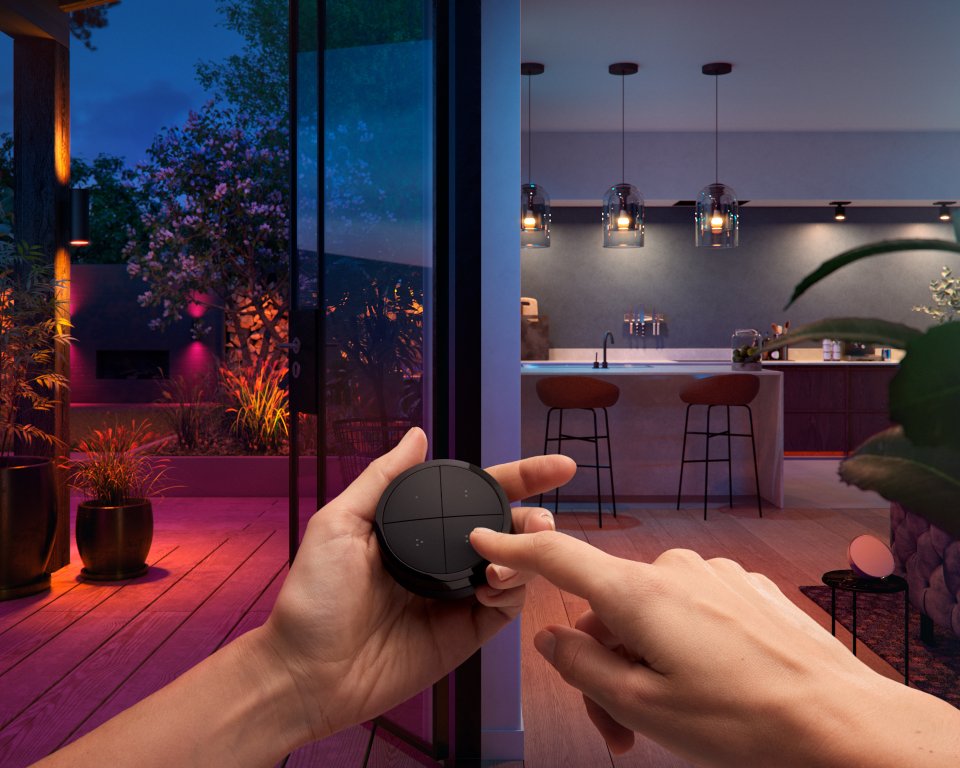
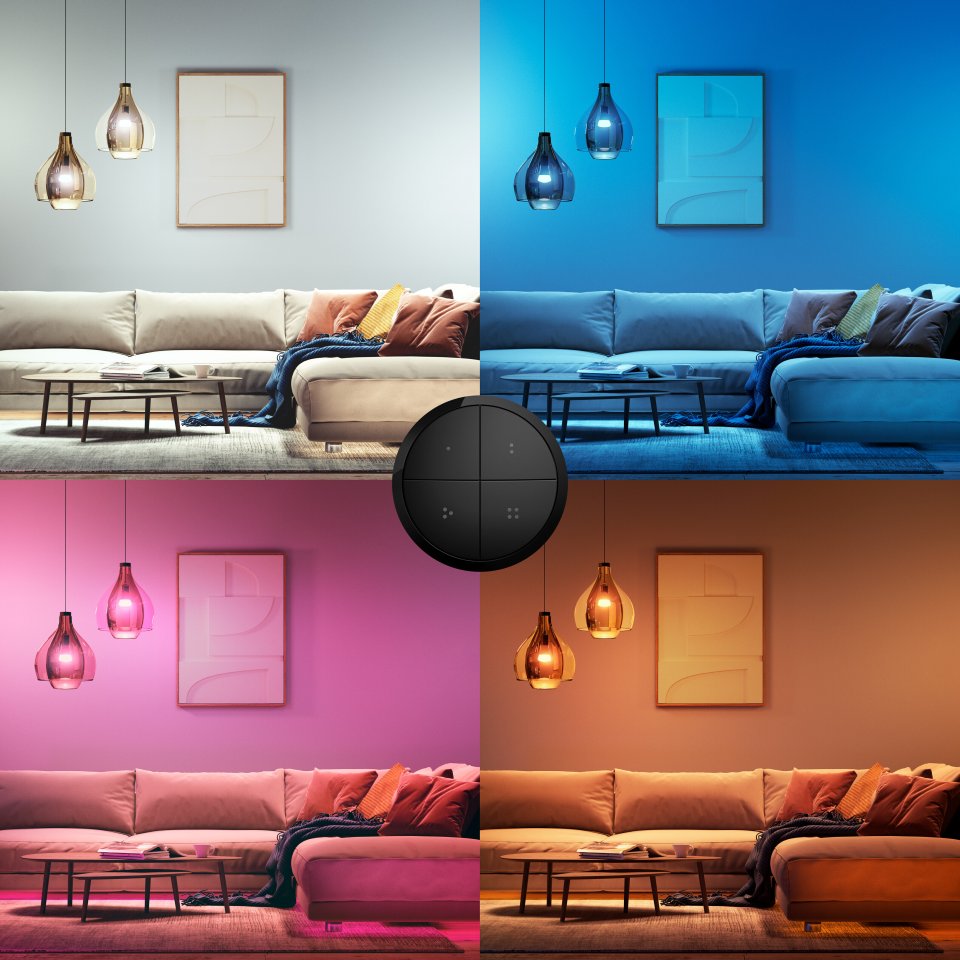
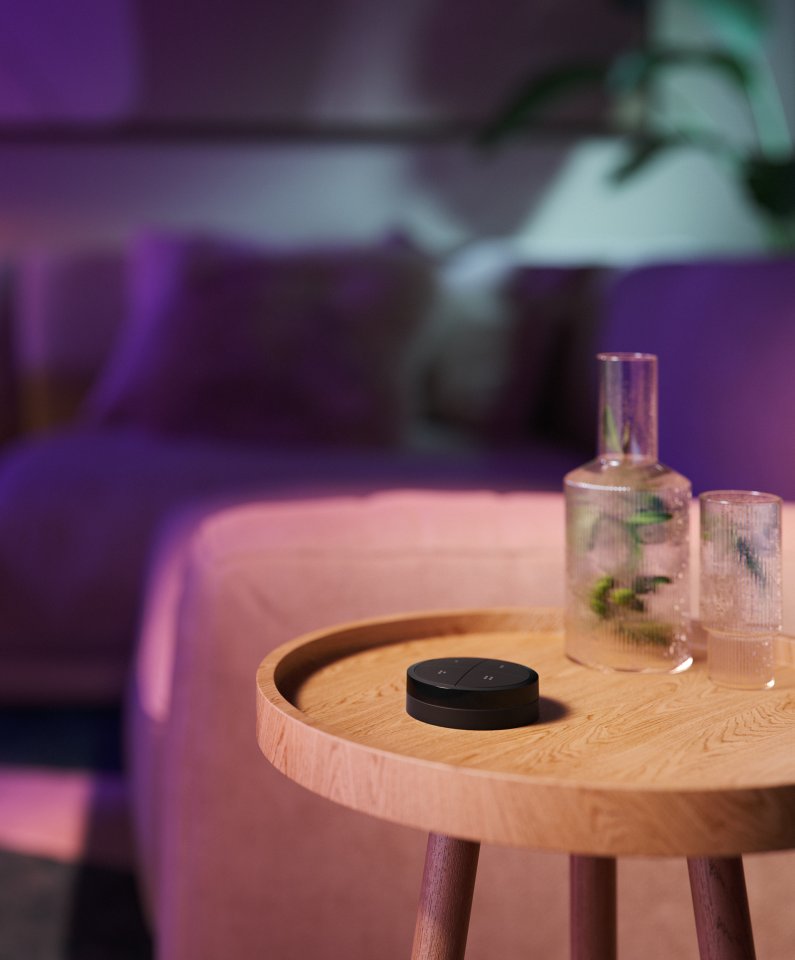
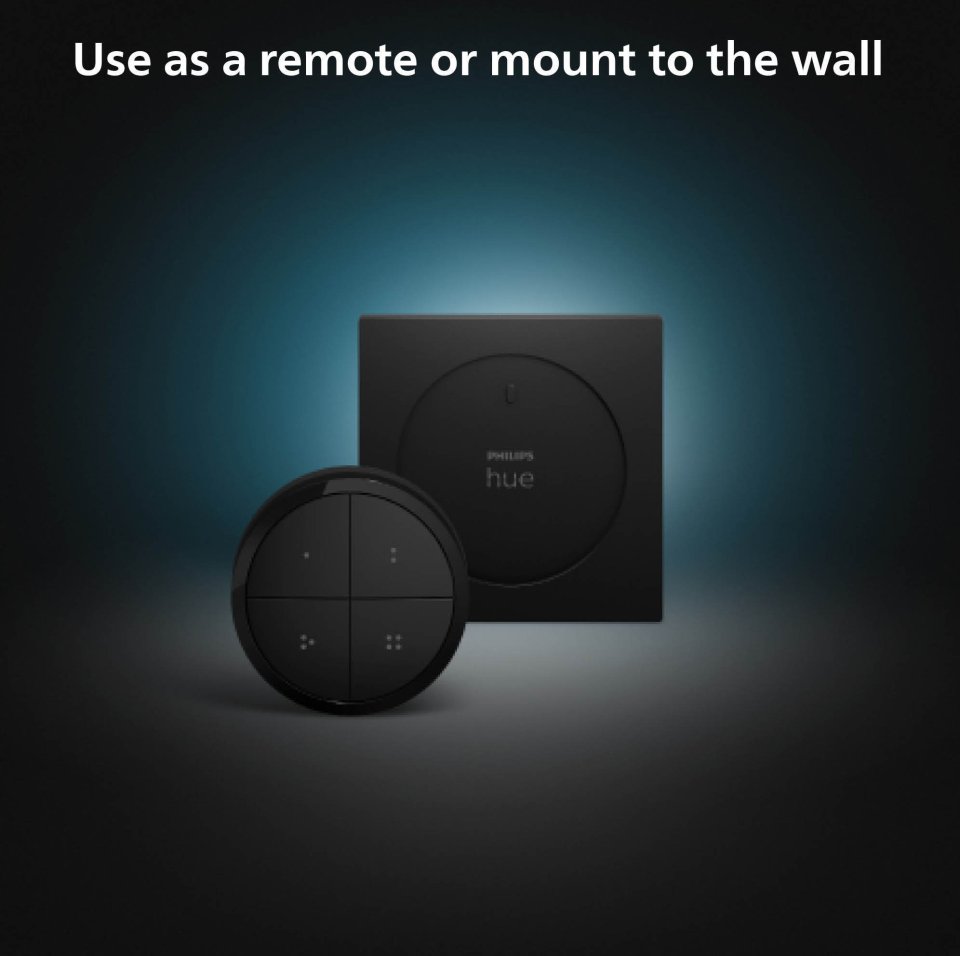
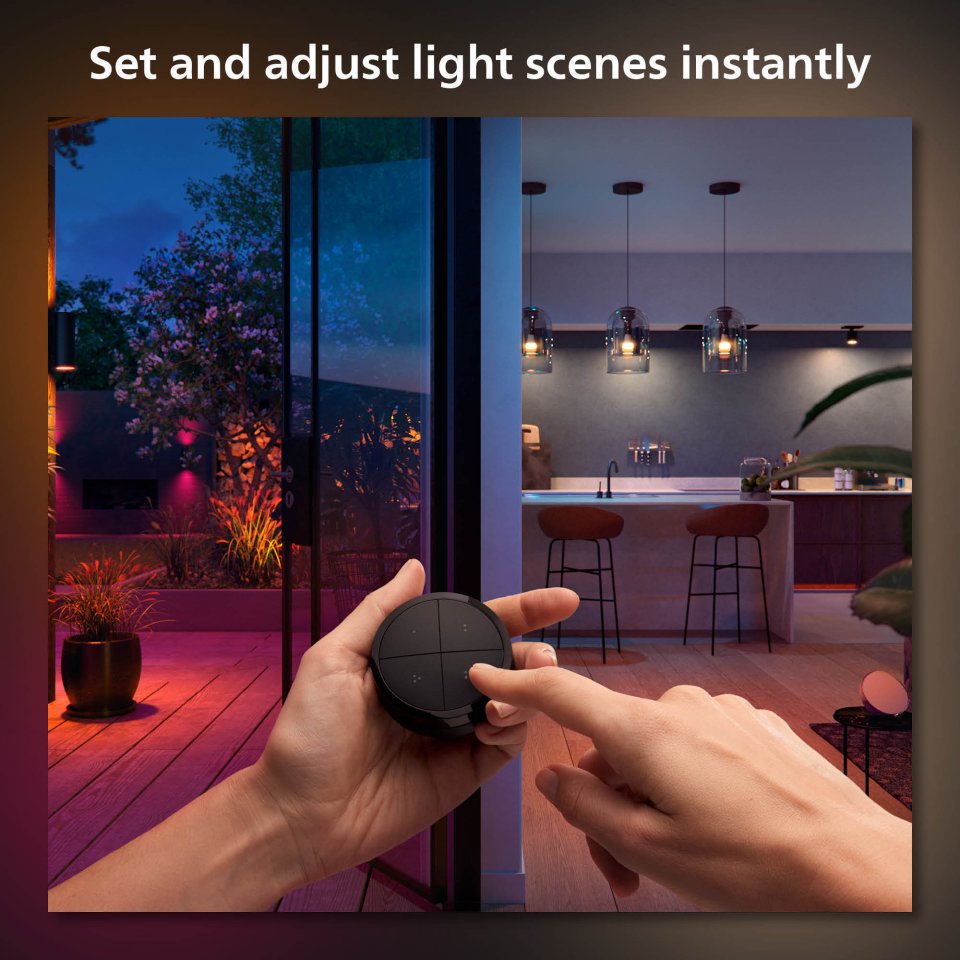
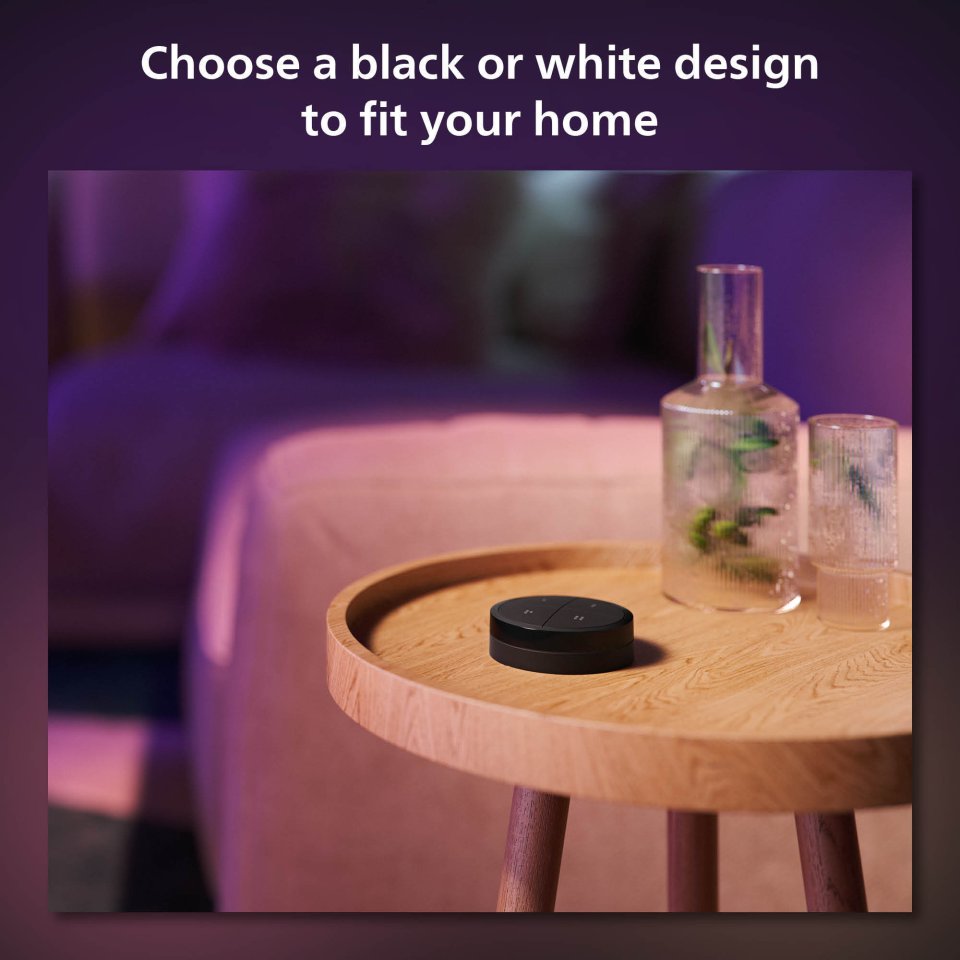
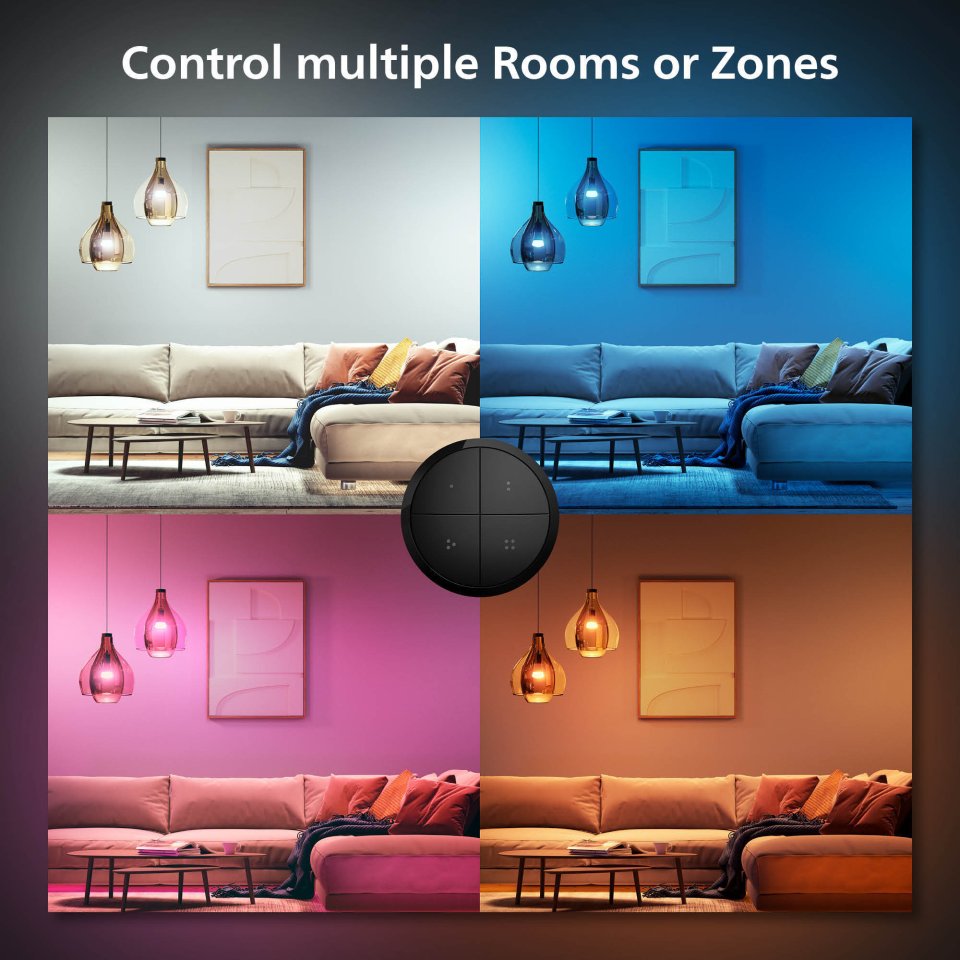
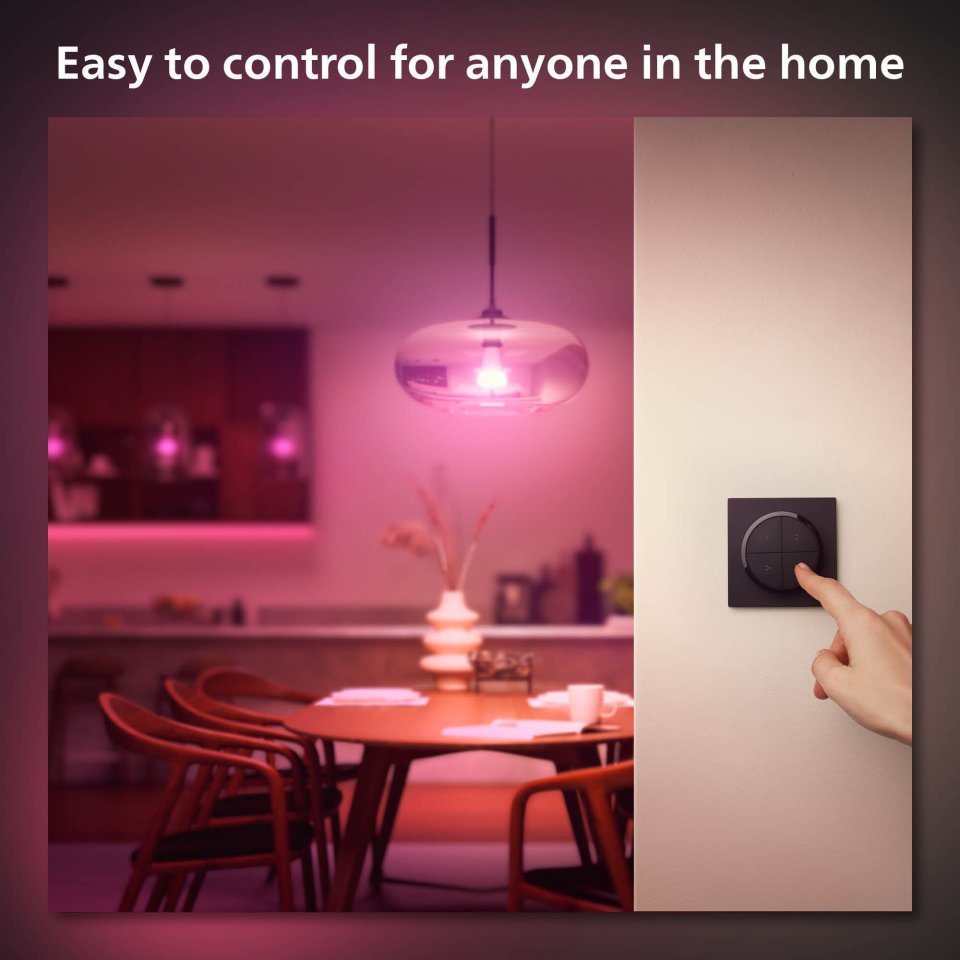
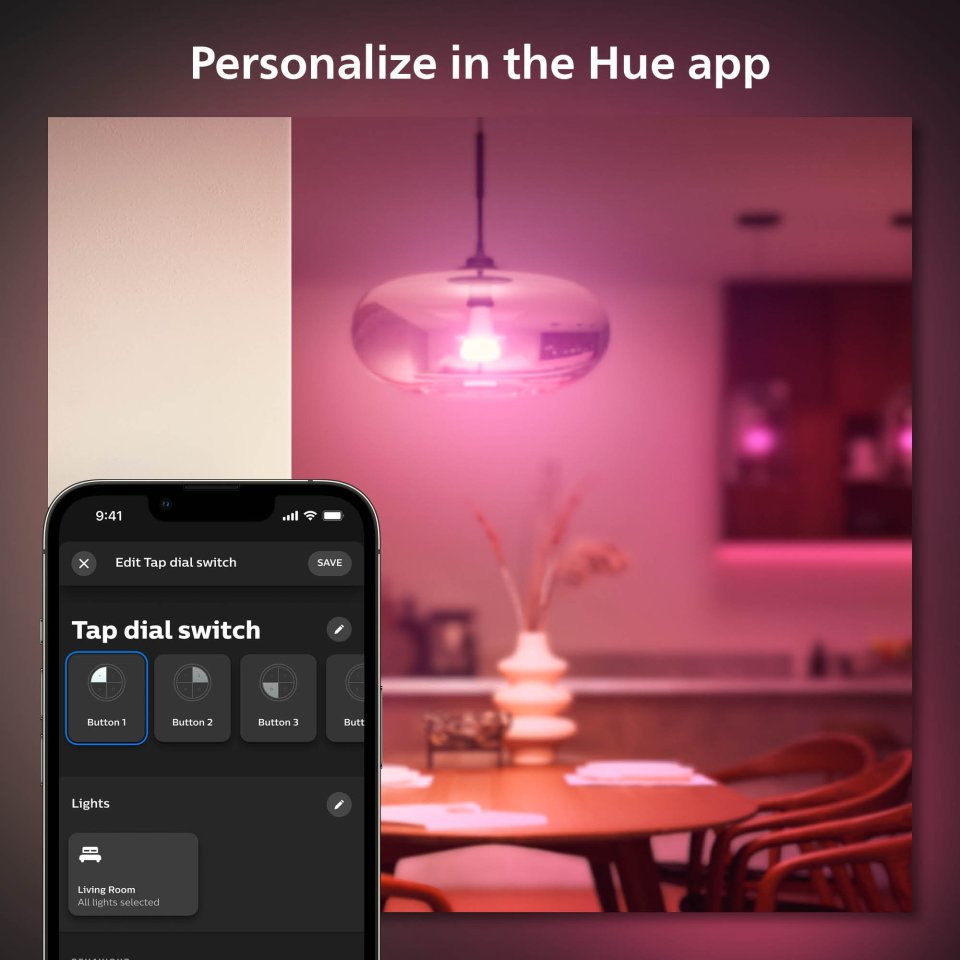
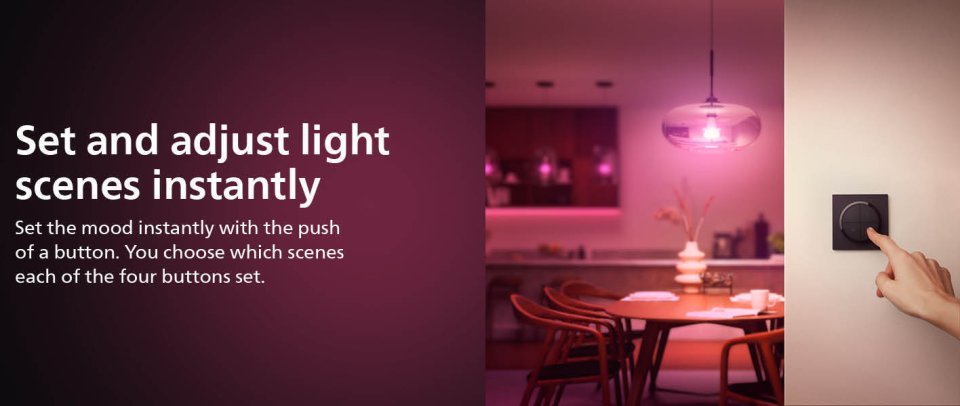
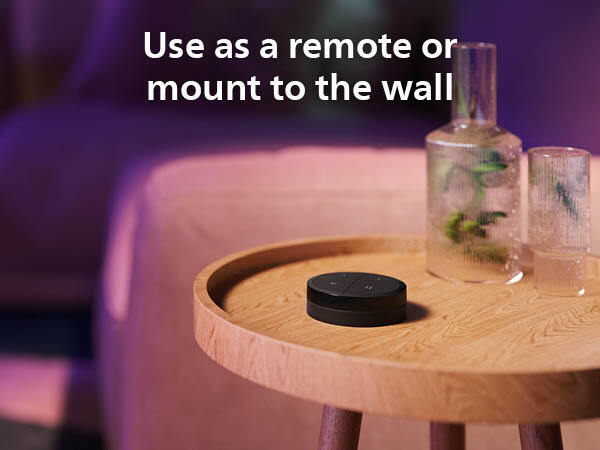
The Philips Hue Tap dial switch is a wireless battery-powered light switch that controls Hue smart lights. Now you can control up to three Rooms or Zones separately with each button. The switch easily dims or brightens, turns lighting on and off, and activates your favorite lighting settings. The switch can be mounted on a wall, a magnetic surface, or used as a remote control. Customize the functions of the four buttons according to your needs in the Philips Hue app. The Tap dial switch is also available in white.
By connecting Philips Hue lights to the bridge, you gain endless lighting possibilities. Control the lights with a smartphone or tablet using the Philips Hue app, or use switches by adding them to the system. Get the most out of the Philips Hue experience by using timers, notifications, and alerts. Philips Hue also works with Amazon Alexa, Apple HomeKit, and Google Home, allowing you to adjust your lights with just your voice.
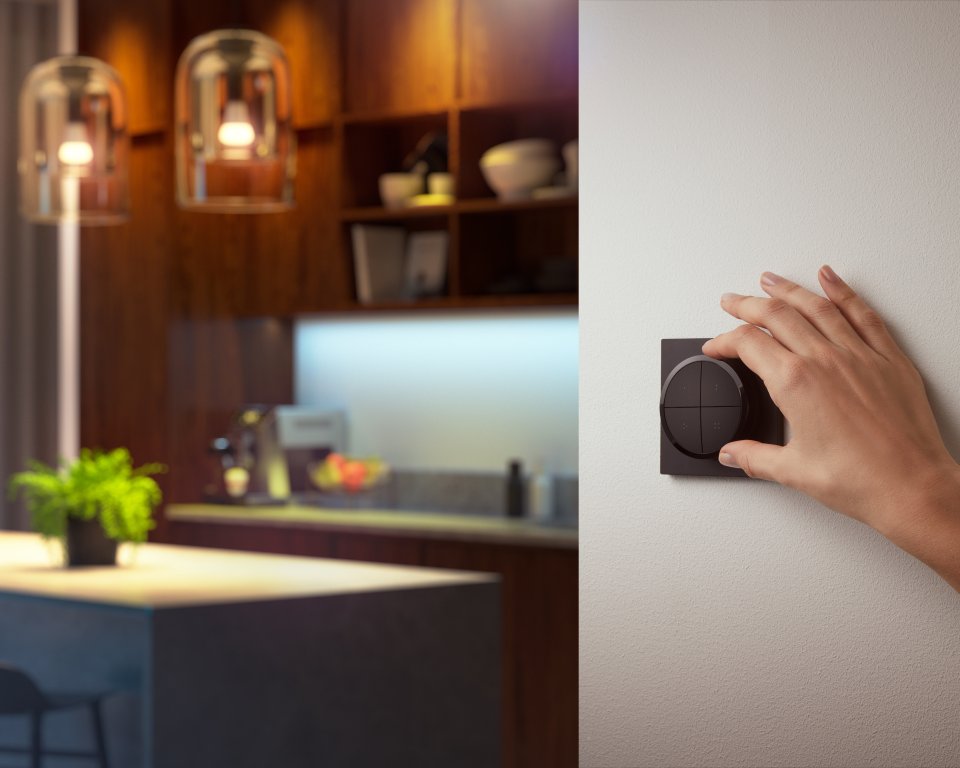
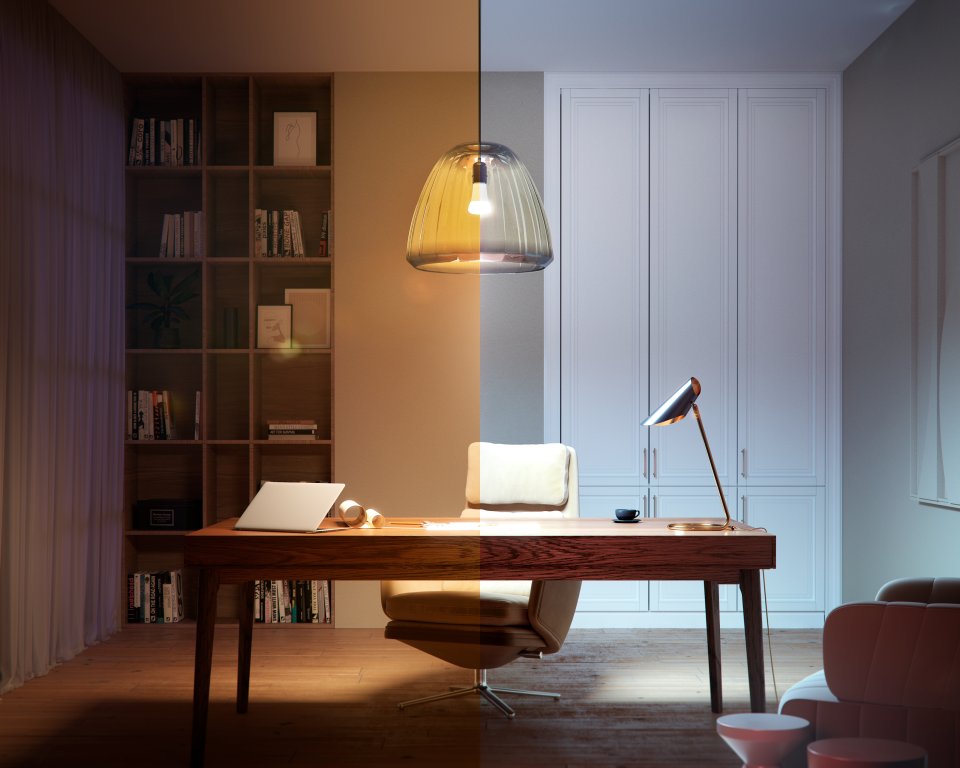
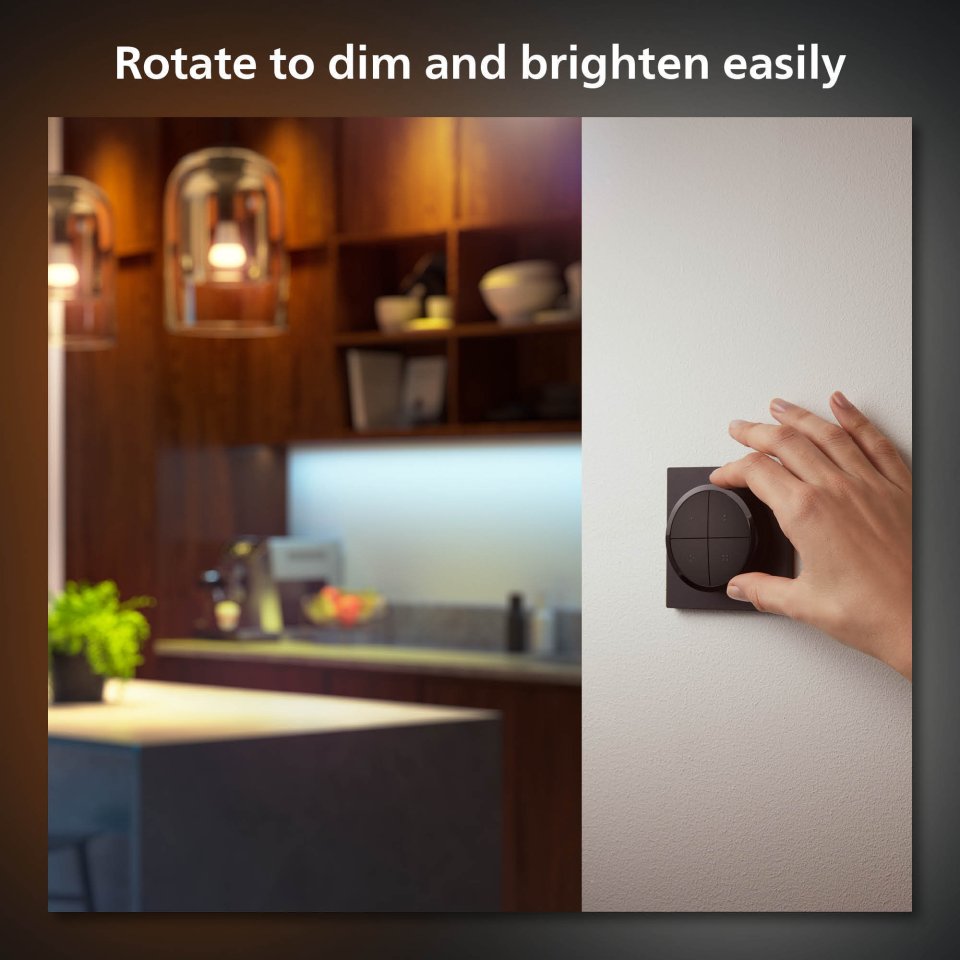
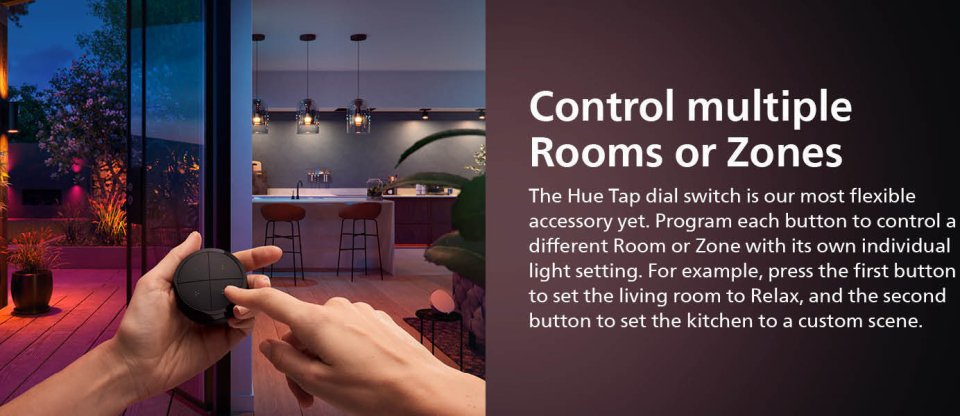
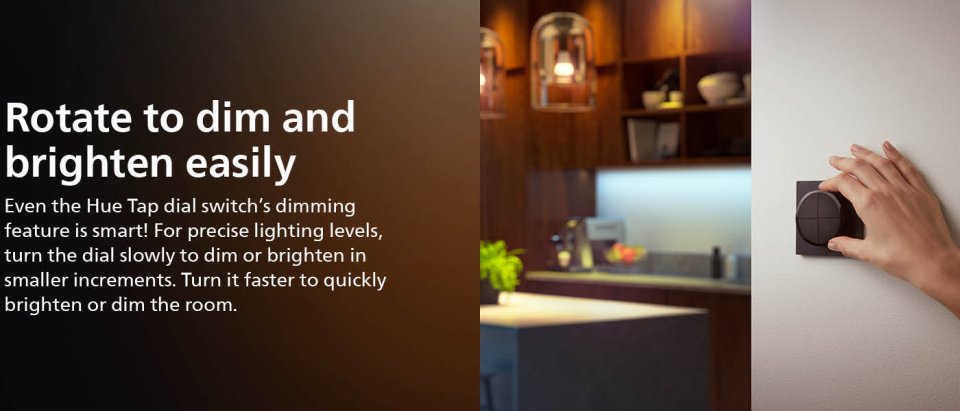
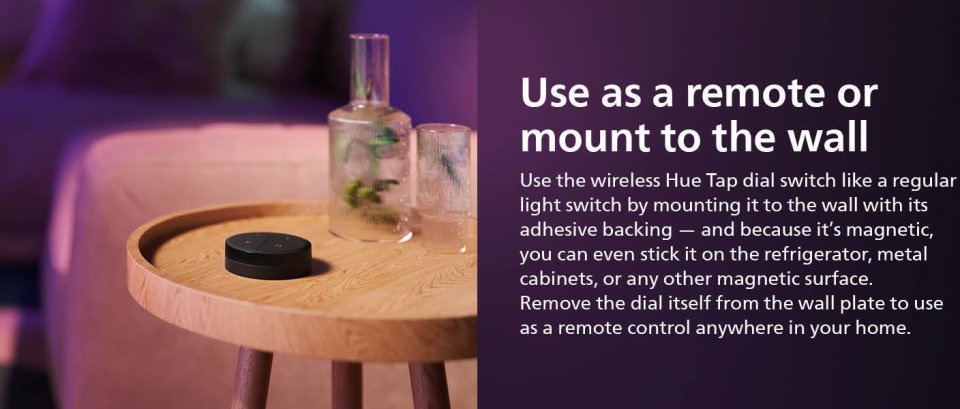
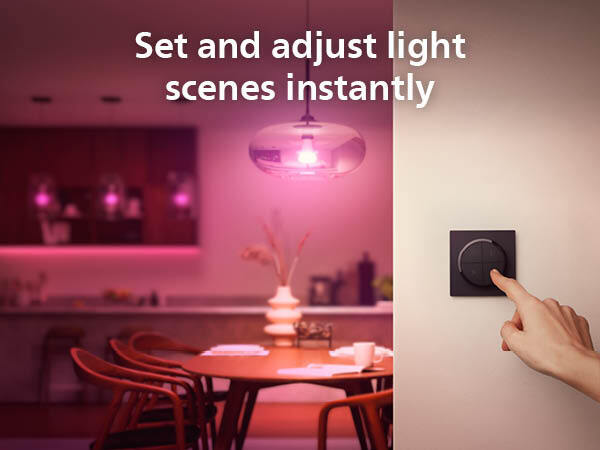
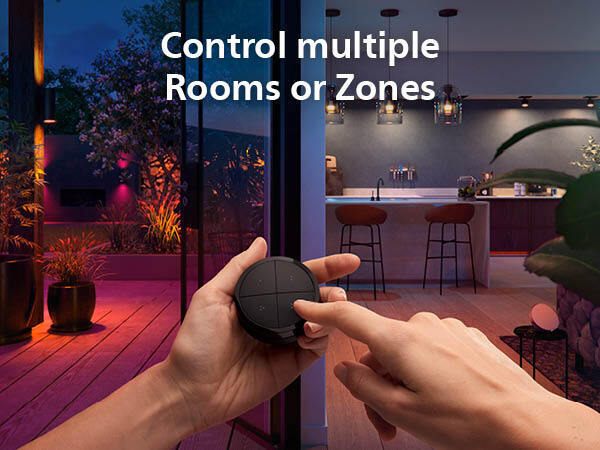
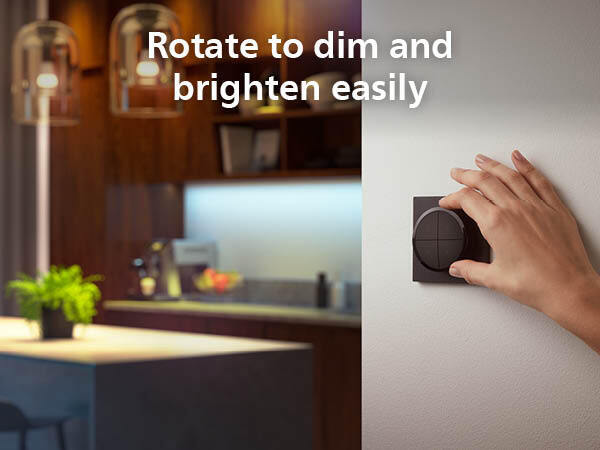
Control your entire smart lighting system from anywhere in your home—without a phone or tablet. With the stylish matte-finished Philips Hue Tap dial switch, you can set lighting preferences in any room of your home. Program each button to control three separate Rooms or Zones—and choose the lighting setting for each. Attach the Philips Hue Tap dial switch to the wall with adhesive, fix it to any magnetic surface, or remove it from the wall plate and use it as a remote control anywhere in your home. Fine-tune the light level precisely by slowly turning the dial. To brighten or dim the room lighting quickly, turn the dial faster. Control up to three Rooms or Zones with each individual button on the tap switch. Each room and zone has its own lighting setting, which you can also customize yourself. Select a separate Room or Zone (and lighting setting) for each button on the Settings tab in the Hue app.
Features:
10 in stock

The Philips Hue Tap dial switch is a wireless battery-powered light switch that controls Hue smart lights. Now you can control up to three Rooms or Zones separately with each button. The switch easily dims or brightens, turns lighting on and off, and activates your favorite lighting settings. The switch can be mounted on a wall, a magnetic surface, or used as a remote control. Customize the functions of the four buttons according to your needs in the Philips Hue app. The Tap dial switch is also available in white.
By connecting Philips Hue lights to the bridge, you gain endless lighting possibilities. Control the lights with a smartphone or tablet using the Philips Hue app, or use switches by adding them to the system. Get the most out of the Philips Hue experience by using timers, notifications, and alerts. Philips Hue also works with Amazon Alexa, Apple HomeKit, and Google Home, allowing you to adjust your lights with just your voice.
Control your entire smart lighting system from anywhere in your home—without a phone or tablet. With the stylish matte-finished Philips Hue Tap dial switch, you can set lighting preferences in any room of your home. Program each button to control three separate Rooms or Zones—and choose the lighting setting for each. Attach the Philips Hue Tap dial switch to the wall with adhesive, fix it to any magnetic surface, or remove it from the wall plate and use it as a remote control anywhere in your home. Fine-tune the light level precisely by slowly turning the dial. To brighten or dim the room lighting quickly, turn the dial faster. Control up to three Rooms or Zones with each individual button on the tap switch. Each room and zone has its own lighting setting, which you can also customize yourself. Select a separate Room or Zone (and lighting setting) for each button on the Settings tab in the Hue app.
Features: