| Color | Black |
|---|---|
| Country of Origin | China |
| PID | 998359 |
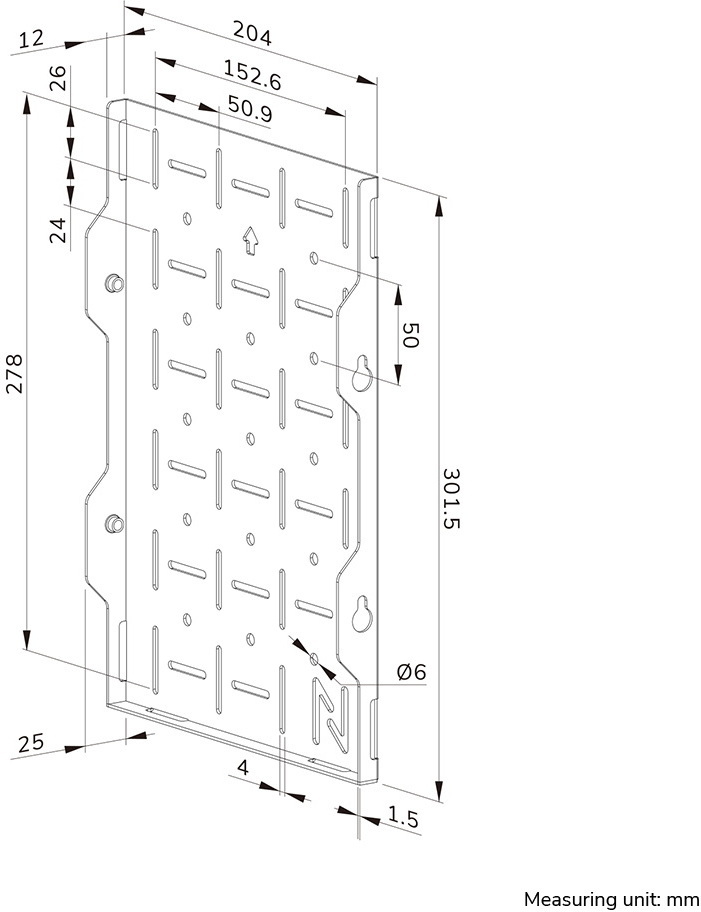
| Product depth (mm) | 302 |
| Product height (mm) | 25 |
| Product weight (g) | 740 |
| Product width (mm) | 204 |
| Electronic address of single contact point | |
| Manufacturer address | Wateringweg 62, 2031 EJ Haarlem, Netherlands |
| Manufacturer's email address | |
| Manufacturer name | Neomounts B.V. |
| EU Responsible Person | Jarkko Pekki |
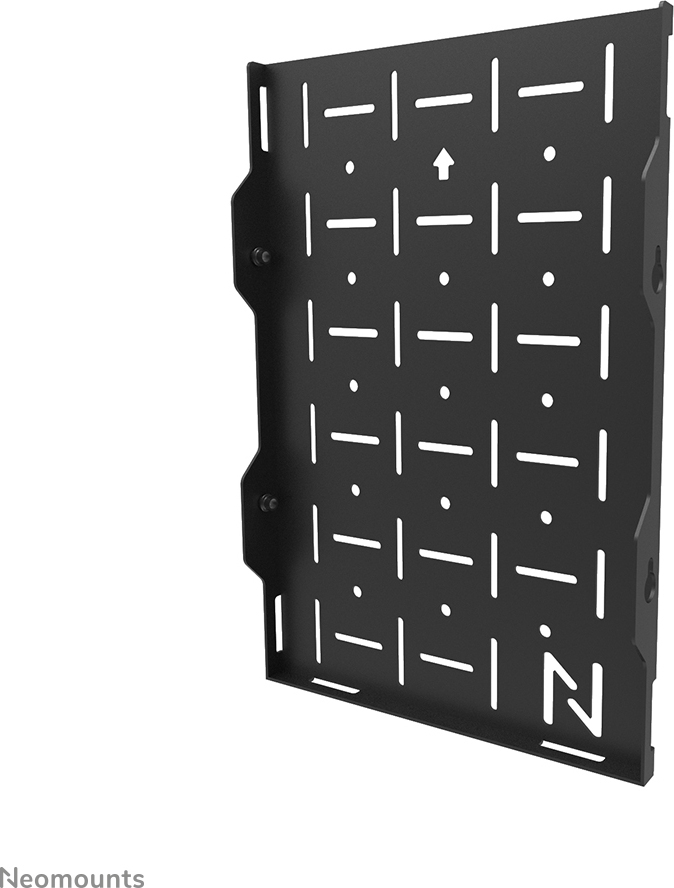
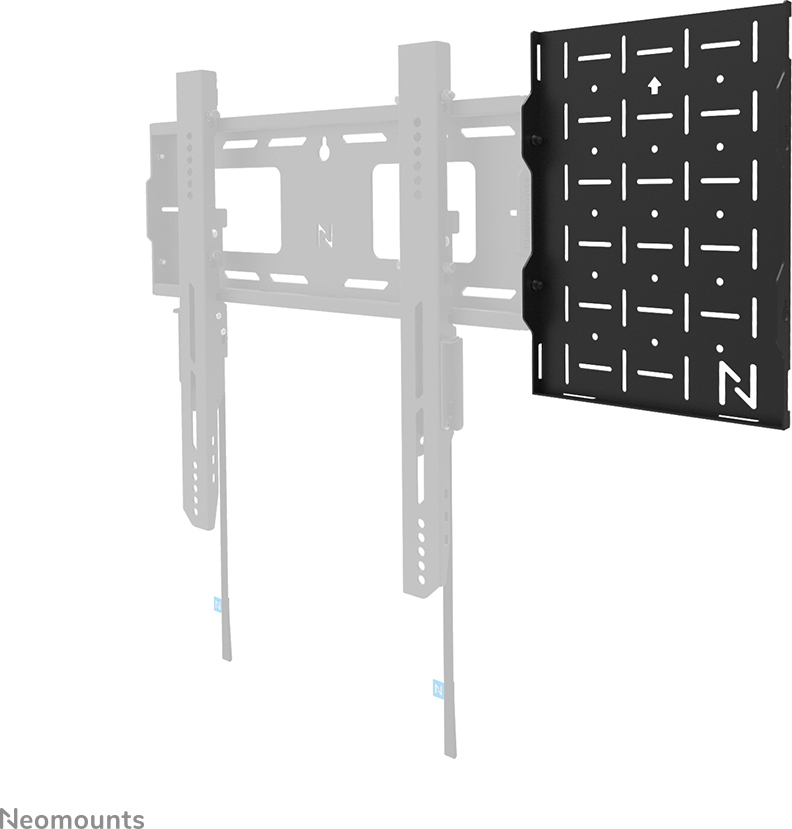
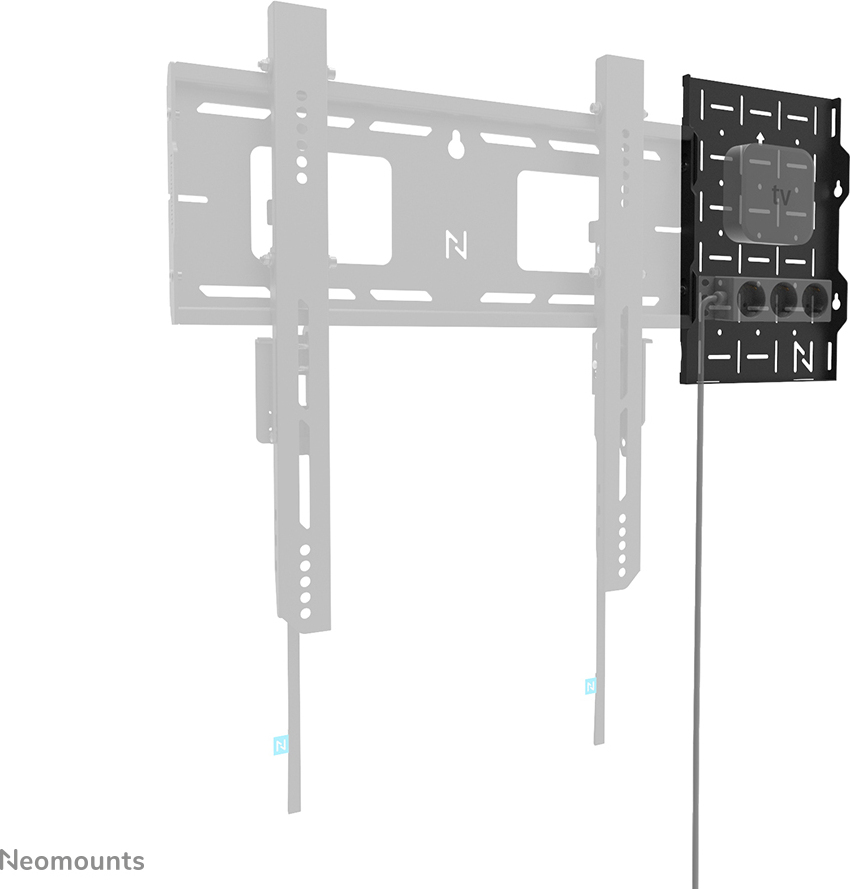
The Neomounts AWL05-750BL AV equipment bracket is a smartly designed solution that makes placing AV devices alongside a wall mount simple and organized. This practical bracket is made to work specifically with the LEVEL750 series wall mounts and fits mini-PCs, Apple TV, NUCs, or other AV devices weighing up to 10 kg.
You can position the bracket on either the left or right side of the wall mount, giving you freedom to arrange your AV devices where they fit best. This flexibility is especially useful when cable routing or room layout affects the ideal setup.
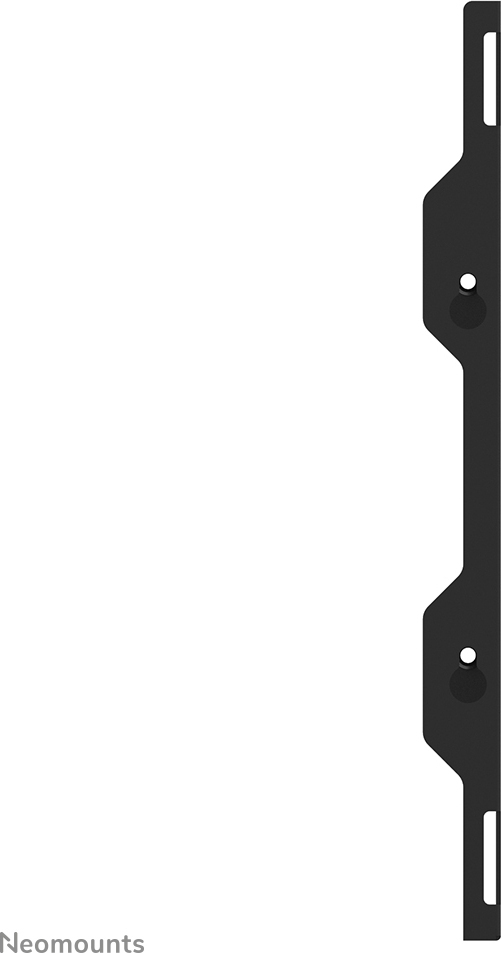
Soft pads on the back of the bracket protect the wall from damage during installation and use. Attaching the AWL05-750BL to the LEVEL750 series wall mount’s backplate is quick and easy thanks to the included keyhole slots.
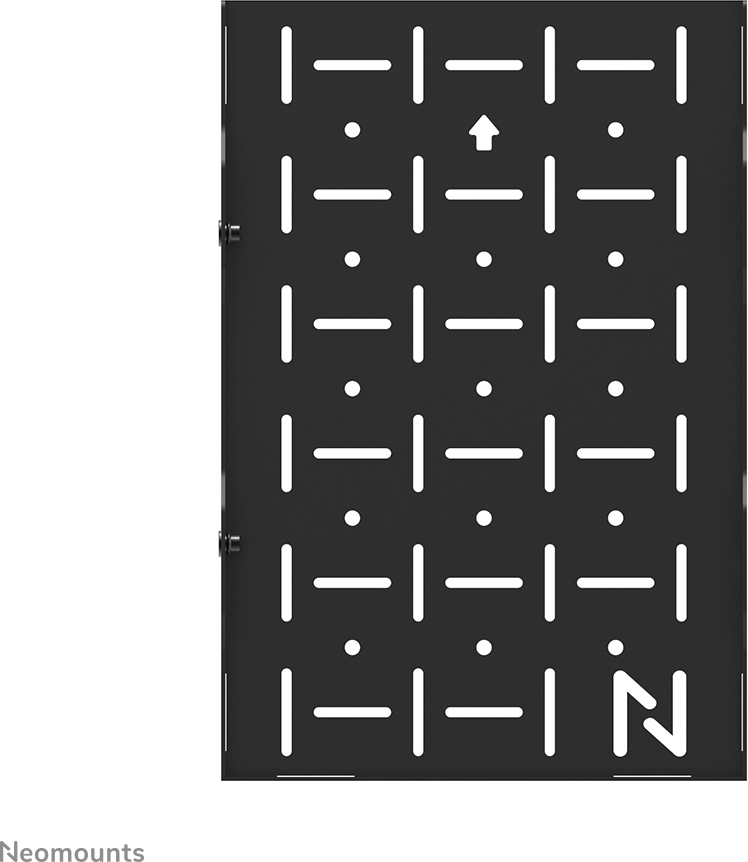
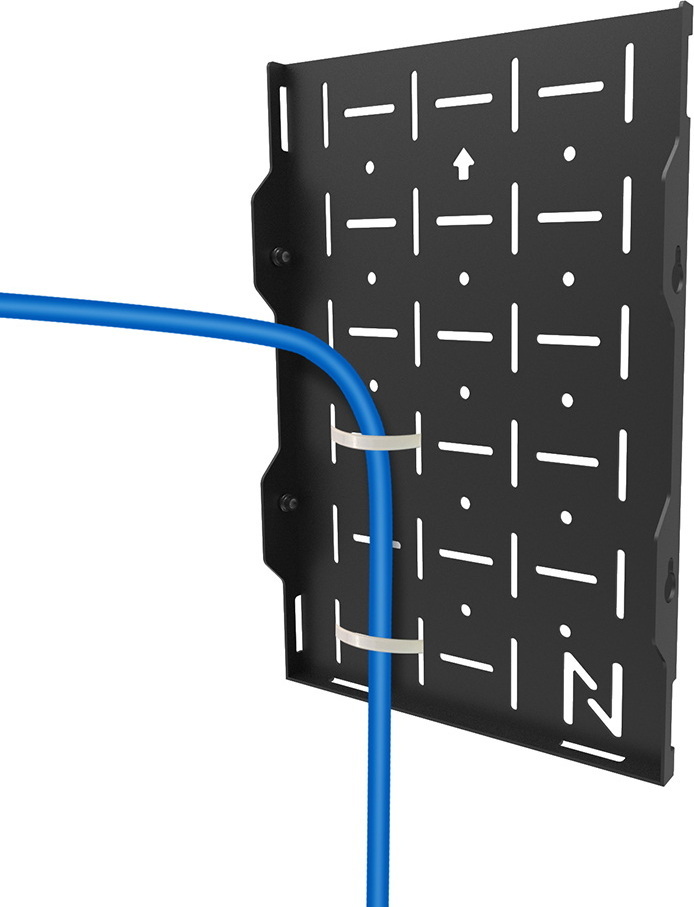
The bracket’s perforated design ensures proper airflow around your AV devices, which helps maintain long-term reliability. The holes also provide versatile attachment points for cable ties or other cable management tools, keeping your setup neat and organized.
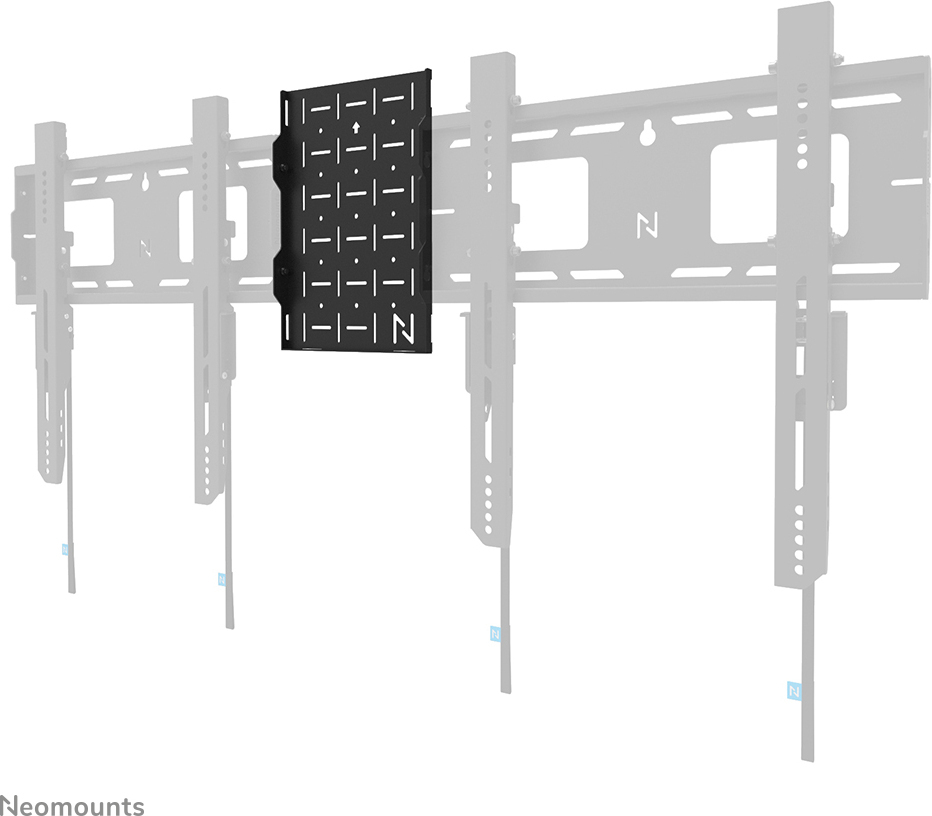
When installing two monitors, the AWL05-750BL serves as a convenient connector between two backplates. This feature is useful in larger AV setups that require multiple screens and related devices.
Getting started is straightforward—just place your AV device on the bracket and mount it in position. You can also use the WL30-750 stand or WL35-750 tilt mount for additional cable access and connection options, adding flexibility to your installation.

The Neomounts AWL05-750BL AV equipment bracket is a smartly designed solution that makes placing AV devices alongside a wall mount simple and organized. This practical bracket is made to work specifically with the LEVEL750 series wall mounts and fits mini-PCs, Apple TV, NUCs, or other AV devices weighing up to 10 kg.
You can position the bracket on either the left or right side of the wall mount, giving you freedom to arrange your AV devices where they fit best. This flexibility is especially useful when cable routing or room layout affects the ideal setup.
Soft pads on the back of the bracket protect the wall from damage during installation and use. Attaching the AWL05-750BL to the LEVEL750 series wall mount’s backplate is quick and easy thanks to the included keyhole slots.
The bracket’s perforated design ensures proper airflow around your AV devices, which helps maintain long-term reliability. The holes also provide versatile attachment points for cable ties or other cable management tools, keeping your setup neat and organized.
When installing two monitors, the AWL05-750BL serves as a convenient connector between two backplates. This feature is useful in larger AV setups that require multiple screens and related devices.
Getting started is straightforward—just place your AV device on the bracket and mount it in position. You can also use the WL30-750 stand or WL35-750 tilt mount for additional cable access and connection options, adding flexibility to your installation.