| Country of Origin | China |
|---|---|
| PID | 876136 |
| Product depth (mm) | 573 |
| Product height (mm) | 149 |
| Product weight (g) | 1 |
| Product width (mm) | 119 |
| Manufacturer address | Logitech Europe S.A., Catharijnesingel 47, 3511GC Utrecht, The Netherlands |
| Manufacturer's email address | |
| Manufacturer name | Logitech Europe S.A. |
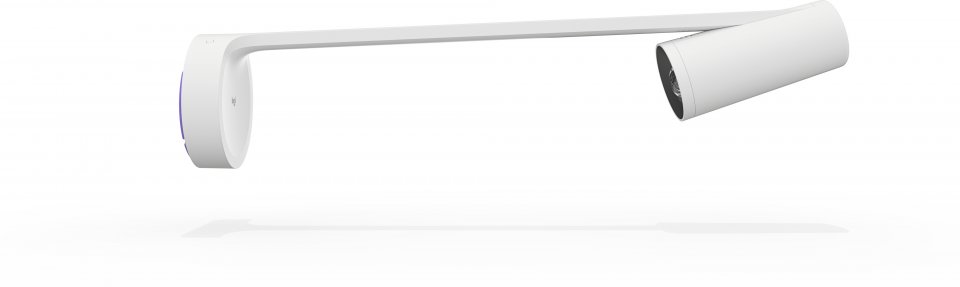
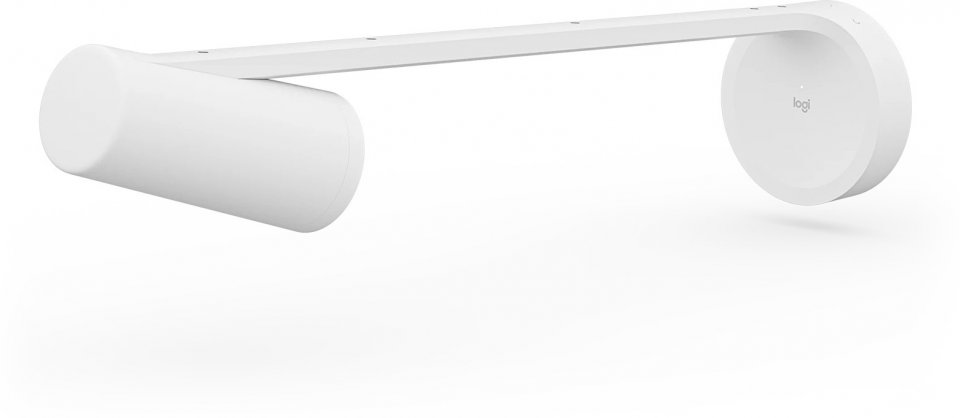
You can effortlessly share whiteboards in video conferences using the AI-powered Logitech Scribe whiteboard camera, designed for Microsoft Teams, Zoom Rooms, Google Meet rooms, and other leading video conferencing services.
Perfect view, remotely or in the room
With AI and a unique lens, Scribe streams the whiteboard content to video conferences with exceptional clarity. Now remote participants can have the best seats at the table.
Simple to use
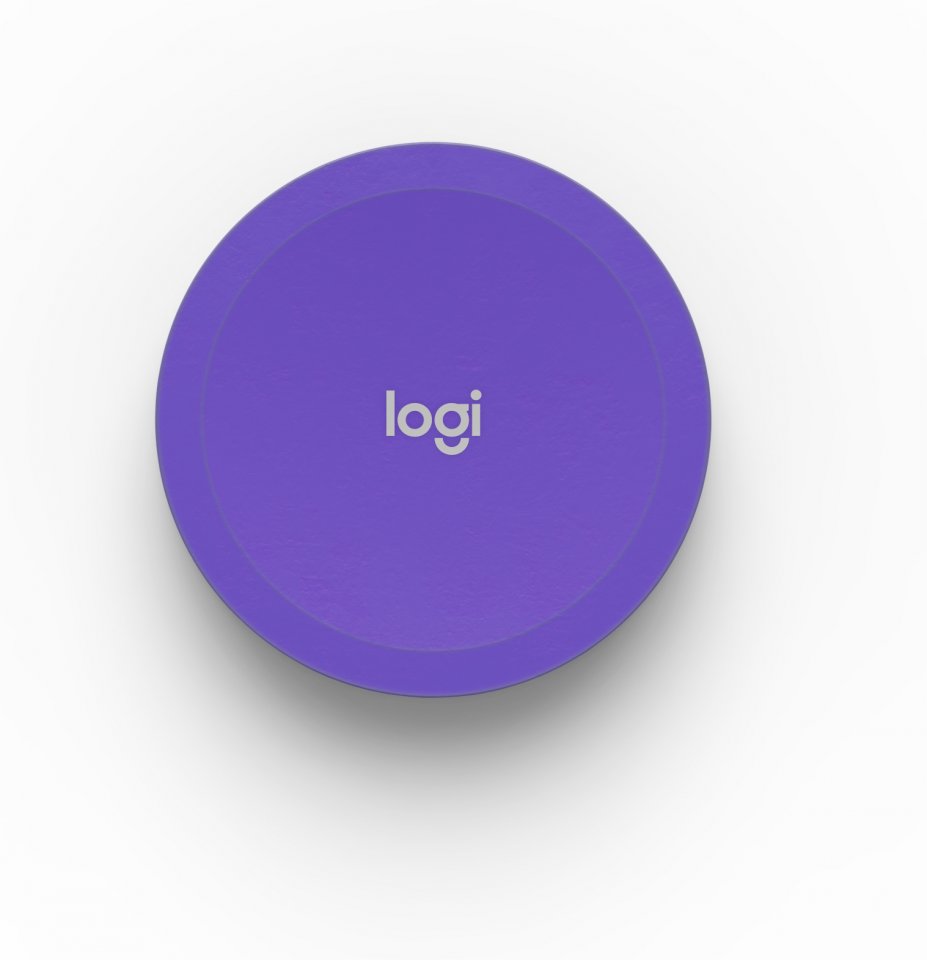
With Scribe’s wireless sharing button, sharing the whiteboard to a video conference is quick and easy. You can also start sharing in the meeting room using a touch controller like Logitech Tap.
Performance powered by AI
Speaker removal – Scribe’s AI-based transparency effect lets participants see “through” the speaker on the whiteboard.
Content enhancement – Scribe automatically improves the color and contrast of whiteboard markers, making text and sketches easier to read.
Sticky note recognition – Scribe uses image segmentation to identify and display other content, such as sticky notes.
Neat, flexible installation
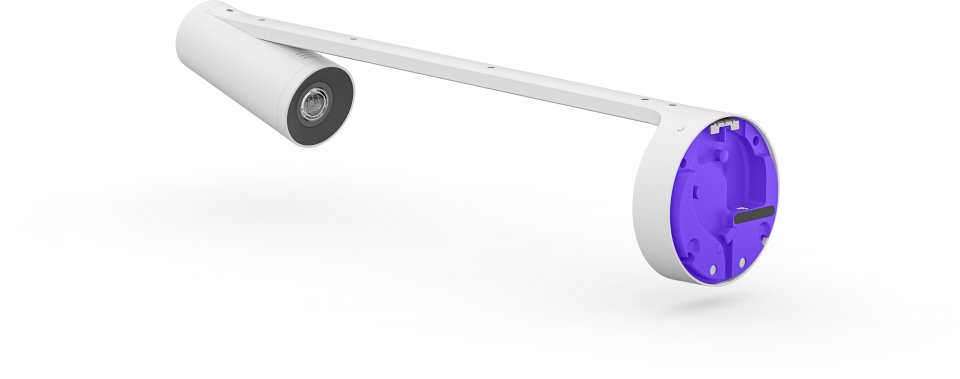
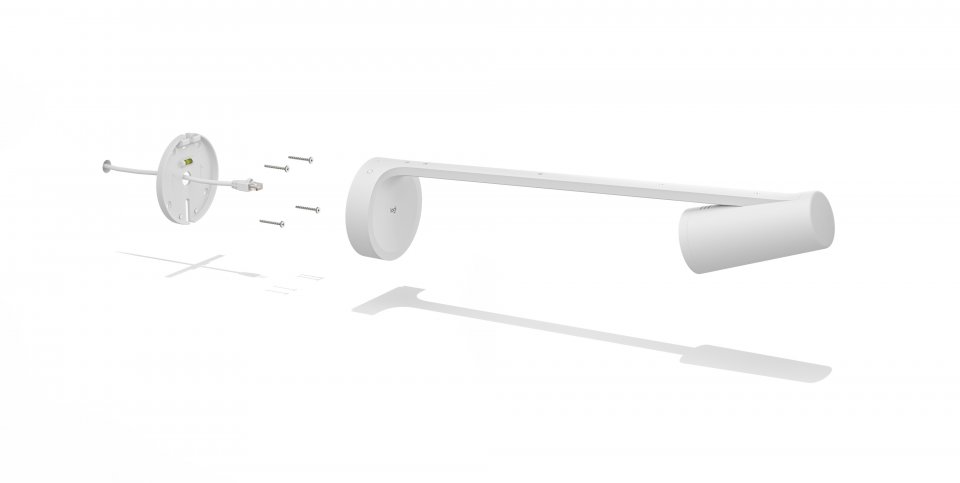
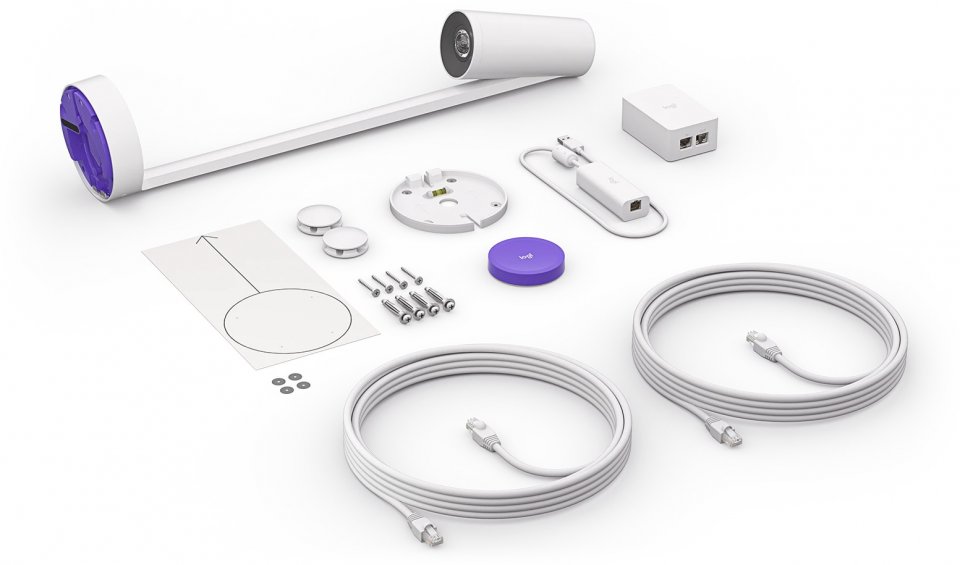
Wall mounting – Scribe can be mounted on various walls using the included mounting kit.
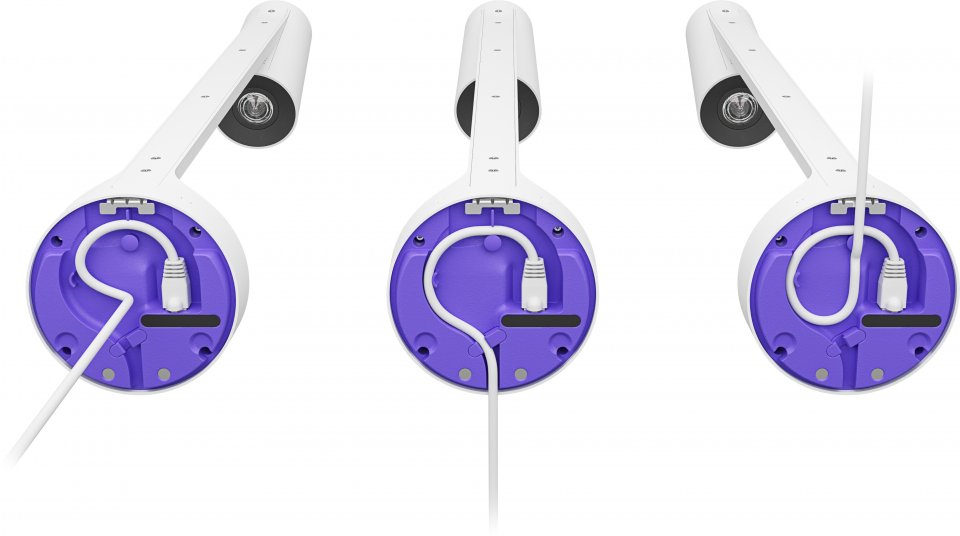
Cable management – Cable holders and cable channels running up, down, or inside the wall ensure neat and simple installations.
Enterprise-grade cabling – Use the included 10-meter CAT cable or obtain your own cable matching length and layout.
Purpose-built room solutions
Scribe works with leading video conferencing room solutions like Microsoft Teams, Google Meet, and Zoom rooms. You just need to join the meeting and start sharing.
For equitable learning
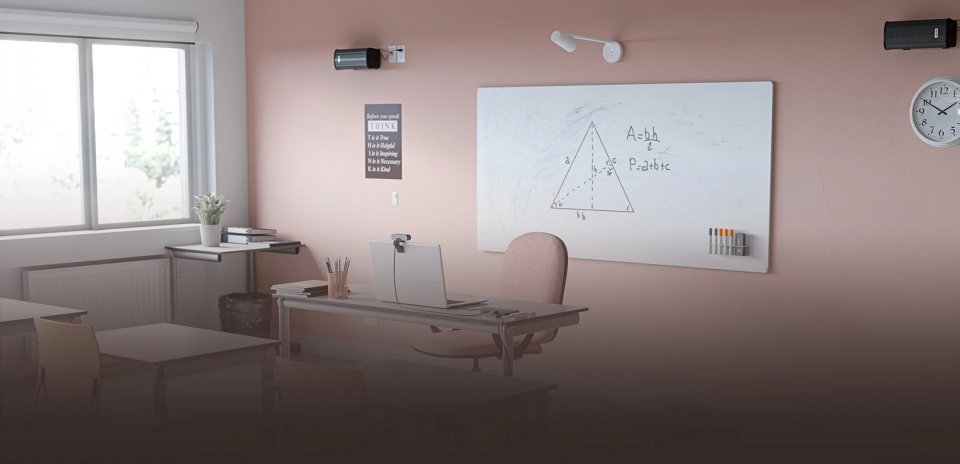
With the new hybrid learning solution, students can see and hear the teacher and understand what is being said. With Scribe, students can also follow the classroom whiteboard. Use Scribe in the classroom with Zoom, Google Meet, or Teams room solutions, or connect it to a laptop as a USB device.
Easy management
Easily manage Logitech video collaboration devices with Logitech Sync. You can monitor room status, deploy updates, and adjust settings from a single cloud-based platform. Sync Insights data provides long-term usage information for meeting spaces.
Logitech Scribe features:

You can effortlessly share whiteboards in video conferences using the AI-powered Logitech Scribe whiteboard camera, designed for Microsoft Teams, Zoom Rooms, Google Meet rooms, and other leading video conferencing services.
Perfect view, remotely or in the room
With AI and a unique lens, Scribe streams the whiteboard content to video conferences with exceptional clarity. Now remote participants can have the best seats at the table.
Simple to use
With Scribe’s wireless sharing button, sharing the whiteboard to a video conference is quick and easy. You can also start sharing in the meeting room using a touch controller like Logitech Tap.
Performance powered by AI
Speaker removal – Scribe’s AI-based transparency effect lets participants see “through” the speaker on the whiteboard.
Content enhancement – Scribe automatically improves the color and contrast of whiteboard markers, making text and sketches easier to read.
Sticky note recognition – Scribe uses image segmentation to identify and display other content, such as sticky notes.
Neat, flexible installation
Wall mounting – Scribe can be mounted on various walls using the included mounting kit.
Cable management – Cable holders and cable channels running up, down, or inside the wall ensure neat and simple installations.
Enterprise-grade cabling – Use the included 10-meter CAT cable or obtain your own cable matching length and layout.
Purpose-built room solutions
Scribe works with leading video conferencing room solutions like Microsoft Teams, Google Meet, and Zoom rooms. You just need to join the meeting and start sharing.
For equitable learning
With the new hybrid learning solution, students can see and hear the teacher and understand what is being said. With Scribe, students can also follow the classroom whiteboard. Use Scribe in the classroom with Zoom, Google Meet, or Teams room solutions, or connect it to a laptop as a USB device.
Easy management
Easily manage Logitech video collaboration devices with Logitech Sync. You can monitor room status, deploy updates, and adjust settings from a single cloud-based platform. Sync Insights data provides long-term usage information for meeting spaces.
Logitech Scribe features: