| Country of Origin | China |
|---|---|
| PID | 1019444 |
| Product weight (g) | 224 |
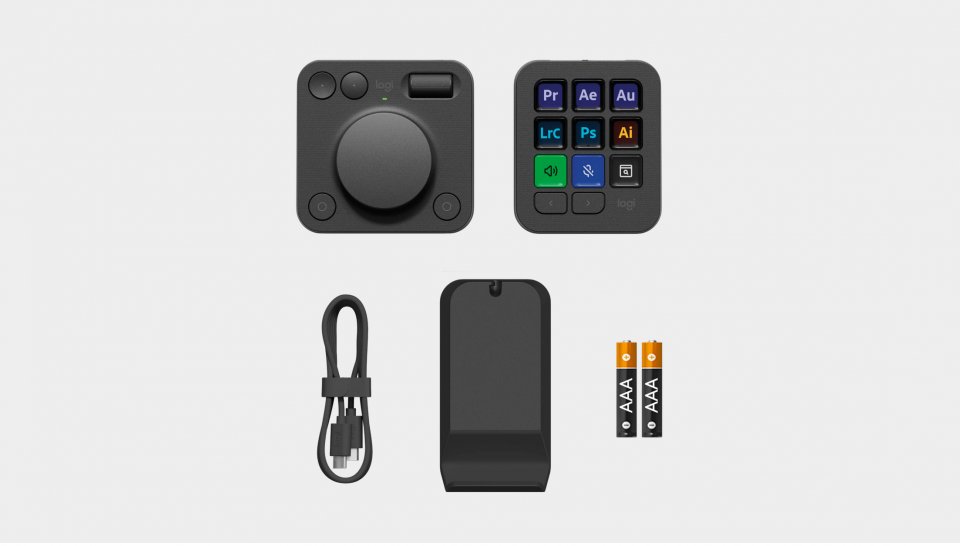
| Batteries included | Yes |
| Manufacturer address | Logitech Europe S.A. Catharijnesingel 47 3511GC Utrecht The Netherlands |
| Manufacturer's email address | |
| Manufacturer name | Logitech Europe S.A. |
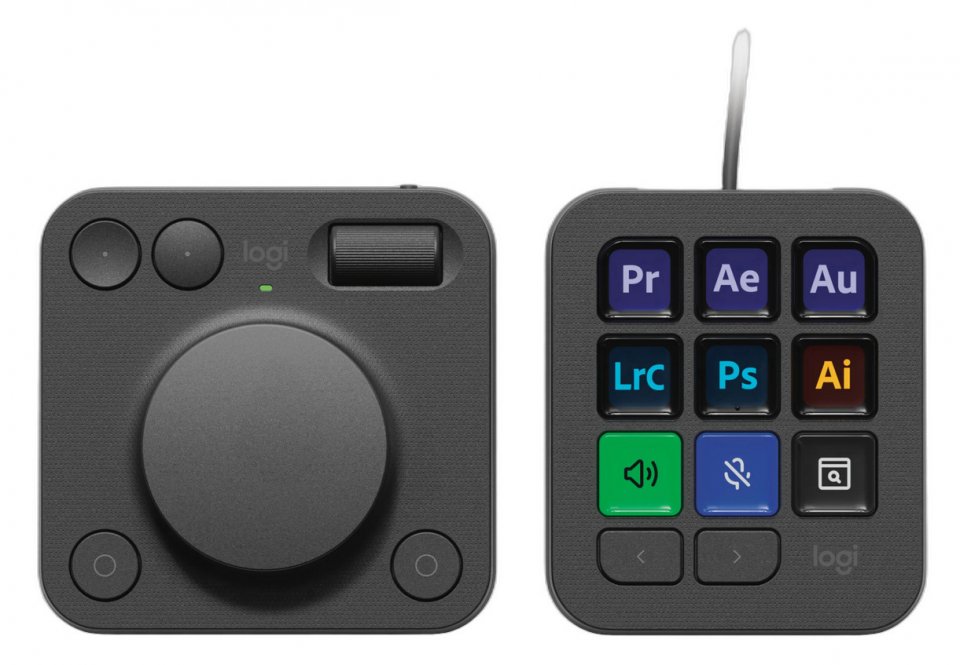
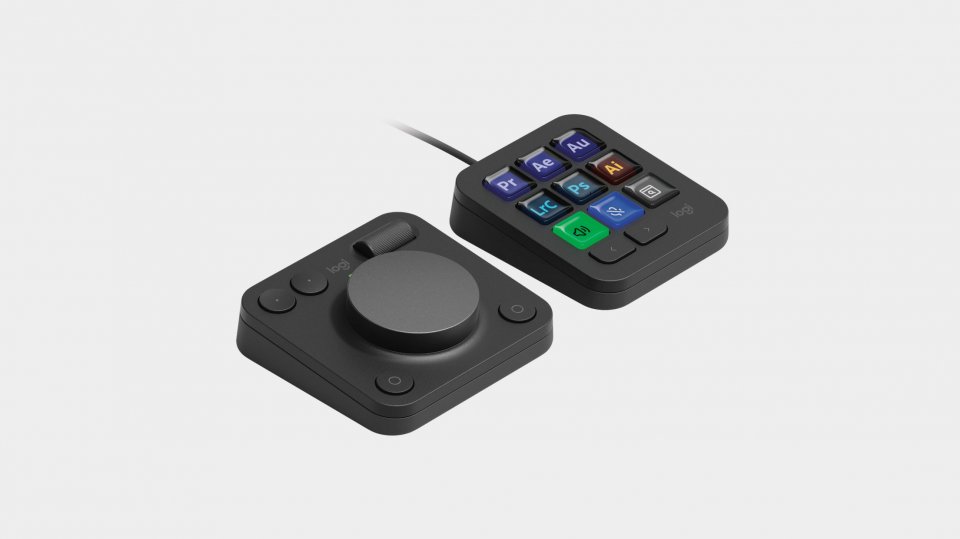
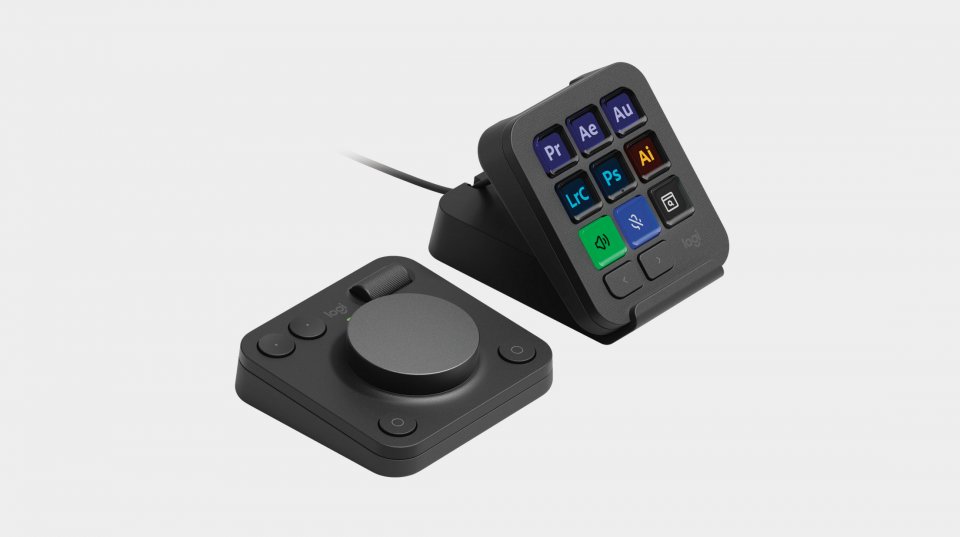
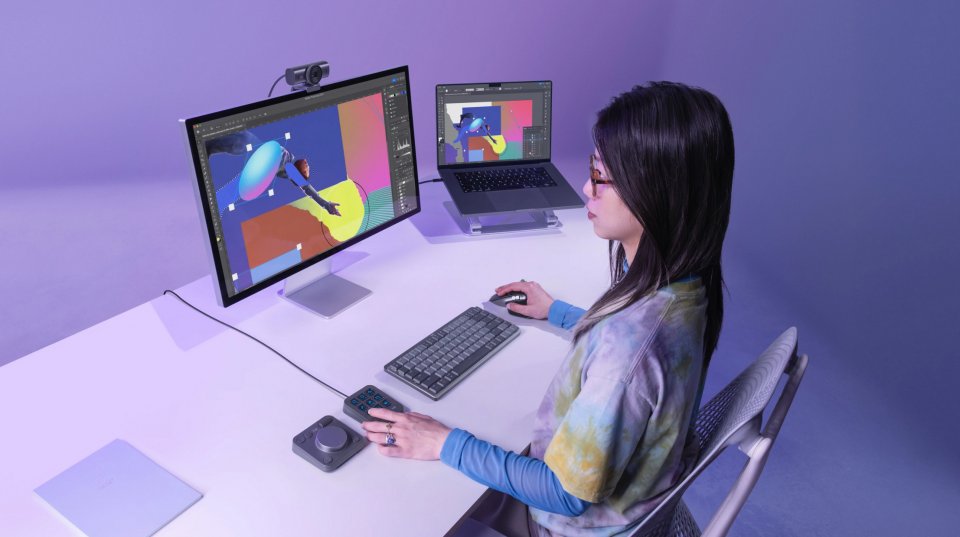
The Logitech MX Creative Console is a powerful and versatile control console for creative professionals such as photo editors, video editors, designers, and other visual content creators. It consists of two separate devices – the MX Creative Keypad and the MX Creative Dialpad – which offer an intuitive and customizable way to manage workflow in professional creative production applications like Adobe Photoshop, Premiere Pro, Lightroom, Final Cut Pro, and DaVinci Resolve. The console helps you speed up your workflow, improve precision, and focus on what matters: creating.
The MX Creative Keypad provides direct access to essential tools and functions. The keys with LCD screens can be customized to fit your workflow, and recommended profiles help you get started quickly in different applications. With the keypad, you can use shortcuts and functions without complicated menus, speeding up your work and reducing interruptions.
The MX Creative Dialpad is a wireless control device designed for precise and smooth operation. Its analog controls provide physical feedback to your fingers, such as light clicks or resistance, making fine adjustments easier and the experience pleasant and controlled. The aluminum dial operates almost frictionlessly, and the smoothly rotating wheel allows seamless navigation. Customizable buttons complete the package and enable quick access to frequently used functions.
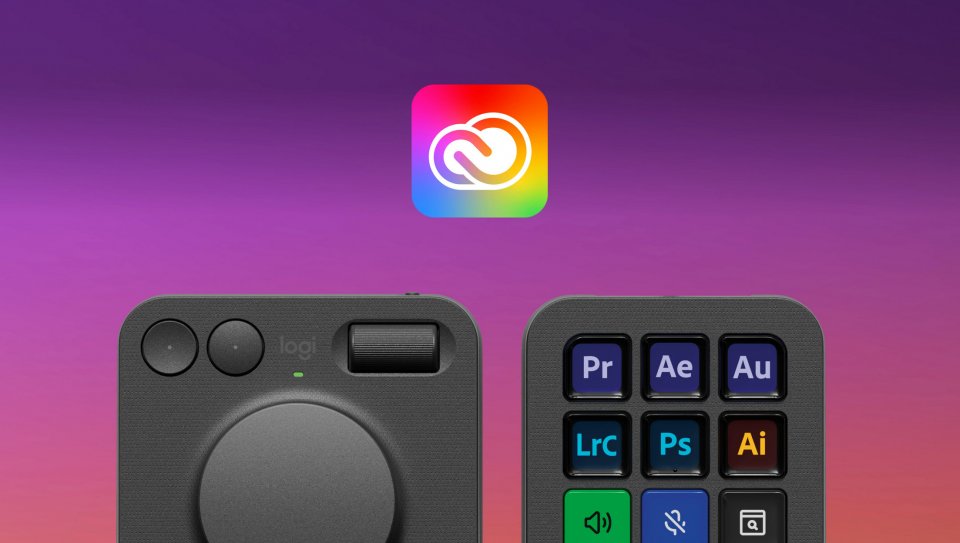
The Logitech MX Creative Console works seamlessly with many popular creative and productivity applications. The product supports, among others, Adobe Photoshop, Premiere Pro, Lightroom, Final Cut Pro, DaVinci Resolve, and Figma. Additionally, you can expand functionality with add-ons available through the Logi Marketplace.
The console works with both Windows and macOS systems and connects to devices via Bluetooth or USB-C. With the Logi Options+ app, device functions can be customized to different work needs. Through the app, it is possible to configure key-specific settings, create profiles for different software, and manage device connections.
4 in stock

The Logitech MX Creative Console is a powerful and versatile control console for creative professionals such as photo editors, video editors, designers, and other visual content creators. It consists of two separate devices – the MX Creative Keypad and the MX Creative Dialpad – which offer an intuitive and customizable way to manage workflow in professional creative production applications like Adobe Photoshop, Premiere Pro, Lightroom, Final Cut Pro, and DaVinci Resolve. The console helps you speed up your workflow, improve precision, and focus on what matters: creating.
The MX Creative Keypad provides direct access to essential tools and functions. The keys with LCD screens can be customized to fit your workflow, and recommended profiles help you get started quickly in different applications. With the keypad, you can use shortcuts and functions without complicated menus, speeding up your work and reducing interruptions.
The MX Creative Dialpad is a wireless control device designed for precise and smooth operation. Its analog controls provide physical feedback to your fingers, such as light clicks or resistance, making fine adjustments easier and the experience pleasant and controlled. The aluminum dial operates almost frictionlessly, and the smoothly rotating wheel allows seamless navigation. Customizable buttons complete the package and enable quick access to frequently used functions.
The Logitech MX Creative Console works seamlessly with many popular creative and productivity applications. The product supports, among others, Adobe Photoshop, Premiere Pro, Lightroom, Final Cut Pro, DaVinci Resolve, and Figma. Additionally, you can expand functionality with add-ons available through the Logi Marketplace.
The console works with both Windows and macOS systems and connects to devices via Bluetooth or USB-C. With the Logi Options+ app, device functions can be customized to different work needs. Through the app, it is possible to configure key-specific settings, create profiles for different software, and manage device connections.