| Color | Multicolor |
|---|---|
| Country of Origin | China |
| PID | 332231 |
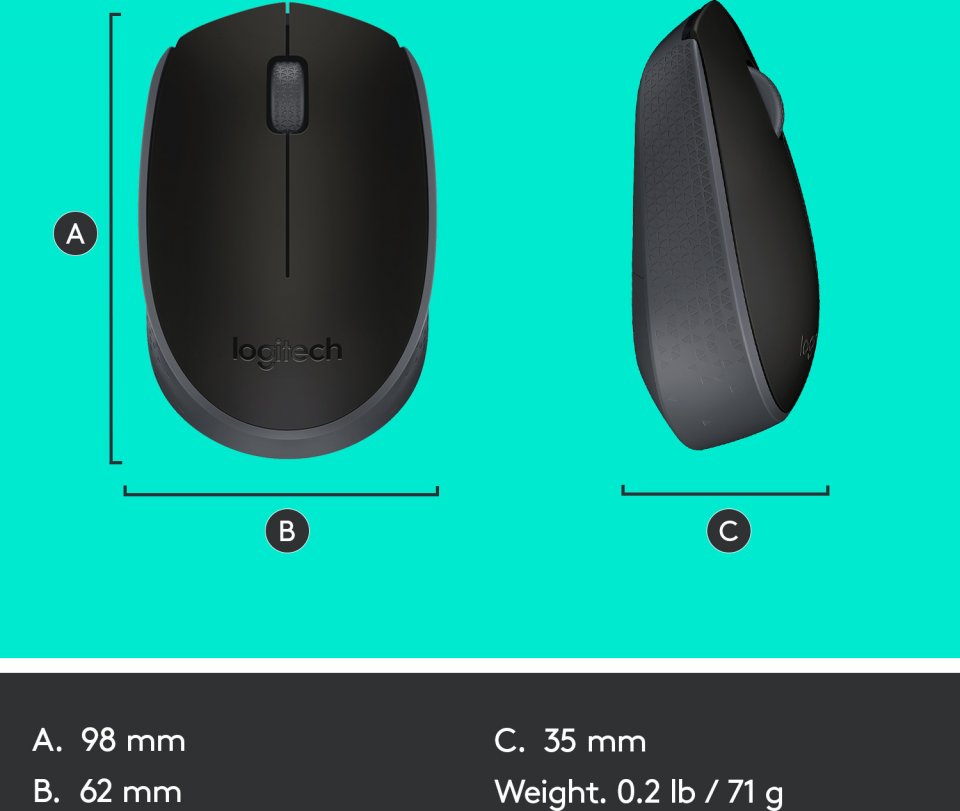
| Product depth (mm) | 98 |
| Product height (mm) | 35 |
| Product weight (g) | 71 |
| Product width (mm) | 62 |
| Connectivity type | USB receiver |
| Charger included | No |
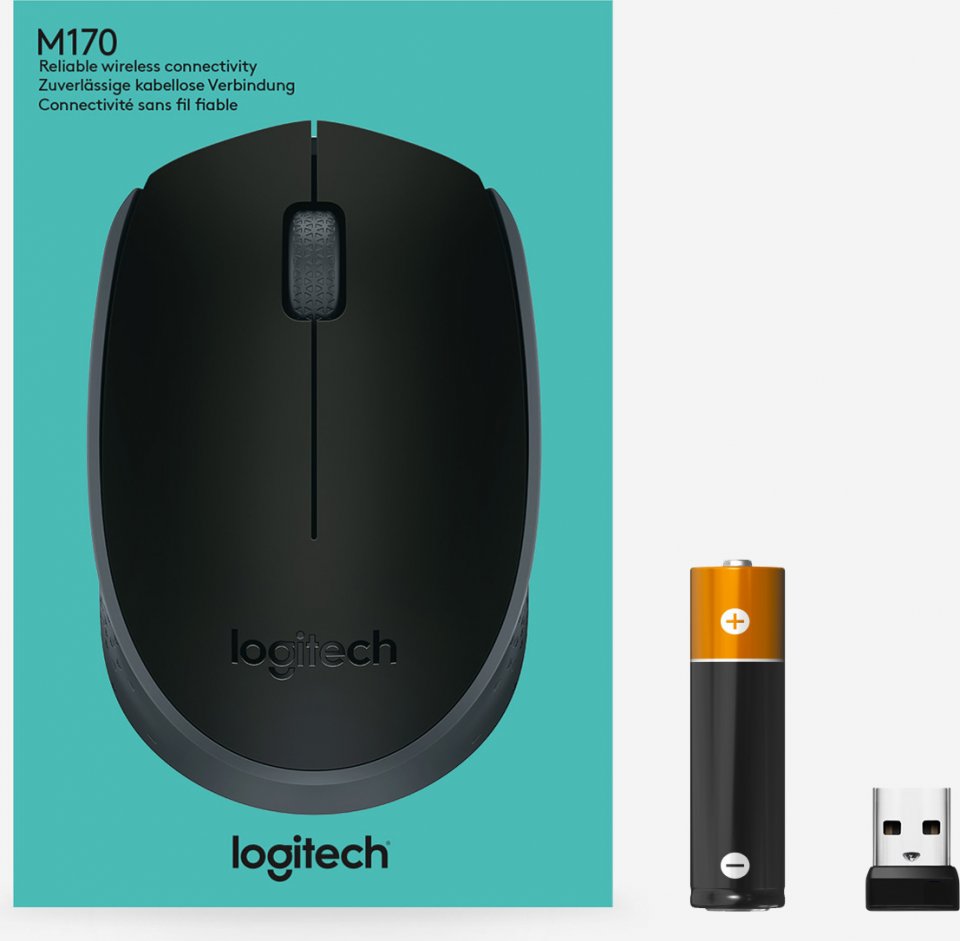
| Box Contents | Batteries included |
| Batteries included | Yes |
| Battery type | AA |
| Manufacturer address | Logitech Europe S.A., Catharijnesingel 47, 3511GC Utrecht, The Netherlands |
| Manufacturer's email address | |
| Manufacturer name | Logitech Europe S.A. |
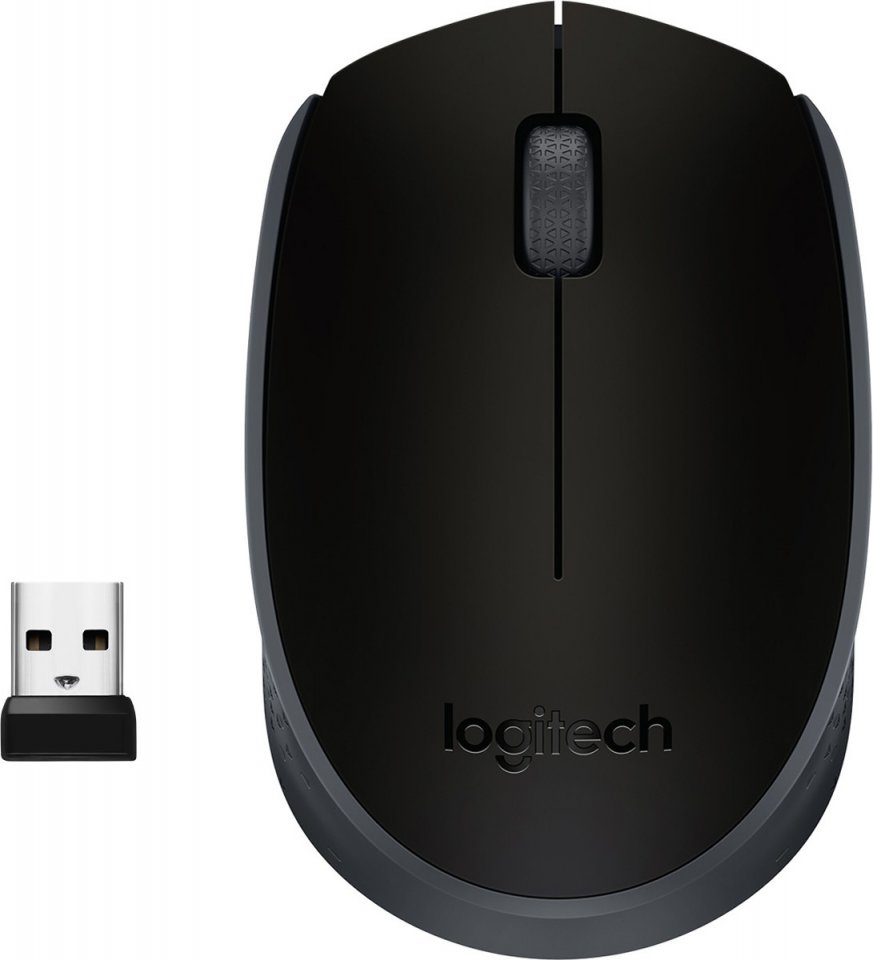
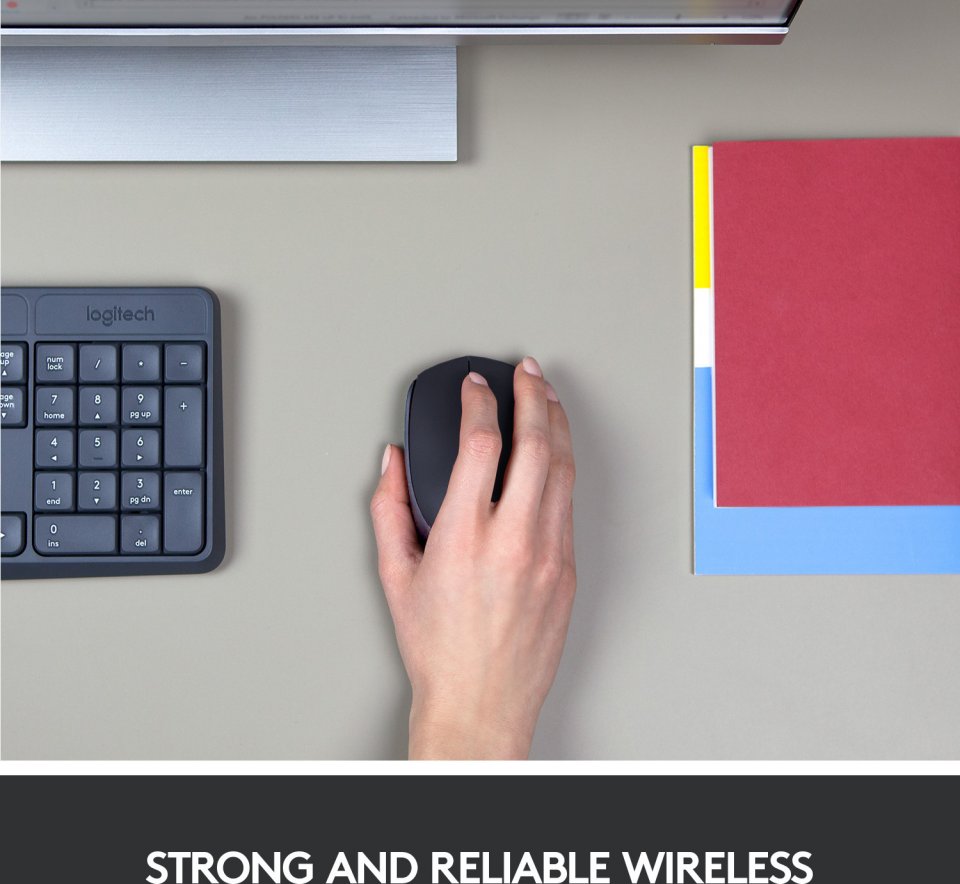
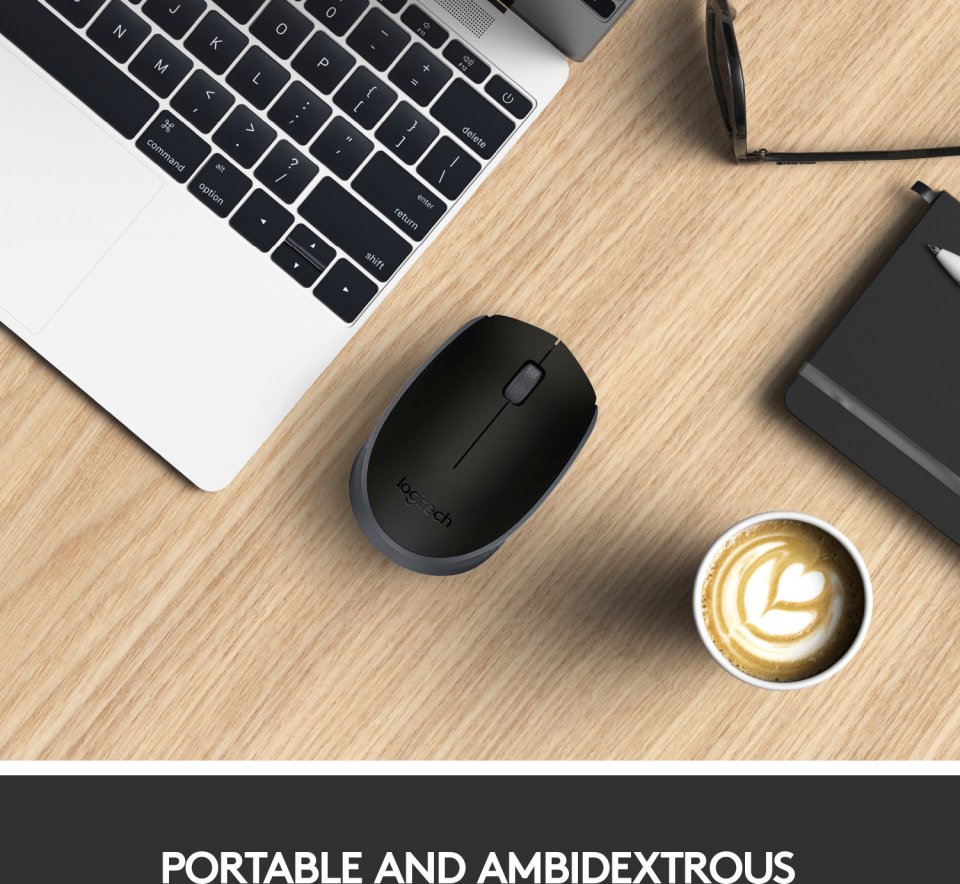
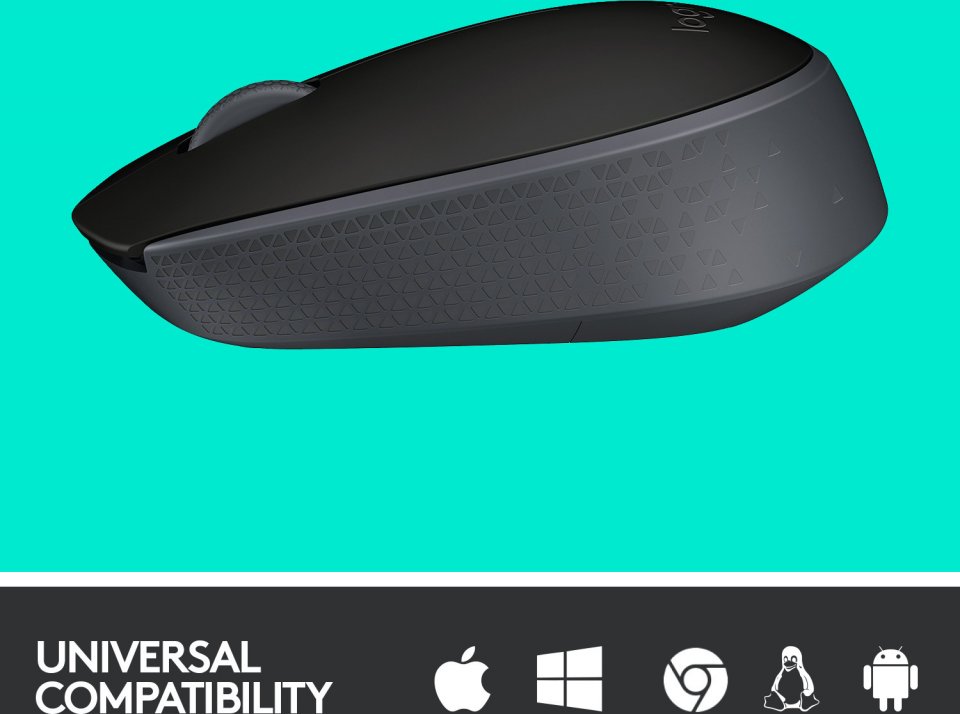
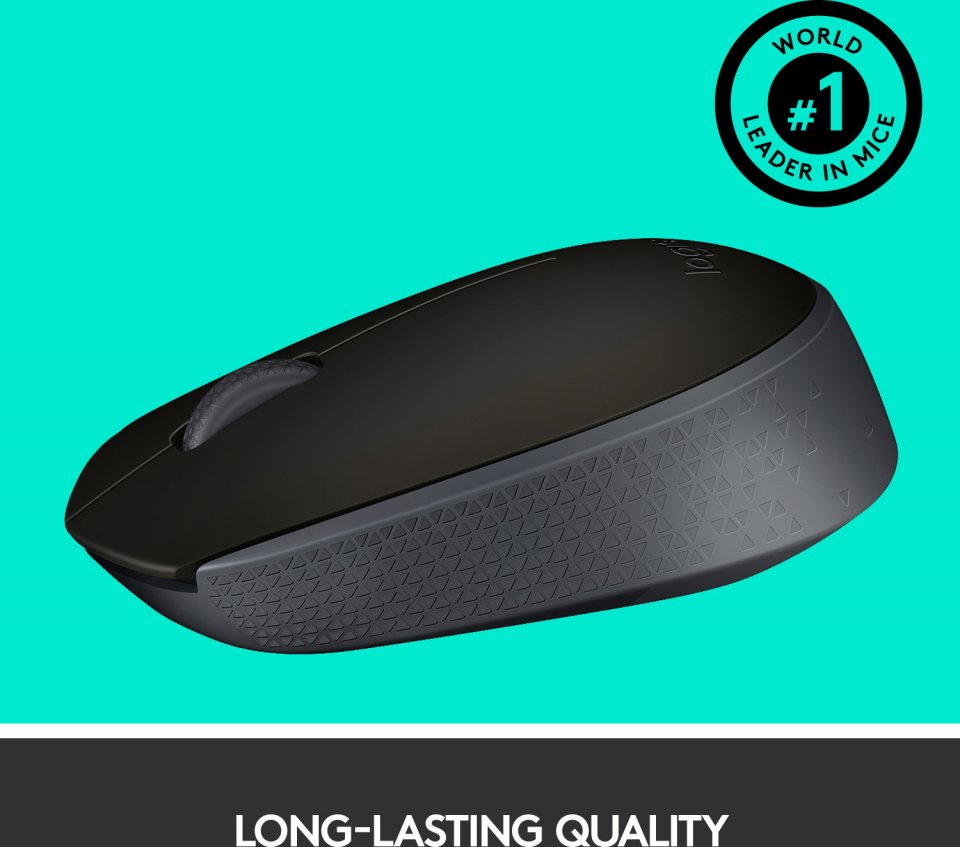
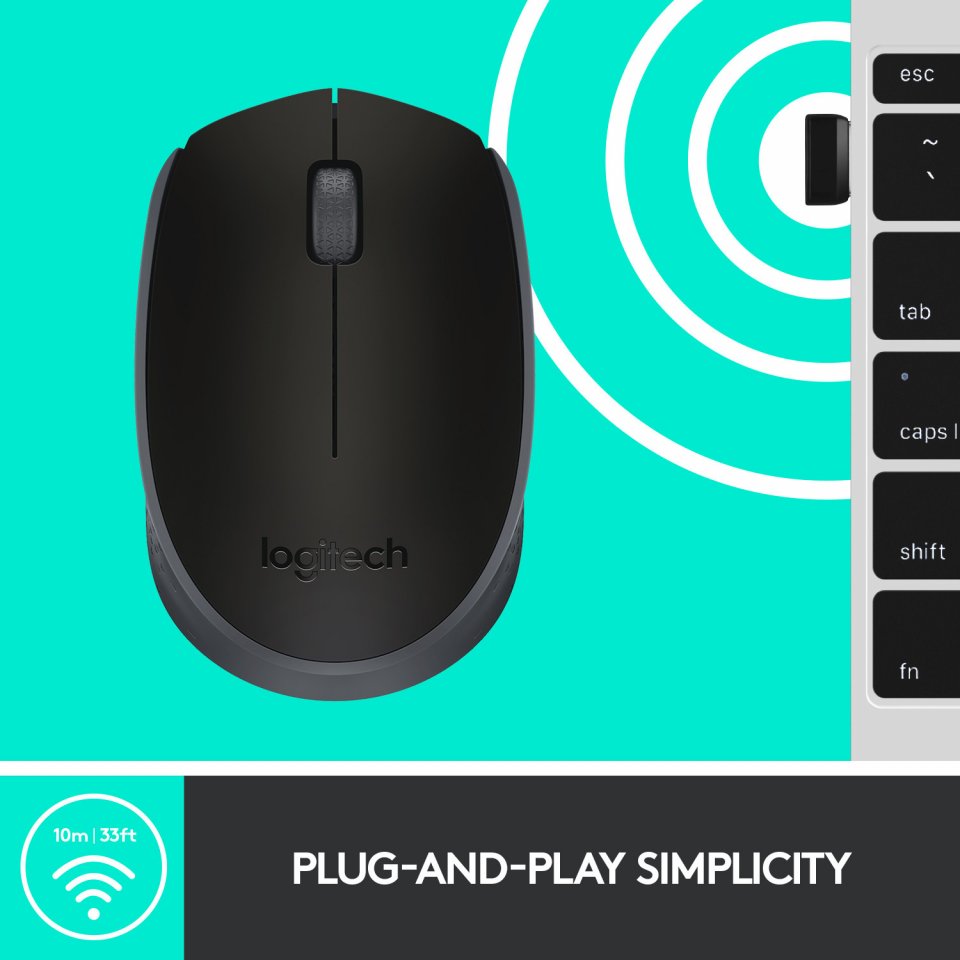
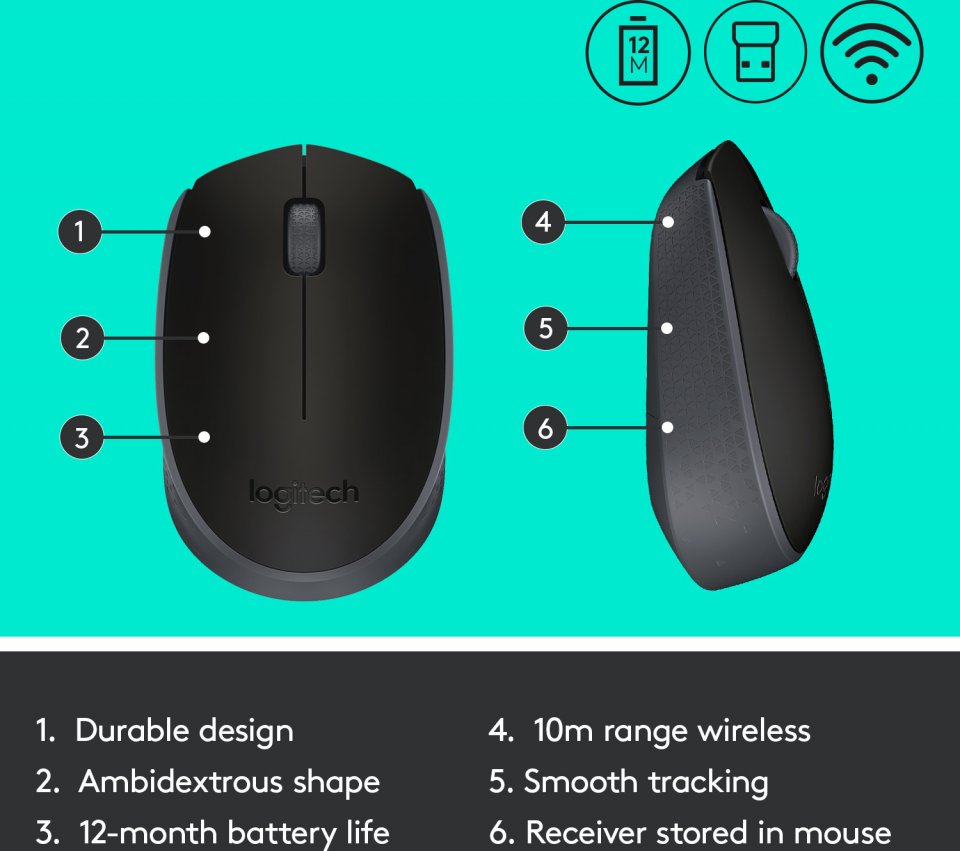
The ambidextrous mouse supports your hand, allowing for hours of comfortable use. The ability to reassign the primary and secondary button functions makes the M170 mouse an excellent solution for both right- and left-handed users. A strong and reliably functioning wireless connection up to 10 meters*. The connection is virtually lag-free and uninterrupted, so you can work and enjoy entertainment with confidence. You can work for up to a year before the mouse battery needs to be replaced**. Extend battery life by turning off the power with the power switch when the device is not in use. Plug the receiver into your computer’s USB port and start using it. The mouse does not need to be paired or require software to be downloaded to start using it.
*The wireless connection range has been tested at 10 meters, but the range may vary slightly depending on the computing environment and conditions.
** Battery life may vary slightly depending on computing conditions and mouse usage habits.
17 in stock

The ambidextrous mouse supports your hand, allowing for hours of comfortable use. The ability to reassign the primary and secondary button functions makes the M170 mouse an excellent solution for both right- and left-handed users. A strong and reliably functioning wireless connection up to 10 meters*. The connection is virtually lag-free and uninterrupted, so you can work and enjoy entertainment with confidence. You can work for up to a year before the mouse battery needs to be replaced**. Extend battery life by turning off the power with the power switch when the device is not in use. Plug the receiver into your computer’s USB port and start using it. The mouse does not need to be paired or require software to be downloaded to start using it.
*The wireless connection range has been tested at 10 meters, but the range may vary slightly depending on the computing environment and conditions.
** Battery life may vary slightly depending on computing conditions and mouse usage habits.