
| Color | Black |
|---|---|
| Country of Origin | China |
| PID | 1022849 |
| Product depth (mm) | 230 |
| Product height (mm) | 535 |
| Product weight (g) | 10 100 |
| Product width (mm) | 817 |
| Aspect ratio | 21:9 |
| Display resolution | 3440 x 1440 |
| Display size (inches) | 34 |
| Panel Type | IPS |
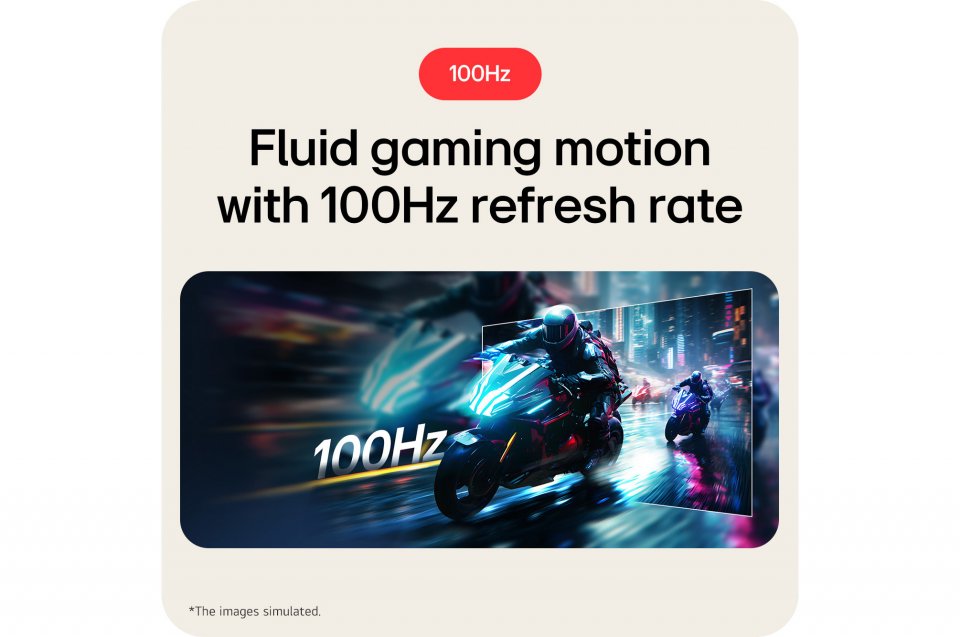
| Display refresh rate (Hz) | 100 |
| Energy Class (HDR) | G |
| Energy class (SDR) | F |
| Manufacturer address | Esbogatan 18, 164 74 Kista, Sweden |
| Manufacturer's email address | |
| Manufacturer name | LG Electronics Nordic AB |
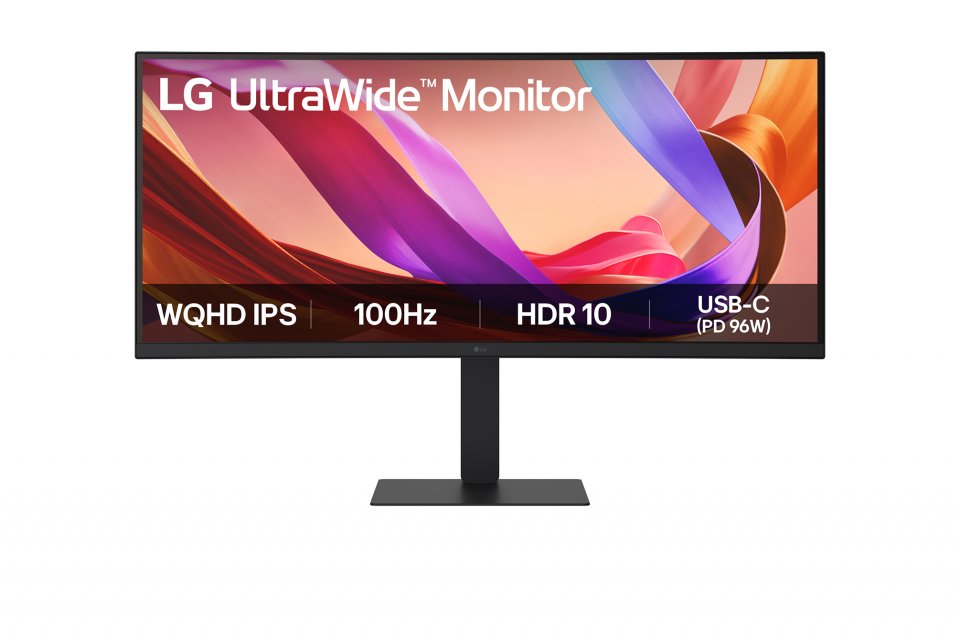
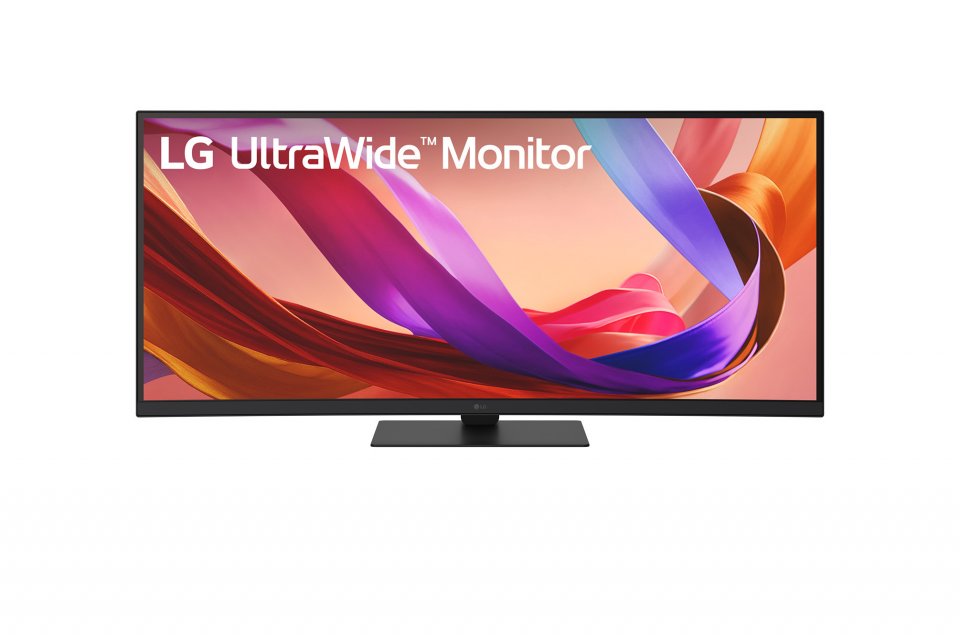
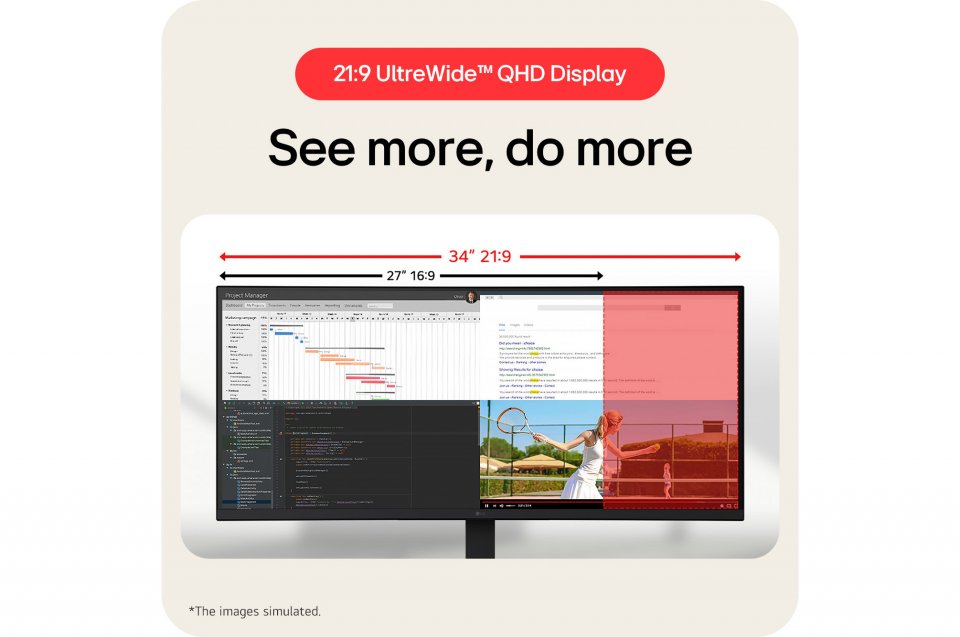
The LG UltraWide 34U650A is a 34″ WQHD display offering a wide 21:9 aspect ratio and 3440×1440 resolution. The monitor is designed to enhance productivity by providing ample space for simultaneous use of multiple applications.
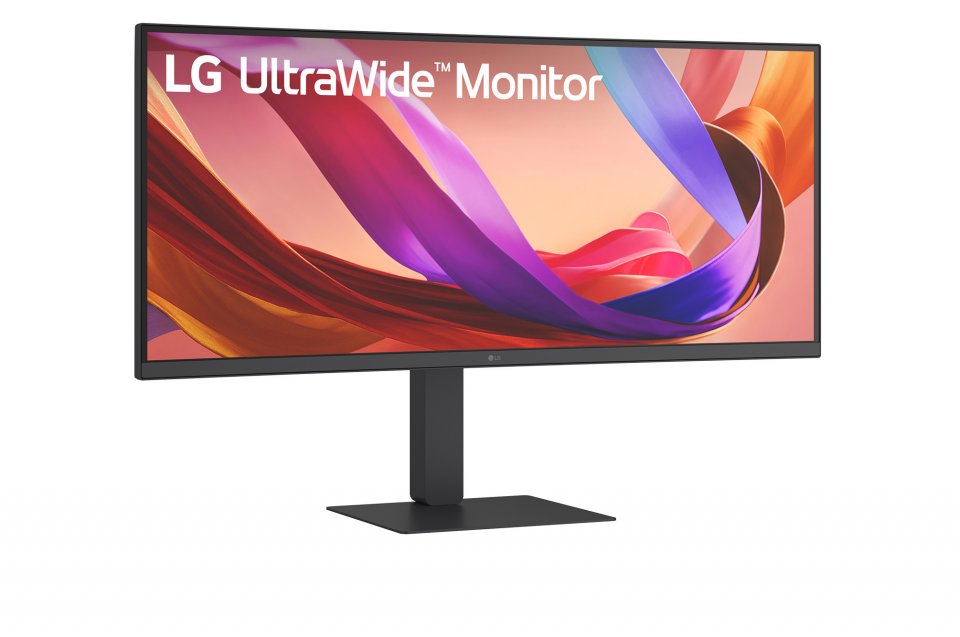
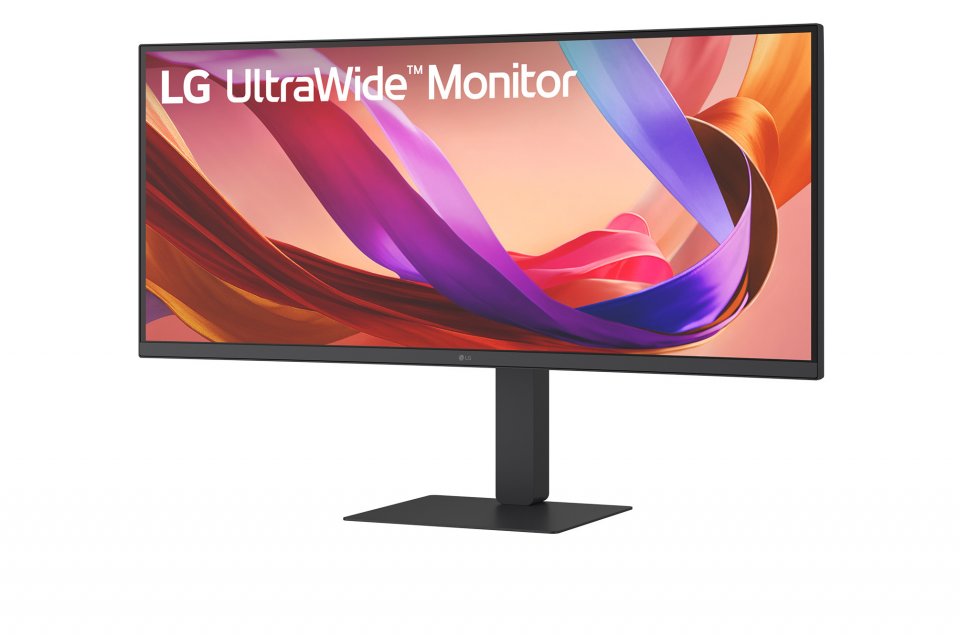
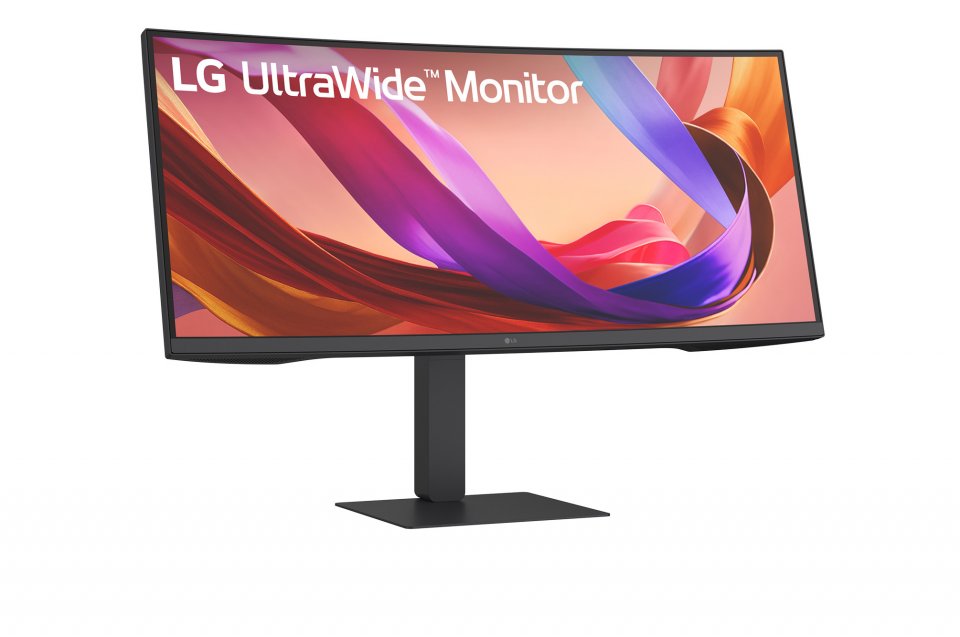
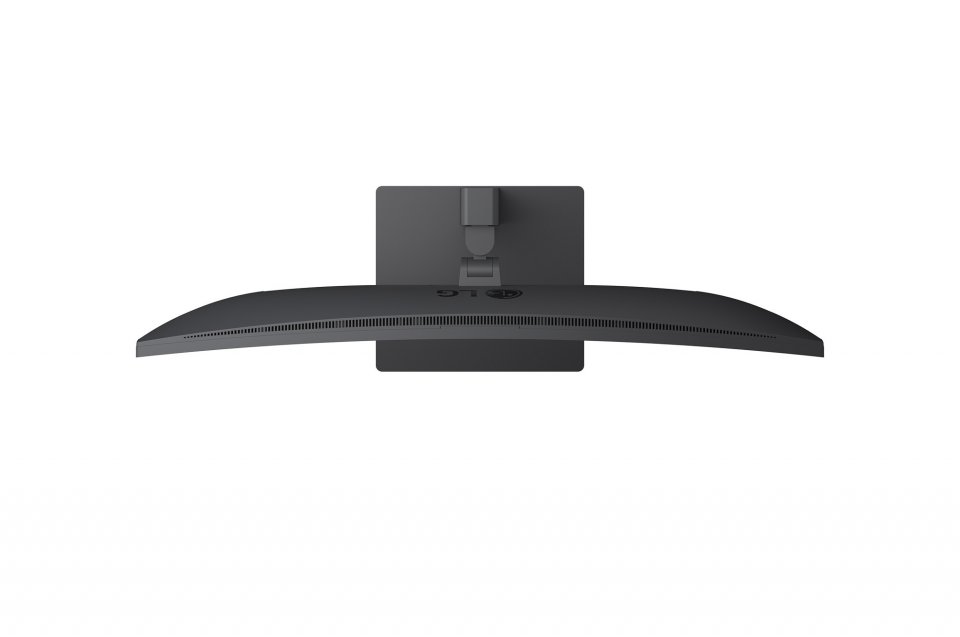
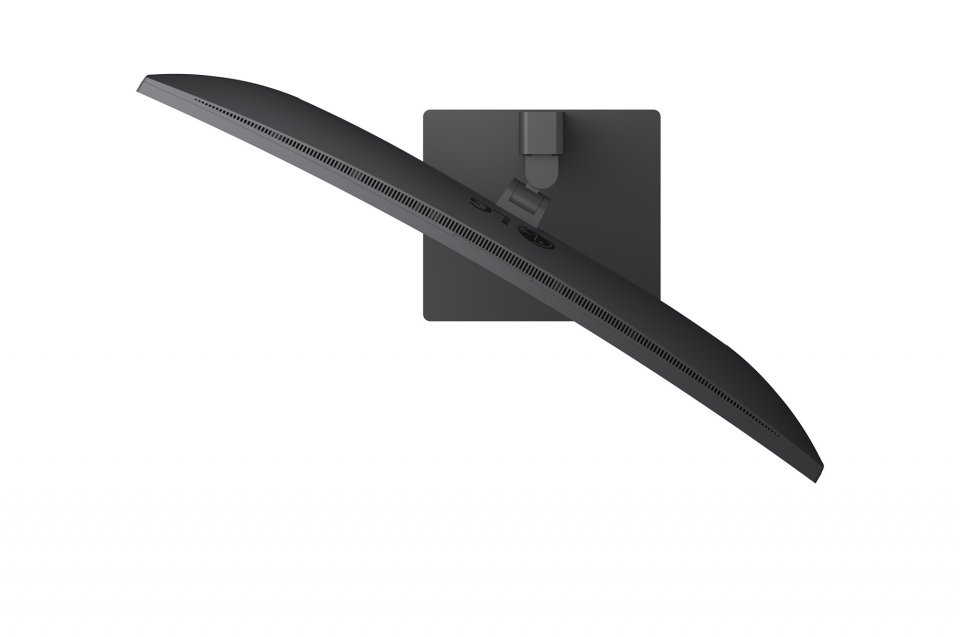
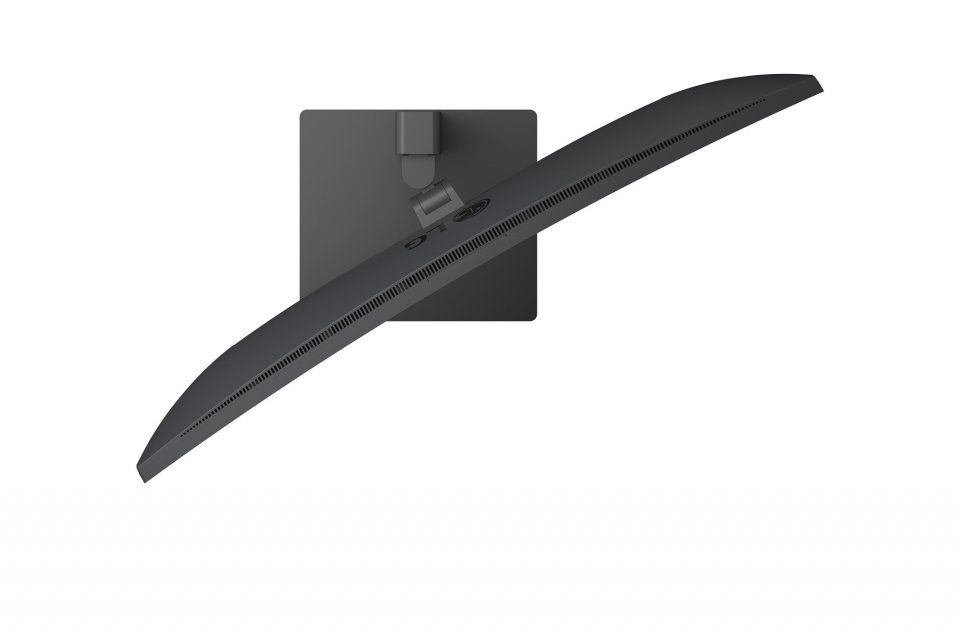
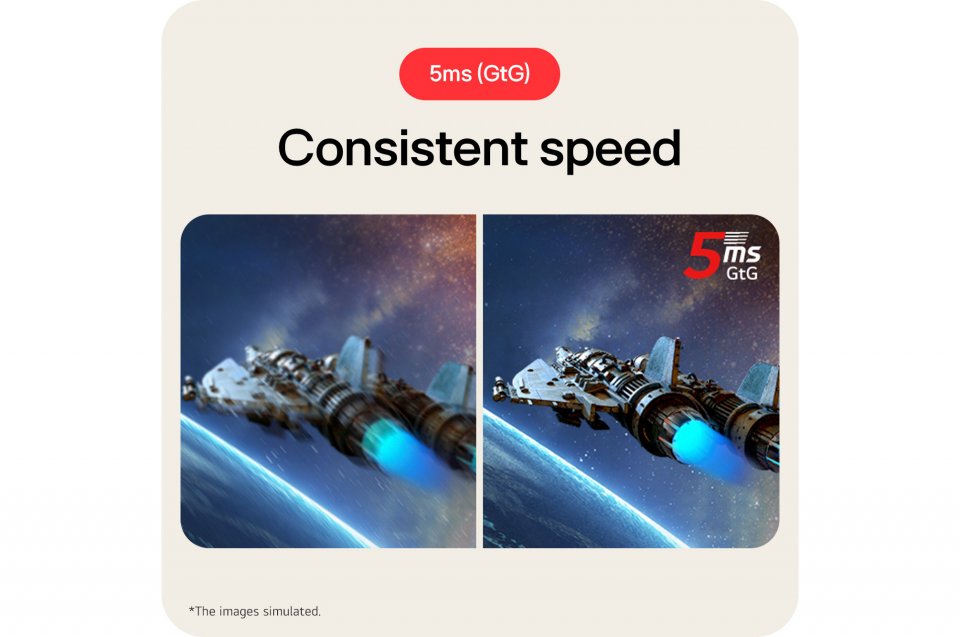
Its 3800R curvature follows the natural field of view, reducing distortion, and the nearly borderless design on three sides offers an unobstructed and pleasant viewing experience. With a 5 ms response time (GtG), images move smoothly without ghosting. This also makes it suitable for gaming, where speed and precision are important.
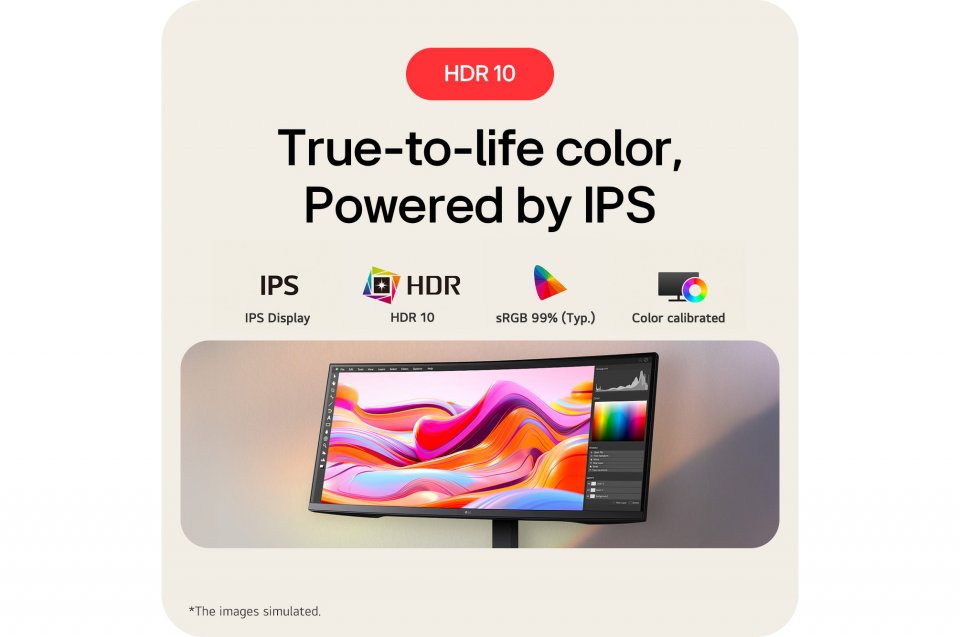
The LG 34U650A supports HDR 10 technology and covers 99% of the sRGB color space, ensuring accurate color reproduction and correct tones in HDR content. This makes images look natural and details stand out clearly even in challenging lighting conditions.
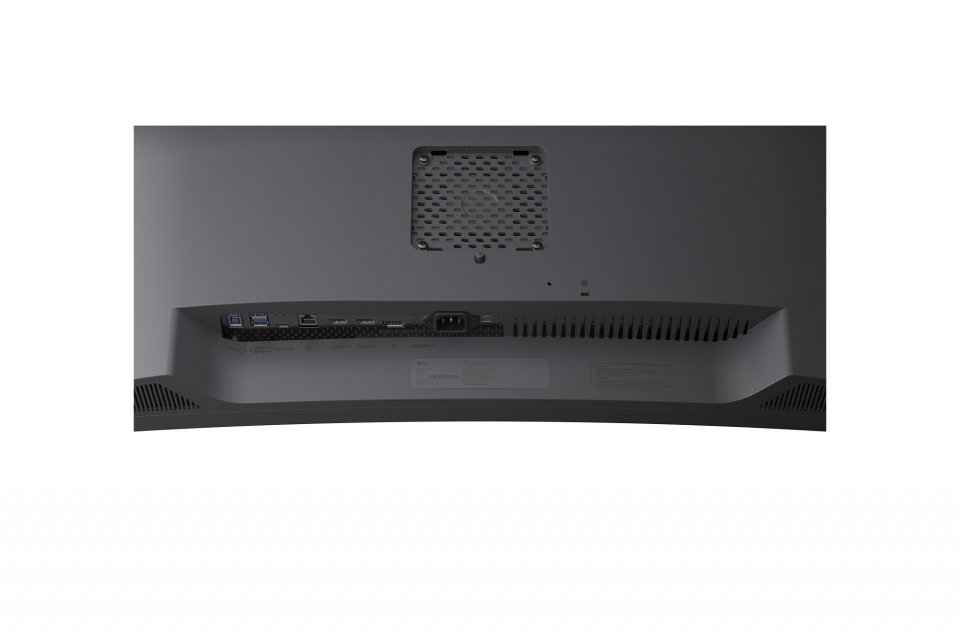
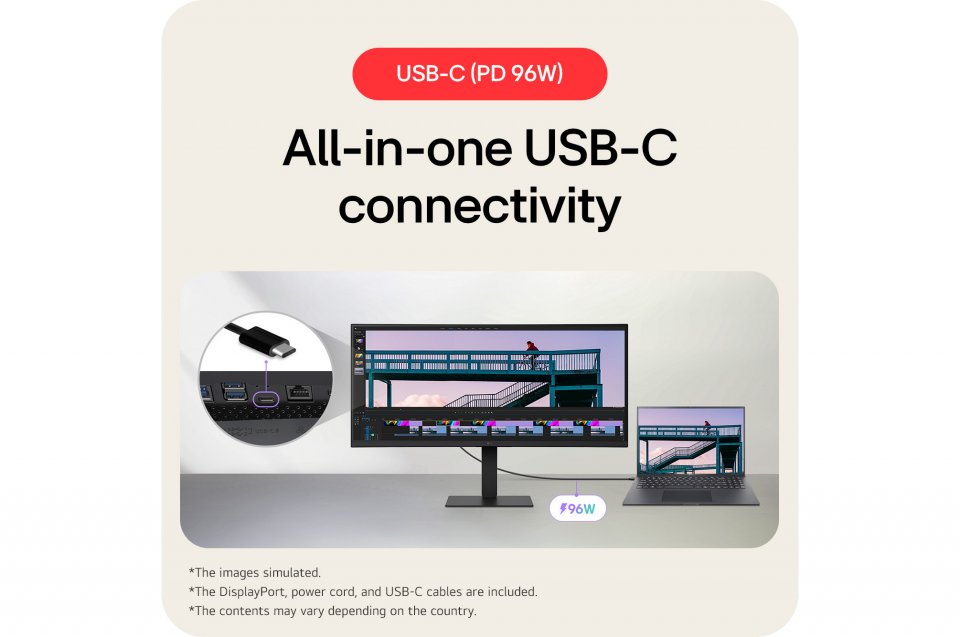
Connectivity options include USB-C, DisplayPort, and HDMI, allowing you to easily connect various devices. The USB-C port enables display use, data transfer, and laptop charging (up to 96 W) through a single convenient cable. The built-in USB 3.2 hub, KVM switch, and Ethernet port simplify connections and allow control of two computers with one keyboard and mouse.
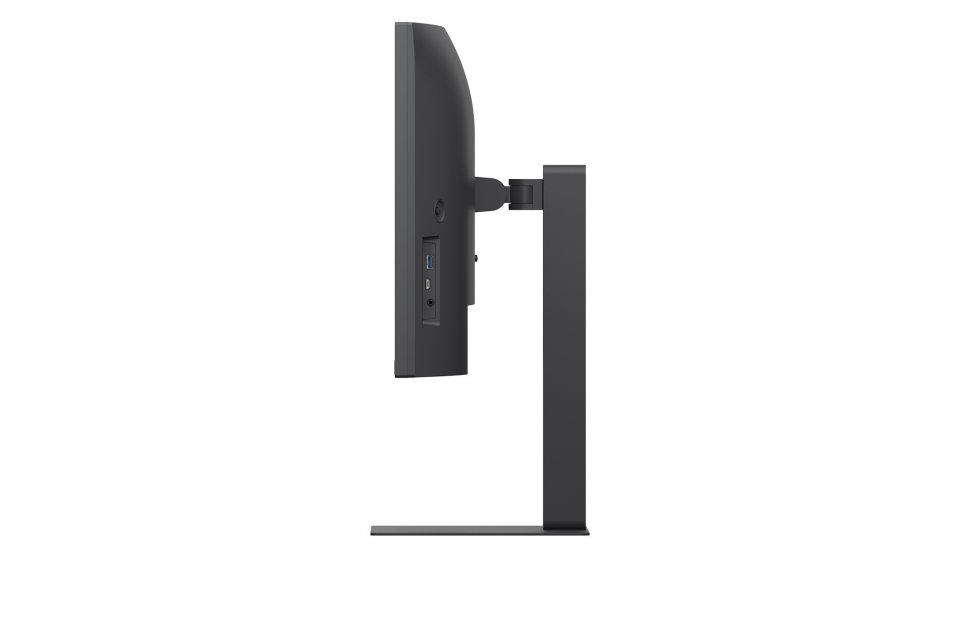
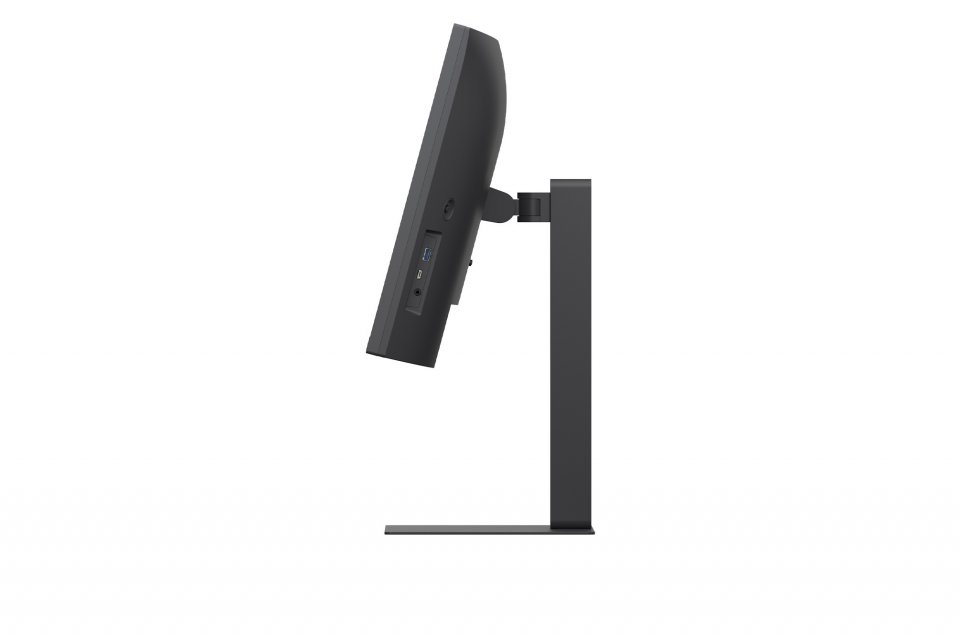
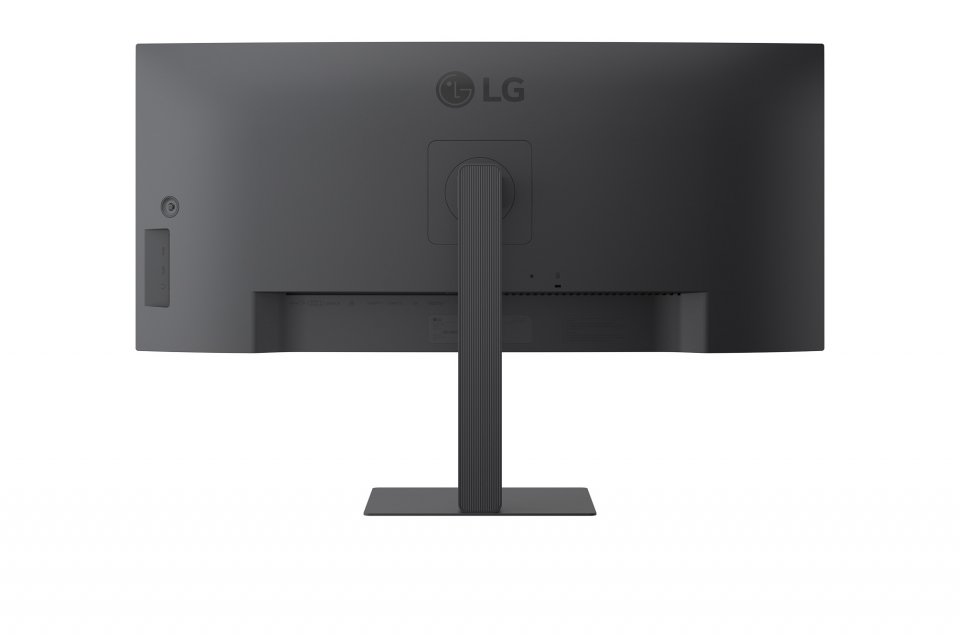
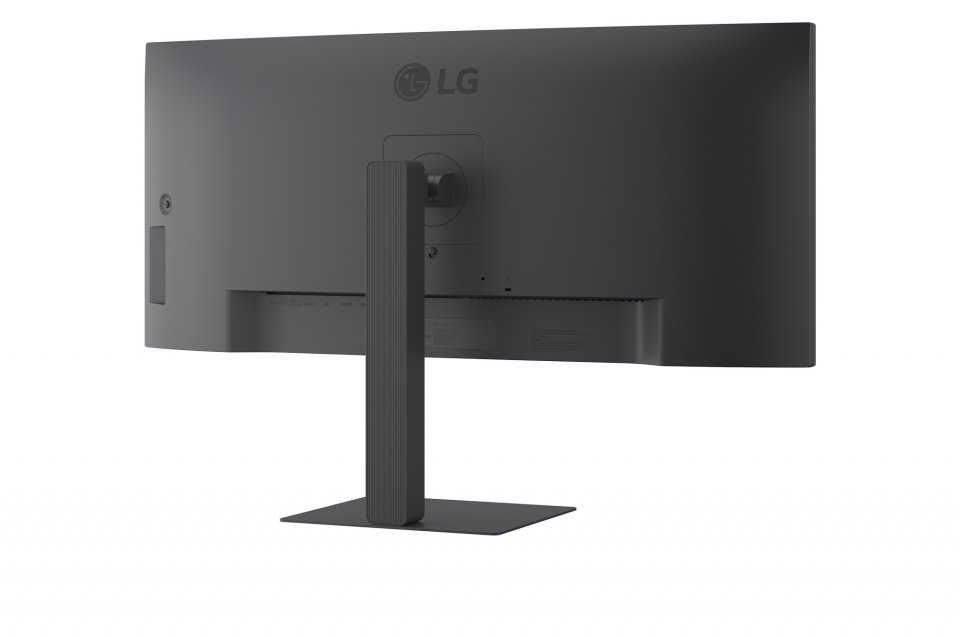
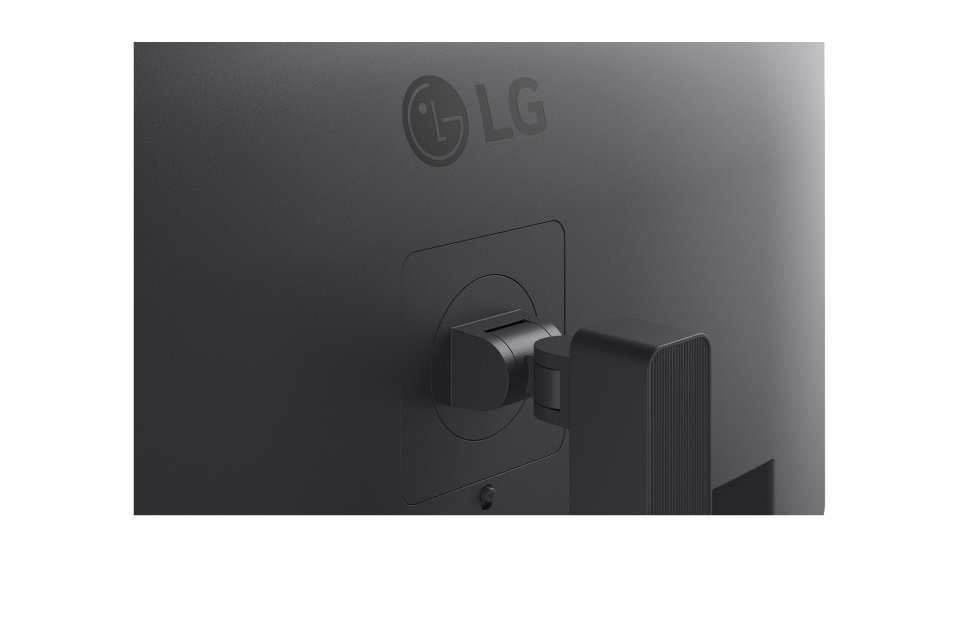
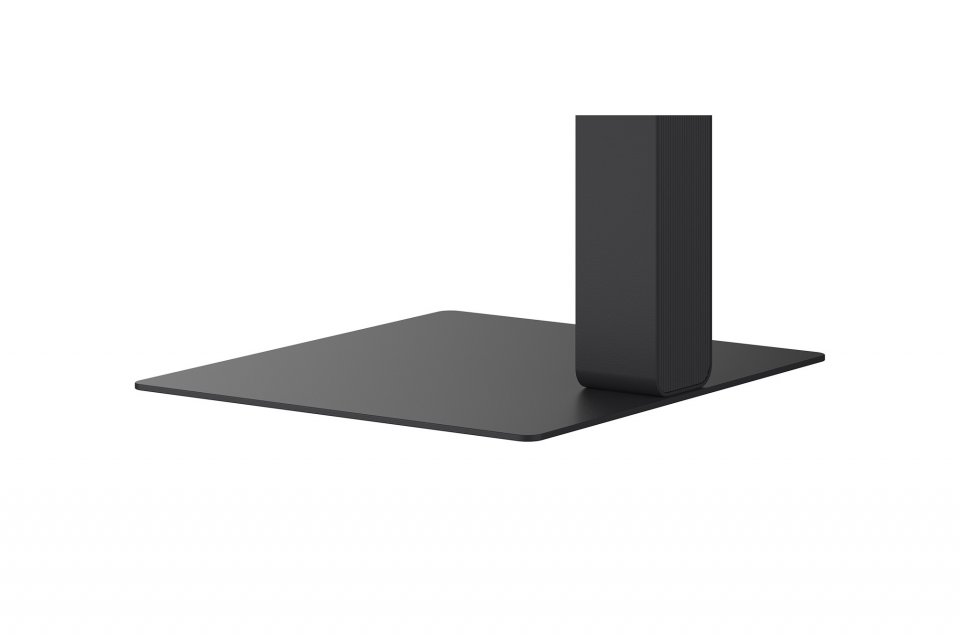
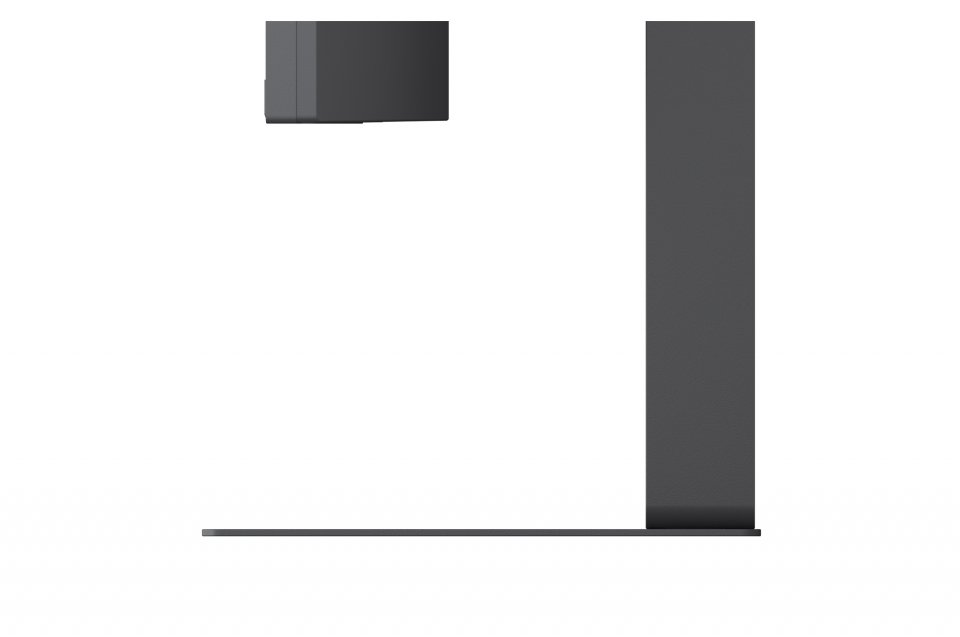
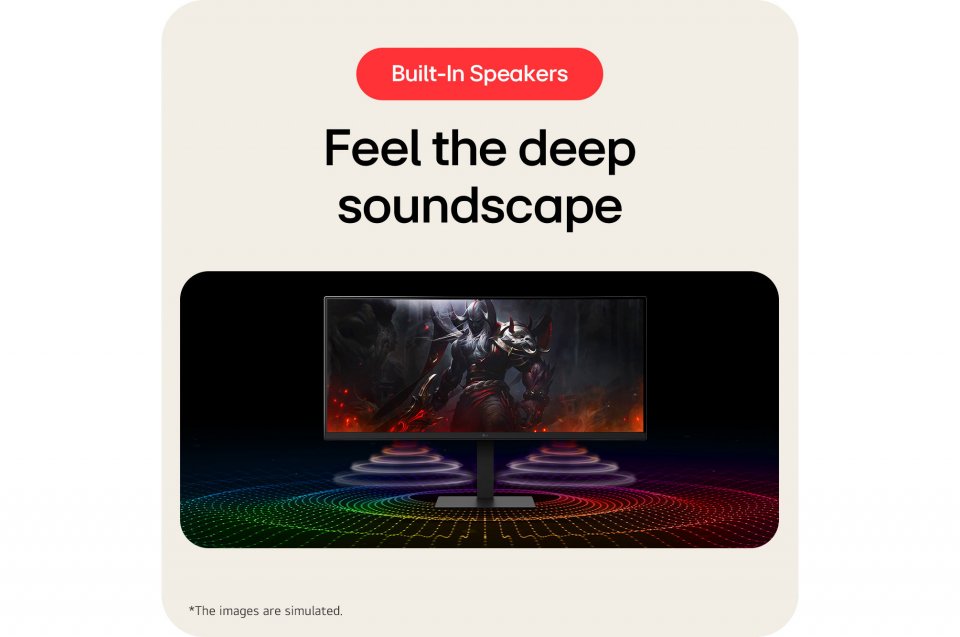
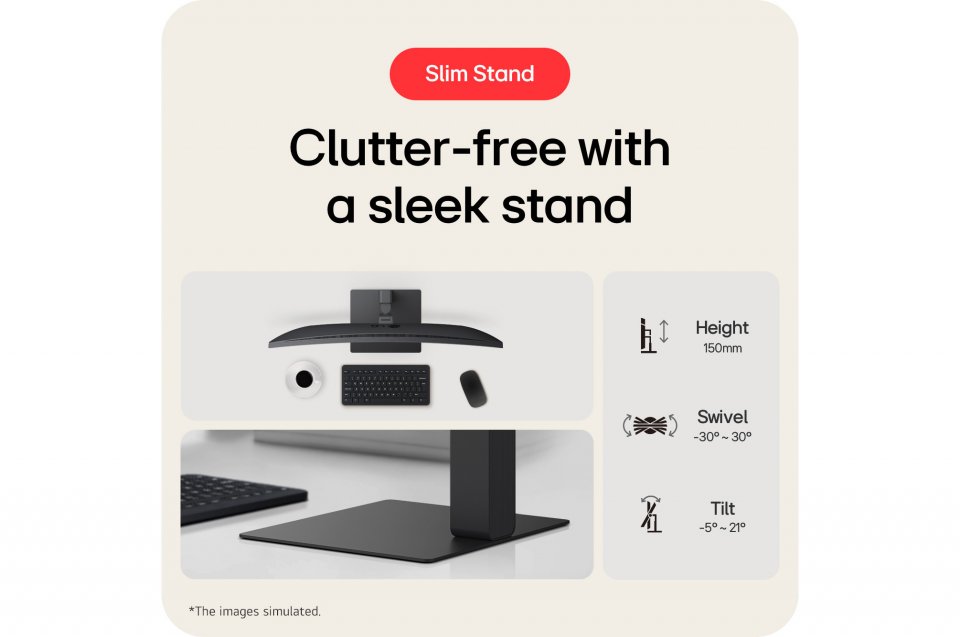
The built-in 7-watt speakers utilize DepthSound technology, which enhances bass reproduction and provides deeper sound quality for games or videos. The ergonomically designed L-shaped stand keeps your desk tidy and allows tilt, swivel, and height adjustments to ensure a comfortable viewing angle.
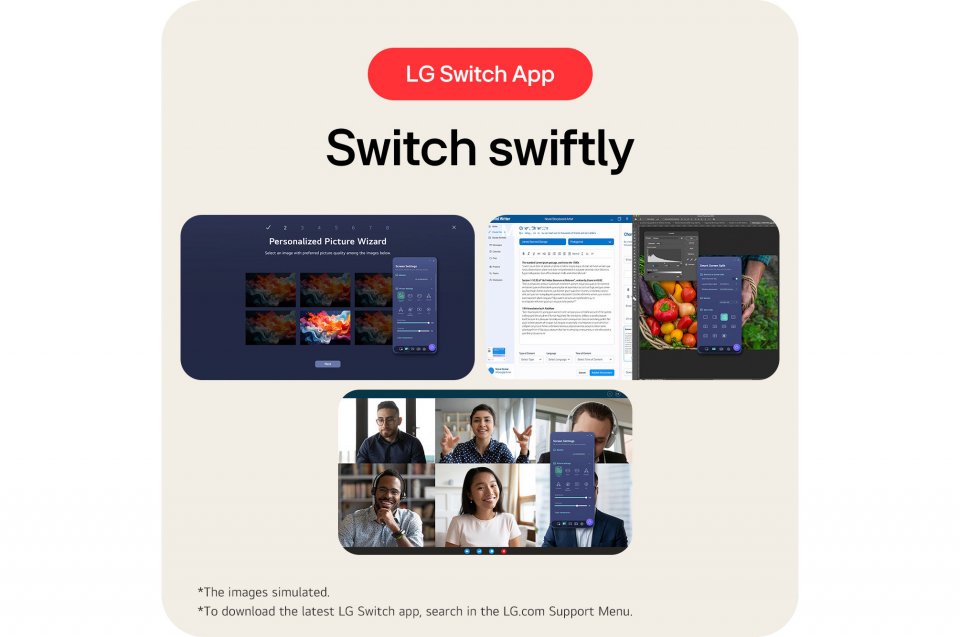
The screen can be divided into up to six sections, with various themes available. Additionally, you can launch video call applications with a shortcut. Picture-in-Picture (PiP) places a smaller source window inside the main image, while Picture-by-Picture (PbP) splits the screen into two side-by-side areas, allowing you to view two sources simultaneously.

The LG UltraWide 34U650A is a 34" WQHD display offering a wide 21:9 aspect ratio and 3440×1440 resolution. The monitor is designed to enhance productivity by providing ample space for simultaneous use of multiple applications.
Its 3800R curvature follows the natural field of view, reducing distortion, and the nearly borderless design on three sides offers an unobstructed and pleasant viewing experience. With a 5 ms response time (GtG), images move smoothly without ghosting. This also makes it suitable for gaming, where speed and precision are important.
The LG 34U650A supports HDR 10 technology and covers 99% of the sRGB color space, ensuring accurate color reproduction and correct tones in HDR content. This makes images look natural and details stand out clearly even in challenging lighting conditions.
Connectivity options include USB-C, DisplayPort, and HDMI, allowing you to easily connect various devices. The USB-C port enables display use, data transfer, and laptop charging (up to 96 W) through a single convenient cable. The built-in USB 3.2 hub, KVM switch, and Ethernet port simplify connections and allow control of two computers with one keyboard and mouse.
The built-in 7-watt speakers utilize DepthSound technology, which enhances bass reproduction and provides deeper sound quality for games or videos. The ergonomically designed L-shaped stand keeps your desk tidy and allows tilt, swivel, and height adjustments to ensure a comfortable viewing angle.
The screen can be divided into up to six sections, with various themes available. Additionally, you can launch video call applications with a shortcut. Picture-in-Picture (PiP) places a smaller source window inside the main image, while Picture-by-Picture (PbP) splits the screen into two side-by-side areas, allowing you to view two sources simultaneously.