
| Color | Blue |
|---|---|
| Country of Origin | United States |
| PID | 811048 |
| Product depth (mm) | 123 |
| Product height (mm) | 19 |
| Product weight (g) | 290 |
| Product width (mm) | 84 |
| Product Family | IronKey |
| Storage Media Type | SSD |
| Electronic address of single contact point | |
| Manufacturer address | Kingston Court, Brooklands Close, Sunbury-on-Thames, Middlesex, TW16 7EP, England |
| Manufacturer's email address | |
| Manufacturer name | Kingston Technology Europe Co LLP |
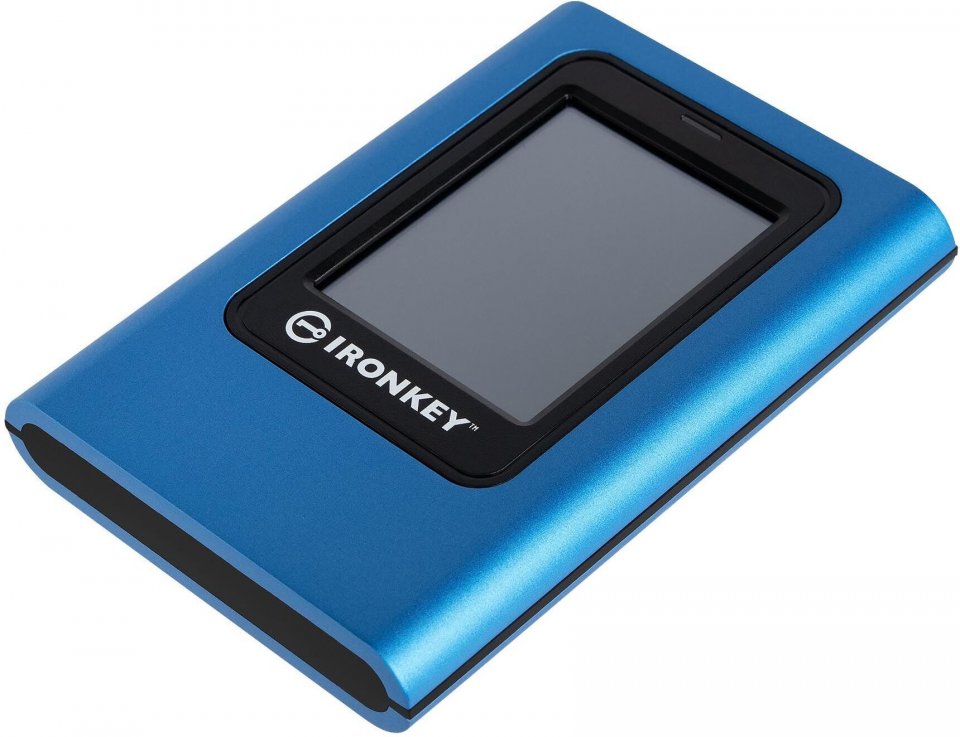
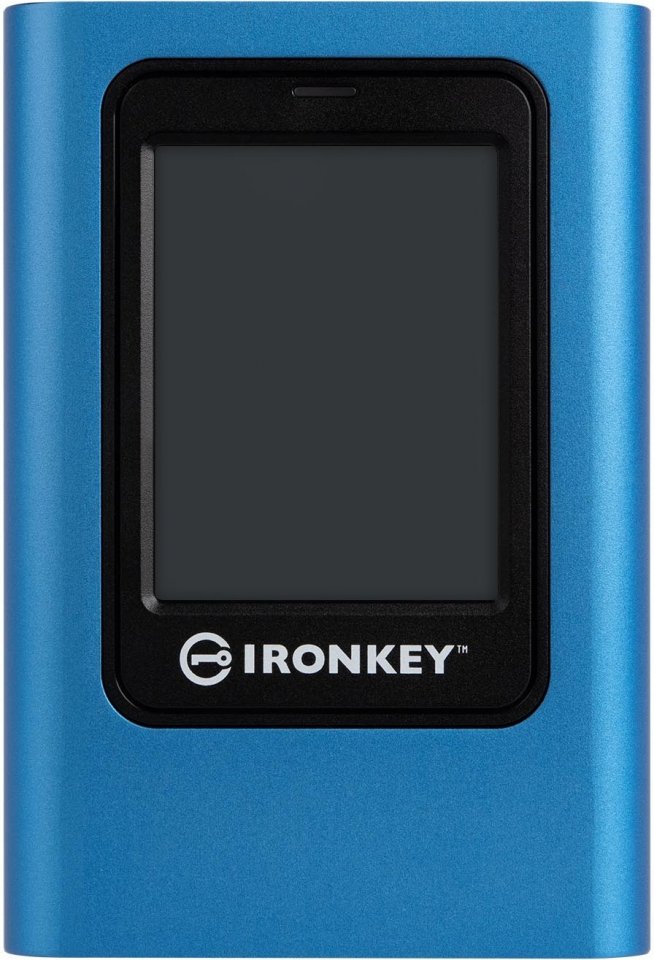
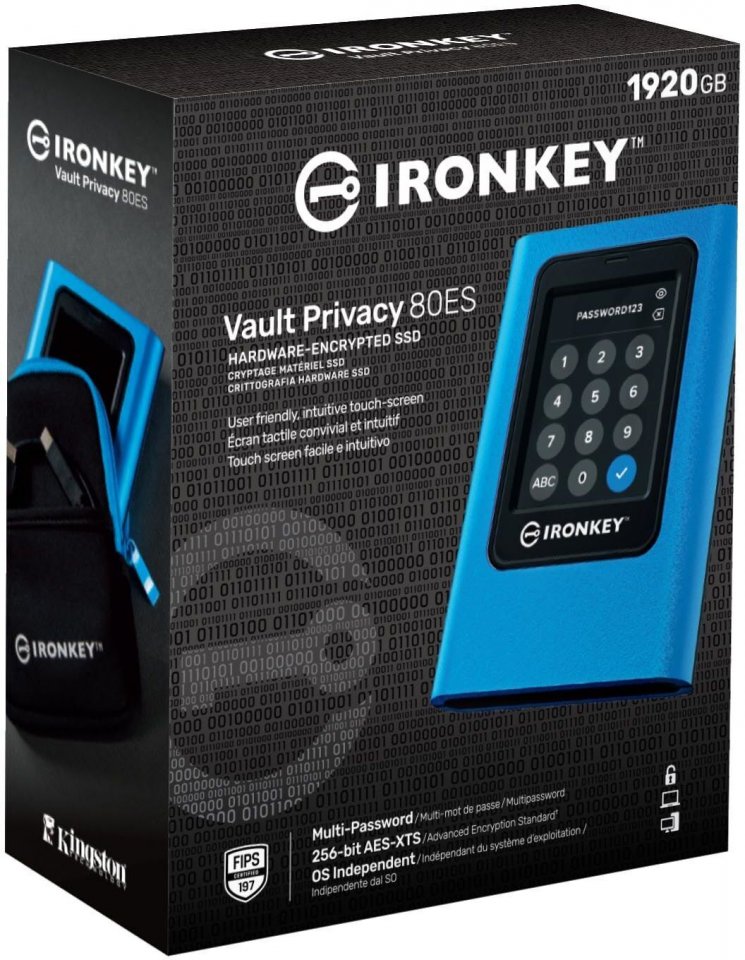
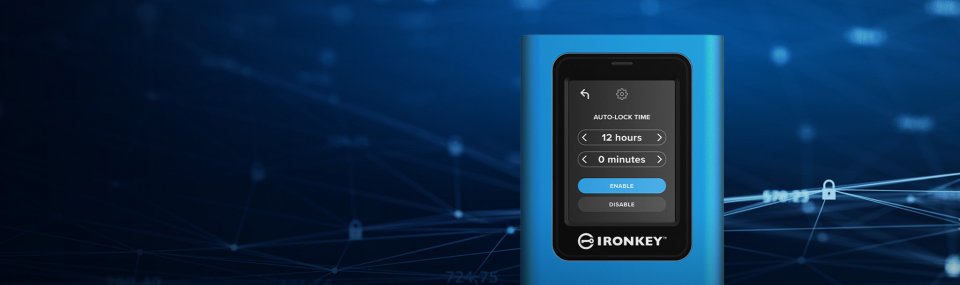
IronKey Vault Privacy 80 is Kingston’s first innovative, operating system-independent hardware-encrypted external SSD with a touchscreen for data protection.
The VP80 safeguards against Brute Force attacks and BadUSB threats with digitally signed firmware. By default, the drive encrypts itself if the Admin and User passwords are entered incorrectly 15 times in a row. It features FIPS 197 certified XTS-AES 256-bit encryption, utilizing a Common Criteria EAL5+ certified secure microprocessor, and is TAA compliant.
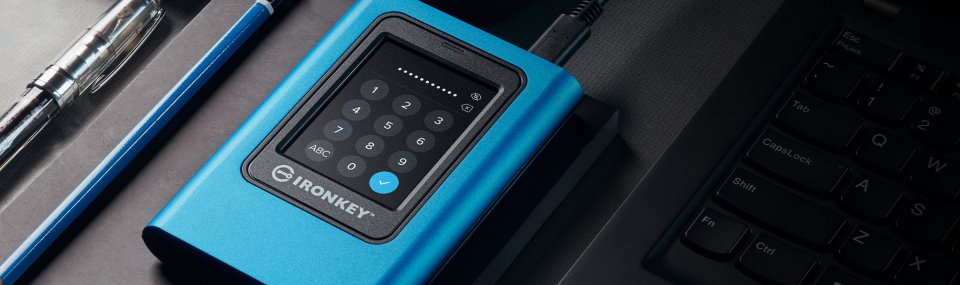
As easy as unlocking a smartphone and performing simple drag & drop transfers, the VP80 is designed to protect your data while being user-friendly. The Vault Privacy 80 includes an intuitive color touchscreen and multiple password options (Admin and User), along with a numeric PIN code or password. This SSD is a great alternative to using the internet and cloud services for data protection, as your information is physically within reach.
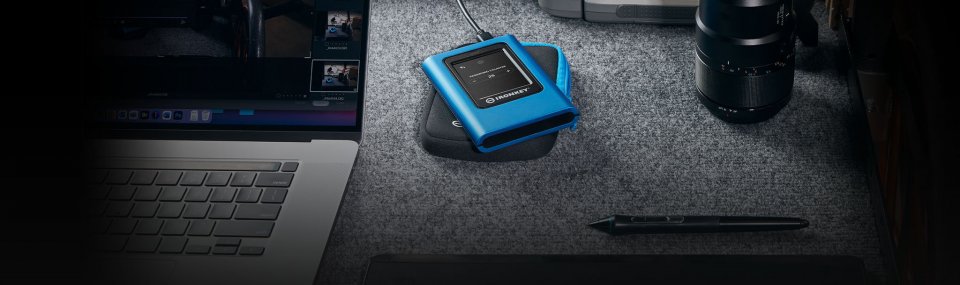
Whether you’re dealing with important business data, client documents, or high-resolution images and videos, this drive is perfect for small to medium-sized businesses and content creators alike. It comes with two USB 3.2 Gen 1 adapter cables (USB Type C – C and USB Type C – A), making it easy to connect to computers and other devices. The VP80 is the ideal companion when you need secure data and content on the go.
The administrator can enable the user password and set security settings, such as defining password requirements by establishing a maximum number of shared enterprises, a minimum password length of 6-64 characters, and alphanumeric password rules. Additionally, you can use a space character, making it easier to remember the password, for instance, as a word list, a memorable quote, or lyrics from your favorite song. Alternatively, you can unlock using a PIN code just like on a mobile device, reducing failed login attempts and frustration by tapping the “eye” button to see the entered password.
If the user password is forgotten, the data can be accessed using the administrator password, allowing for recovery of user access.
IronKey Vault Privacy 80 Features:

IronKey Vault Privacy 80 is Kingston's first innovative, operating system-independent hardware-encrypted external SSD with a touchscreen for data protection.
The VP80 safeguards against Brute Force attacks and BadUSB threats with digitally signed firmware. By default, the drive encrypts itself if the Admin and User passwords are entered incorrectly 15 times in a row. It features FIPS 197 certified XTS-AES 256-bit encryption, utilizing a Common Criteria EAL5+ certified secure microprocessor, and is TAA compliant.
As easy as unlocking a smartphone and performing simple drag & drop transfers, the VP80 is designed to protect your data while being user-friendly. The Vault Privacy 80 includes an intuitive color touchscreen and multiple password options (Admin and User), along with a numeric PIN code or password. This SSD is a great alternative to using the internet and cloud services for data protection, as your information is physically within reach.
Whether you’re dealing with important business data, client documents, or high-resolution images and videos, this drive is perfect for small to medium-sized businesses and content creators alike. It comes with two USB 3.2 Gen 1 adapter cables (USB Type C - C and USB Type C - A), making it easy to connect to computers and other devices. The VP80 is the ideal companion when you need secure data and content on the go.
The administrator can enable the user password and set security settings, such as defining password requirements by establishing a maximum number of shared enterprises, a minimum password length of 6-64 characters, and alphanumeric password rules. Additionally, you can use a space character, making it easier to remember the password, for instance, as a word list, a memorable quote, or lyrics from your favorite song. Alternatively, you can unlock using a PIN code just like on a mobile device, reducing failed login attempts and frustration by tapping the "eye" button to see the entered password.
If the user password is forgotten, the data can be accessed using the administrator password, allowing for recovery of user access.
IronKey Vault Privacy 80 Features: