| Color | Black |
|---|---|
| Country of Origin | China |
| PID | 1034516 |
| Product depth (mm) | 437 |
| Product height (mm) | 26 |
| Product weight (g) | 850 |
| Product width (mm) | 131 |
| Connectivity type | Bluetooth, USB receiver, Wired USB, Wired USB + USB receiver + Bluetooth |
| Backlit keys | No |
| Mechanical Switches | No |
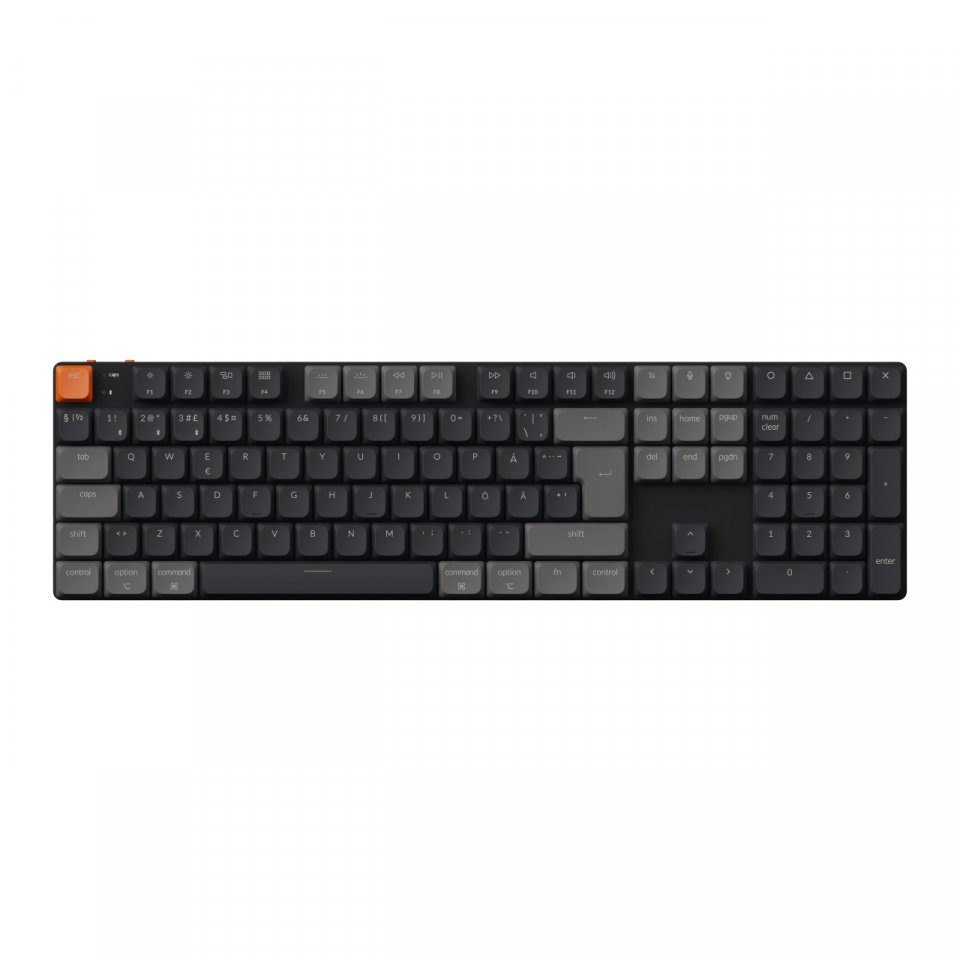
| Keyboard size | 100% (full size) |
| Charger included | No |
| Manufacturer address | Flat/RM 185 G/F, Hang Wai Ind Centre, NO.6 Kin Tai ST, Tuen Mun NT, Hong Kong. |
| Manufacturer's email address | |
| Manufacturer name | Keychron Tech Limited |
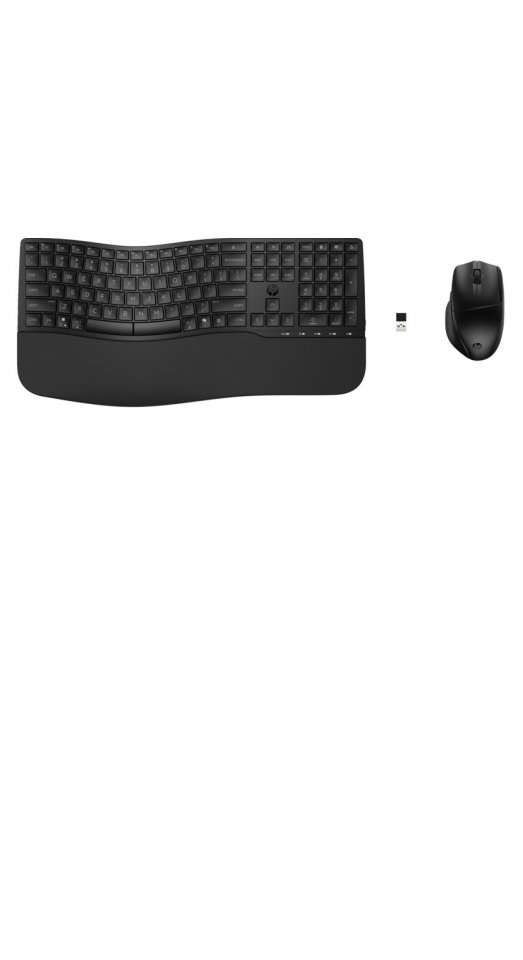
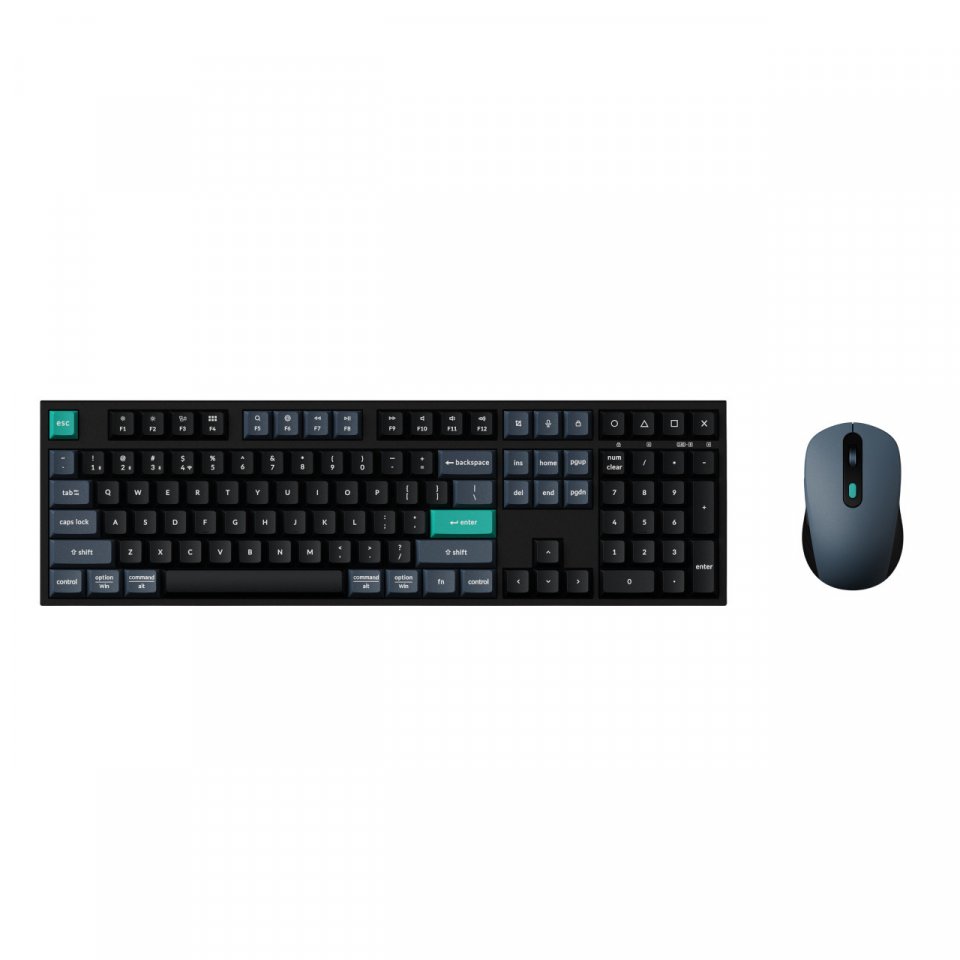
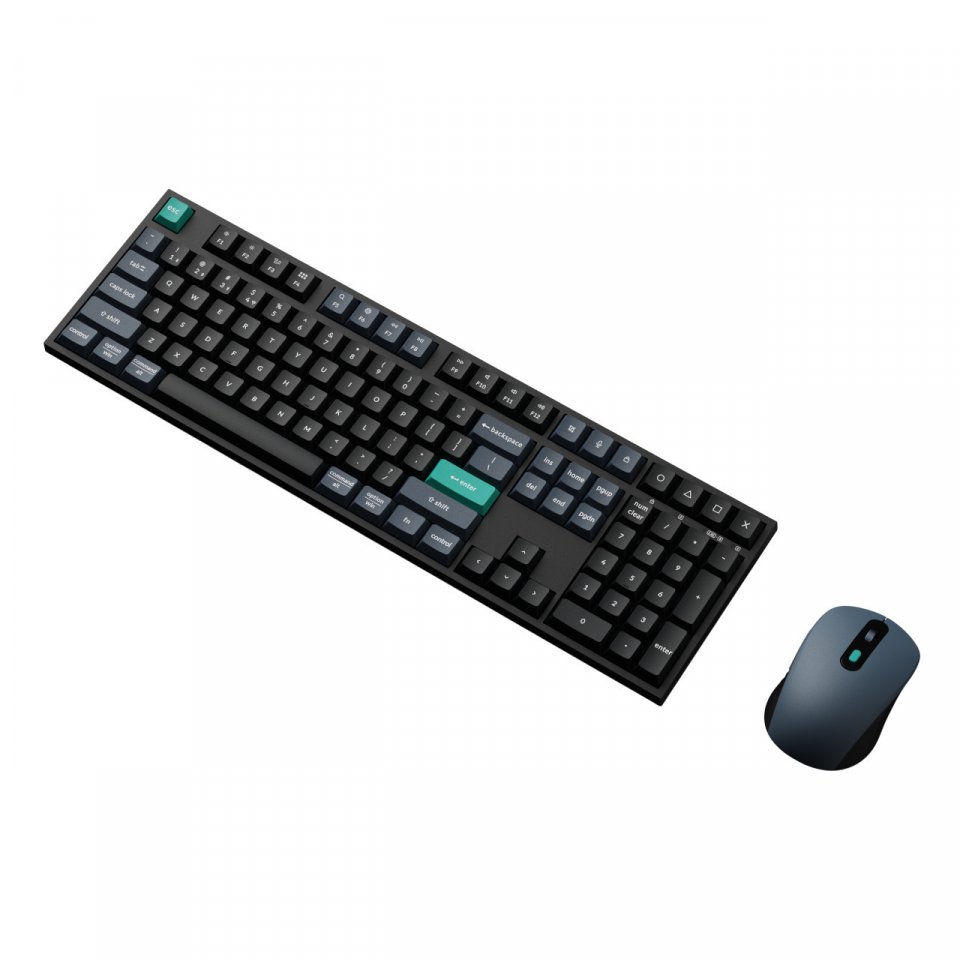
The Keychron B36 + BM25 is a quiet, precise, and versatile wireless work pair. The Keychron B36 keyboard’s quiet, precise typing feel and the BM25 mouse’s nearly silent clicks create a seamless, professional-grade combination for working at home, in the office, and on the go. Tri-mode connections and a combined 2-in-1 receiver ensure quick setup and lag-free performance.
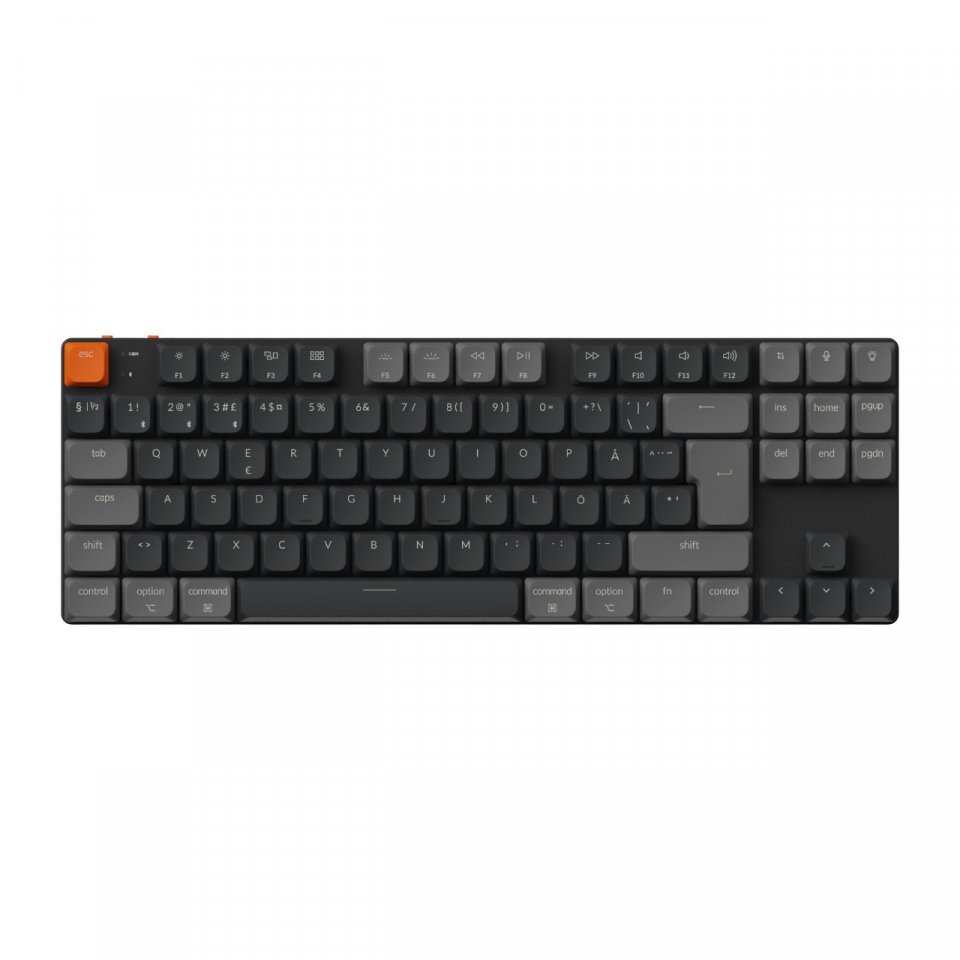
The scissor mechanism uses two intersecting “scissor levers” that stabilize each keystroke, making typing quiet, smooth, and less wobbly. In the B36, the mechanism has been redesigned and is 59% taller than traditional scissor solutions, increasing precision and stability. Fully lubricated keys produce soft and consistent keystrokes – the quiet keyboard is an excellent choice for shared spaces and evening use.
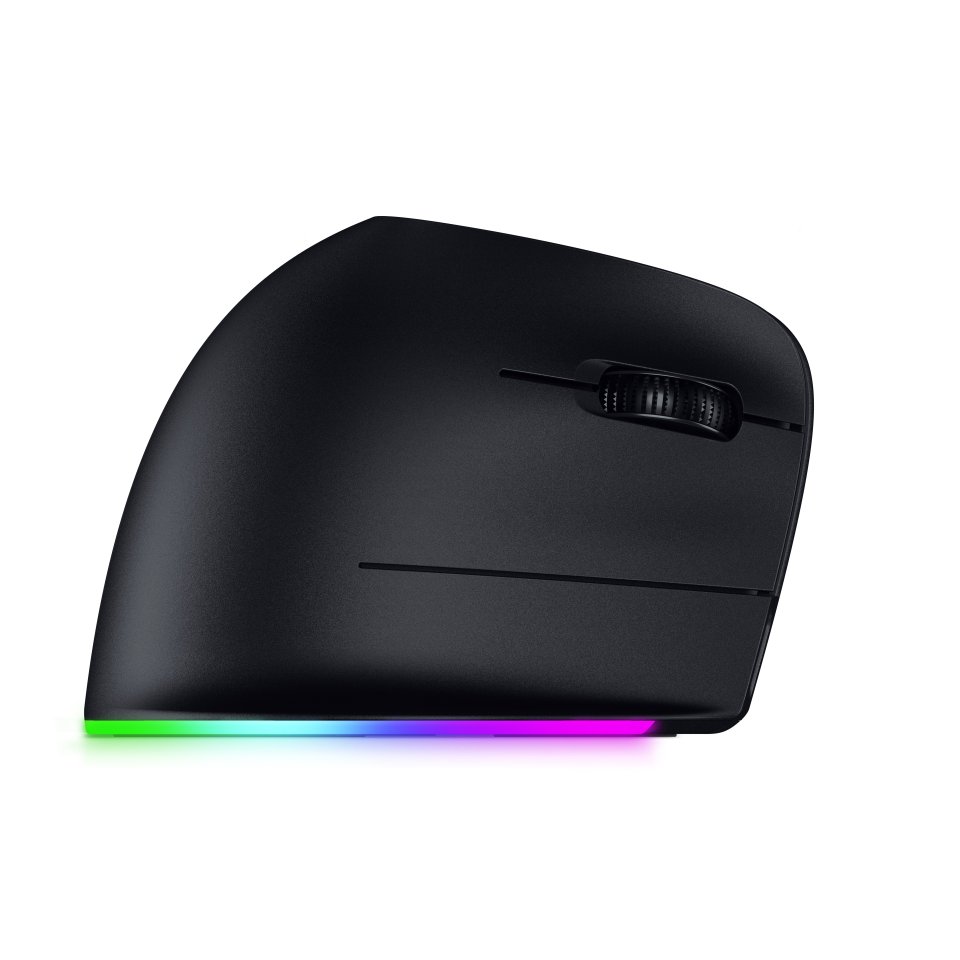
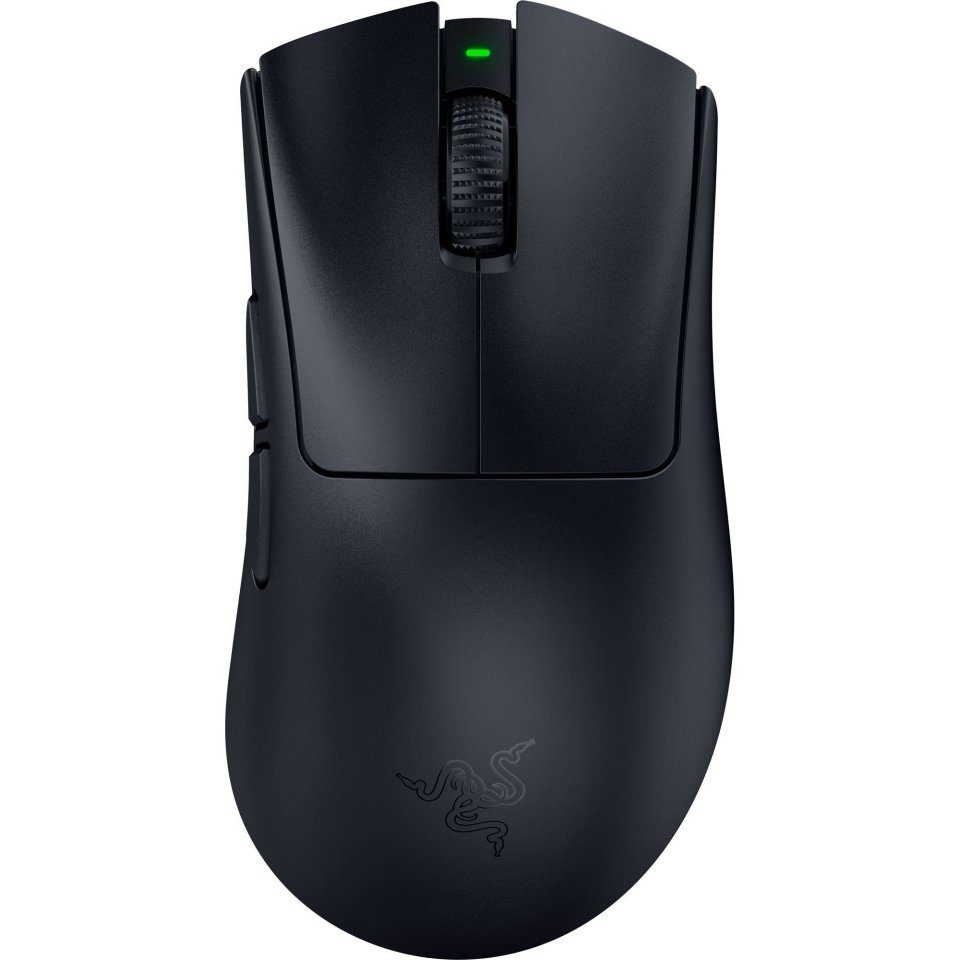
The BM25 mouse’s all-silent microswitches ensure ultra-quiet clicks. Together with the B36, you get an almost silent typing and pointing experience without compromising responsiveness.
Both the keyboard and mouse support 2.4 GHz wireless connection and a 1000 Hz polling rate – resulting in very low latency and precise control. Pairing is effortless with a single 2-in-1 receiver that manages both devices.
The B36 also supports Bluetooth 5.2 mode for up to three devices and smooth switching between them. The BM25 offers a stable Bluetooth 5.2 connection for added flexibility. The B36’s USB-C also allows wired use and charging.
The switch in the upper corner of the B36 quickly restores Bluetooth or 2.4G pairing mode. In Bluetooth mode, press Fn + 1/2/3 for three seconds to switch channels. The BM25 mouse’s pairing button on the bottom restores Bluetooth or 2.4G pairing mode – hold it for 3 seconds to pair a new device.
Keychron Launcher is a browser-based configuration tool that lets you customize the B36’s keymaps, macros, and shortcuts without installation. For the BM25, you can adjust polling rate and DPI settings, among others, and save up to 5 internal profiles for different applications or devices. Launcher works on Windows, macOS, and Linux, as well as Chrome, Edge, and Opera browsers, and updates automatically from the cloud. So you can configure the combo anywhere – at the office, school, lab, or other environments where software installation is not allowed.
The keyboard has a physical system switch for quickly toggling between Windows and macOS keymaps. Additionally, Fn + X + L instantly switches between traditional F1–F12 keys and multimedia controls. Different key layouts can be defined and saved directly in Launcher.
The included 2.4 GHz Type-A 2-in-1 receiver works immediately upon connection. When not in use, the dongle can be conveniently stored in the keyboard’s magnetic compartment in the upper corner.
The B36 offers two tilt angles (6.5° / 9°) to support your wrists. Slightly taller keycaps than usual reduce wobbling and strain during long work sessions.
With an 800 mAh battery, the B36 lasts up to 320 hours in wireless use. The BM25’s 600 mAh battery provides up to 98 hours of use in Bluetooth mode.

The Keychron B36 + BM25 is a quiet, precise, and versatile wireless work pair. The Keychron B36 keyboard’s quiet, precise typing feel and the BM25 mouse’s nearly silent clicks create a seamless, professional-grade combination for working at home, in the office, and on the go. Tri-mode connections and a combined 2-in-1 receiver ensure quick setup and lag-free performance.
The scissor mechanism uses two intersecting “scissor levers” that stabilize each keystroke, making typing quiet, smooth, and less wobbly. In the B36, the mechanism has been redesigned and is 59% taller than traditional scissor solutions, increasing precision and stability. Fully lubricated keys produce soft and consistent keystrokes – the quiet keyboard is an excellent choice for shared spaces and evening use.
The BM25 mouse’s all-silent microswitches ensure ultra-quiet clicks. Together with the B36, you get an almost silent typing and pointing experience without compromising responsiveness.
Both the keyboard and mouse support 2.4 GHz wireless connection and a 1000 Hz polling rate – resulting in very low latency and precise control. Pairing is effortless with a single 2-in-1 receiver that manages both devices.
The B36 also supports Bluetooth 5.2 mode for up to three devices and smooth switching between them. The BM25 offers a stable Bluetooth 5.2 connection for added flexibility. The B36’s USB-C also allows wired use and charging.
The switch in the upper corner of the B36 quickly restores Bluetooth or 2.4G pairing mode. In Bluetooth mode, press Fn + 1/2/3 for three seconds to switch channels. The BM25 mouse’s pairing button on the bottom restores Bluetooth or 2.4G pairing mode – hold it for 3 seconds to pair a new device.
Keychron Launcher is a browser-based configuration tool that lets you customize the B36’s keymaps, macros, and shortcuts without installation. For the BM25, you can adjust polling rate and DPI settings, among others, and save up to 5 internal profiles for different applications or devices. Launcher works on Windows, macOS, and Linux, as well as Chrome, Edge, and Opera browsers, and updates automatically from the cloud. So you can configure the combo anywhere – at the office, school, lab, or other environments where software installation is not allowed.
The keyboard has a physical system switch for quickly toggling between Windows and macOS keymaps. Additionally, Fn + X + L instantly switches between traditional F1–F12 keys and multimedia controls. Different key layouts can be defined and saved directly in Launcher.
The included 2.4 GHz Type-A 2-in-1 receiver works immediately upon connection. When not in use, the dongle can be conveniently stored in the keyboard’s magnetic compartment in the upper corner.
The B36 offers two tilt angles (6.5° / 9°) to support your wrists. Slightly taller keycaps than usual reduce wobbling and strain during long work sessions.
With an 800 mAh battery, the B36 lasts up to 320 hours in wireless use. The BM25’s 600 mAh battery provides up to 98 hours of use in Bluetooth mode.