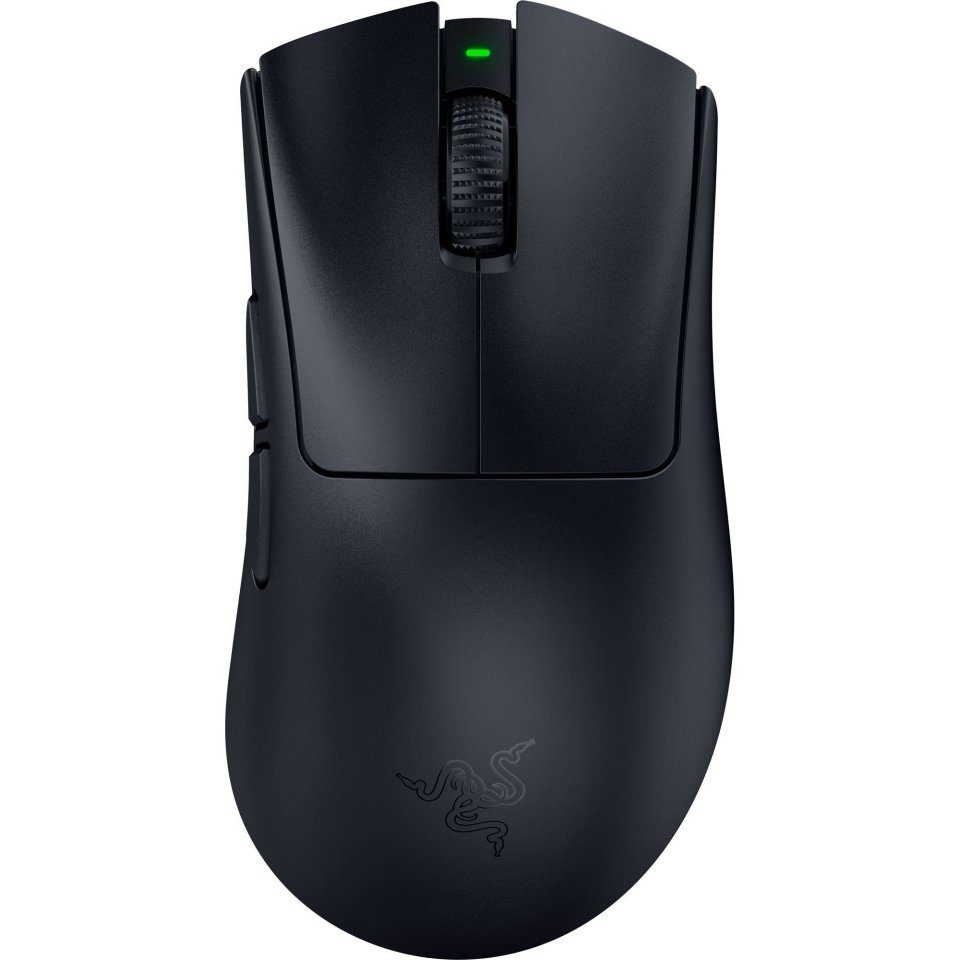


| Color | Black |
|---|---|
| Country of Origin | China |
| PID | 970577 |
| Wireless | No |
| Electronic address of single contact point | |
| Manufacturer address | Floor 1, Building 1, Huion Science and Techonolgy Park, Keji 1st Road, Tangtou Community, Shiyan Street, Bao'an District, Shenzhen, China |
| Manufacturer's email address | |
| Manufacturer name | Shenzhen Huion Trend Technology Co., Ltd. |
| EU Responsible Person | Dilectro Spolka z Ograniczona Odpowiedzialnoscia |
SPECIFICATIONS AND DESCRIPTION IN PROGRESS
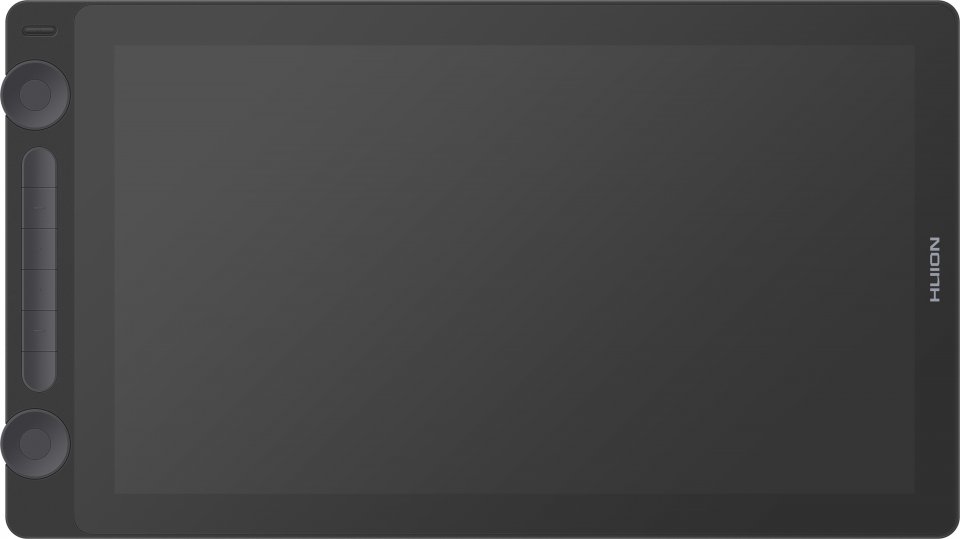
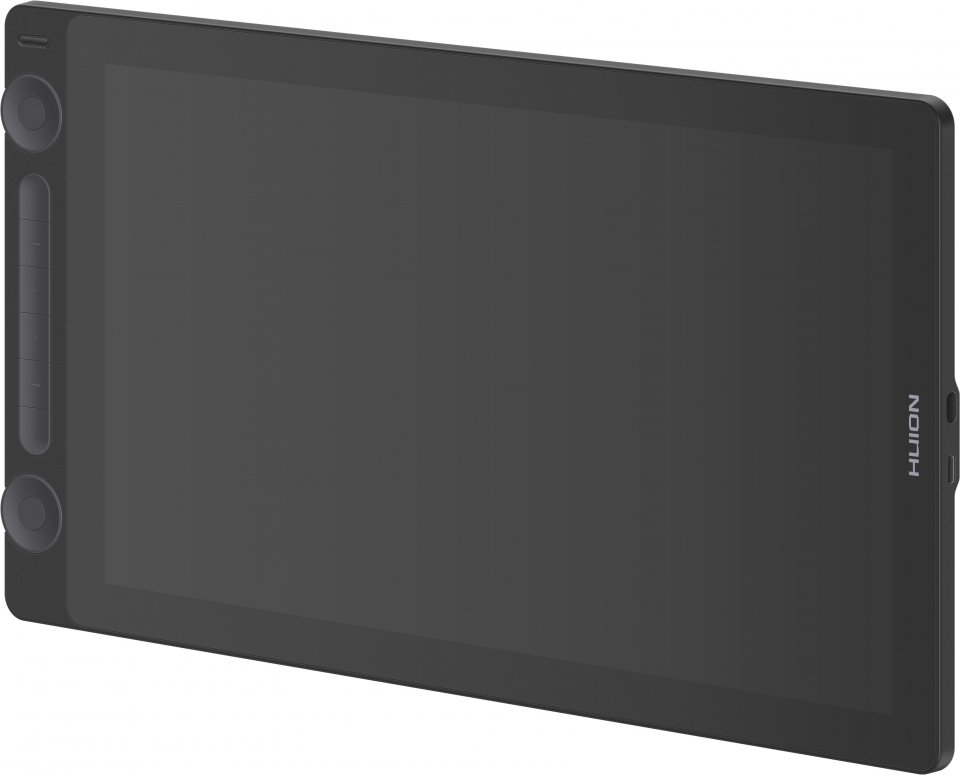
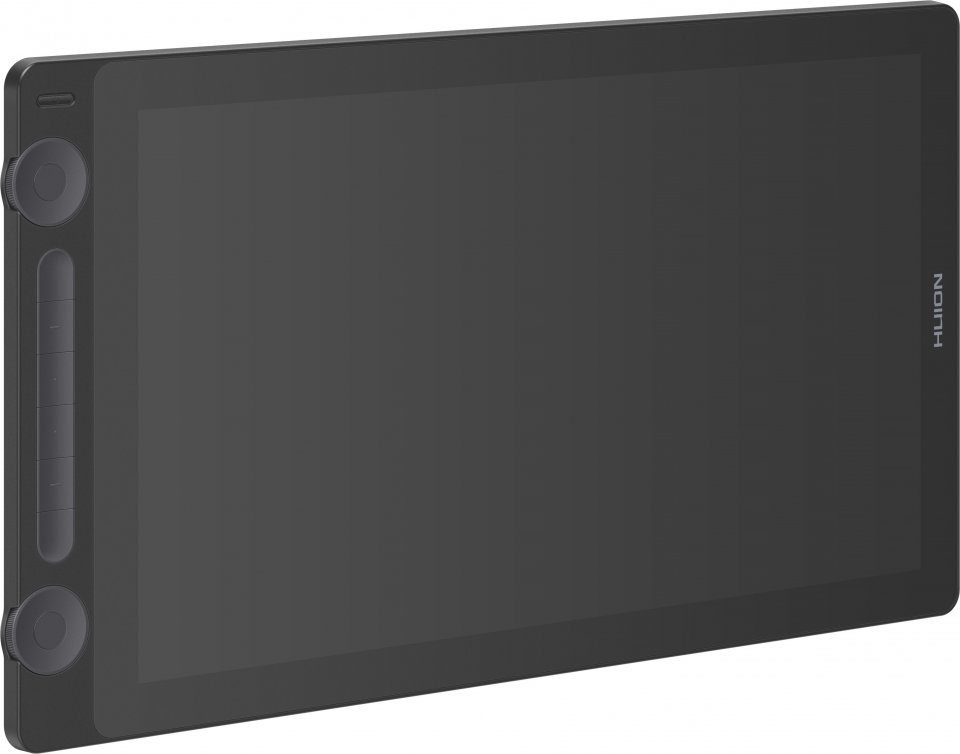
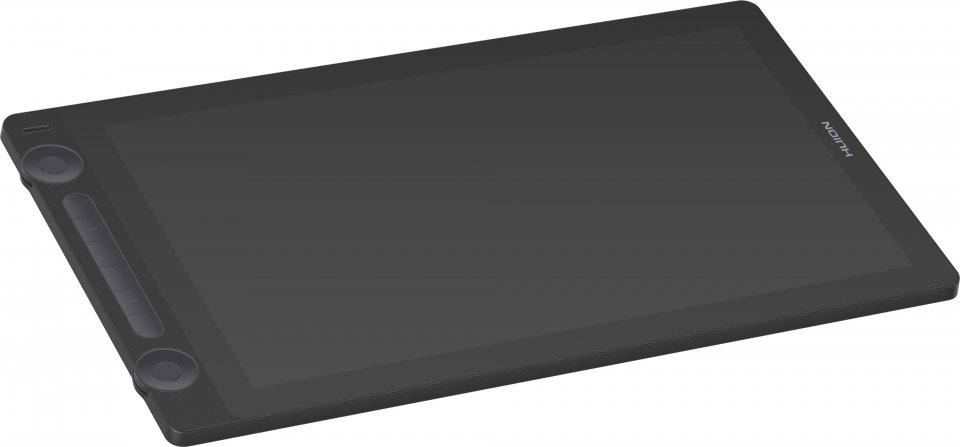
The HUION KAMVAS 16 offers a comfortable 15.6” drawing area with Full HD resolution. Like high-end drawing displays, the KAMVAS 16 is fully laminated. Thanks to the lamination, the tip of the stylus and the cursor move extremely accurately in the same spot, and there is a natural-feeling friction between the stylus tip and the surface of the screen that closely mimics the drawing feel of real paper and pencil. This is also aided by HUION’s new and improved PW517 stylus, which has the tip positioned slightly lower in the pen, making the drawing experience even more precise.
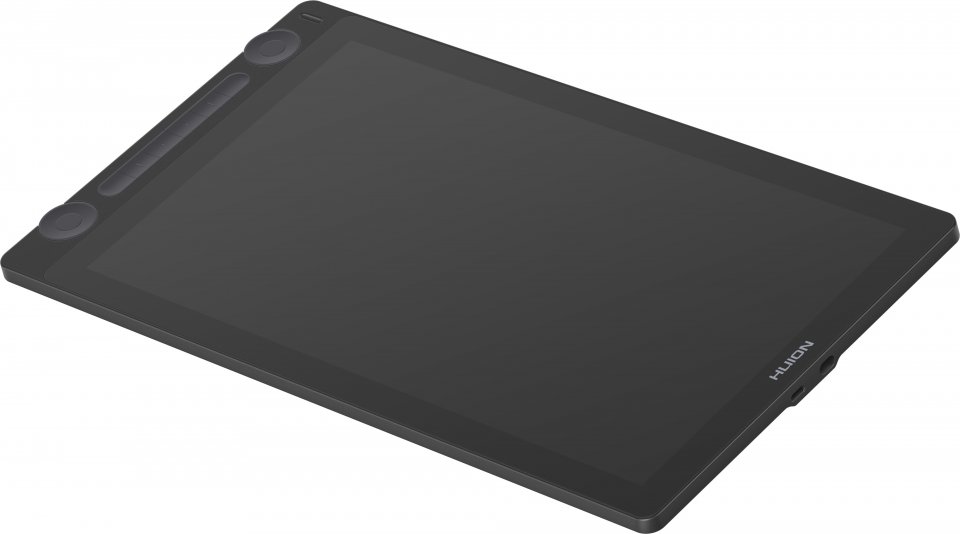
The drawing display recognizes the tilt of the pen up to 60°, and the error between the stylus tip and cursor is at most less than 0.3mm. With the 16.7 million color gamut of the Full HD display, you can create stunning art on the matte surface of the drawing display. Ten programmable shortcut keys and a well-thought-out design make drawing enjoyable even for hours on end. The device also works for left-handed users, as it can be flipped around, allowing the shortcut keys to be accessible for the right hand.
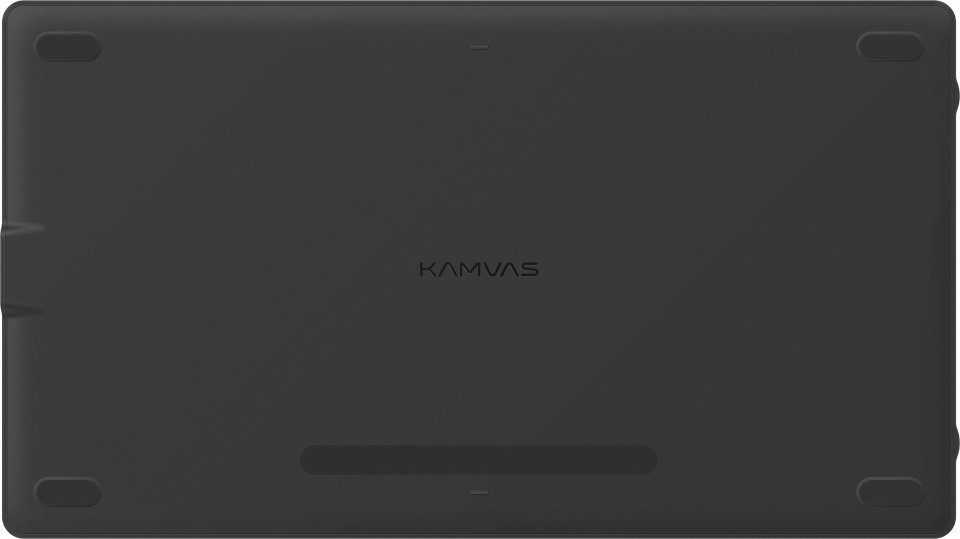
The aluminum back cover is not only sturdy but also very stylish. Conveniently, the KAMVAS 16 can also function as a drawing tablet when the display is turned off. The KAMVAS 16 operates with a single cable without needing power from an outlet, as long as your PC, Mac, or Android device has a USB-C port that supports USB3.1 Gen1, DP1.2, or a newer standard. You simply plug in the USB-C cable and you’re ready to draw. This allows you to use the drawing display anywhere with your laptop, without being dependent on additional power. The package also includes a 3-in-1 USB cable, which connects the drawing display to your computer’s HDMI port and provides additional power from an outlet, so the drawing display works with any computer that has Windows 7 or a newer operating system and an HDMI port.
The KAMVAS 16 drawing display connects to a computer and an outlet via a 3-in-1 USB-C cable, which includes HDMI and USB connections for the computer as well as a power cable, or with a single USB-C to USB-C cable. Both cables are included in the package. The package also includes a handy drawing stand with adjustable tilt.
Features:

SPECIFICATIONS AND DESCRIPTION IN PROGRESS
The HUION KAMVAS 16 offers a comfortable 15.6” drawing area with Full HD resolution. Like high-end drawing displays, the KAMVAS 16 is fully laminated. Thanks to the lamination, the tip of the stylus and the cursor move extremely accurately in the same spot, and there is a natural-feeling friction between the stylus tip and the surface of the screen that closely mimics the drawing feel of real paper and pencil. This is also aided by HUION's new and improved PW517 stylus, which has the tip positioned slightly lower in the pen, making the drawing experience even more precise.
The drawing display recognizes the tilt of the pen up to 60°, and the error between the stylus tip and cursor is at most less than 0.3mm. With the 16.7 million color gamut of the Full HD display, you can create stunning art on the matte surface of the drawing display. Ten programmable shortcut keys and a well-thought-out design make drawing enjoyable even for hours on end. The device also works for left-handed users, as it can be flipped around, allowing the shortcut keys to be accessible for the right hand.
The aluminum back cover is not only sturdy but also very stylish. Conveniently, the KAMVAS 16 can also function as a drawing tablet when the display is turned off. The KAMVAS 16 operates with a single cable without needing power from an outlet, as long as your PC, Mac, or Android device has a USB-C port that supports USB3.1 Gen1, DP1.2, or a newer standard. You simply plug in the USB-C cable and you’re ready to draw. This allows you to use the drawing display anywhere with your laptop, without being dependent on additional power. The package also includes a 3-in-1 USB cable, which connects the drawing display to your computer's HDMI port and provides additional power from an outlet, so the drawing display works with any computer that has Windows 7 or a newer operating system and an HDMI port.
The KAMVAS 16 drawing display connects to a computer and an outlet via a 3-in-1 USB-C cable, which includes HDMI and USB connections for the computer as well as a power cable, or with a single USB-C to USB-C cable. Both cables are included in the package. The package also includes a handy drawing stand with adjustable tilt.
Features: