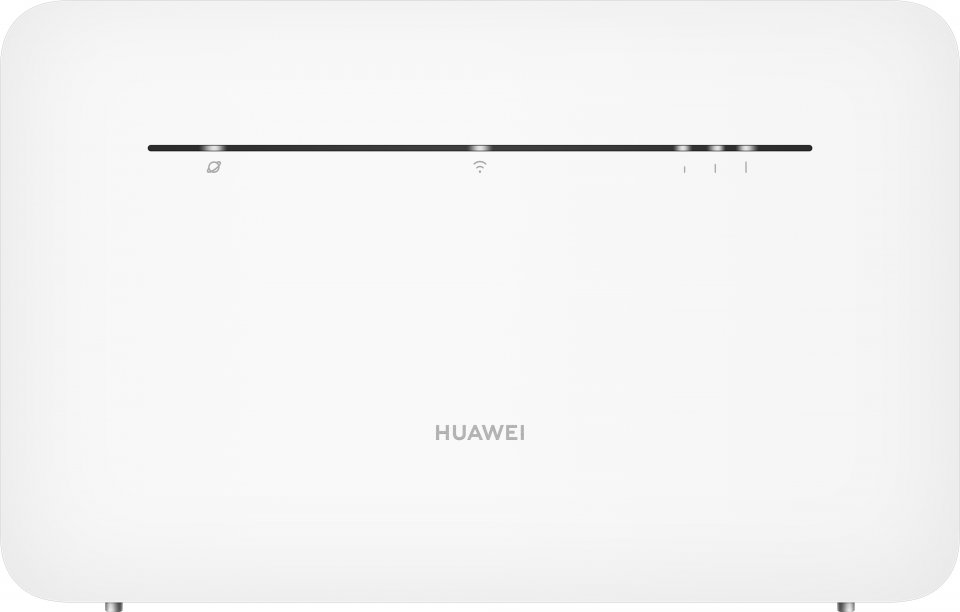
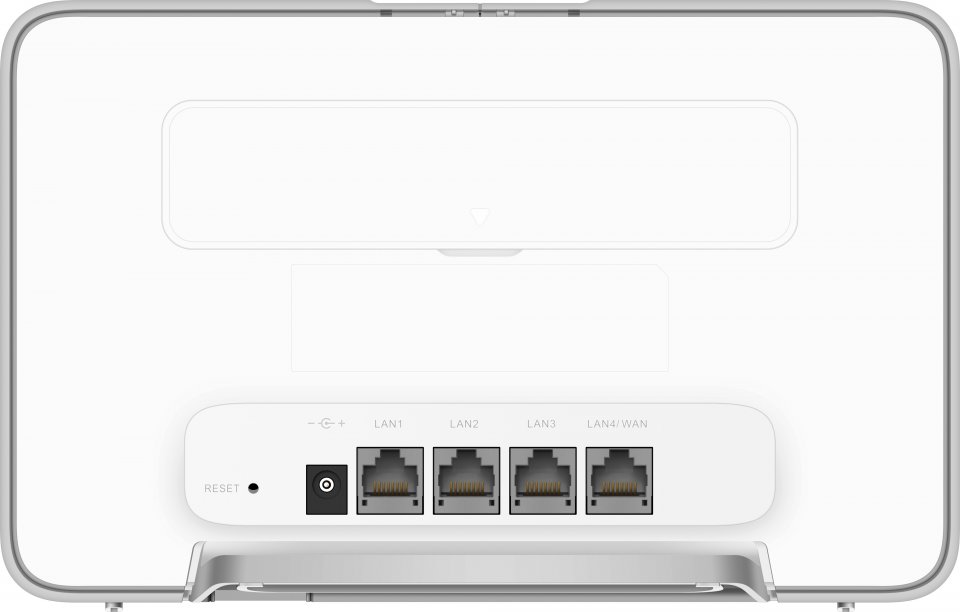
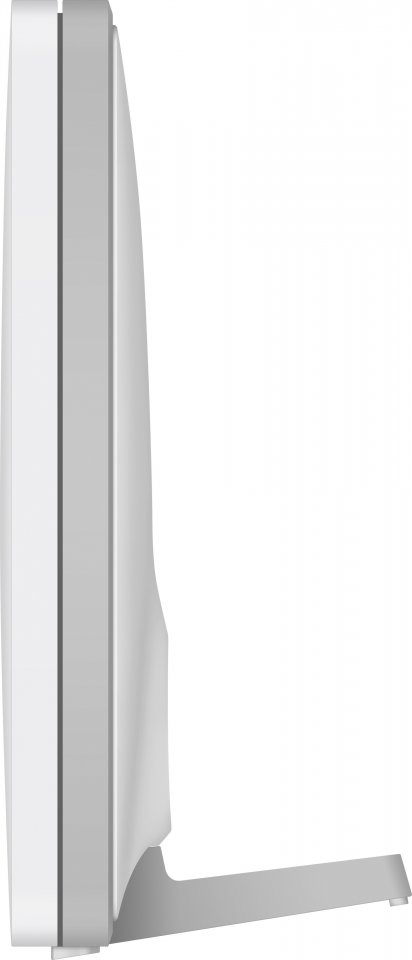
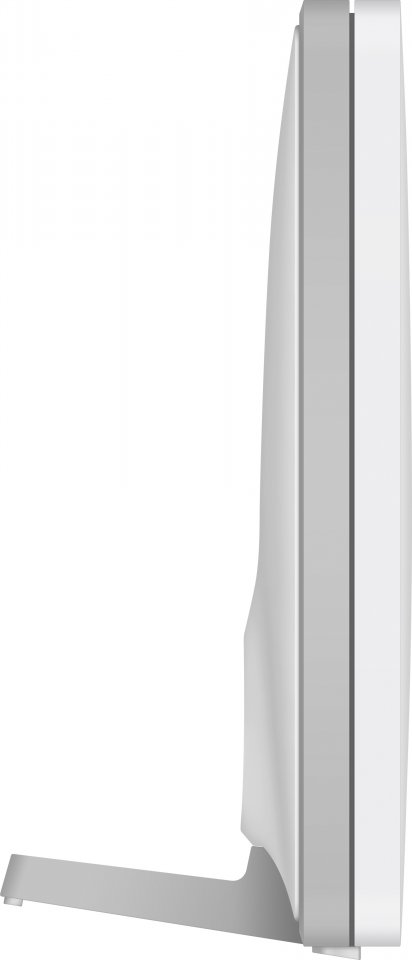
| Color | White |
|---|---|
| PID | 888349 |
| Product depth (mm) | 61 |
| Product height (mm) | 138 |
| Product weight (g) | 330 |
| Product width (mm) | 219 |
| Mobile network type | 4G LTE |
| WiFi | Yes |
| Wi-Fi Band technology | Dual-band |
| Wireless network standard | Wi-Fi 5 (802.11ac) |
| Wireless network maximum speed (Mbps) | 1 167 |
| Ethernet speed | 10/100/1000 |
| Ethernet (RJ-45) ports quantity | 4 |
| Electronic address of single contact point | |
| Manufacturer address | No.2 of Xincheng Road, Songshan Lake Zone, Dongguan, Guangdong 523808, People's Republic of China |
| Manufacturer's email address | |
| Manufacturer name | Huawei Device Co., Ltd. |
| EU Responsible Person | Huawei Technologies (Netherlands) B.V. |
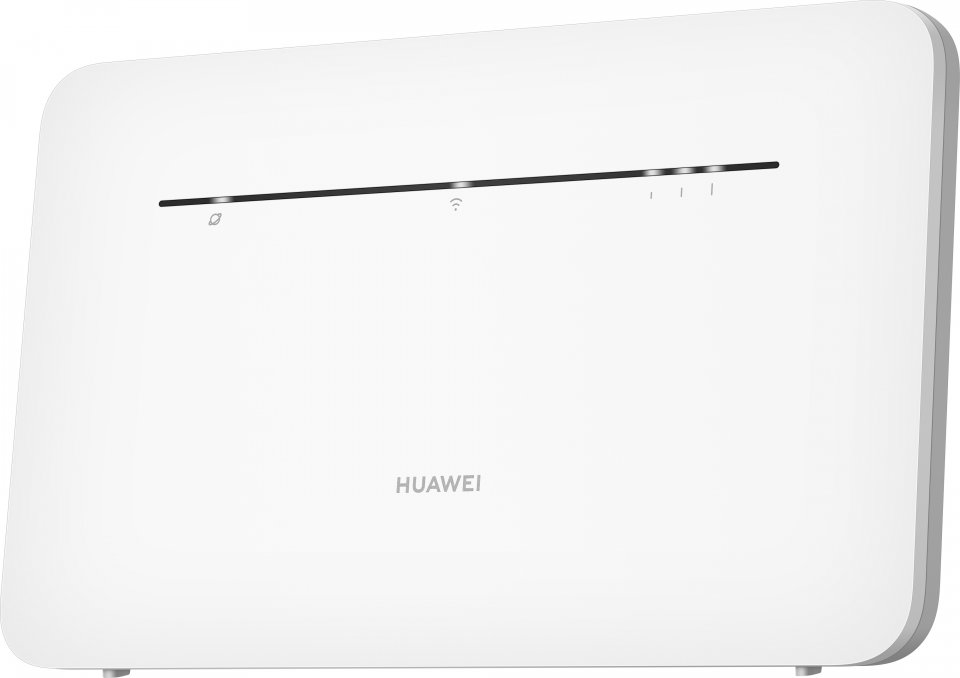
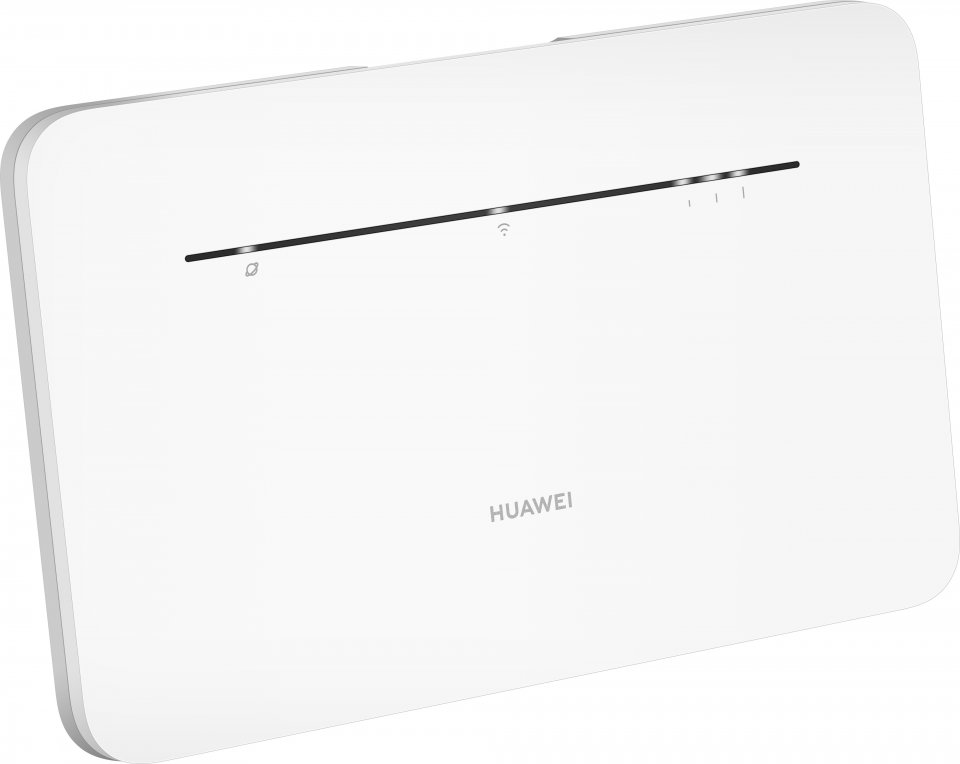
Surf at lightning-fast speeds on a 4G network and effortlessly share fast internet with all devices in your home. “Powered by Huawei” B535 ensures you always have the fastest possible network. With the latest network technologies (AC Wi-Fi and CAT7+ mobile network connection), you can surf at top speeds either wirelessly or via an Ethernet cable. The router also supports IPv6.
Easy setup. Insert the SIM card into the device and turn it on. Then connect your devices to the wireless network. The password can be found on the sticker on the back of the device. The internet connection is ready! Alternatively, you can connect an Ethernet cable between your computer and the router. Management is easy with the Huawei HiLink app (Android and iOS).
External Huawei antennas sold separately for the modem.
Features:
9 in stock

Surf at lightning-fast speeds on a 4G network and effortlessly share fast internet with all devices in your home. "Powered by Huawei" B535 ensures you always have the fastest possible network. With the latest network technologies (AC Wi-Fi and CAT7+ mobile network connection), you can surf at top speeds either wirelessly or via an Ethernet cable. The router also supports IPv6.
Easy setup. Insert the SIM card into the device and turn it on. Then connect your devices to the wireless network. The password can be found on the sticker on the back of the device. The internet connection is ready! Alternatively, you can connect an Ethernet cable between your computer and the router. Management is easy with the Huawei HiLink app (Android and iOS).
External Huawei antennas sold separately for the modem.
Features: