| Color | Black |
|---|---|
| Country of Origin | Indonesia |
| PID | 1050658 |
| Manufacturer address | Hoogoorddreef 5, Atlas Ar. Azie b., 1101BA, Amsterdam, The Netherlands |
| Manufacturer's email address | |
| Manufacturer name | Epson Europe B.V. |
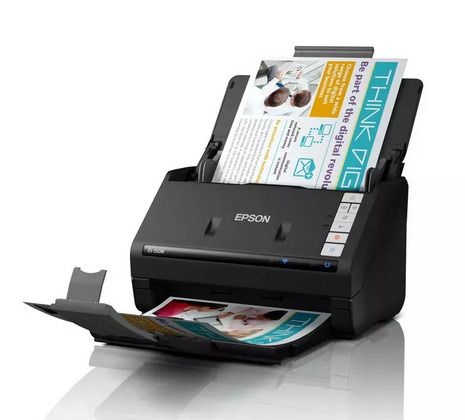
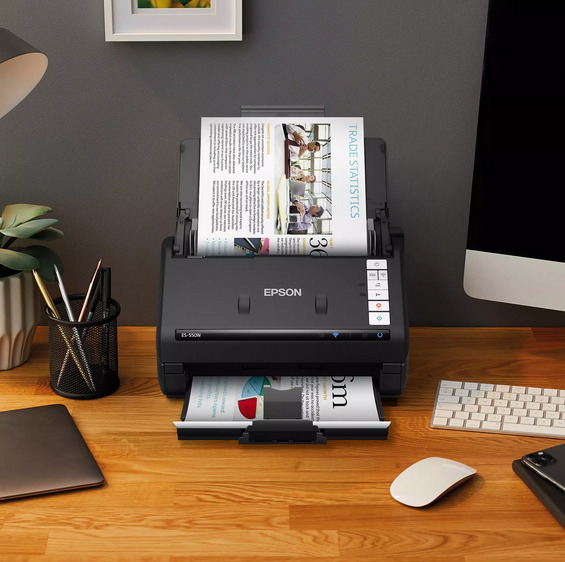
The Epson WorkForce ES-550W scanner is designed for efficient document management, delivering excellent performance for both home and office use. Thanks to its advanced scanning features, the device offers an optical resolution of up to 600 dpi, ensuring clear and sharp scans.
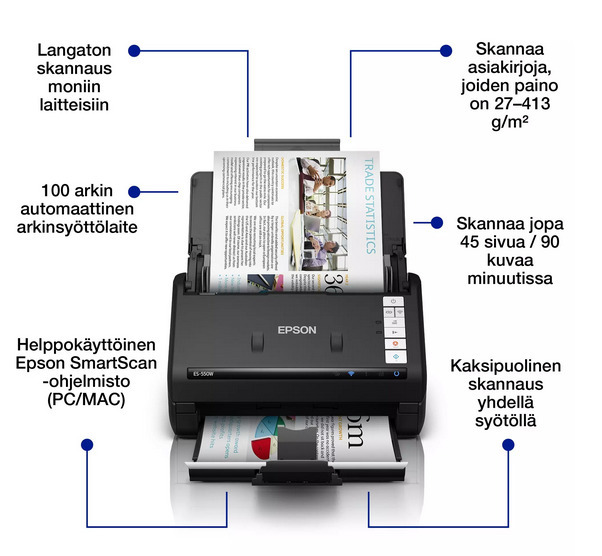
Scan quickly at up to 45 pages per minute in both black and white and color. The scanner features automatic duplex scanning for fast double-sided document scanning, and the 100-sheet feeder easily handles even large scanning tasks. The automatic feeder supports all media types and automatically stops feeding if a jam occurs, protecting your important documents from damage.
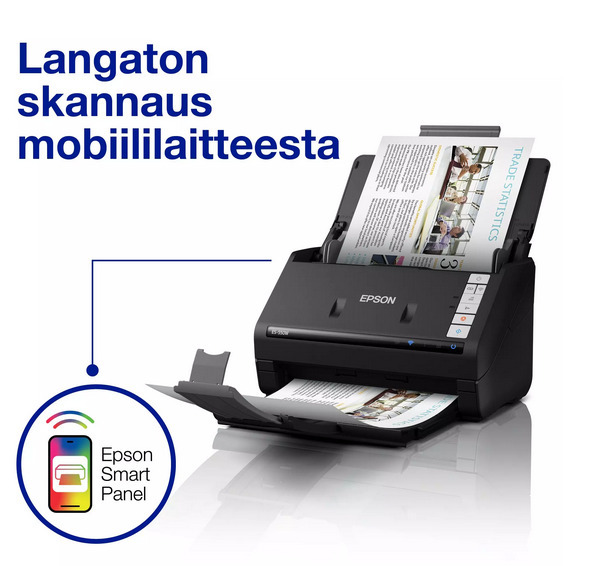
Scan directly from your computer to network folders, cloud storage accounts, and email using Epson ScanSmart software. With the Epson Smart Panel app, you can scan from your tablet or phone directly to your preferred cloud storage folder or the device itself.
Epson’s image processing technology enables automatic cropping, straightening, as well as background and blank page removal. The software also detects dirt and debris on the scanner glass and prompts you to clean the glass surface.

The Epson WorkForce ES-550W scanner is designed for efficient document management, delivering excellent performance for both home and office use. Thanks to its advanced scanning features, the device offers an optical resolution of up to 600 dpi, ensuring clear and sharp scans.
Scan quickly at up to 45 pages per minute in both black and white and color. The scanner features automatic duplex scanning for fast double-sided document scanning, and the 100-sheet feeder easily handles even large scanning tasks. The automatic feeder supports all media types and automatically stops feeding if a jam occurs, protecting your important documents from damage.
Scan directly from your computer to network folders, cloud storage accounts, and email using Epson ScanSmart software. With the Epson Smart Panel app, you can scan from your tablet or phone directly to your preferred cloud storage folder or the device itself.
Epson’s image processing technology enables automatic cropping, straightening, as well as background and blank page removal. The software also detects dirt and debris on the scanner glass and prompts you to clean the glass surface.