| Color | Grey |
|---|---|
| Country of Origin | China |
| PID | 931399 |
| Product weight (g) | 730 |
| Connectivity type | USB receiver + Bluetooth |
| Backlit keys | Yes |
| Mechanical Switches | No |
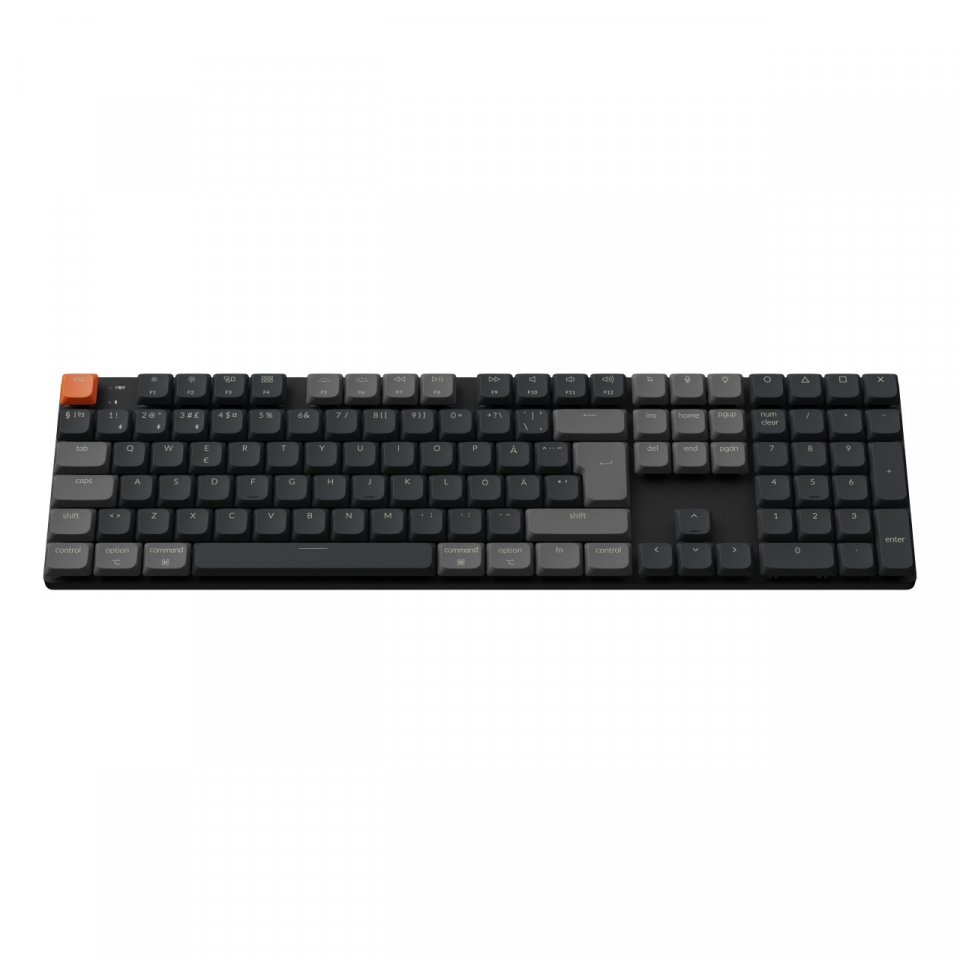
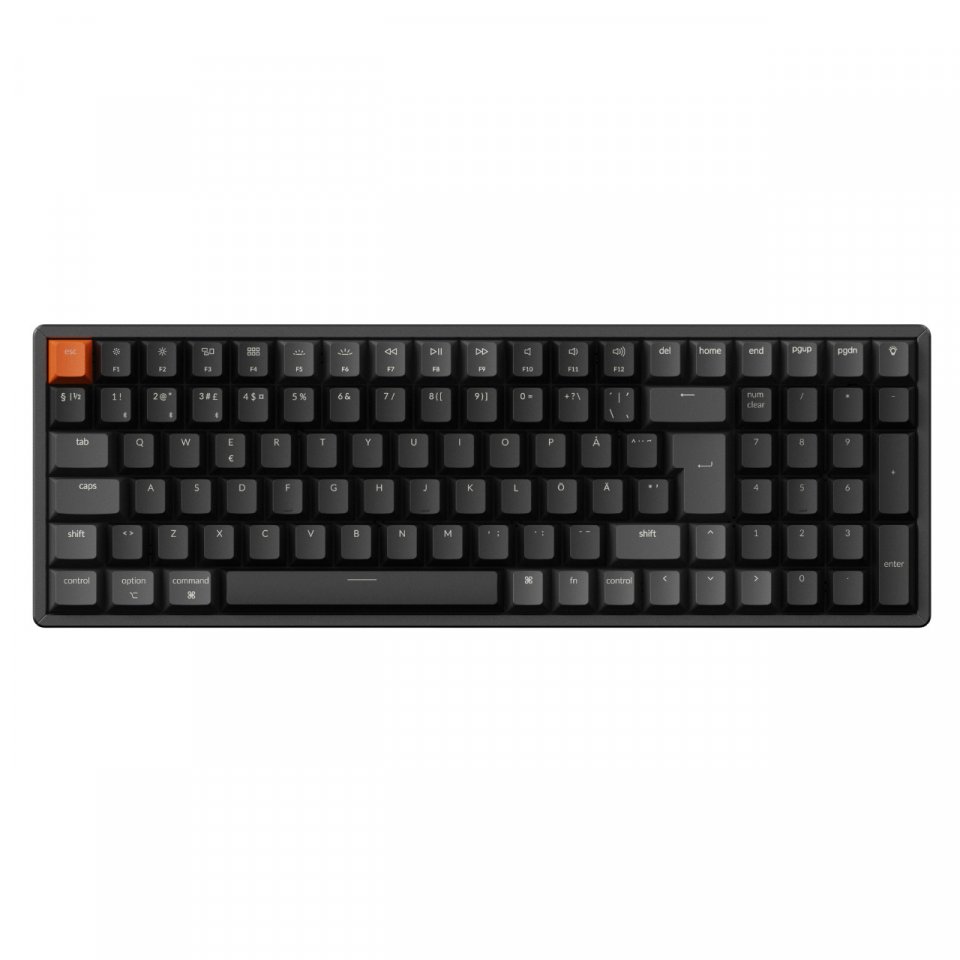
| Keyboard size | 100% (full size) |
| Manufacturer address | Keilaranta 13 A, 02150, Espoo, Finland |
| Manufacturer's email address | https://www.dell.com/fi-fi/lp/legal/terms-of-sale-consumer-service-contracts |
| Manufacturer name | Oy Dell Ab |
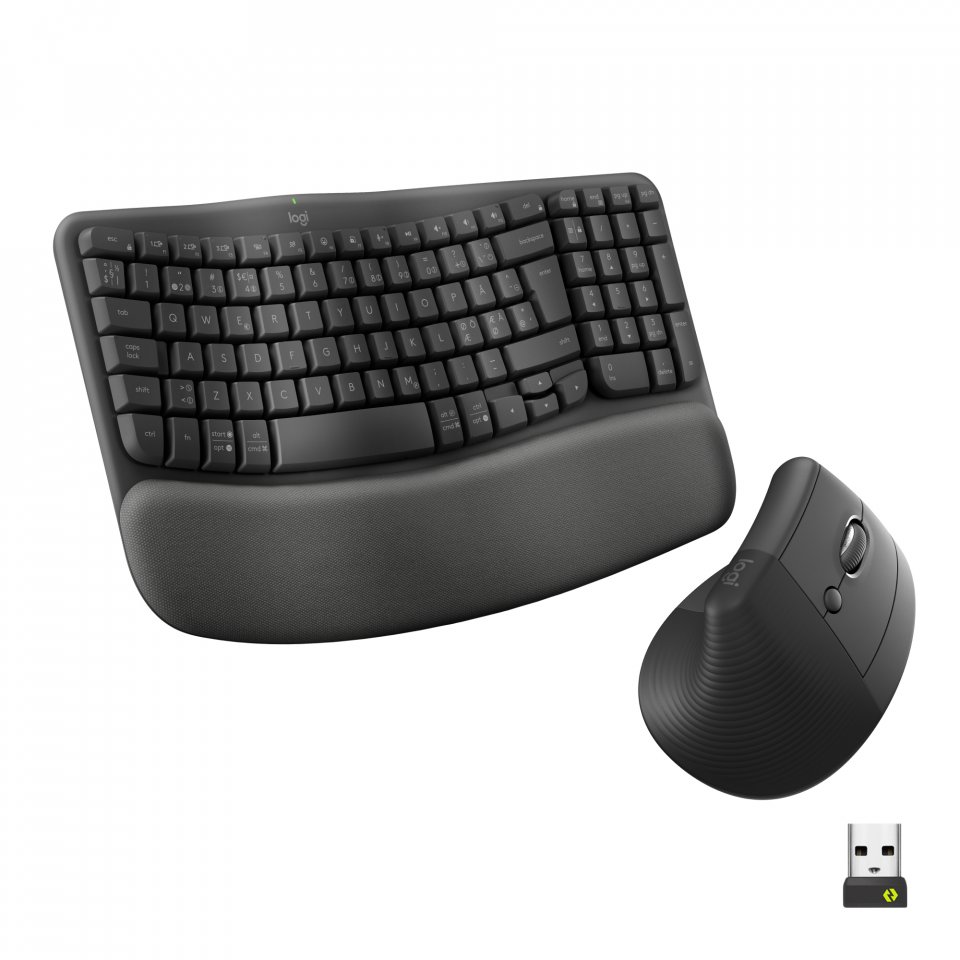
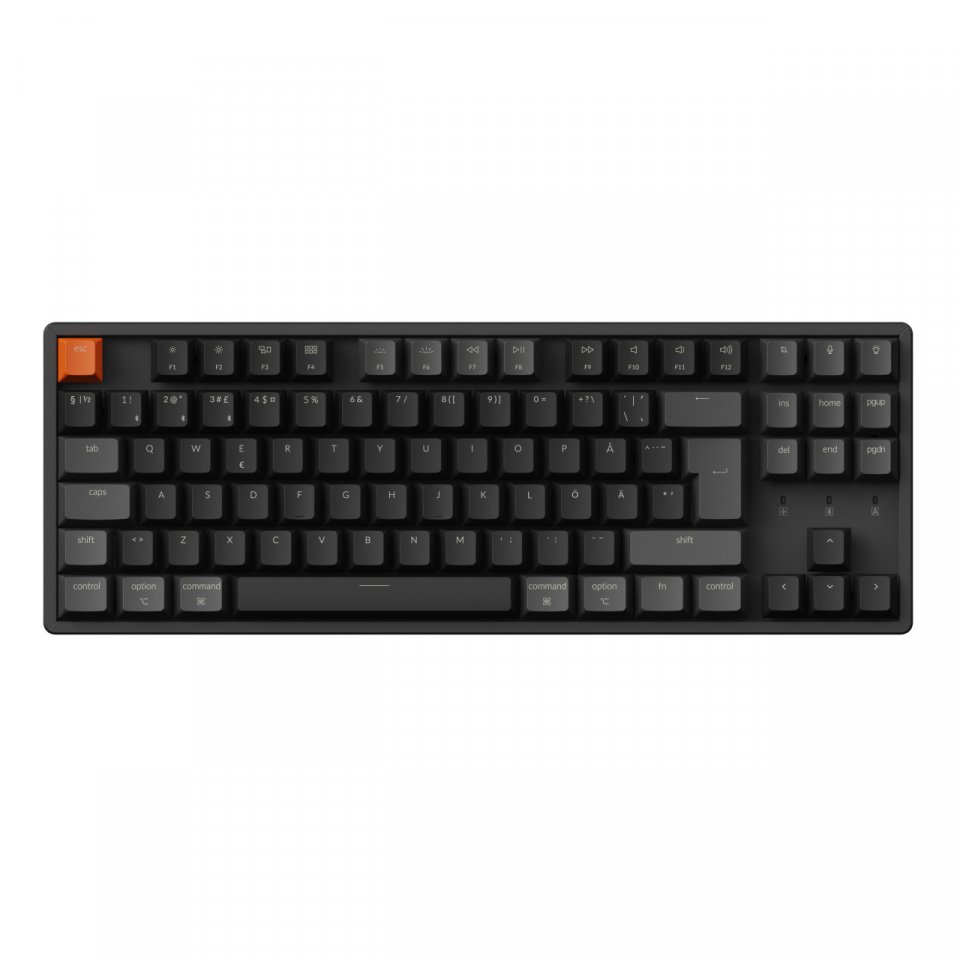
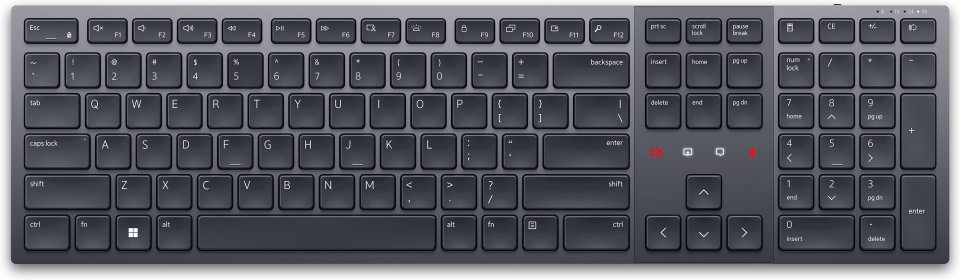
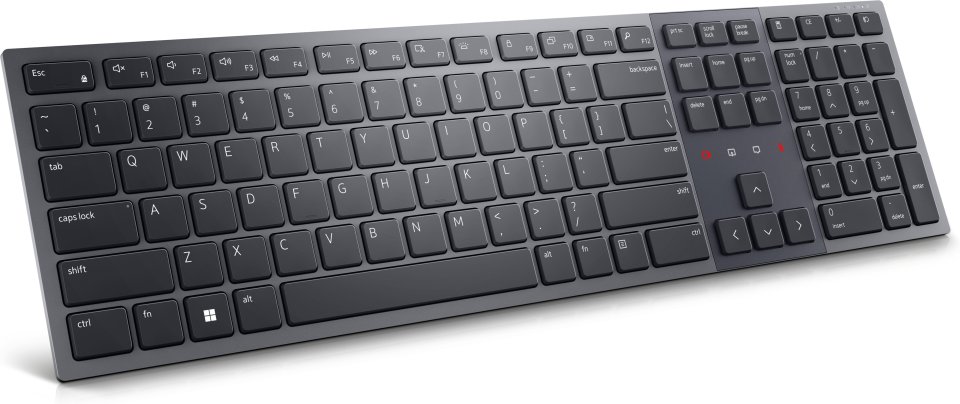
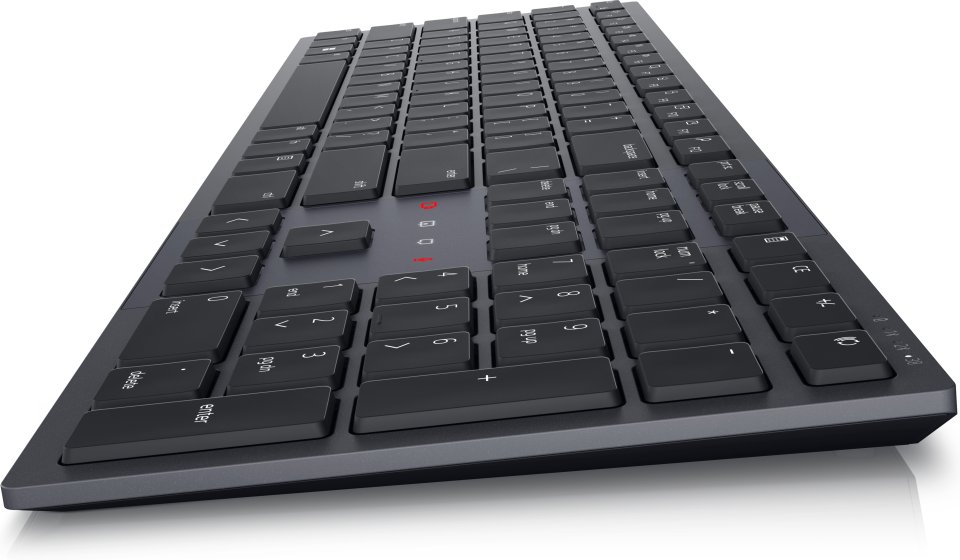
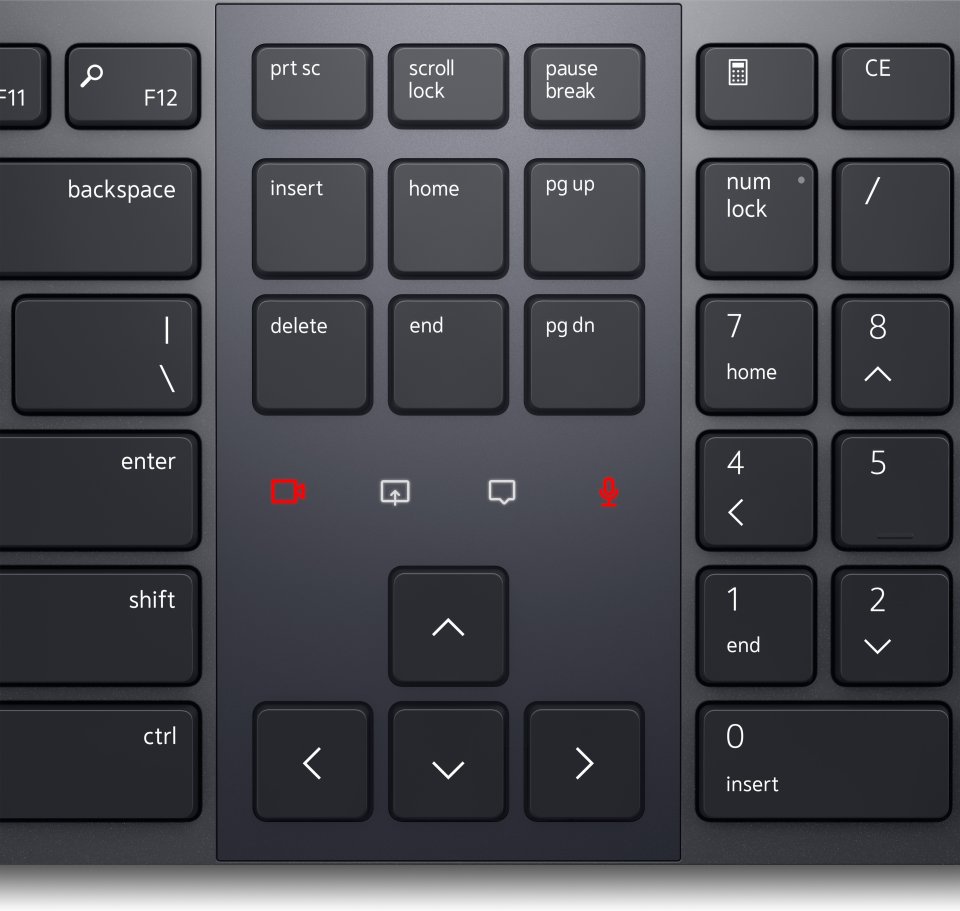
Get the most out of every meeting with this Zoom-certified keyboard. Featuring innovative touch controls compatible with both Zoom and Microsoft Teams, you can mute and unmute your microphone, turn video on and off, share your screen, and bring up the chat panel by double-tapping the icons. Dual-mode RF 2.4 GHz and Bluetooth 5.1 connections enable seamless connectivity and switching between up to 3 devices (two Bluetooth connections and one via RF adapter).
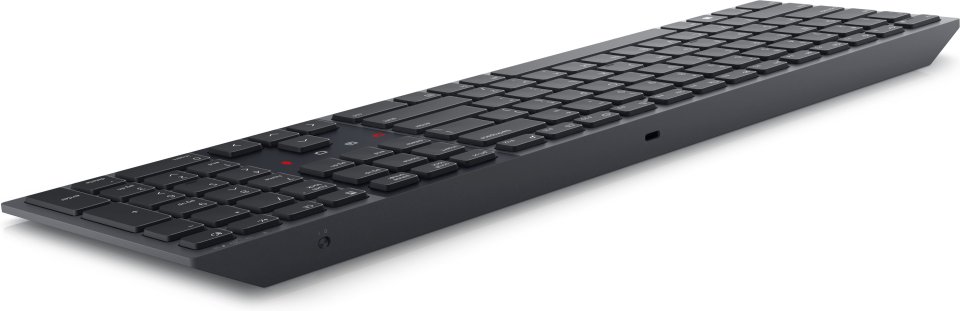
The smart backlight with a proximity sensor illuminates the keys as you approach, helping you work better in any environment. It turns off in brighter conditions to save battery power. Enjoy an optimal typing experience without noise thanks to scissor-switch keys. Durable, rubber-padded tilt legs keep your keyboard in place at the perfect angle for comfortable typing.
The battery lasts up to twenty days on a single charge, while a one-minute USB-C charge powers it for the whole day. This eliminates the need for batteries and thus reduces waste.
Dell Pair is a simple and secure way to connect your accessories. This software meets the highest security standard for Bluetooth Low Energy keyboard pairing. Accessories are automatically recognized and can be connected with a single click. The updated pairing experience of Dell Pair, combined with the updated Dell Secure Link USB receiver KB900, is designed with security at its core. Transmission is encrypted to keep your data safe.
With Dell Peripheral Manager, you can customize your accessories to enhance your workflow. Program shortcuts to quickly access frequently used applications or functions and boost your productivity.
Technical specifications:
Compatibility:
2.4 GHz: Windows 7, Windows 8.1, 10, and 11 or later; Mac; Linux (Red Hat Enterprise 8.0 / Ubuntu 18.4); Chrome, Android OS.
Bluetooth: Windows 8.1, 10, and 11 or later; Mac; Linux (Red Hat Enterprise 8.0 / Ubuntu 18.4); Chrome, Android OS.
Dell Peripheral Manager: Compatible with Windows 10, 11, or later (Requires Windows OS with Dell Peripheral Manager (version 1.7.2 or later) and Microsoft Teams (version 1.6.00.24078 or later). Supported only in Teams for work or school Windows desktop app.)

Get the most out of every meeting with this Zoom-certified keyboard. Featuring innovative touch controls compatible with both Zoom and Microsoft Teams, you can mute and unmute your microphone, turn video on and off, share your screen, and bring up the chat panel by double-tapping the icons. Dual-mode RF 2.4 GHz and Bluetooth 5.1 connections enable seamless connectivity and switching between up to 3 devices (two Bluetooth connections and one via RF adapter).
The smart backlight with a proximity sensor illuminates the keys as you approach, helping you work better in any environment. It turns off in brighter conditions to save battery power. Enjoy an optimal typing experience without noise thanks to scissor-switch keys. Durable, rubber-padded tilt legs keep your keyboard in place at the perfect angle for comfortable typing.
The battery lasts up to twenty days on a single charge, while a one-minute USB-C charge powers it for the whole day. This eliminates the need for batteries and thus reduces waste.
Dell Pair is a simple and secure way to connect your accessories. This software meets the highest security standard for Bluetooth Low Energy keyboard pairing. Accessories are automatically recognized and can be connected with a single click. The updated pairing experience of Dell Pair, combined with the updated Dell Secure Link USB receiver KB900, is designed with security at its core. Transmission is encrypted to keep your data safe.
With Dell Peripheral Manager, you can customize your accessories to enhance your workflow. Program shortcuts to quickly access frequently used applications or functions and boost your productivity.
Technical specifications:
Compatibility:
2.4 GHz: Windows 7, Windows 8.1, 10, and 11 or later; Mac; Linux (Red Hat Enterprise 8.0 / Ubuntu 18.4); Chrome, Android OS.
Bluetooth: Windows 8.1, 10, and 11 or later; Mac; Linux (Red Hat Enterprise 8.0 / Ubuntu 18.4); Chrome, Android OS.
Dell Peripheral Manager: Compatible with Windows 10, 11, or later (Requires Windows OS with Dell Peripheral Manager (version 1.7.2 or later) and Microsoft Teams (version 1.6.00.24078 or later). Supported only in Teams for work or school Windows desktop app.)