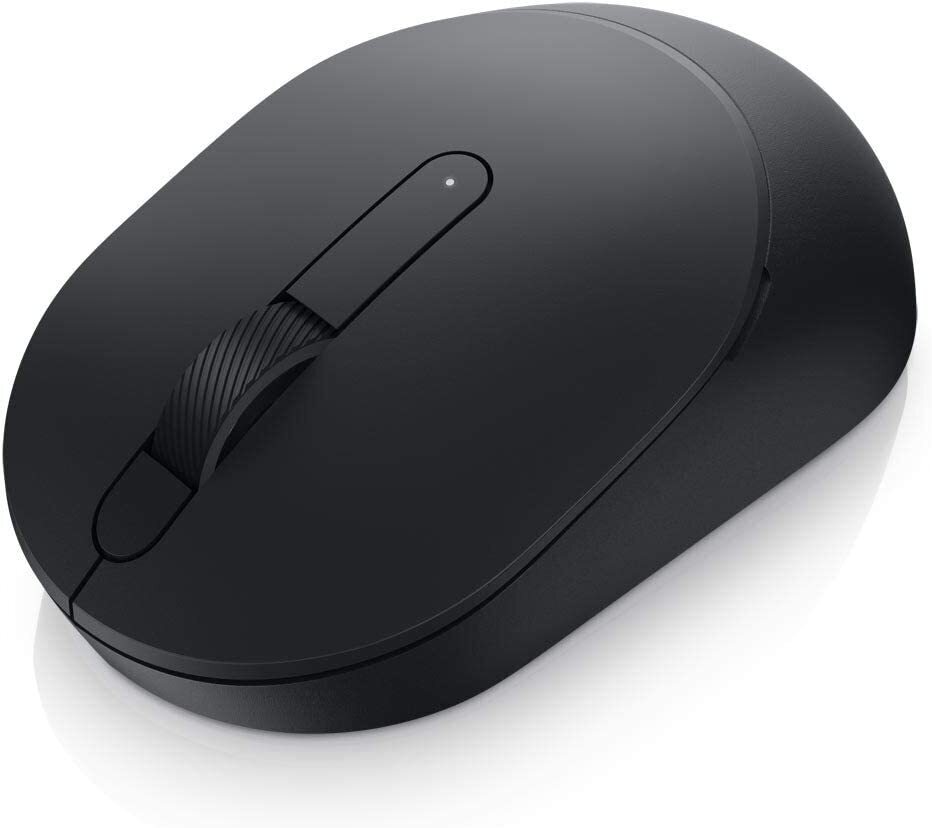
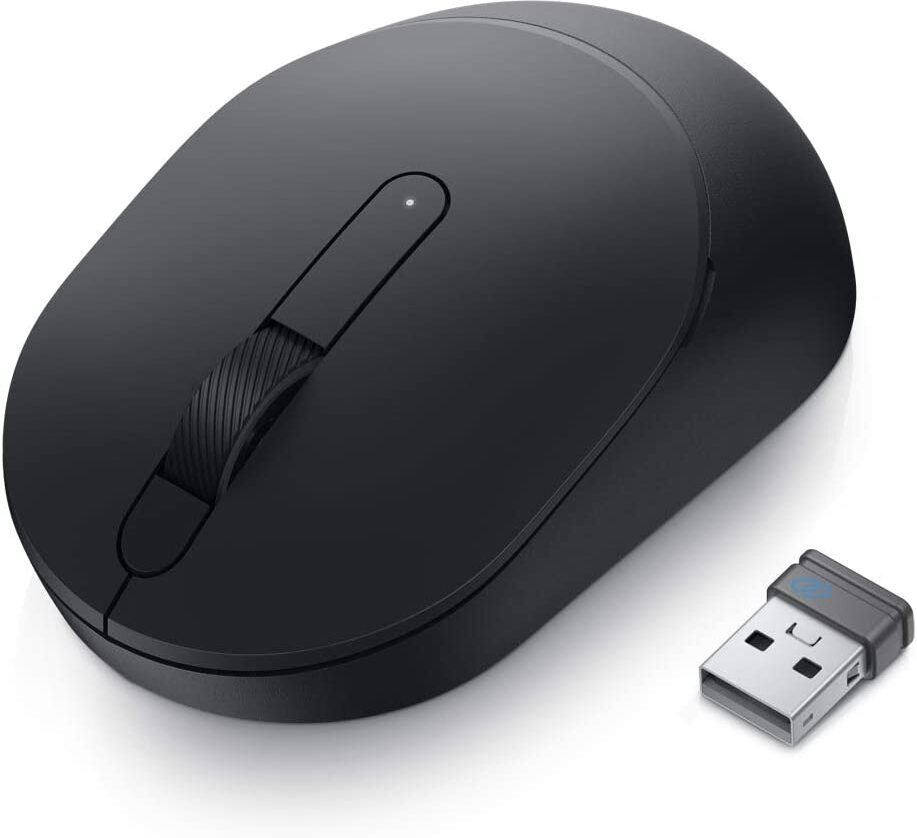
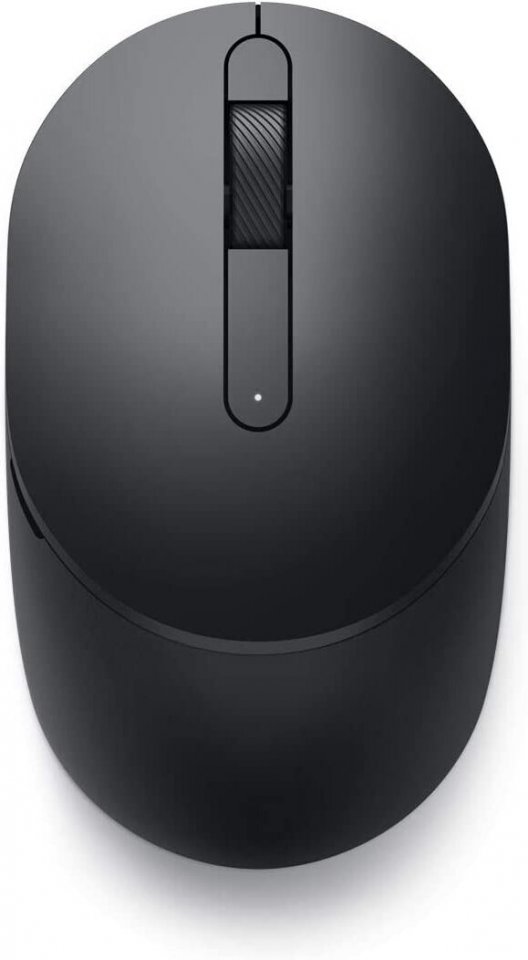
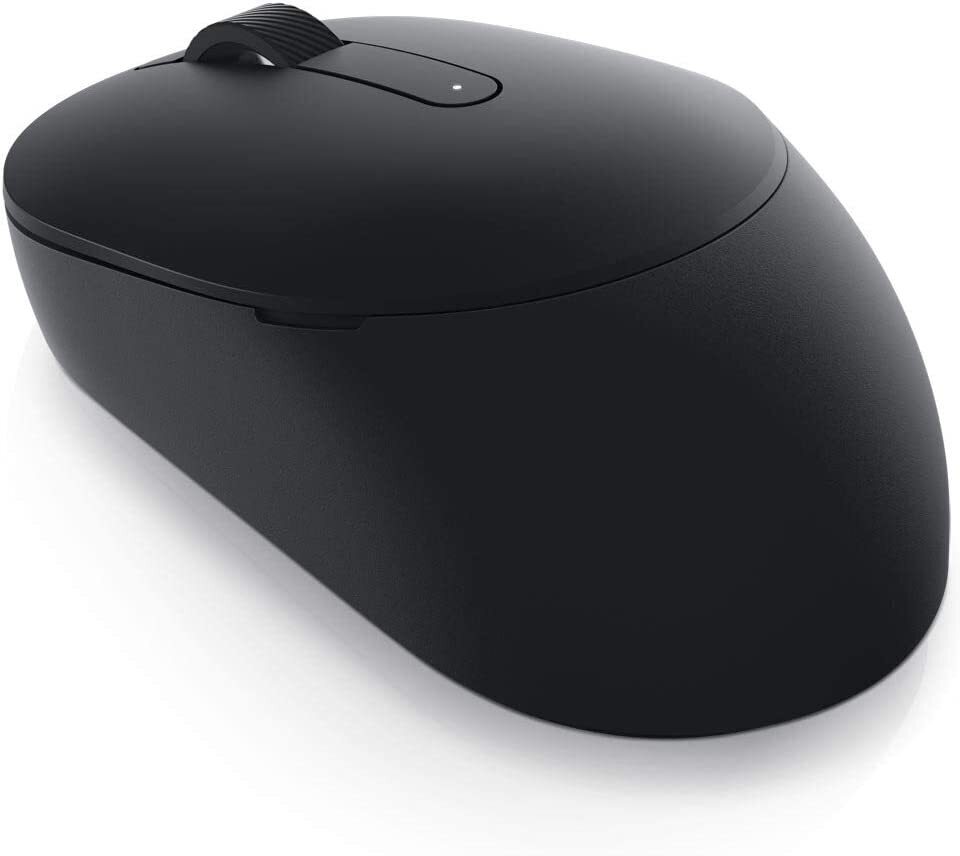
| Color | Black |
|---|---|
| PID | 848335 |
| Product depth (mm) | 104 |
| Product height (mm) | 38 |
| Product weight (g) | 65 |
| Product width (mm) | 61 |
| Connectivity type | USB receiver + Bluetooth |
| Battery type | AA |
| Manufacturer address | Keilaranta 13 A, 02150, Espoo, Finland |
| Manufacturer's email address | https://www.dell.com/fi-fi/lp/legal/terms-of-sale-consumer-service-contracts |
| Manufacturer name | Oy Dell Ab |
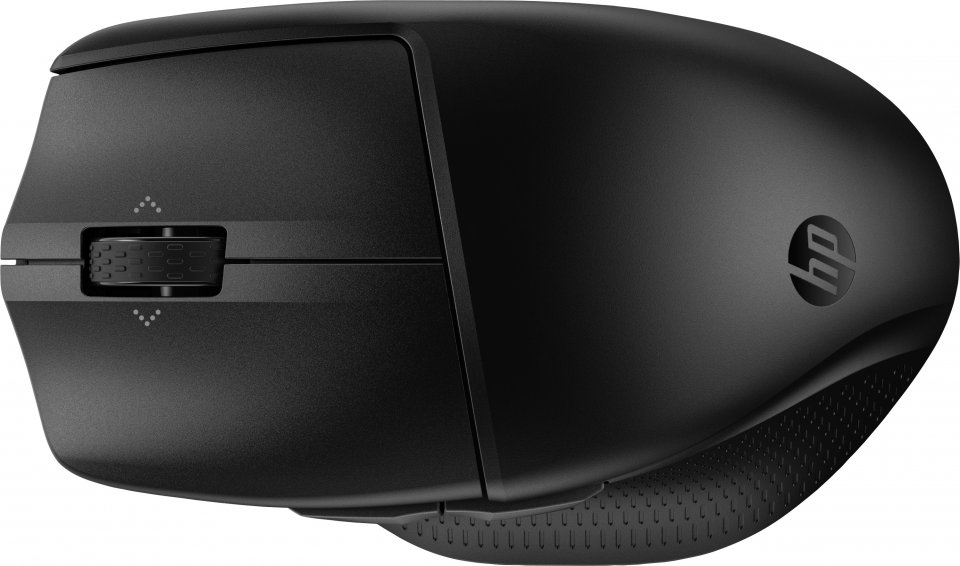
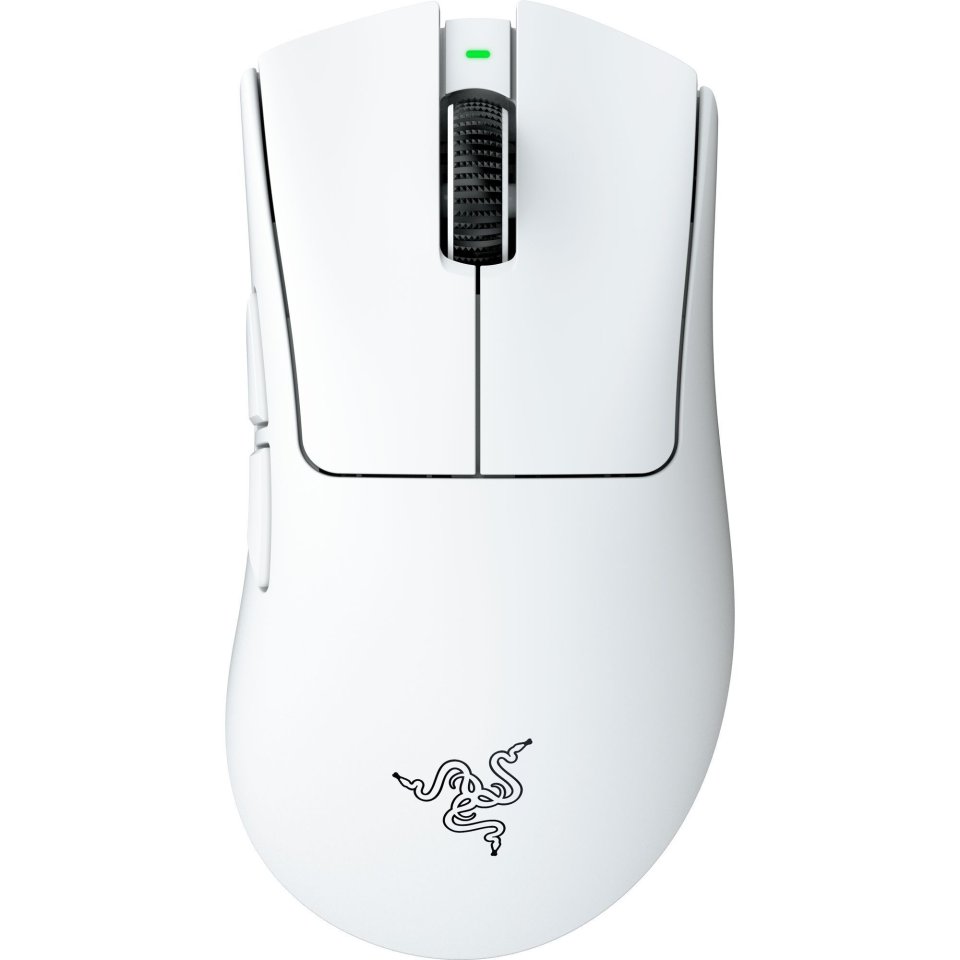
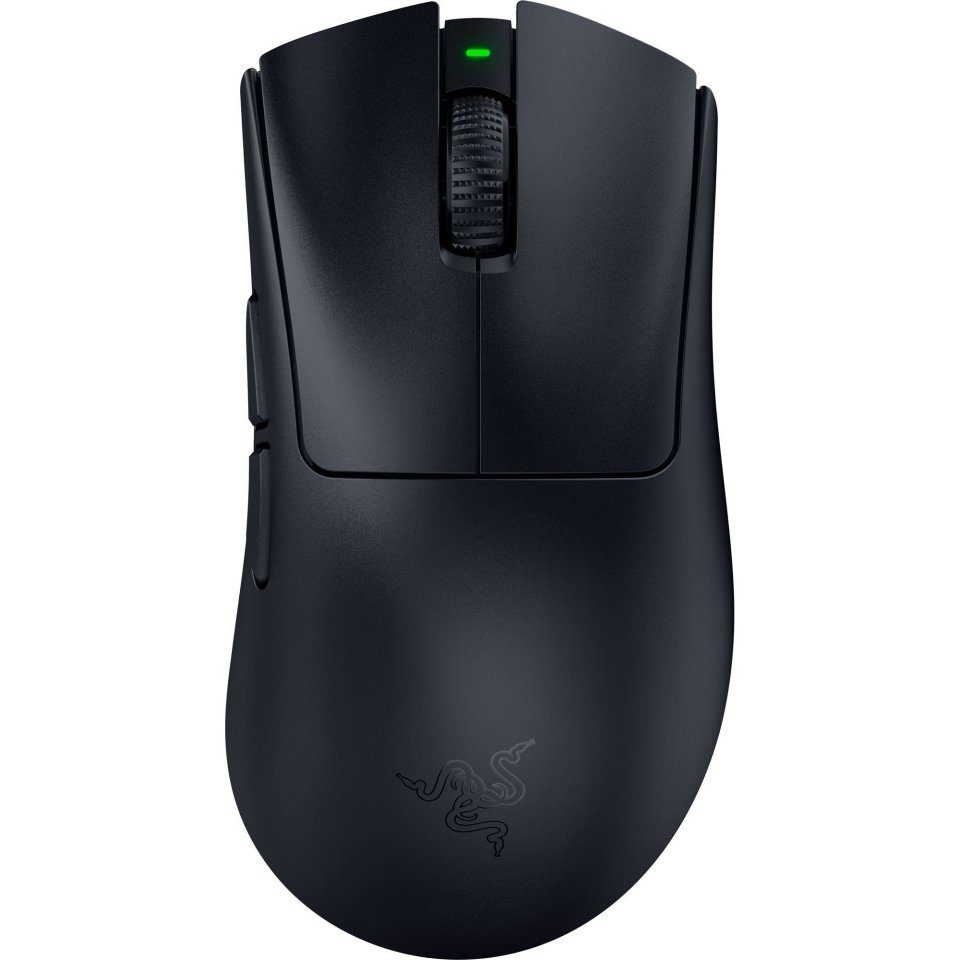
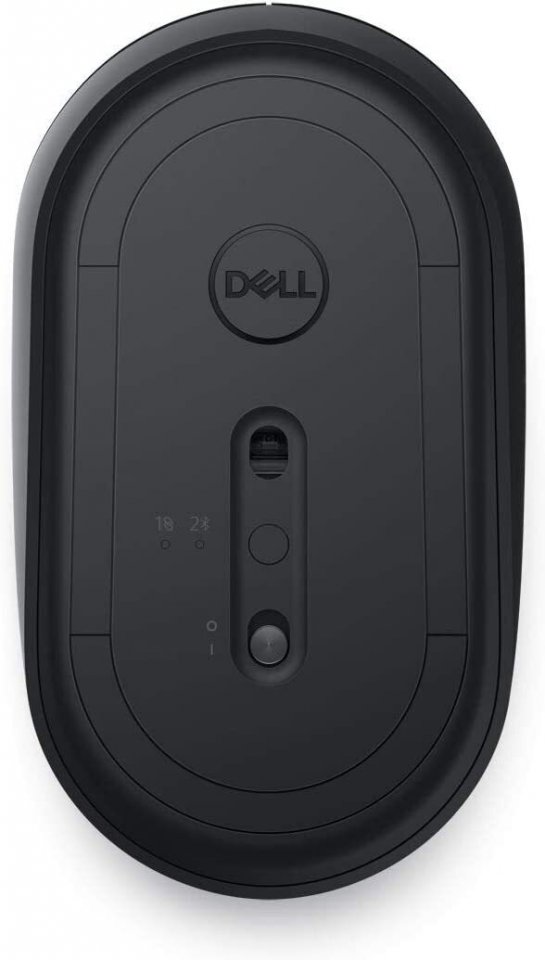
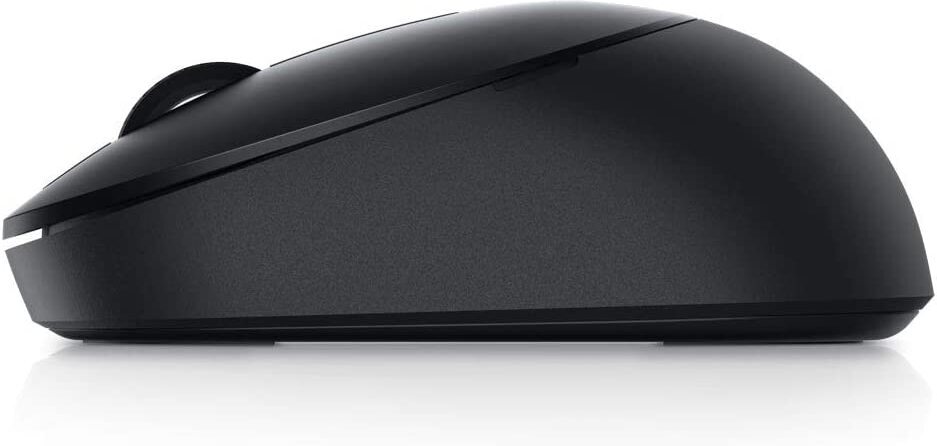
Work efficiently with this Dell wireless optical mouse. The easy dual-mode connection allows you to pair and connect to almost any computer via wireless 2.4 GHz or Bluetooth 5.0. With a 36-month battery life, you don’t have to worry about changing the battery.
Pair the mouse instantly to a Windows laptop via Bluetooth using Microsoft Swift Pair, so you don’t need to configure it every time in Windows settings. The mouse is compatible with multiple Windows, Mac, Chrome, Linux, and Android operating systems, providing maximum flexibility.
The 1600 DPI sensor ensures the MS3320W easily handles high-resolution displays. Its optical sensor provides precise tracking and works well on most desktop surfaces.
The Dell Peripheral Manager software lets you conveniently customize and manage keyboards and mice. You can connect and manage devices, check battery and connection status, and easily get the latest firmware updates.
Features:

Work efficiently with this Dell wireless optical mouse. The easy dual-mode connection allows you to pair and connect to almost any computer via wireless 2.4 GHz or Bluetooth 5.0. With a 36-month battery life, you don’t have to worry about changing the battery.
Pair the mouse instantly to a Windows laptop via Bluetooth using Microsoft Swift Pair, so you don’t need to configure it every time in Windows settings. The mouse is compatible with multiple Windows, Mac, Chrome, Linux, and Android operating systems, providing maximum flexibility.
The 1600 DPI sensor ensures the MS3320W easily handles high-resolution displays. Its optical sensor provides precise tracking and works well on most desktop surfaces.
The Dell Peripheral Manager software lets you conveniently customize and manage keyboards and mice. You can connect and manage devices, check battery and connection status, and easily get the latest firmware updates.
Features: