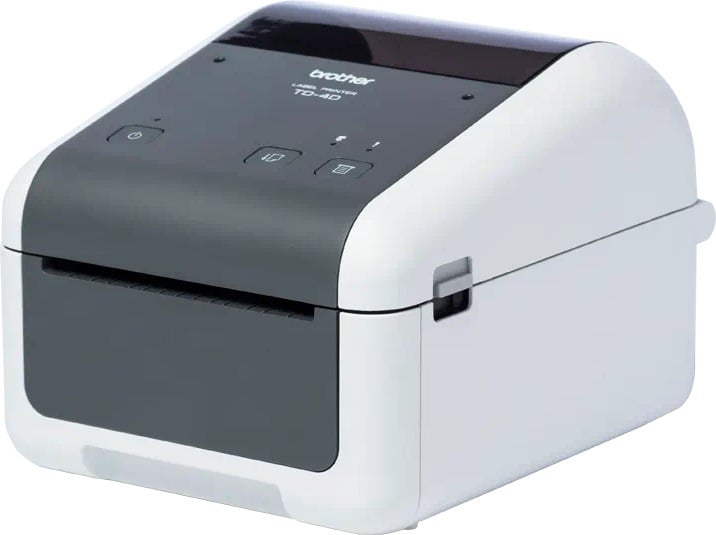
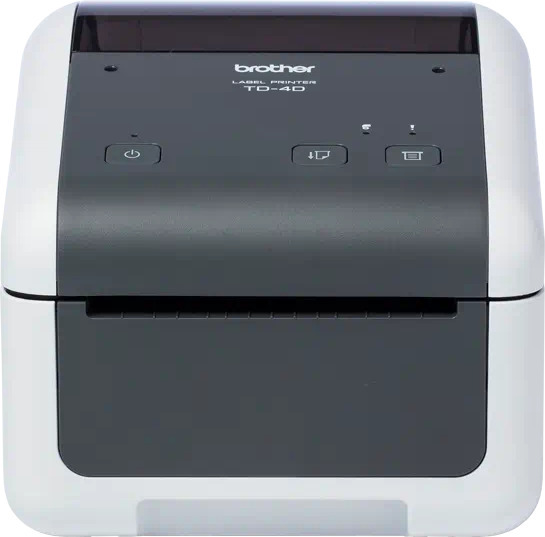
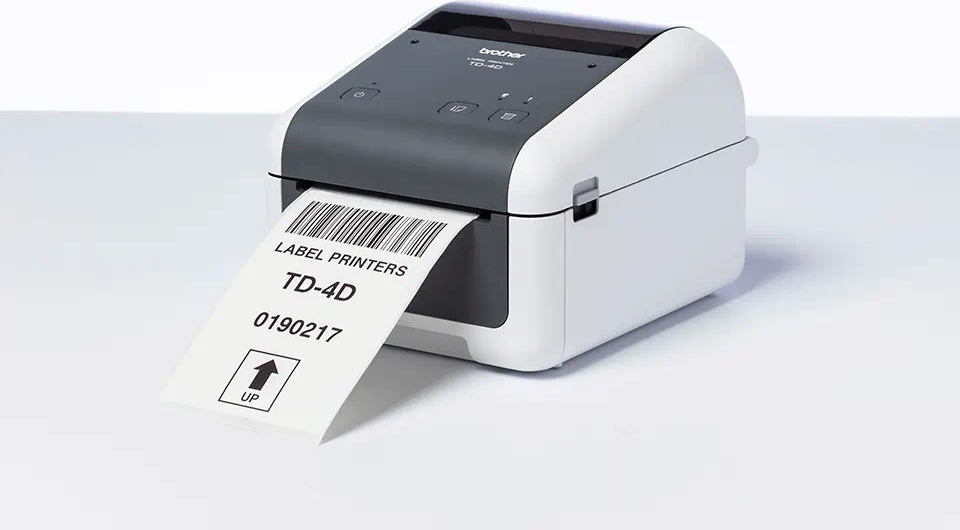
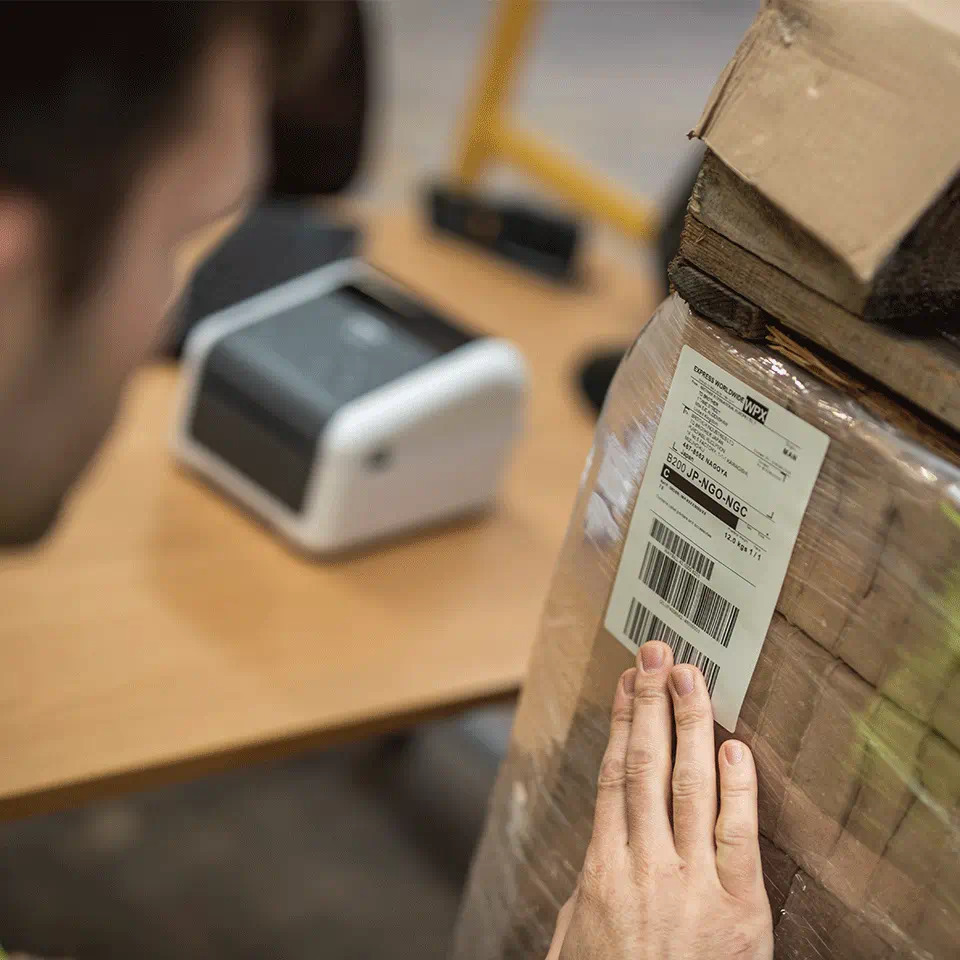

The TD4210D label printer is perfect for printing clear and easily scannable barcode labels. This cost-effective label printer from Brother’s TD-4D series is designed for continuous label printing and is an excellent choice for short-term labeling needs.
Seamless Integration
It supports multiple printer languages to simplify integration, including ZPL2, CPCL, ESC/P, EPL2, and DPL2, allowing for easy connectivity with traditional systems.
With Brother’s P-touch Editor software, you can easily create and customize personalized labels. Add your company logo and choose from hundreds of symbols and images for your label. You can also utilize an Excel database for printing large batches of labels.
Brother provides developers with the tools needed to integrate label printing. Printer drivers are available for Windows operating systems. A software development kit is also available for integrating label printing into existing software. You can find the software development kit at: www.brother.eu/developer
Technical Specifications:
Included with the device: Power cord, USB cable, User manual, Warranty card
| Country of Origin | Japan |
|---|---|
| PID | 906664 |
| Product depth (mm) | 155 |
| Product height (mm) | 224 |
| Product weight (g) | 2 |
| Product width (mm) | 108 |
| Printer type | Direct thermal |
| Manufacturer address | Äyritie 12 B, 01510 Vantaa, Finland |
| Manufacturer's email address | |
| Manufacturer name | Brother Nordic A/S, Suomen sivuliike |

The TD4210D label printer is perfect for printing clear and easily scannable barcode labels. This cost-effective label printer from Brother's TD-4D series is designed for continuous label printing and is an excellent choice for short-term labeling needs.
Seamless Integration
It supports multiple printer languages to simplify integration, including ZPL2, CPCL, ESC/P, EPL2, and DPL2, allowing for easy connectivity with traditional systems.
With Brother's P-touch Editor software, you can easily create and customize personalized labels. Add your company logo and choose from hundreds of symbols and images for your label. You can also utilize an Excel database for printing large batches of labels.
Brother provides developers with the tools needed to integrate label printing. Printer drivers are available for Windows operating systems. A software development kit is also available for integrating label printing into existing software. You can find the software development kit at: www.brother.eu/developer
Technical Specifications:
Included with the device: Power cord, USB cable, User manual, Warranty card