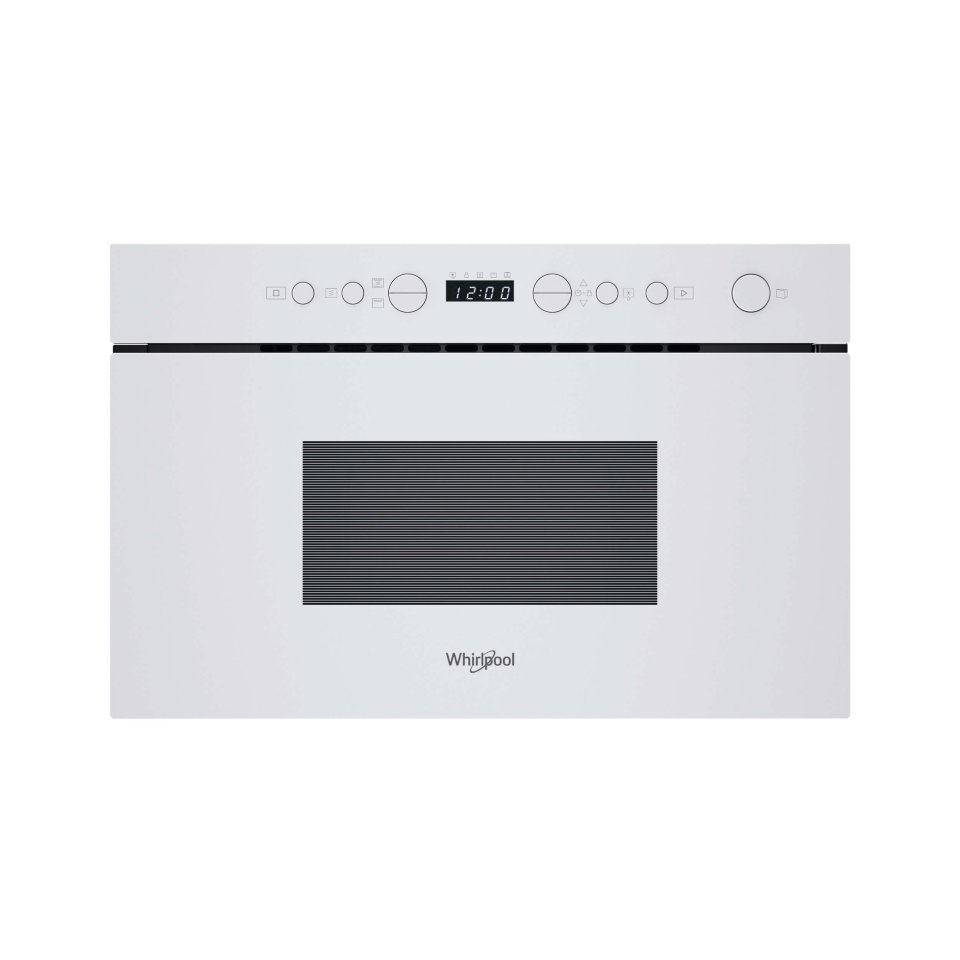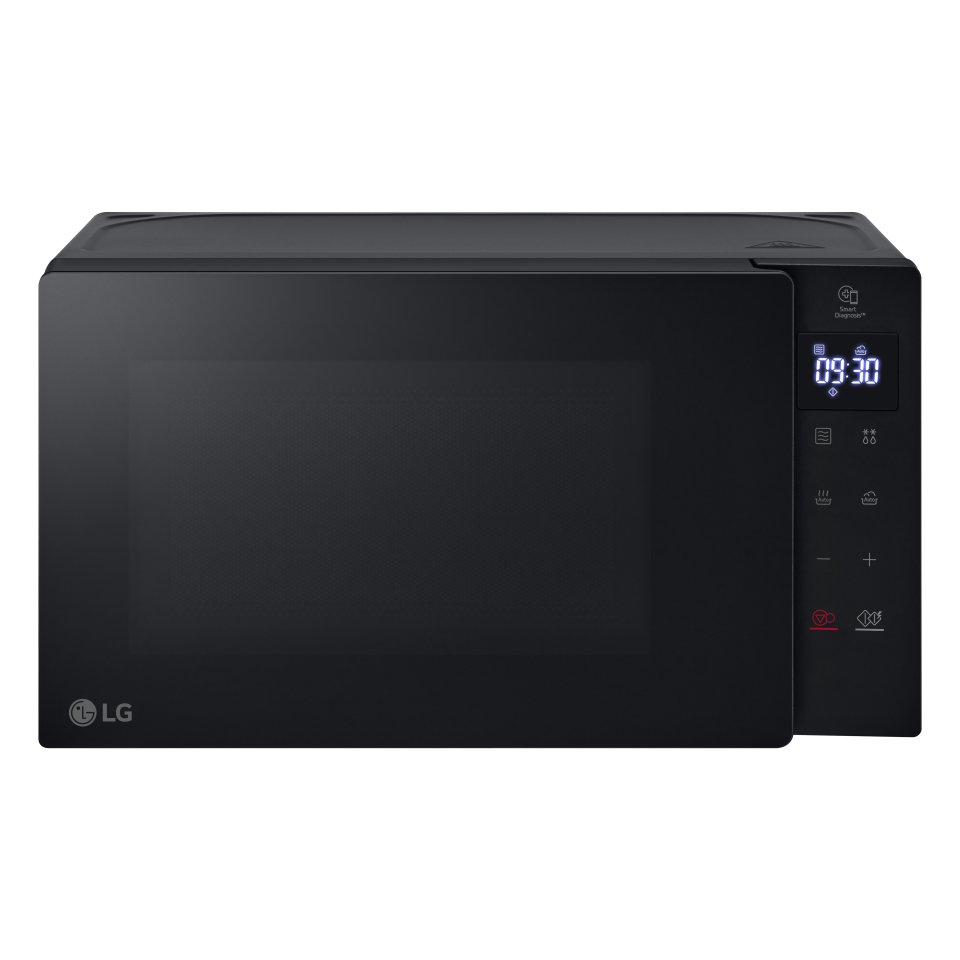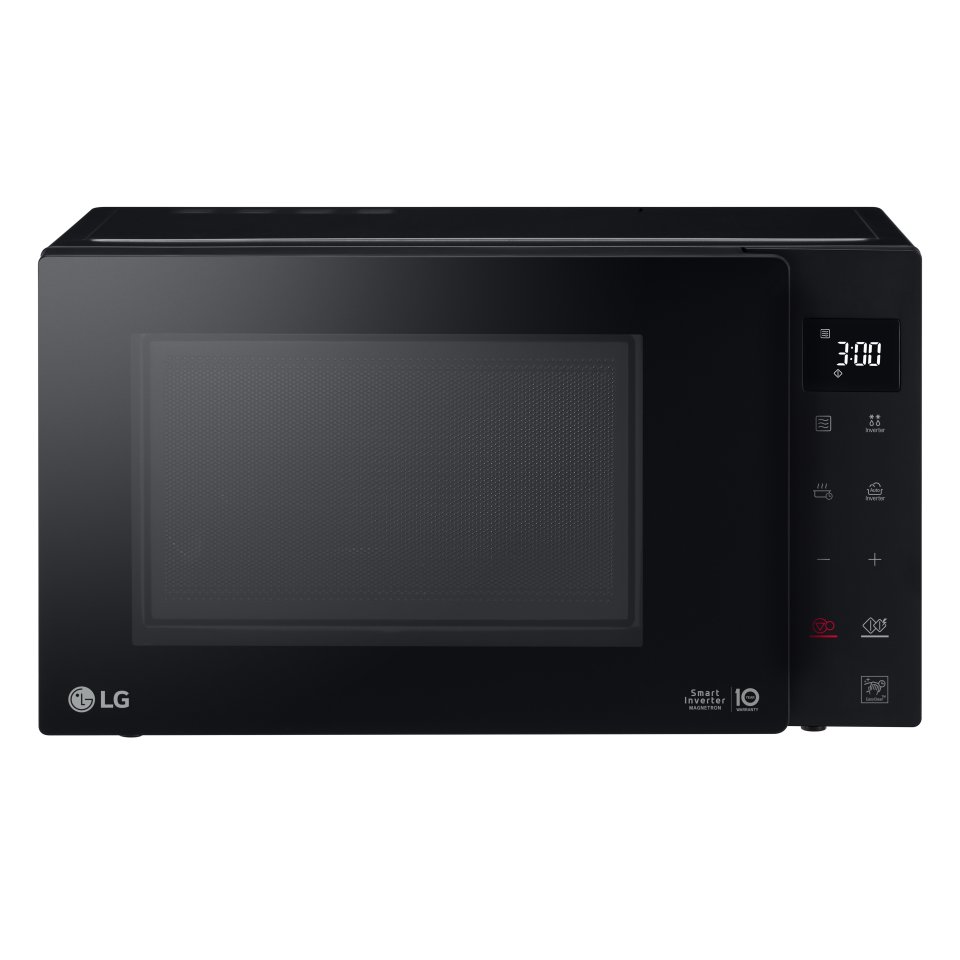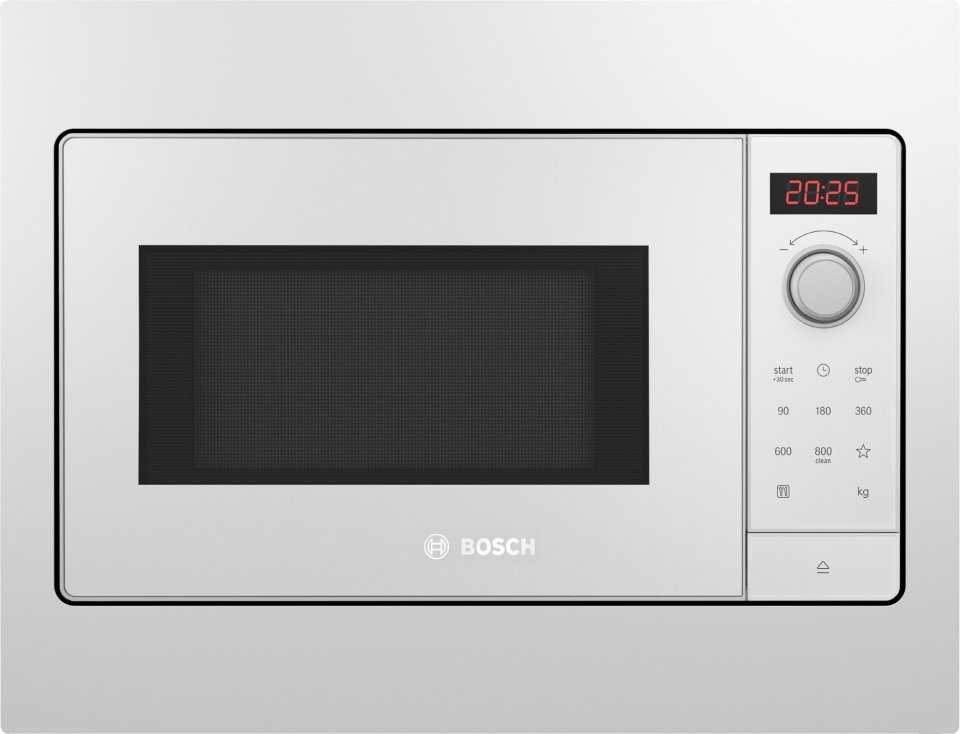
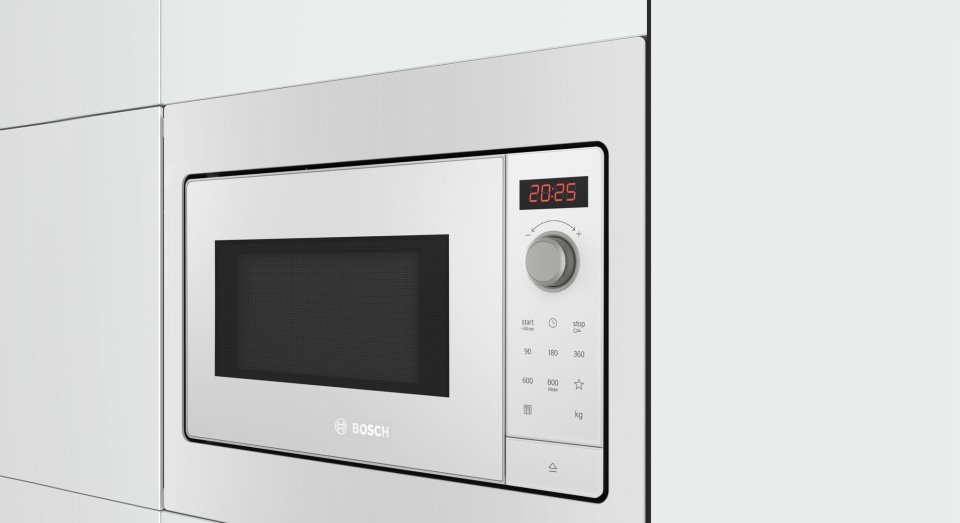
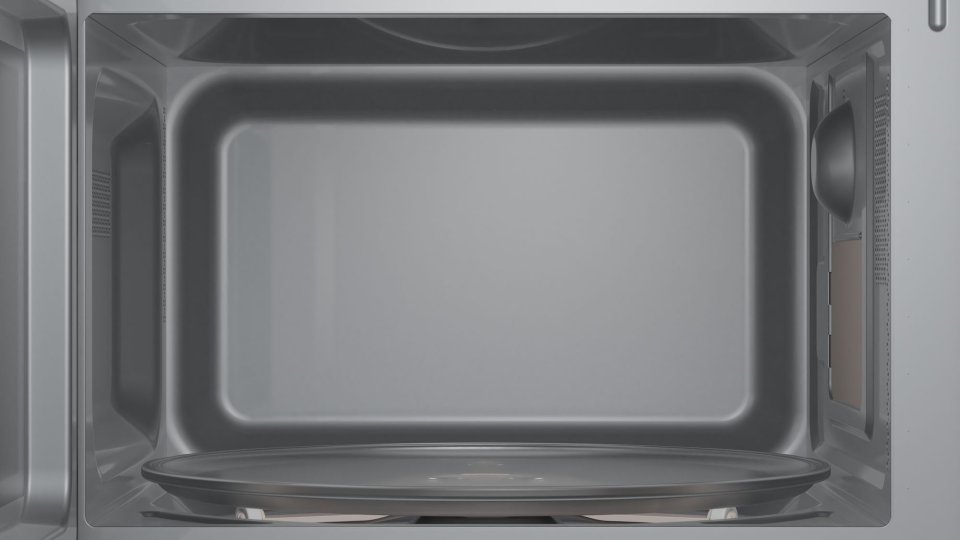
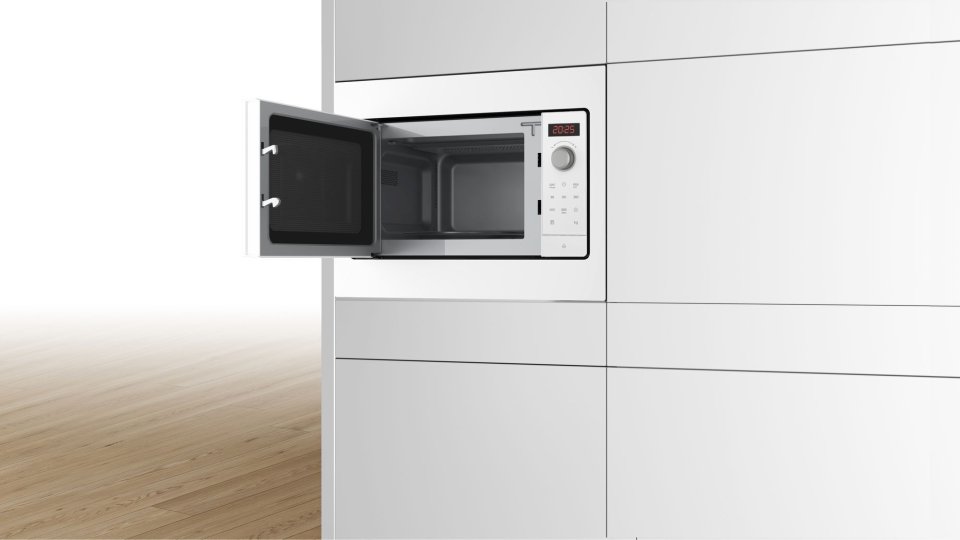
| Color | White |
|---|---|
| Country of Origin | China |
| PID | 740440 |
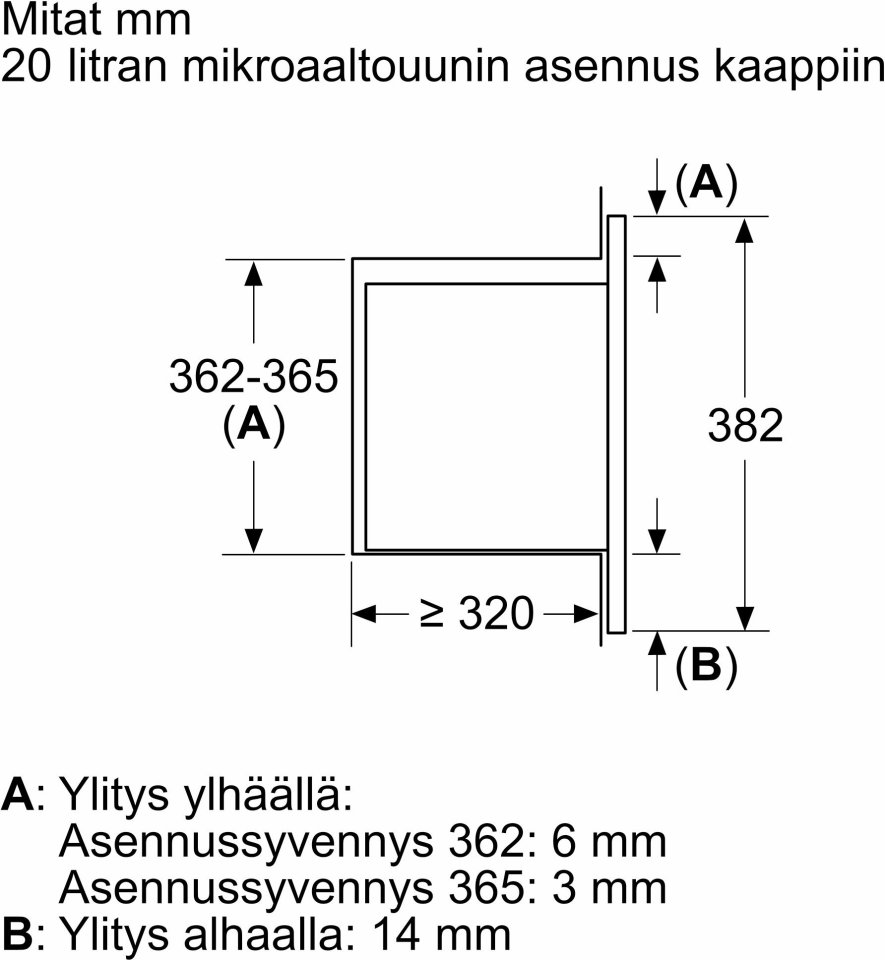
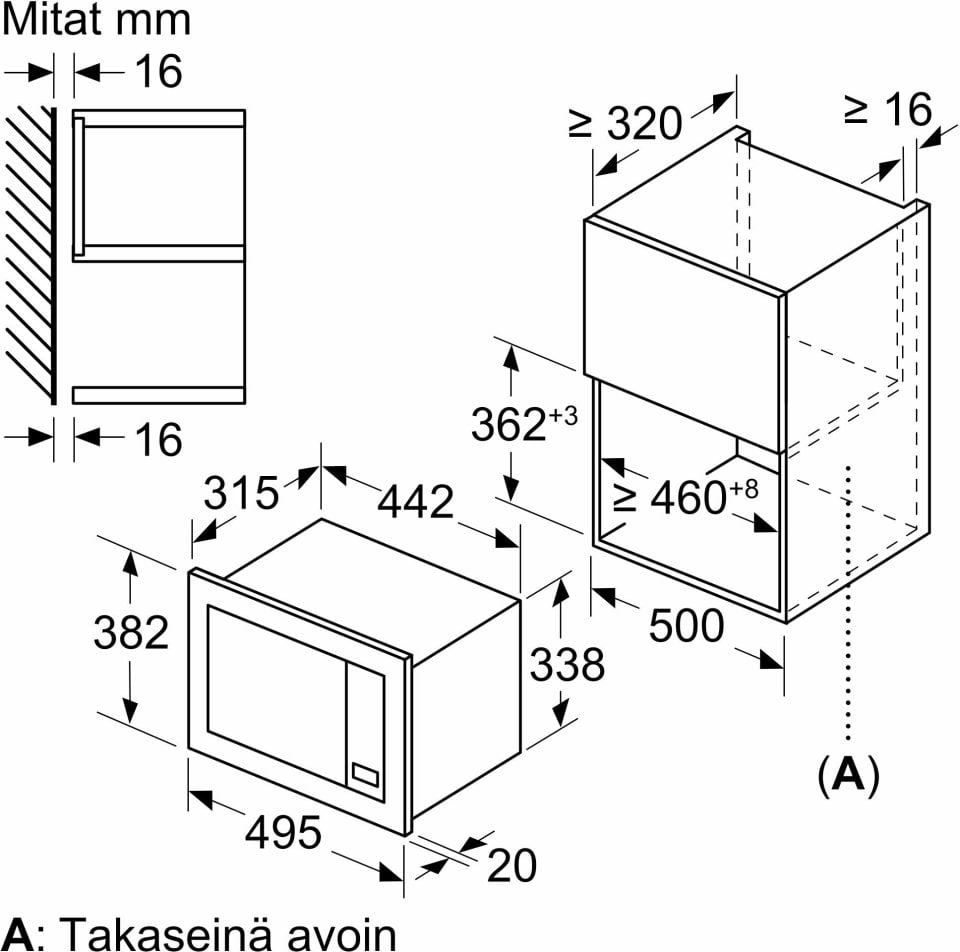
| Product depth (mm) | 335 |
| Product height (mm) | 382 |
| Product volume (l) | 0 |
| Product weight (g) | 15 |
| Product width (mm) | 495 |
| You can silence the audio signals. | No |
| Depth (cm) | 33,5 |
| Height (cm) | 38,2 |
| Width (cm) | 49,5 |
| Fits on a 30 cm deep surface. | No |
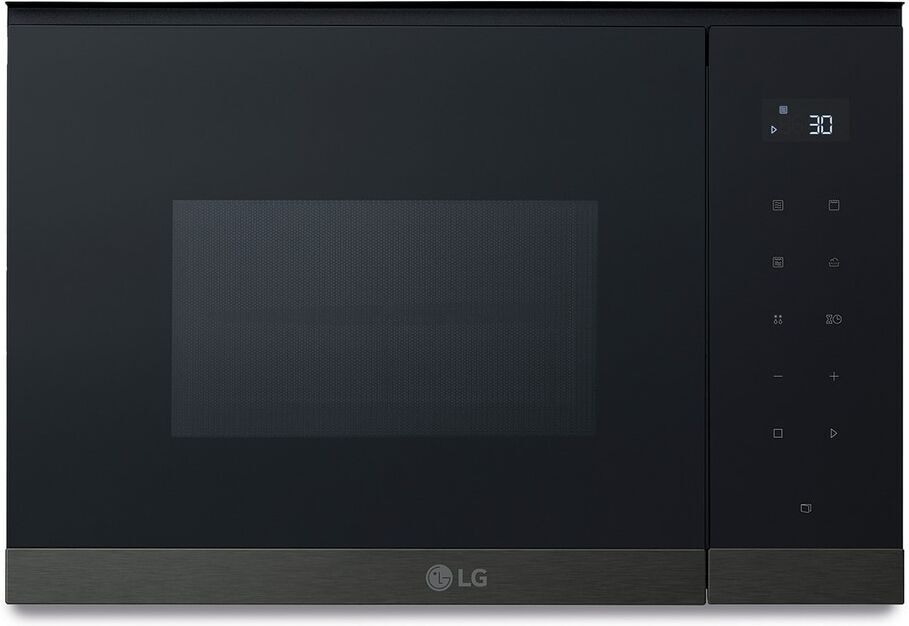
| Control Type | Digital |
| Door swing direction | Left |
| Microwave Placement | Built-in (placement) |
| Capacity (liters) | 20 |
| Power (W) | 800 |
| Manufacturer address | Itälahdenkatu 18 A, 00210 Helsinki |
| Manufacturer's email address | |
| Manufacturer name | Robert Bosch Hausgeräte GmbH, edustaja Suomessa BSH Kodinkoneet Oy |
AutoPilot 7 – Automatic Cooking Made Easy
With the AutoPilot 7 feature, preparing a perfect meal is a breeze. Just place your food in the oven and select the appropriate automatic program—there are 7 to choose from—right from the oven’s display. Enter the weight of your food and press “Start.” After that, AutoPilot will determine the oven function, temperature, and cooking time. It even turns off the oven program when cooking is nearing completion. Some AutoPilot dishes require the use of a lid during cooking, which helps keep the oven’s interior clean. Cooking has never been simpler.
Quick Clean – Easy Fast Cleaning
If your microwave is just a little dirty and you want a quick clean-up: add a cup of water, a bit of dish soap, and a spoon. Start the cleaning program and let the microwave do the rest. The eco-friendly cleaning system softens food residues in the oven, making it easy to wipe clean afterwards.
Favorite Button – Always at Your Fingertips
We all have certain go-to settings we use frequently when heating food in the microwave, right? Now, you can save your favorites under your own selector—no more making choices every time. Just start your regular program with the favorite button and your food will be ready in no time.
Quick Start – Easy Settings
The Quick Start button powers the microwave for 30 seconds at full power. No other selections are needed. Each additional press adds another 30 seconds of heating time.
Technical Specifications
Register your new Bosch appliance on the MyBosch website within 14 days of purchase and enjoy a 100-day return policy. Learn more and register on the MyBosch website.
4 in stock

AutoPilot 7 - Automatic Cooking Made Easy
With the AutoPilot 7 feature, preparing a perfect meal is a breeze. Just place your food in the oven and select the appropriate automatic program—there are 7 to choose from—right from the oven's display. Enter the weight of your food and press “Start.” After that, AutoPilot will determine the oven function, temperature, and cooking time. It even turns off the oven program when cooking is nearing completion. Some AutoPilot dishes require the use of a lid during cooking, which helps keep the oven's interior clean. Cooking has never been simpler.
Quick Clean - Easy Fast Cleaning
If your microwave is just a little dirty and you want a quick clean-up: add a cup of water, a bit of dish soap, and a spoon. Start the cleaning program and let the microwave do the rest. The eco-friendly cleaning system softens food residues in the oven, making it easy to wipe clean afterwards.
Favorite Button - Always at Your Fingertips
We all have certain go-to settings we use frequently when heating food in the microwave, right? Now, you can save your favorites under your own selector—no more making choices every time. Just start your regular program with the favorite button and your food will be ready in no time.
Quick Start - Easy Settings
The Quick Start button powers the microwave for 30 seconds at full power. No other selections are needed. Each additional press adds another 30 seconds of heating time.
Technical Specifications
Register your new Bosch appliance on the MyBosch website within 14 days of purchase and enjoy a 100-day return policy. Learn more and register on the MyBosch website.