
| Color | Black |
|---|---|
| Country of Origin | China |
| PID | 1014683 |
| Product weight (g) | 6 600 |
| Aspect ratio | 16:9 |
| Display resolution | 3840 x 2160 |
| Display size (inches) | 32 |
| Panel Type | OLED |
| Display refresh rate (Hz) | 165 |
| Product Family | ROG Strix OLED |
| Energy Class (HDR) | G |
| Energy class (SDR) | G |
| Manufacturer address | "Torshamnsgatan 35, 164 40 Kista, Sweden " |
| Manufacturer's email address | https://www.asus.com/content/asus-product-security-advisory/ |
| Manufacturer name | Asus Nordic AB |
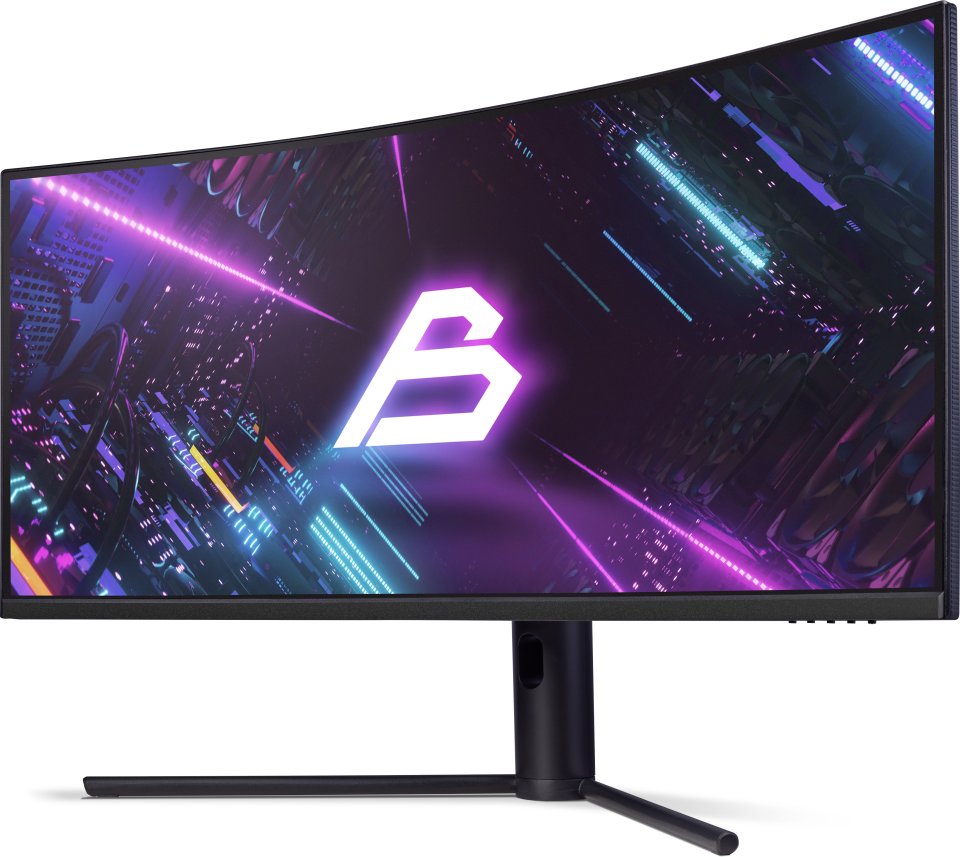
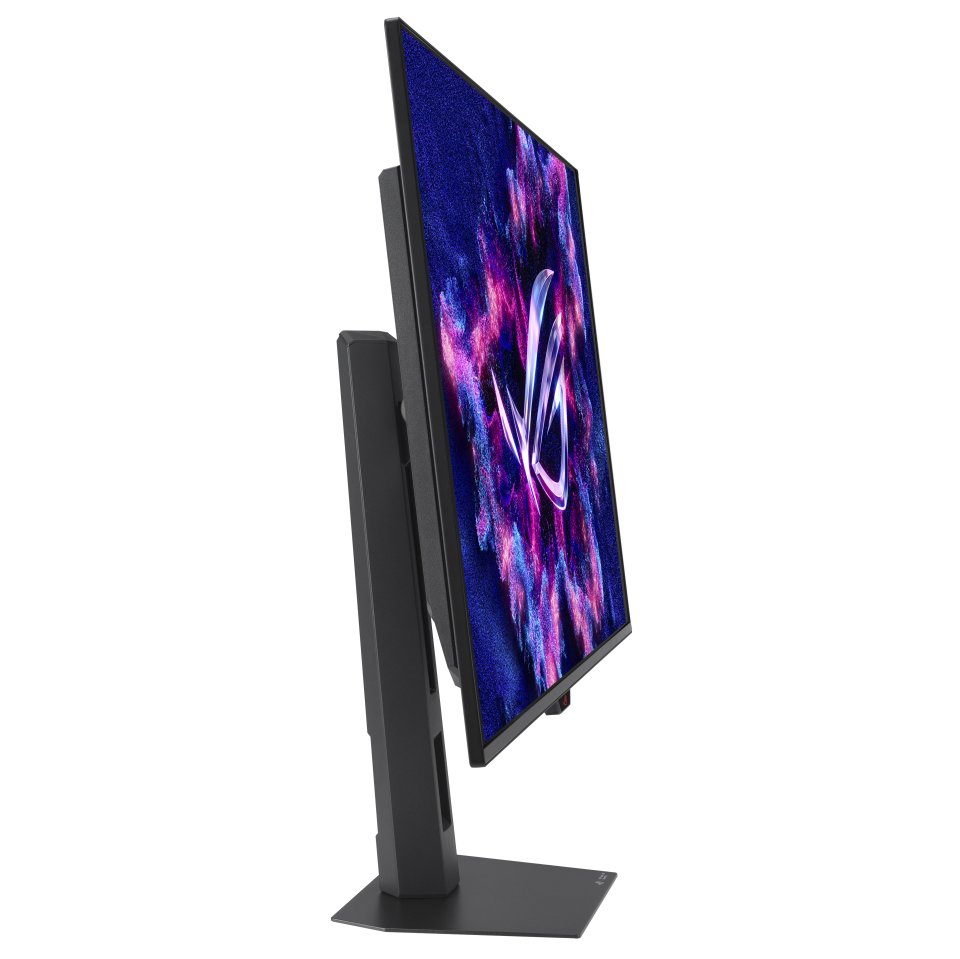
The Asus ROG Strix OLED XG32UCDS is a 32-inch 4K gaming monitor with a QD-OLED panel. The display is designed for gamers who value fast response times and high refresh rates, as its 0.03 ms response time and 165 Hz refresh rate support a smooth gaming experience. The monitor supports HDR10 technology and offers a wide 99% DCI-P3 color gamut, ensuring a bright and accurately reproduced image.
The QD-OLED panel combines OLED’s deep blacks with the brightness of quantum dots, making the picture vivid. The display brightness reaches up to 1000 cd/m² at its peak, and the contrast ratio is typically 1,500,000:1, so details stand out well even in dark scenes. The matte surface reduces reflections, making it easier to view in various lighting conditions.
The new ASUS OLED Care Pro technology offers a comprehensive range of customizable display settings that protect the OLED panel and ensure its longevity. Additionally, it includes the new Neo Proximity Sensor, designed to protect the panel from image burn-in. All settings can be easily managed through DisplayWidget Center.
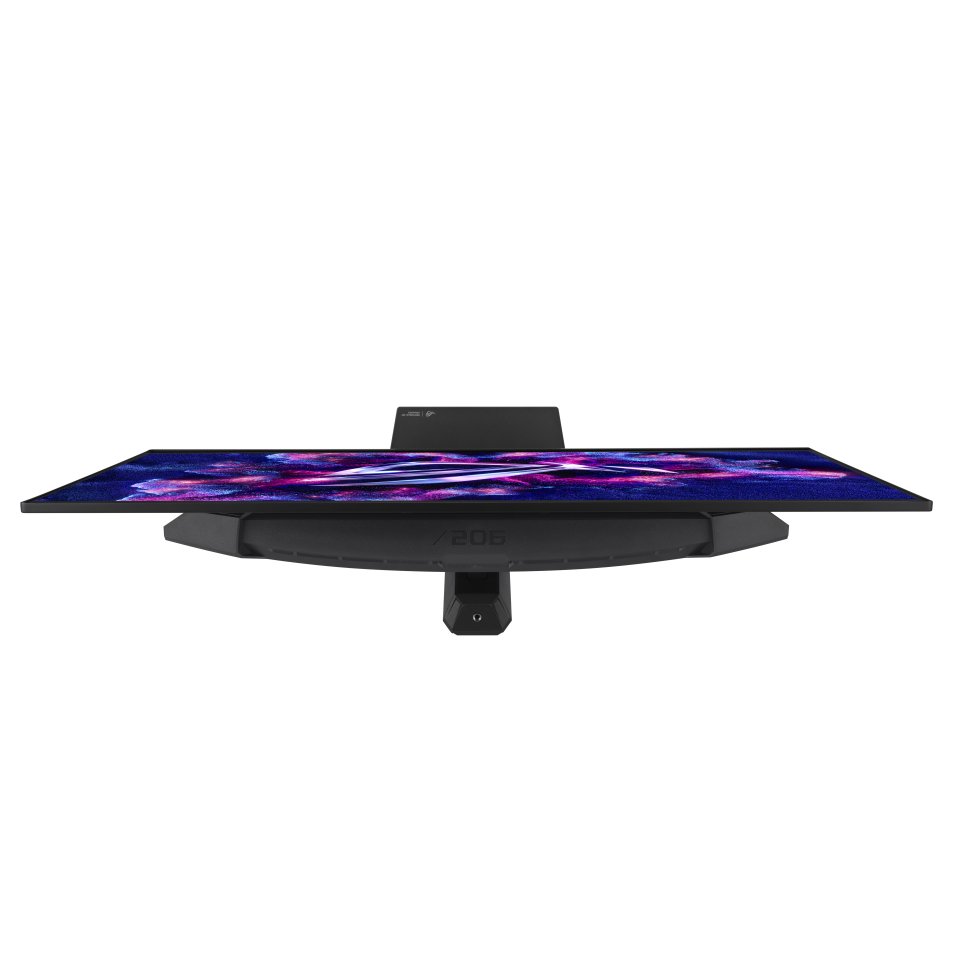
The built-in Neo Proximity Sensor accurately detects the user’s distance from the screen. When the user moves away from the display, the screen switches to a black image to protect the panel from burn-in. When the user returns, the content is immediately restored on the screen. The detection distance can be customized according to personal preferences, ensuring maximum comfort and protection.
* Before activating the detection feature, make sure the monitor’s sensor is at the correct angle and clean it with the included microfiber cloth.
Pixel Cleaning recalibrates the display after the monitor has been active for several hours – the process takes only a few minutes and activates automatically when the monitor is turned off. Pixel locations shift slightly at regular intervals to prevent image burn-in. Users can select from multiple motion levels.
The new ROG Strix OLED series monitors feature a new compact stand that is 30% smaller than previous generation XG monitors, freeing up valuable desk space for your keyboard and mouse. The stand can tilt, swivel, and adjust in height to achieve the ideal viewing position. The display is also VESA compatible.
3 in stock

The Asus ROG Strix OLED XG32UCDS is a 32-inch 4K gaming monitor with a QD-OLED panel. The display is designed for gamers who value fast response times and high refresh rates, as its 0.03 ms response time and 165 Hz refresh rate support a smooth gaming experience. The monitor supports HDR10 technology and offers a wide 99% DCI-P3 color gamut, ensuring a bright and accurately reproduced image.
The QD-OLED panel combines OLED’s deep blacks with the brightness of quantum dots, making the picture vivid. The display brightness reaches up to 1000 cd/m² at its peak, and the contrast ratio is typically 1,500,000:1, so details stand out well even in dark scenes. The matte surface reduces reflections, making it easier to view in various lighting conditions.
The new ASUS OLED Care Pro technology offers a comprehensive range of customizable display settings that protect the OLED panel and ensure its longevity. Additionally, it includes the new Neo Proximity Sensor, designed to protect the panel from image burn-in. All settings can be easily managed through DisplayWidget Center.
The built-in Neo Proximity Sensor accurately detects the user’s distance from the screen. When the user moves away from the display, the screen switches to a black image to protect the panel from burn-in. When the user returns, the content is immediately restored on the screen. The detection distance can be customized according to personal preferences, ensuring maximum comfort and protection.
* Before activating the detection feature, make sure the monitor’s sensor is at the correct angle and clean it with the included microfiber cloth.
Pixel Cleaning recalibrates the display after the monitor has been active for several hours – the process takes only a few minutes and activates automatically when the monitor is turned off. Pixel locations shift slightly at regular intervals to prevent image burn-in. Users can select from multiple motion levels.
The new ROG Strix OLED series monitors feature a new compact stand that is 30% smaller than previous generation XG monitors, freeing up valuable desk space for your keyboard and mouse. The stand can tilt, swivel, and adjust in height to achieve the ideal viewing position. The display is also VESA compatible.