| Color | Black |
|---|---|
| PID | 888130 |
| Product depth (mm) | 64 |
| Product height (mm) | 103 |
| Product weight (g) | 255 |
| Product width (mm) | 155 |
| Wireless | Wired & Wireless |
| Force Feedback | No |
| Manufacturer address | Torshamnsgatan 35 164 40 Kista, Sweden |
| Manufacturer's email address | https://www.asus.com/content/asus-product-security-advisory/ |
| Manufacturer name | Asus Nordic AB |
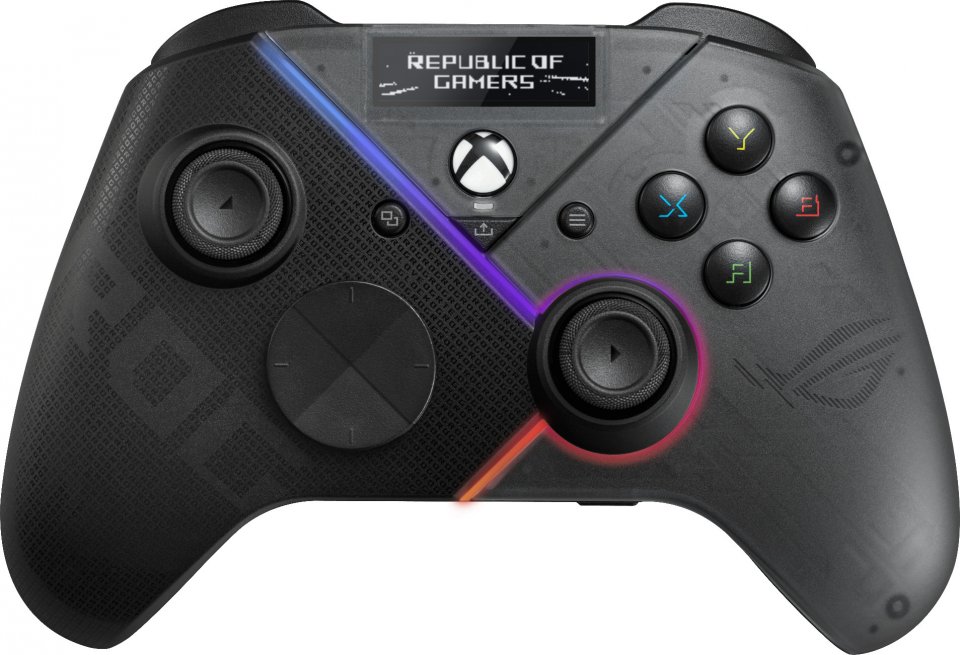
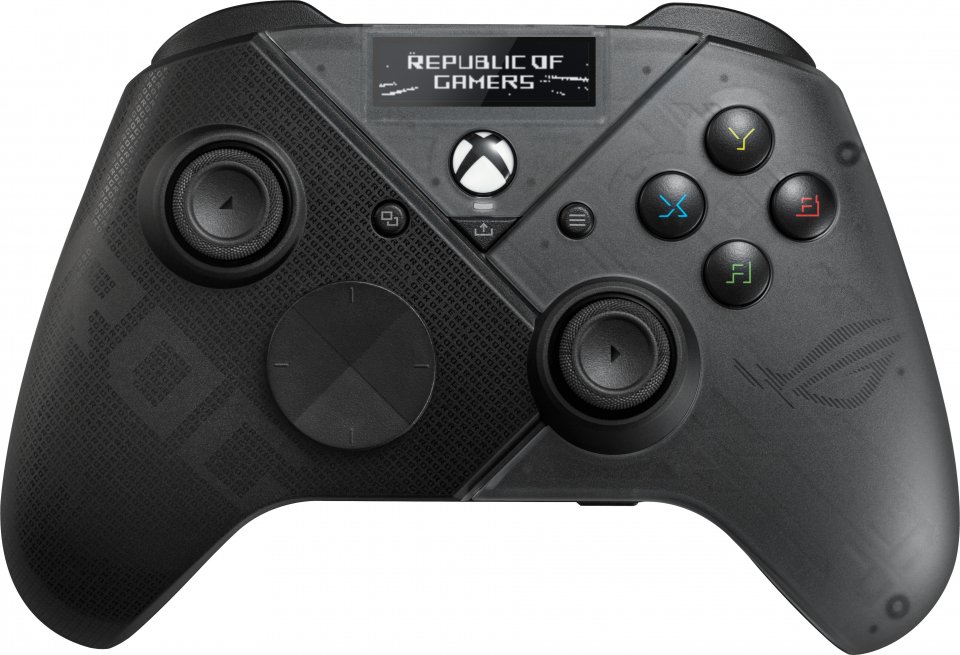
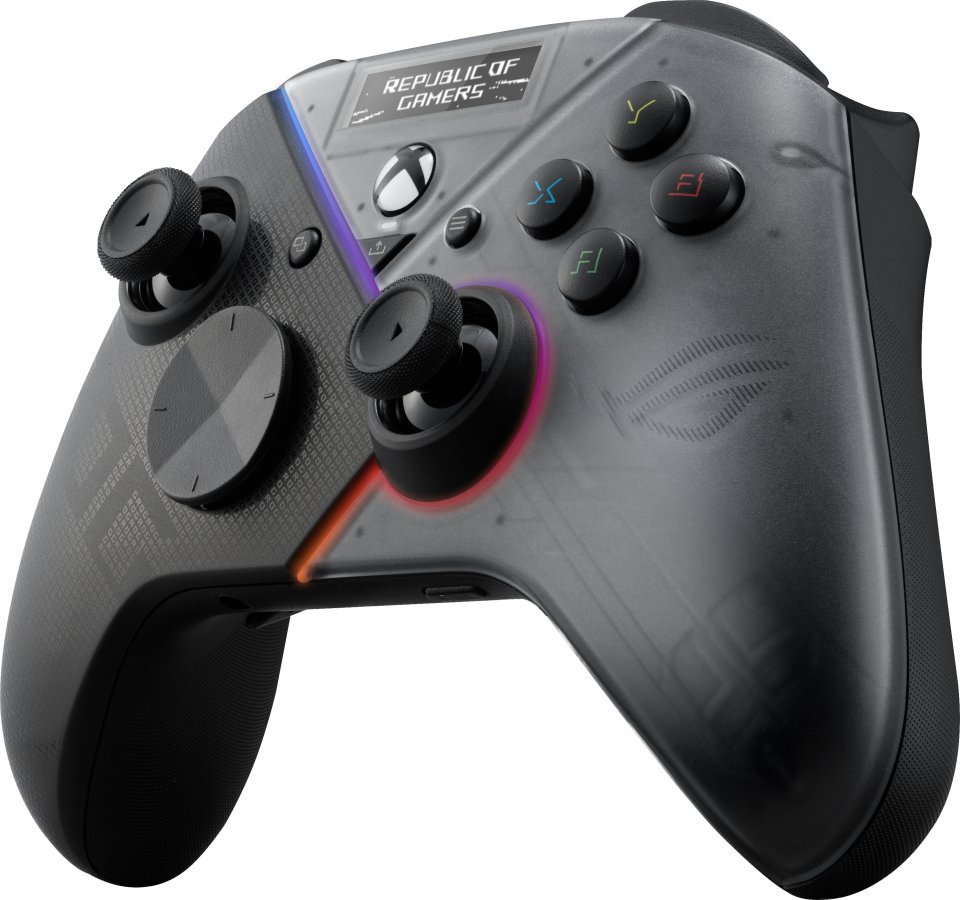
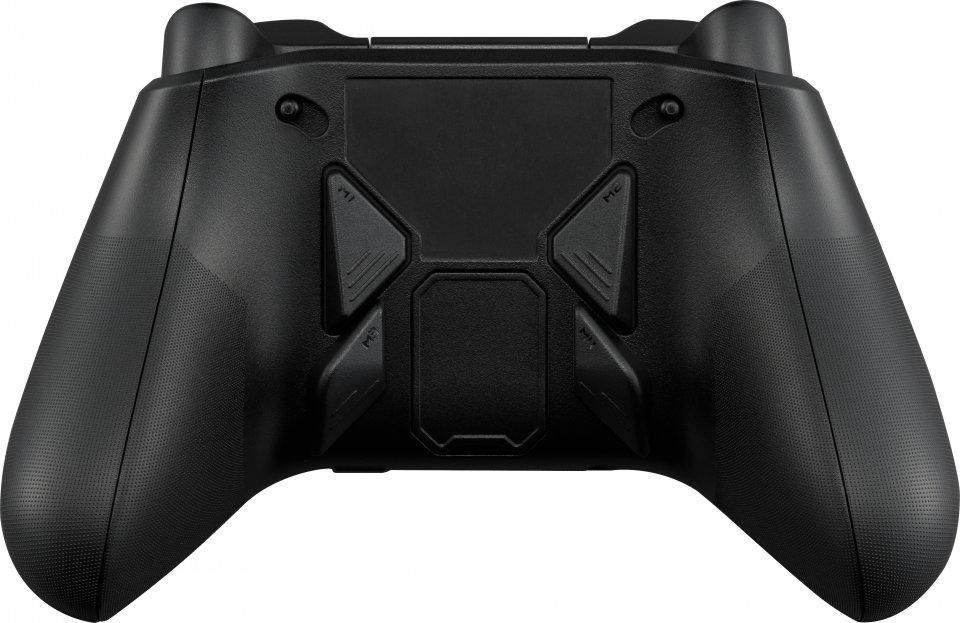
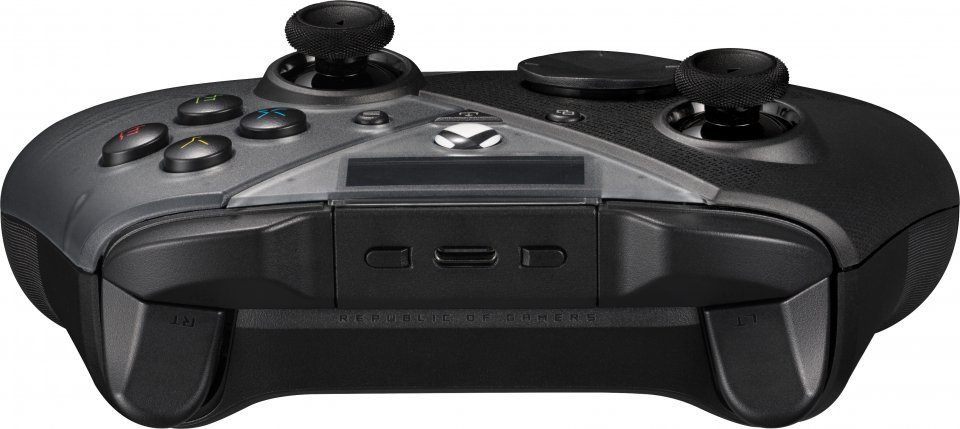
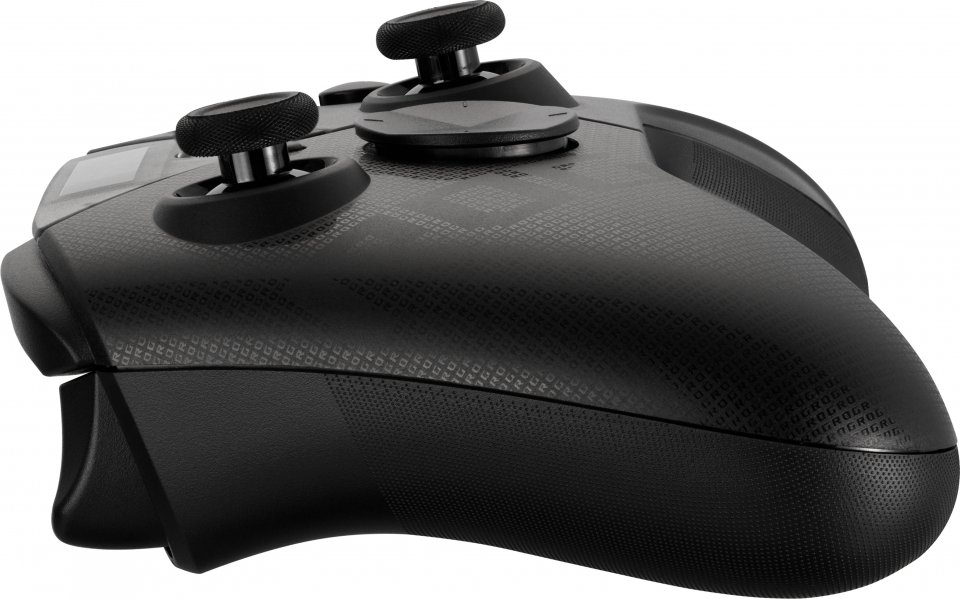
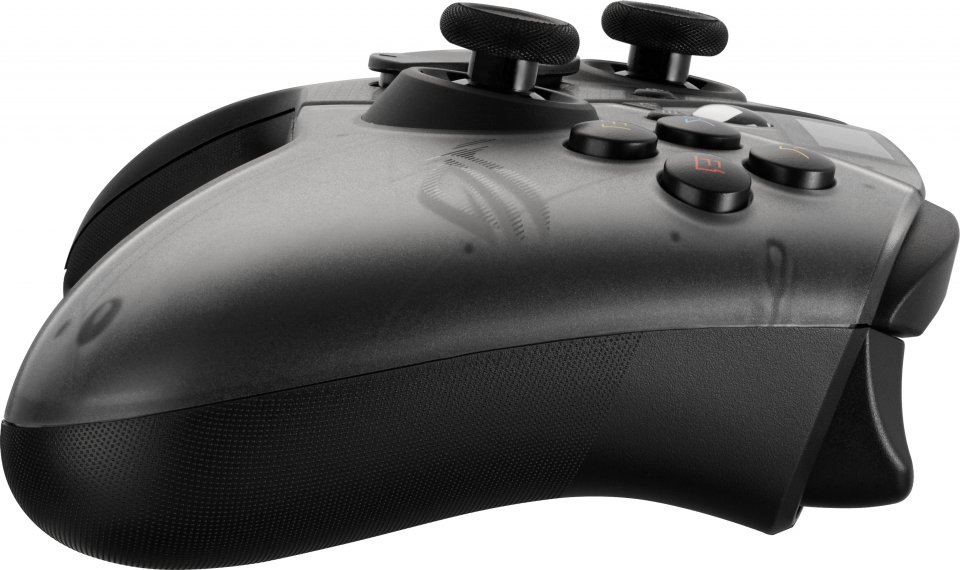
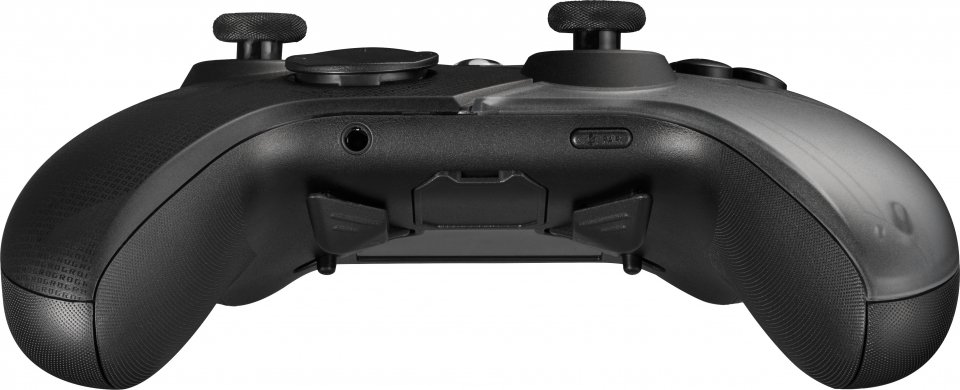
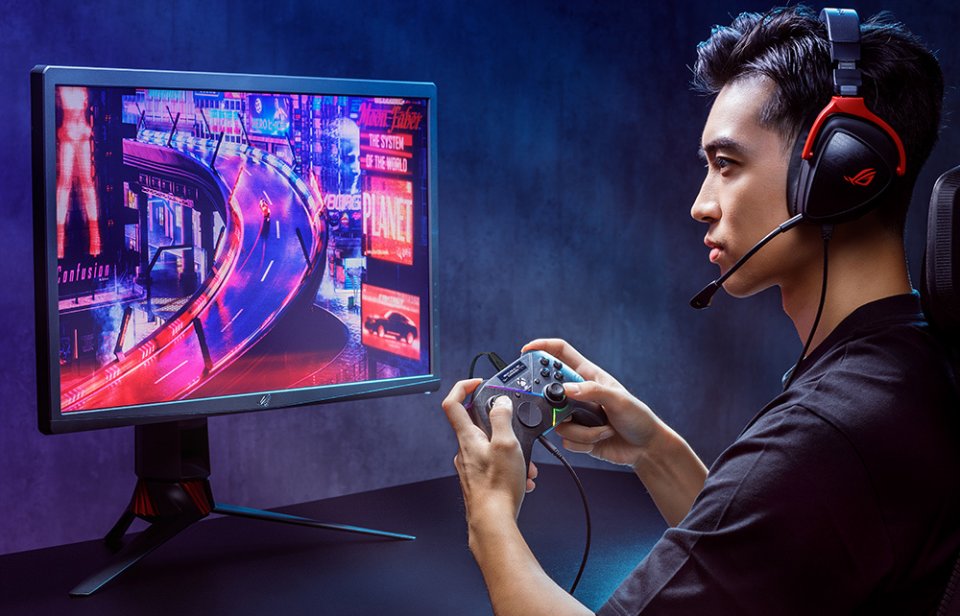
ROG Raikiri Pro PC controller brings all the commands and customization options you need right to your fingertips. Since the Raikiri Pro controller is equipped with a built-in OLED screen, you can customize the controller to match your style with customizable animations, mode indicators, and switchable profiles. The four L-/R-buttons on the back of the controller are programmable as shortcut keys to issue commands or adjust the sensitivity of the control sticks during gameplay. Raikiri Pro offers three different connection options – Bluetooth, 2.4 GHz RF, and wired USB-C – making it ideal for gaming on a desktop PC, laptop, or next-generation Xbox console.
Built-in OLED Display
Now you can unleash your creativity and let your style shine, as the controller’s built-in OLED display shows the image, animation, or text you select via Armoury Crate. Additionally, the display allows you to switch profiles on the fly and check the current profile of the controller. The screen can also be set to show charging status, battery level, or microphone status. The controller profile can be changed using the buttons located above the OLED display, which also let you select what is shown on the OLED screen.
Three Connection Options
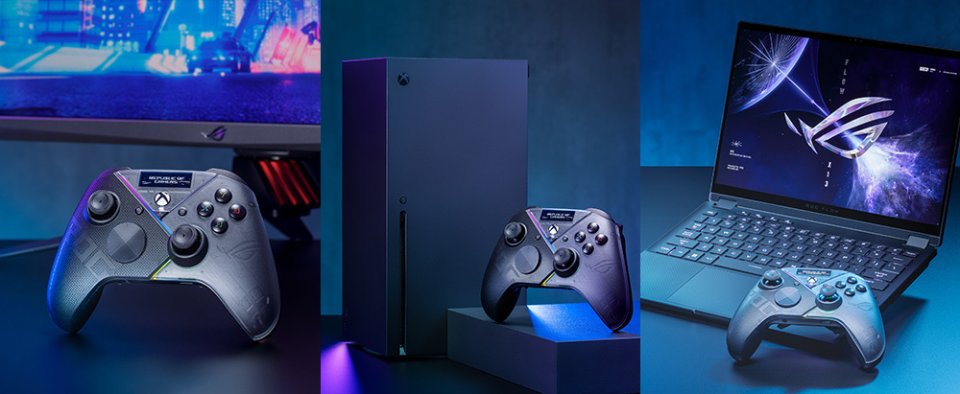
ROG Raikiri Pro is the first Xbox-licensed PC controller equipped with three different connection options: Bluetooth, 2.4 GHz RF, and wired USB-C. This means the controller can connect wirelessly to both desktop and laptop computers. Additionally, it can connect to the latest generation Xbox console via the USB-C port. AFH technology (Adaptive Frequency Hopping) minimizes interference from other devices and Bluetooth connection latency, so you can play worry-free without factors that could weaken your competitiveness.
Intuitive Back Buttons
No matter the size of your hands, the ergonomic Raikiri Pro controller offers a comfortable grip and the back buttons are conveniently within reach. The back buttons (x 4), equipped with grip-enhancing ridges, provide a satisfying response with every press. The buttons can be programmed as shortcut keys to execute even complex commands during gameplay. Additionally, the buttons can enhance control by adjusting the sensitivity of the control sticks even on the fly.
Adjustable Trigger Travel
The trigger travel distance can be switched from long to short. Dead zones of the triggers can be customized as desired using Armoury Crate.
Premium Sound Quality
Thanks to the built-in ESS DAC amplifier in the controller, simply connect your headphones to the 3.5 mm jack to enjoy premium and highly accurate sound reproduction. The controller also supports a mute button that can toggle voice chat on and off.
Highly Customizable
In the Armoury Crate app, you can customize the functions of the control buttons to suit your playstyle or the game. There are numerous customization options available that allow you to assign functions to buttons, adjust OLED display settings, select controller mode, and enable low battery warnings when using the controller wirelessly. You can also adjust vibration intensity, customize trigger dead zones, and fine-tune the responsiveness of the control sticks.
Specifications:

ROG Raikiri Pro PC controller brings all the commands and customization options you need right to your fingertips. Since the Raikiri Pro controller is equipped with a built-in OLED screen, you can customize the controller to match your style with customizable animations, mode indicators, and switchable profiles. The four L-/R-buttons on the back of the controller are programmable as shortcut keys to issue commands or adjust the sensitivity of the control sticks during gameplay. Raikiri Pro offers three different connection options – Bluetooth, 2.4 GHz RF, and wired USB-C – making it ideal for gaming on a desktop PC, laptop, or next-generation Xbox console.
Built-in OLED Display
Now you can unleash your creativity and let your style shine, as the controller’s built-in OLED display shows the image, animation, or text you select via Armoury Crate. Additionally, the display allows you to switch profiles on the fly and check the current profile of the controller. The screen can also be set to show charging status, battery level, or microphone status. The controller profile can be changed using the buttons located above the OLED display, which also let you select what is shown on the OLED screen.
Three Connection Options
ROG Raikiri Pro is the first Xbox-licensed PC controller equipped with three different connection options: Bluetooth, 2.4 GHz RF, and wired USB-C. This means the controller can connect wirelessly to both desktop and laptop computers. Additionally, it can connect to the latest generation Xbox console via the USB-C port. AFH technology (Adaptive Frequency Hopping) minimizes interference from other devices and Bluetooth connection latency, so you can play worry-free without factors that could weaken your competitiveness.
Intuitive Back Buttons
No matter the size of your hands, the ergonomic Raikiri Pro controller offers a comfortable grip and the back buttons are conveniently within reach. The back buttons (x 4), equipped with grip-enhancing ridges, provide a satisfying response with every press. The buttons can be programmed as shortcut keys to execute even complex commands during gameplay. Additionally, the buttons can enhance control by adjusting the sensitivity of the control sticks even on the fly.
Adjustable Trigger Travel
The trigger travel distance can be switched from long to short. Dead zones of the triggers can be customized as desired using Armoury Crate.
Premium Sound Quality
Thanks to the built-in ESS DAC amplifier in the controller, simply connect your headphones to the 3.5 mm jack to enjoy premium and highly accurate sound reproduction. The controller also supports a mute button that can toggle voice chat on and off.
Highly Customizable
In the Armoury Crate app, you can customize the functions of the control buttons to suit your playstyle or the game. There are numerous customization options available that allow you to assign functions to buttons, adjust OLED display settings, select controller mode, and enable low battery warnings when using the controller wirelessly. You can also adjust vibration intensity, customize trigger dead zones, and fine-tune the responsiveness of the control sticks.
Specifications: