| Color | Black |
|---|---|
| PID | 726101 |
| Product weight (g) | 10 700 |
| Aspect ratio | 16:9 |
| Display resolution | 2560 x 1440 |
| Display size (inches) | 27 |
| Panel Type | IPS |
| Display refresh rate (Hz) | 75 |
| Product Family | ProArt |
| Energy class (SDR) | G |
| Manufacturer address | Torshamnsgatan 35 164 40 Kista, Sweden |
| Manufacturer's email address | https://www.asus.com/content/asus-product-security-advisory/ |
| Manufacturer name | Asus Nordic AB |
Unmatched colors. Unlimited creativity.
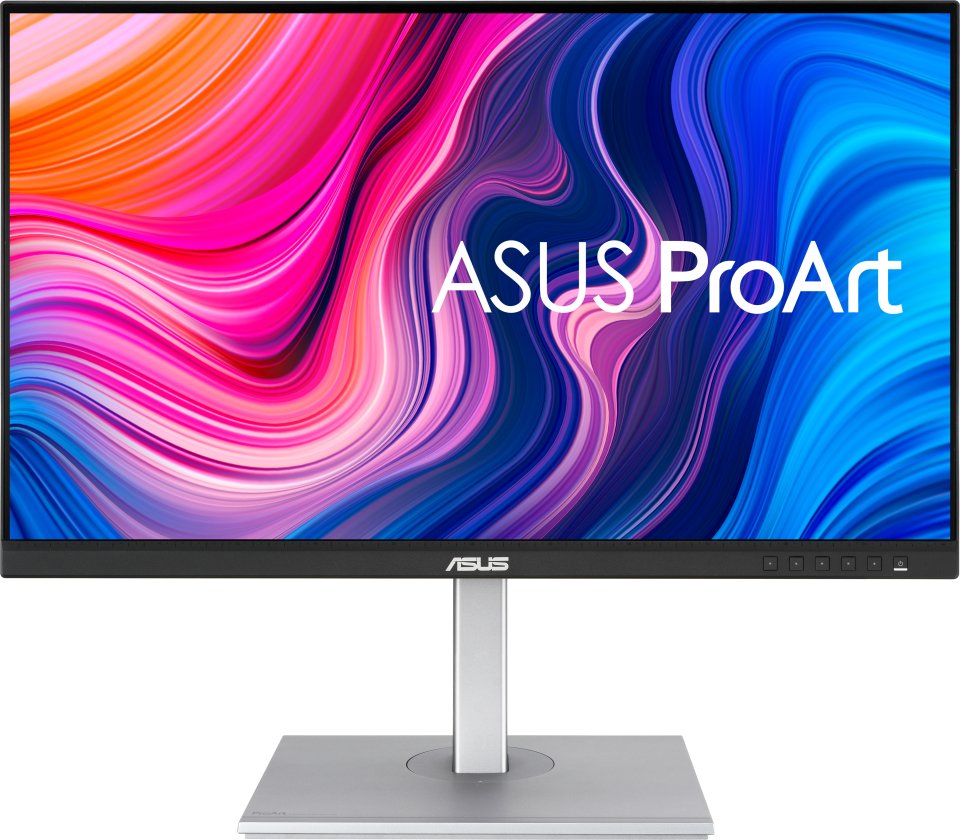
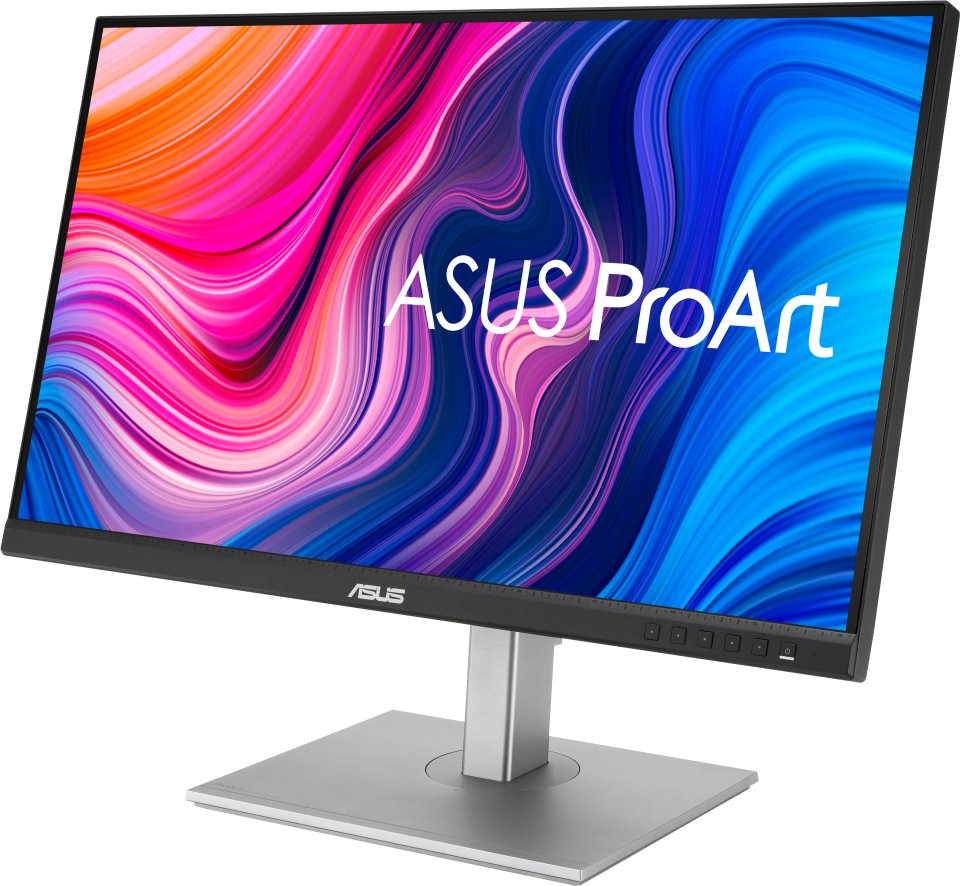
The ProArt Display PA278CV is a 27-inch monitor designed to meet the needs of creative professionals, from photo and video editing to graphic design. The ProArt Display PA278CV is factory-calibrated and Calman-verified to ensure excellent color accuracy (E < 2). It also offers industry-standard 100% sRGB and 100% Rec. 709 color spaces. The integrated USB-C port conveniently supports data transfer, DisplayPort connectivity, and 65 W Power Delivery through a single cable, keeping your desktop tidy. With the PA278CV, achieving the exact look you want is quick and precise.
Bring out the true beauty of your images
The ProArt monitor features industry-standard 100% sRGB and 100% Rec. 709 color spaces, as well as DCI-P3 support, whose rich and vivid color reproduction ensures every detail of your photos is clear and true to life.
High-quality color reproduction and truly distinctive shades
Thanks to precise, realistic color reproduction, shades appear pure and expressive. ProArt monitors have a E of less than 2, so your images appear accurately on the screen—you can see exactly how your work will look when finished.
True colors straight out of the box
Imaging professionals rely on the monitor to reproduce creations exactly as intended. The ProArt Display PA278CV is factory-calibrated and Calman-verified to ensure industry-leading color accuracy. Each ProArt monitor is carefully and thoroughly tested to ensure smooth color transitions. Whether you are a consumer or a professional, you can view and create content with precise colors.
Fast color gamut adjustment
Exclusively offered by ASUS, ProArt Preset provides multiple modes for quick color gamut adjustment. Whether you are doing color grading, video editing, or photo editing, you can quickly switch the gamut to suit your needs.
Personalized editing experience
With ASUS ProArt Palette, you can extensively customize your monitor’s parameters, such as hues, color temperatures, and gamma adjustments, all accessible through intuitive on-screen menus. Each of the six colors also has two-point grayscale sliders, allowing for more flexible color adjustments than many competing monitors. ProArt Palette helps produce content quickly and consistently and simplifies color management.
Everything works with USB-C
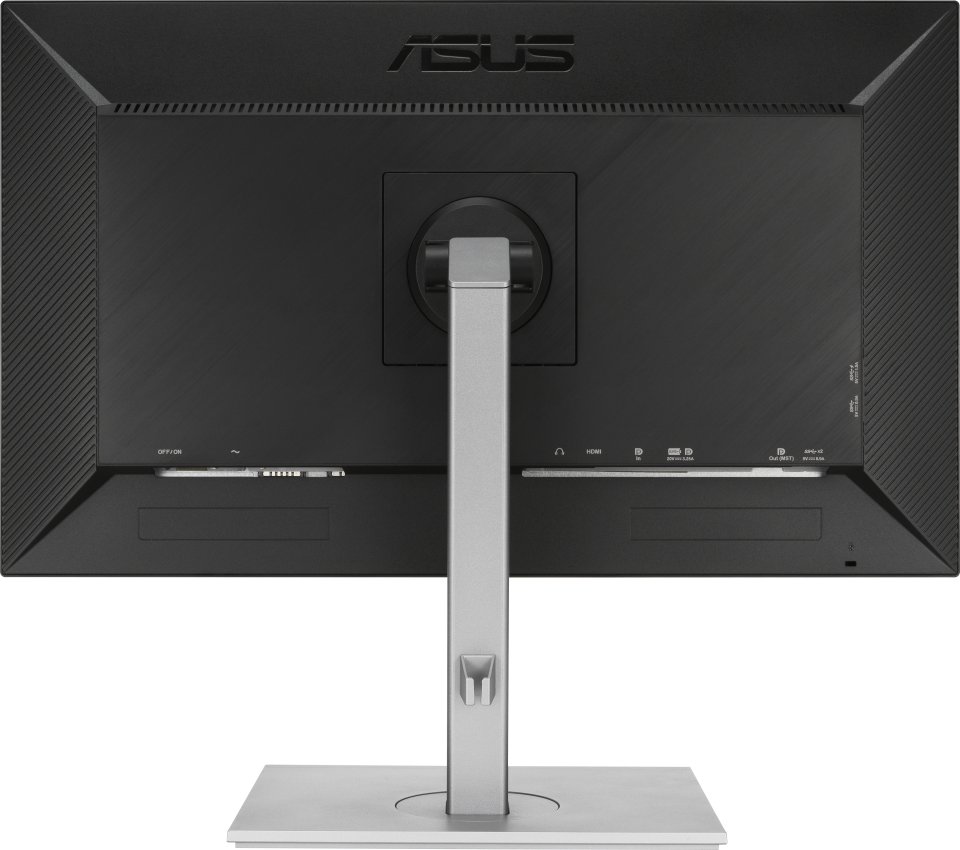
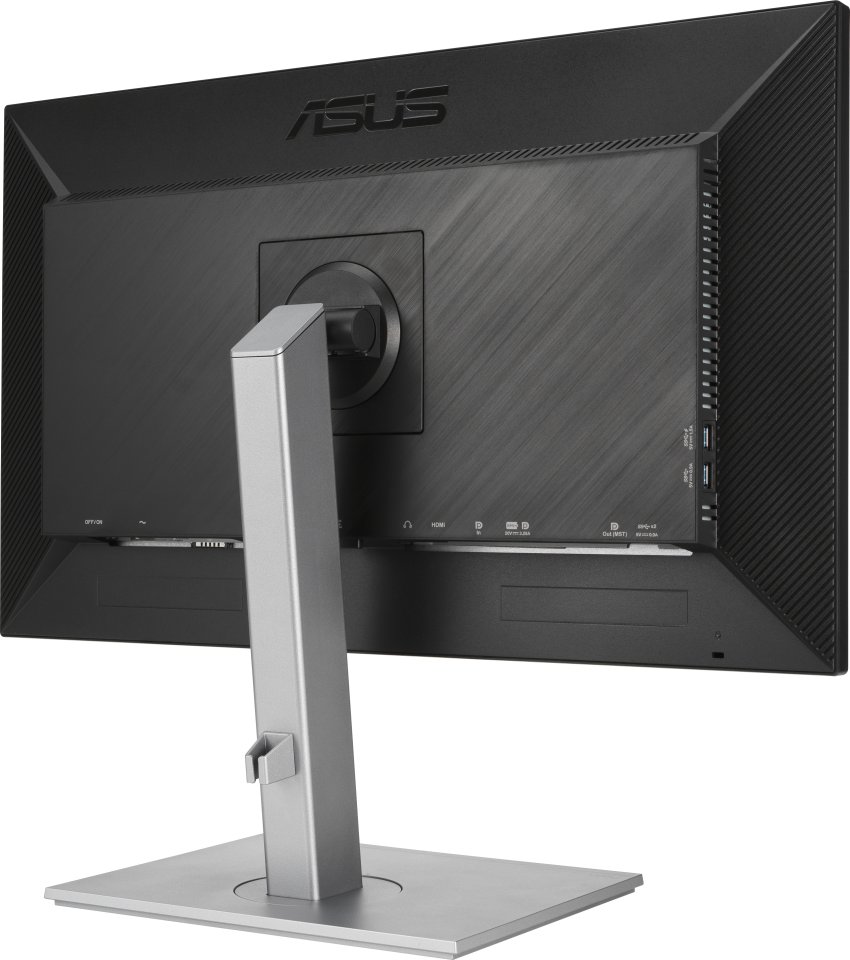
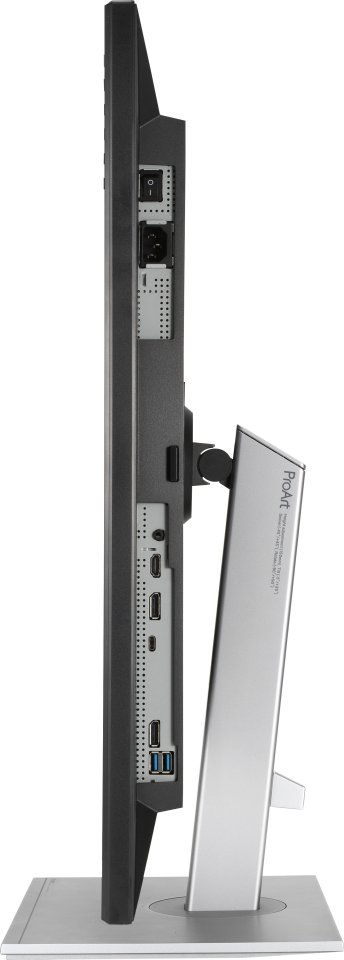
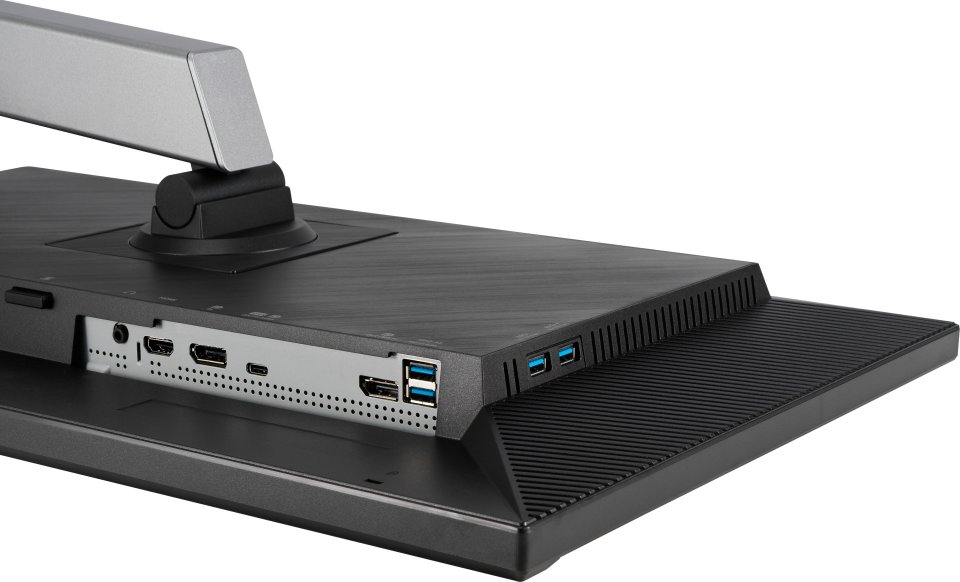
Thanks to the ProArt Display PA278CV’s USB-C, HDMI, and DisplayPort connections, it offers unmatched compatibility. The integrated USB-C port supports data transfer, DisplayPort connectivity, and 65 W Power Delivery. The PA278CV also functions as a USB hub, meaning that if you connect via USB-C (using a C–C or C–A cable), the device gains access to peripherals connected to its USB ports.
Preview artwork in actual size
ASUS QuickFit Virtual Scale helps you save time and work smarter. This handy feature displays a grid on the screen, allowing you to align and preview documents in actual size before printing.
ASUS Eye Care technology protects your eyes
Exclusively offered ASUS Ultra-Low Blue Light technology protects your eyes from potentially harmful blue light. Four blue light filter settings are available and can be easily selected via the on-screen menu or a shortcut key.
ASUS Flicker-Free technology provides a more comfortable viewing experience and work environment by reducing screen flicker, minimizing eye strain and fatigue, as well as headaches that can result from prolonged screen use.
Ergonomically designed stand offers flexible comfort
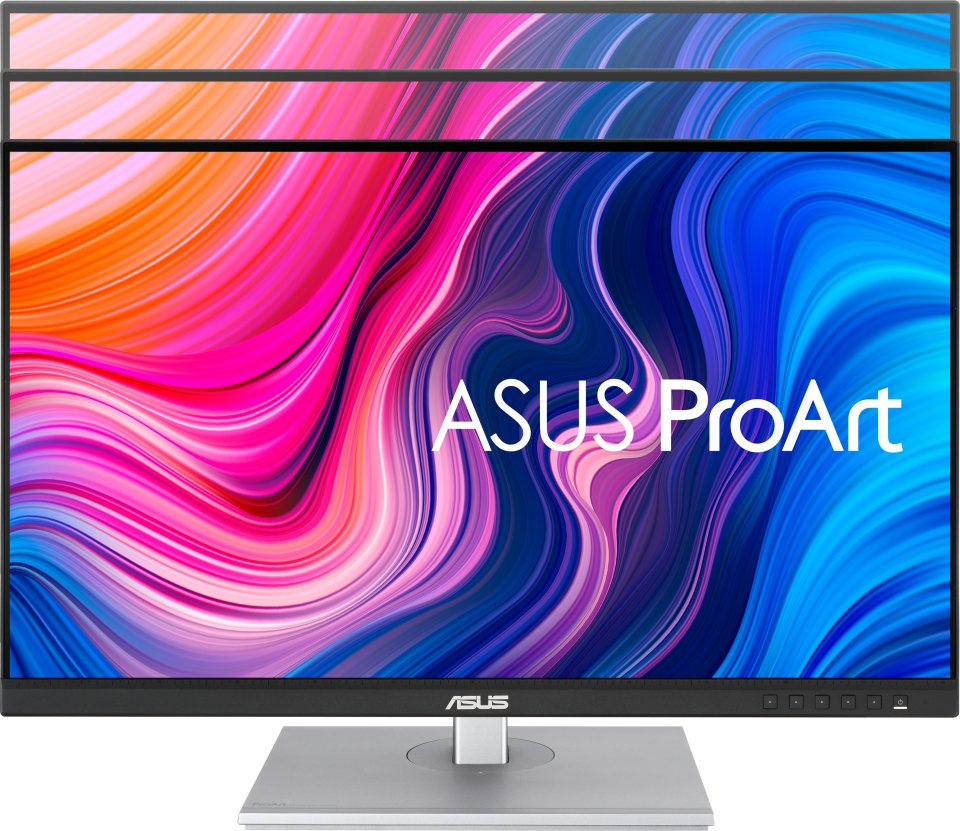
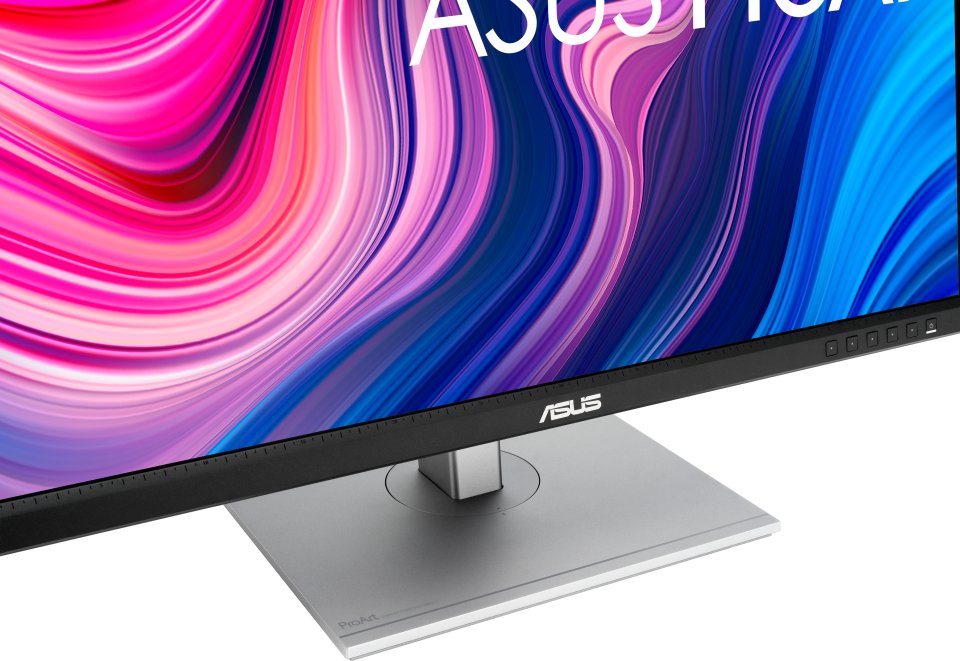
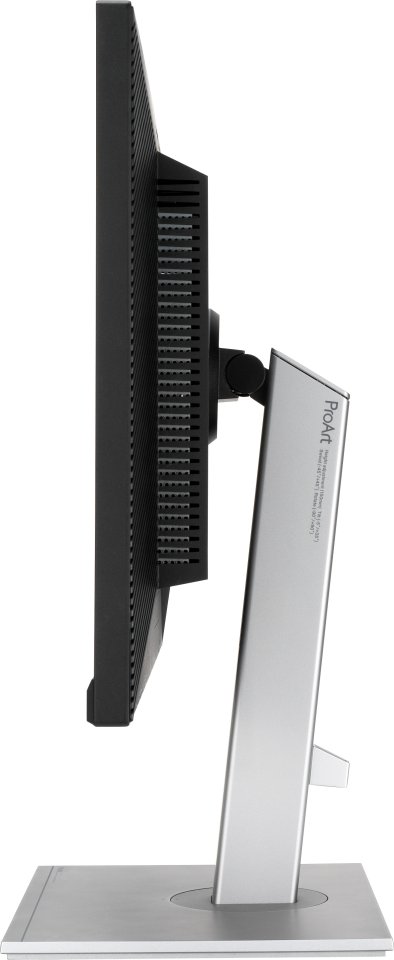
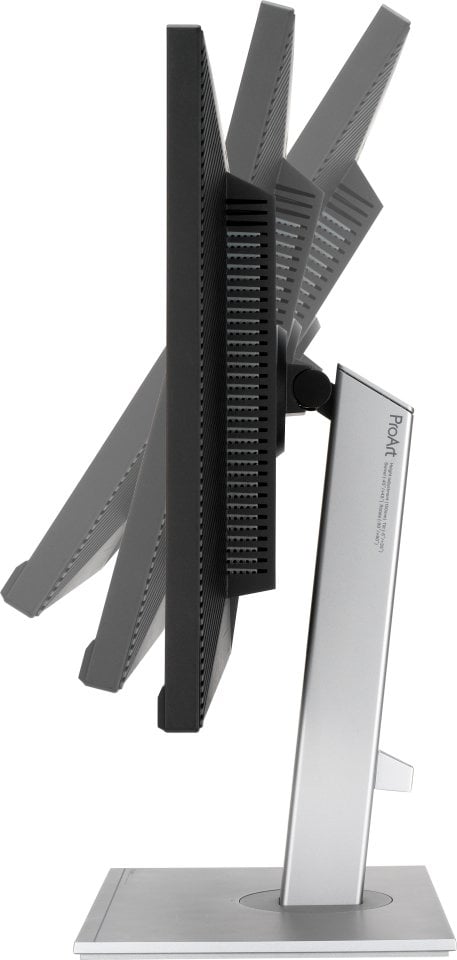
The ergonomically designed stand of ProArt monitors, featuring tilt, swivel, pivot, and height adjustments, offers a more comfortable viewing and usage experience. The ability to rotate the screen 90 degrees and use it in portrait mode is convenient when working with long documents, code, or websites. Additionally, thanks to the quick-release stand, the monitor can be easily mounted with the integrated VESA wall mount—no screws needed, so it takes just seconds!
Asus ProArt PA278CV specifications:
3 in stock

Unmatched colors. Unlimited creativity.
The ProArt Display PA278CV is a 27-inch monitor designed to meet the needs of creative professionals, from photo and video editing to graphic design. The ProArt Display PA278CV is factory-calibrated and Calman-verified to ensure excellent color accuracy (E < 2). It also offers industry-standard 100% sRGB and 100% Rec. 709 color spaces. The integrated USB-C port conveniently supports data transfer, DisplayPort connectivity, and 65 W Power Delivery through a single cable, keeping your desktop tidy. With the PA278CV, achieving the exact look you want is quick and precise.
Bring out the true beauty of your images
The ProArt monitor features industry-standard 100% sRGB and 100% Rec. 709 color spaces, as well as DCI-P3 support, whose rich and vivid color reproduction ensures every detail of your photos is clear and true to life.
High-quality color reproduction and truly distinctive shades
Thanks to precise, realistic color reproduction, shades appear pure and expressive. ProArt monitors have a E of less than 2, so your images appear accurately on the screen—you can see exactly how your work will look when finished.
True colors straight out of the box
Imaging professionals rely on the monitor to reproduce creations exactly as intended. The ProArt Display PA278CV is factory-calibrated and Calman-verified to ensure industry-leading color accuracy. Each ProArt monitor is carefully and thoroughly tested to ensure smooth color transitions. Whether you are a consumer or a professional, you can view and create content with precise colors.
Fast color gamut adjustment
Exclusively offered by ASUS, ProArt Preset provides multiple modes for quick color gamut adjustment. Whether you are doing color grading, video editing, or photo editing, you can quickly switch the gamut to suit your needs.
Personalized editing experience
With ASUS ProArt Palette, you can extensively customize your monitor’s parameters, such as hues, color temperatures, and gamma adjustments, all accessible through intuitive on-screen menus. Each of the six colors also has two-point grayscale sliders, allowing for more flexible color adjustments than many competing monitors. ProArt Palette helps produce content quickly and consistently and simplifies color management.
Everything works with USB-C
Thanks to the ProArt Display PA278CV’s USB-C, HDMI, and DisplayPort connections, it offers unmatched compatibility. The integrated USB-C port supports data transfer, DisplayPort connectivity, and 65 W Power Delivery. The PA278CV also functions as a USB hub, meaning that if you connect via USB-C (using a C–C or C–A cable), the device gains access to peripherals connected to its USB ports.
Preview artwork in actual size
ASUS QuickFit Virtual Scale helps you save time and work smarter. This handy feature displays a grid on the screen, allowing you to align and preview documents in actual size before printing.
ASUS Eye Care technology protects your eyes
Exclusively offered ASUS Ultra-Low Blue Light technology protects your eyes from potentially harmful blue light. Four blue light filter settings are available and can be easily selected via the on-screen menu or a shortcut key.
ASUS Flicker-Free technology provides a more comfortable viewing experience and work environment by reducing screen flicker, minimizing eye strain and fatigue, as well as headaches that can result from prolonged screen use.
Ergonomically designed stand offers flexible comfort
The ergonomically designed stand of ProArt monitors, featuring tilt, swivel, pivot, and height adjustments, offers a more comfortable viewing and usage experience. The ability to rotate the screen 90 degrees and use it in portrait mode is convenient when working with long documents, code, or websites. Additionally, thanks to the quick-release stand, the monitor can be easily mounted with the integrated VESA wall mount—no screws needed, so it takes just seconds!
Asus ProArt PA278CV specifications: