
| Color | Black |
|---|---|
| Country of Origin | Thailand |
| PID | 1057282 |
| Product depth (mm) | 82 |
| Product height (mm) | 35 |
| Product weight (g) | 350 |
| Product width (mm) | 180 |
| Connector 1 | 3,5 mm, C5, RJ45, USB-A, USB-C |
| Manufacturer address | TARGUS, Office 208, Business Center Sinihelmi, FI-02630 ESPOO |
| Manufacturer's email address | eu.targus.com |
| Manufacturer name | Targus |
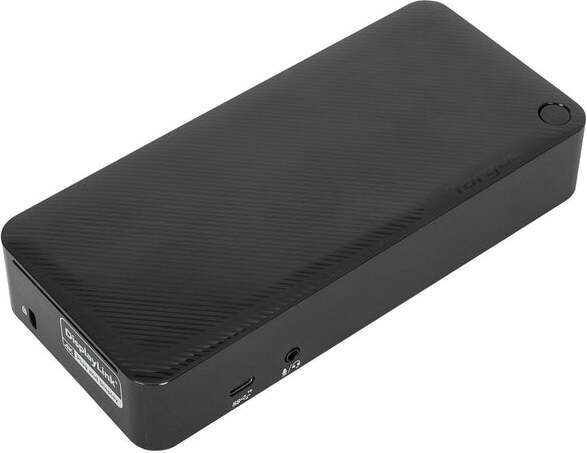
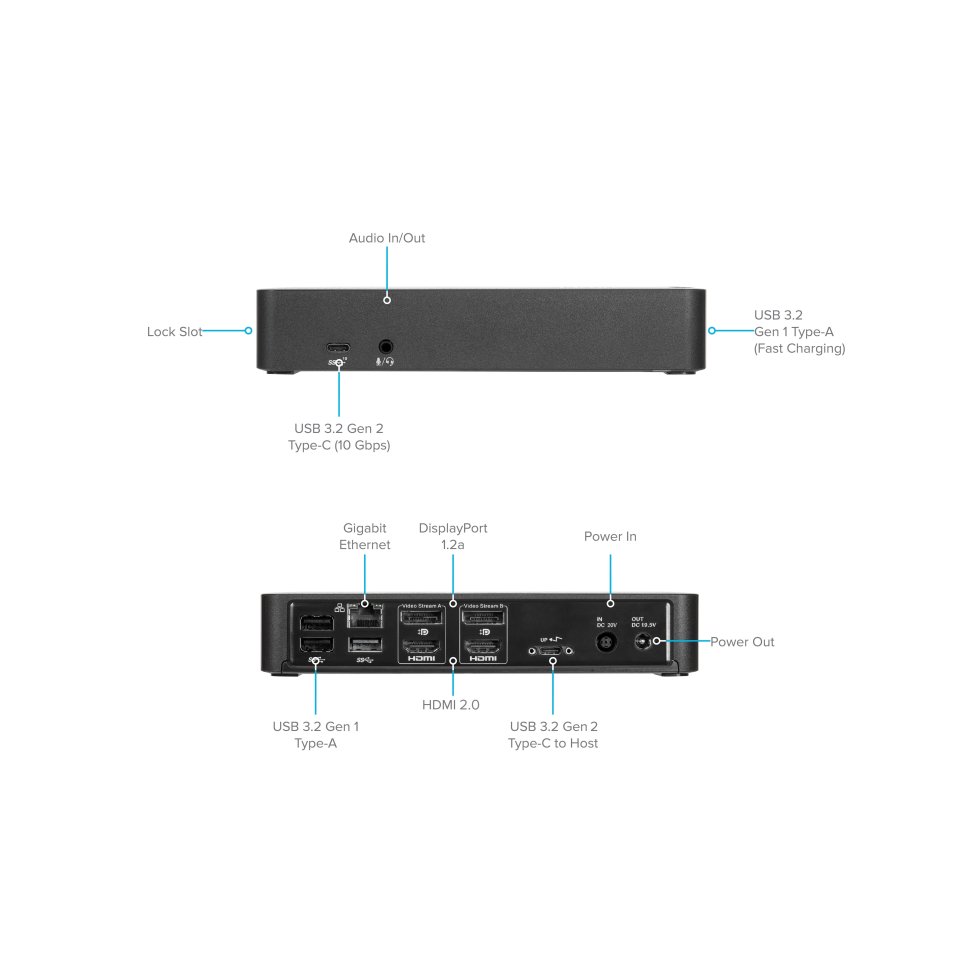
The Targus USB-C/USB-A Universal Dual Video 4K/60Hz 100W PD dock is a docking station that connects a laptop to two external displays, peripherals, and a network with a single cable. The dock works with both USB-C and USB-A connections, making it compatible with both new and older laptops. With the USB-C connection, the laptop charges simultaneously with up to 100 W power. Two DisplayPort 1.2a and two HDMI 2.0 ports support up to 4K/60 Hz resolution on one or two displays. The dock is compatible with Windows, macOS, Android, Chrome OS, and Ubuntu devices.
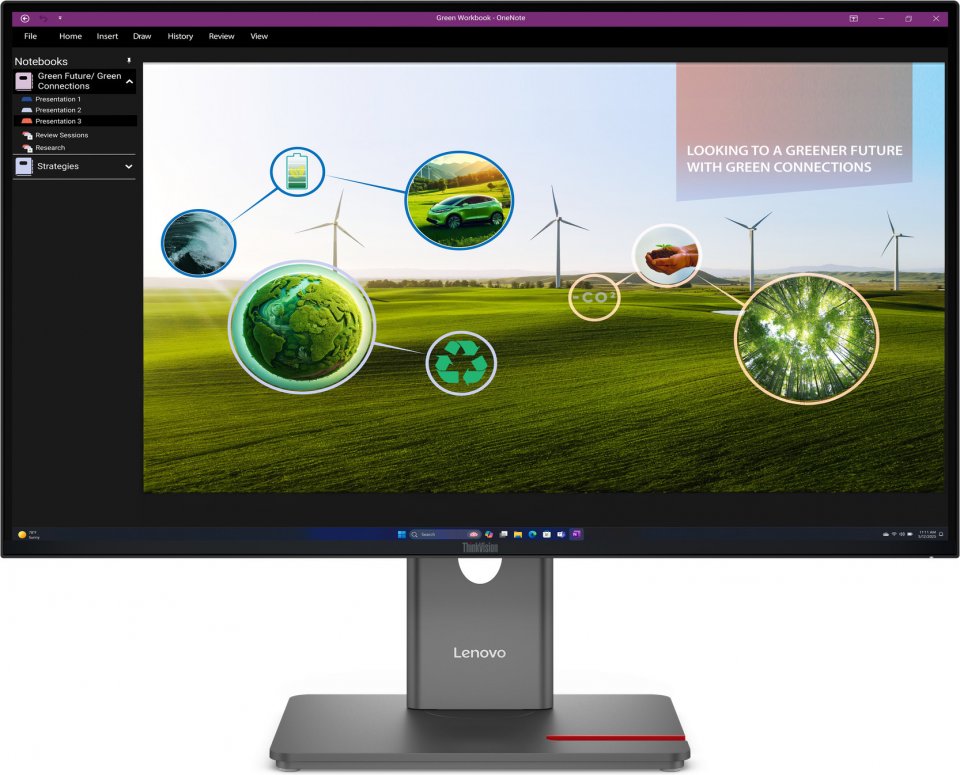
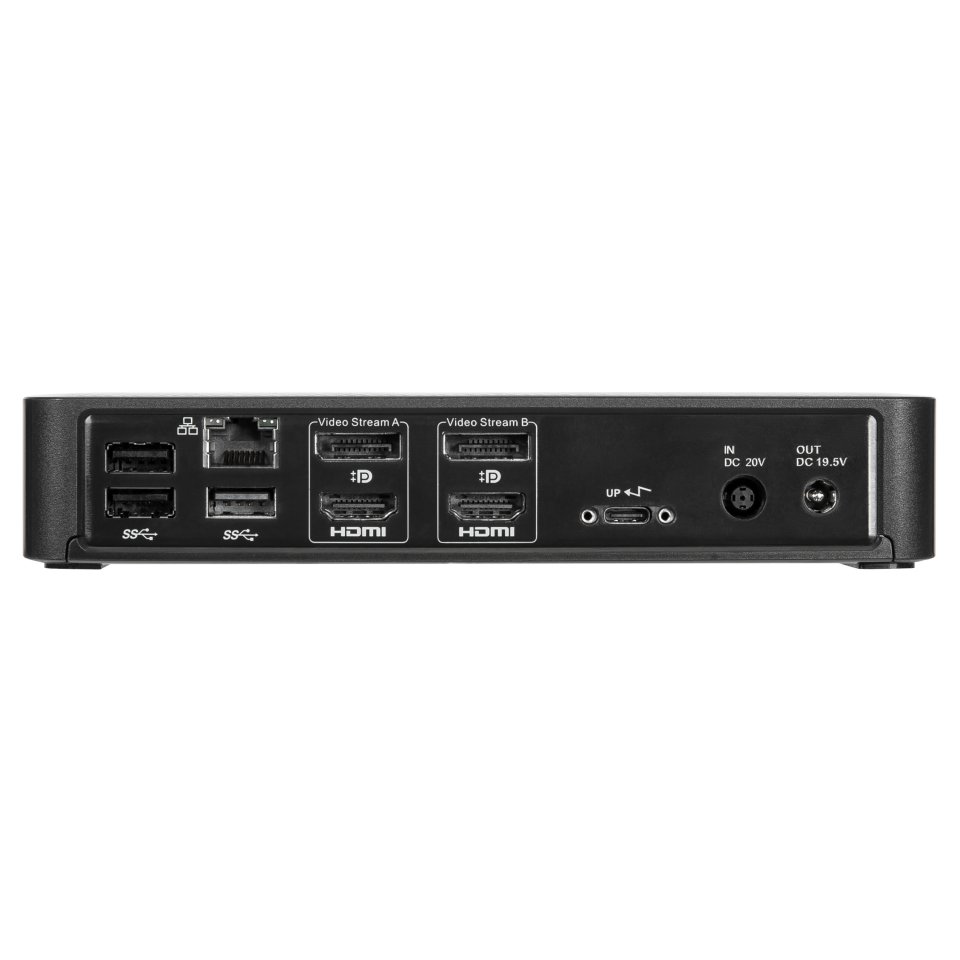
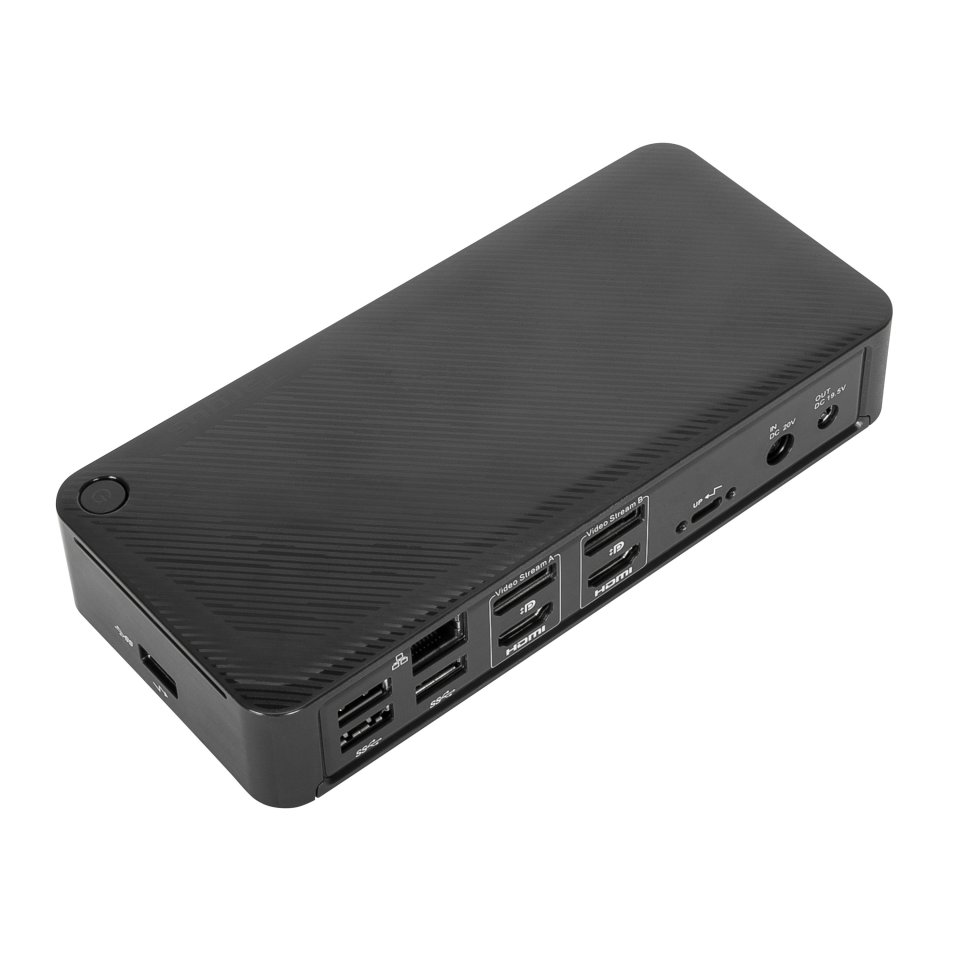
Two DisplayPort 1.2a and two HDMI 2.0 ports allow connecting one or two external displays with up to 4K/60 Hz resolution. The ports can also be used in combination—for example, one DisplayPort and one HDMI. A multi-monitor workstation makes multitasking easier by allowing applications, browsers, and emails to be arranged on different screens.
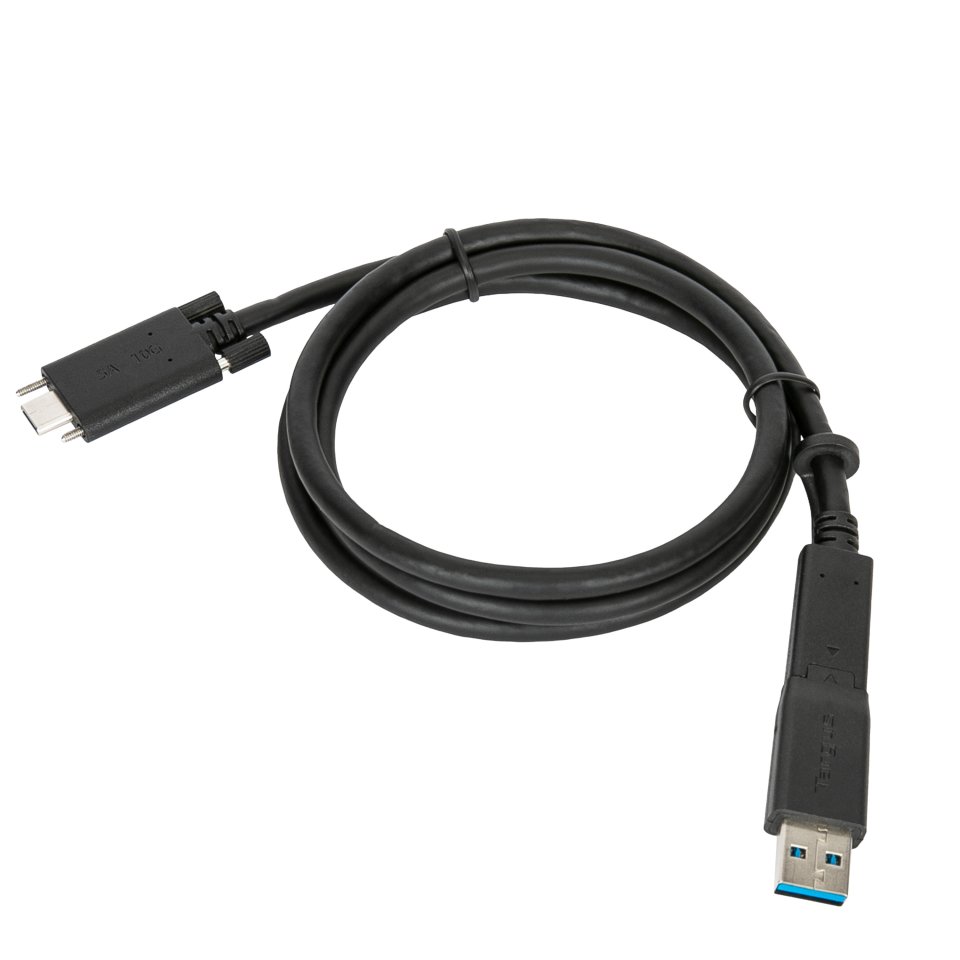
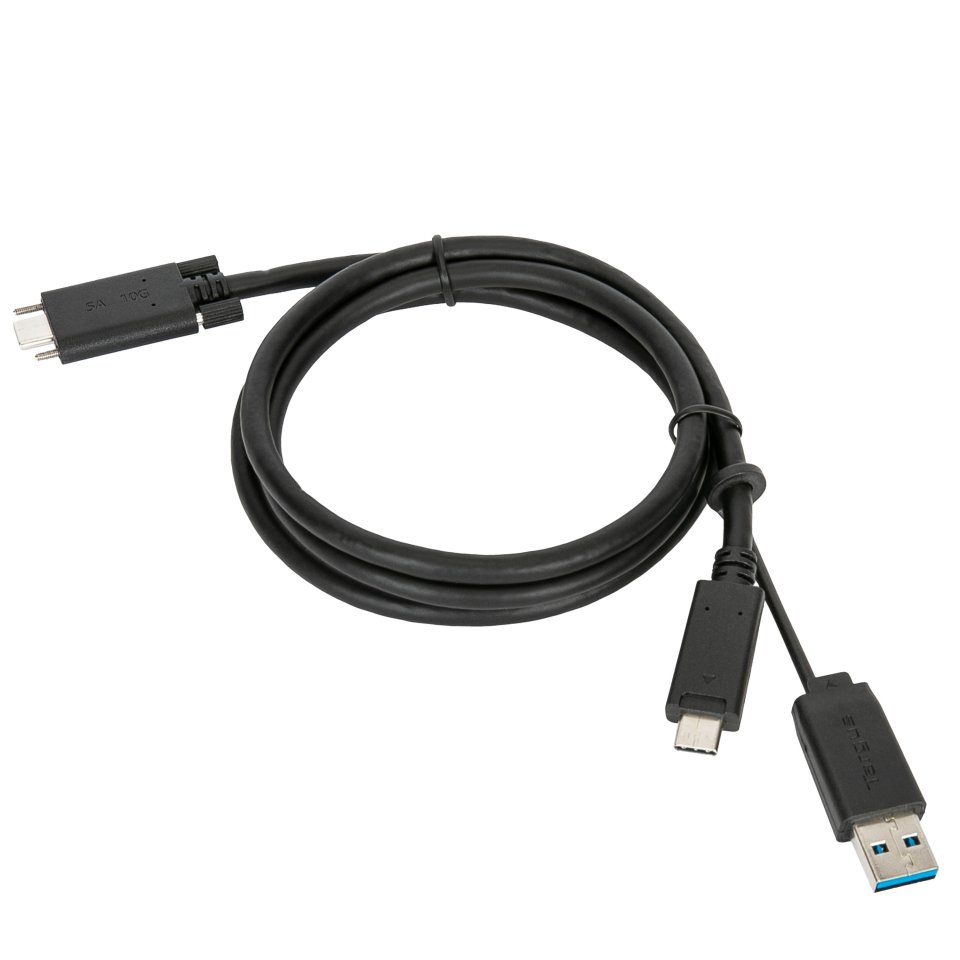
The included 1-meter USB-C cable comes with a USB-A adapter, so the dock also works with laptops that do not have a USB-C port. With the USB-C connection, Power Delivery 3.0 provides up to 100 W charging power. With the USB-A connection, the separately sold Legacy Power Accessory Kit (ACC1134GLX) enables up to 90 W power delivery for older laptops.
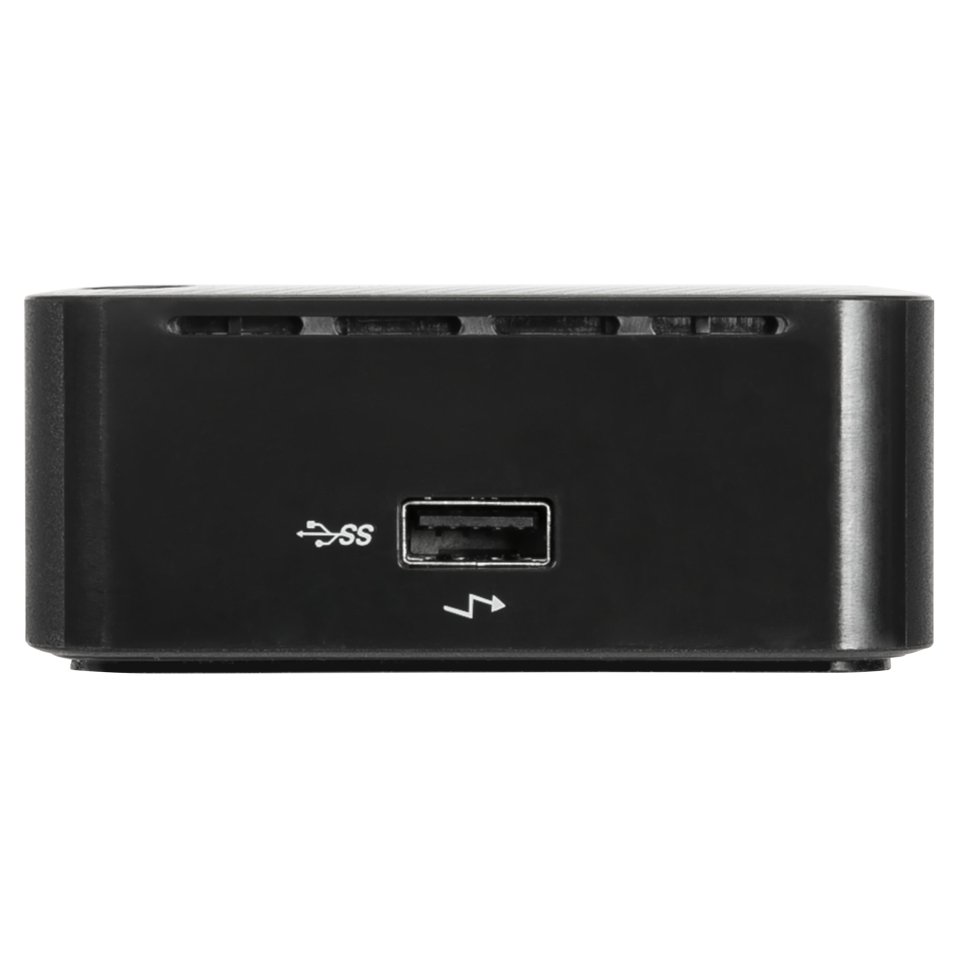
Four USB-A 3.2 Gen 1 ports (up to 5 Gbps) and one USB-C 3.2 Gen 2 port (up to 10 Gbps) are suitable for keyboards, mice, external storage devices, and other peripherals. Gigabit Ethernet (RJ-45) provides a stable wired network connection, and the 3.5 mm audio jack is suitable for headphones and headsets. The Kensington-compatible lock slot allows physical security for the dock.
The dock supports VESA standard mounting, so it can be installed behind a monitor with the Targus VESA Mount Bracket (ACX003GLZ, sold separately). This frees up desk space and keeps the workstation tidy.

The Targus USB-C/USB-A Universal Dual Video 4K/60Hz 100W PD dock is a docking station that connects a laptop to two external displays, peripherals, and a network with a single cable. The dock works with both USB-C and USB-A connections, making it compatible with both new and older laptops. With the USB-C connection, the laptop charges simultaneously with up to 100 W power. Two DisplayPort 1.2a and two HDMI 2.0 ports support up to 4K/60 Hz resolution on one or two displays. The dock is compatible with Windows, macOS, Android, Chrome OS, and Ubuntu devices.
Two DisplayPort 1.2a and two HDMI 2.0 ports allow connecting one or two external displays with up to 4K/60 Hz resolution. The ports can also be used in combination—for example, one DisplayPort and one HDMI. A multi-monitor workstation makes multitasking easier by allowing applications, browsers, and emails to be arranged on different screens.
The included 1-meter USB-C cable comes with a USB-A adapter, so the dock also works with laptops that do not have a USB-C port. With the USB-C connection, Power Delivery 3.0 provides up to 100 W charging power. With the USB-A connection, the separately sold Legacy Power Accessory Kit (ACC1134GLX) enables up to 90 W power delivery for older laptops.
Four USB-A 3.2 Gen 1 ports (up to 5 Gbps) and one USB-C 3.2 Gen 2 port (up to 10 Gbps) are suitable for keyboards, mice, external storage devices, and other peripherals. Gigabit Ethernet (RJ-45) provides a stable wired network connection, and the 3.5 mm audio jack is suitable for headphones and headsets. The Kensington-compatible lock slot allows physical security for the dock.
The dock supports VESA standard mounting, so it can be installed behind a monitor with the Targus VESA Mount Bracket (ACX003GLZ, sold separately). This frees up desk space and keeps the workstation tidy.