| Color | Black |
|---|---|
| Country of Origin | China |
| PID | 1041748 |
| Product weight (g) | 9 410 |
| Aspect ratio | 21:9 |
| Display resolution | 3440 x 1440 |
| Display size (inches) | 34,1 |
| Panel Type | IPS |
| Display refresh rate (Hz) | 100 |
| Product Family | Pro P |
| Manufacturer address | Keilaranta 13 A, 02150, Espoo, Finland |
| Manufacturer's email address | https://www.dell.com/fi-fi/lp/legal/terms-of-sale-consumer-service-contracts |
| Manufacturer name | Oy Dell Ab |
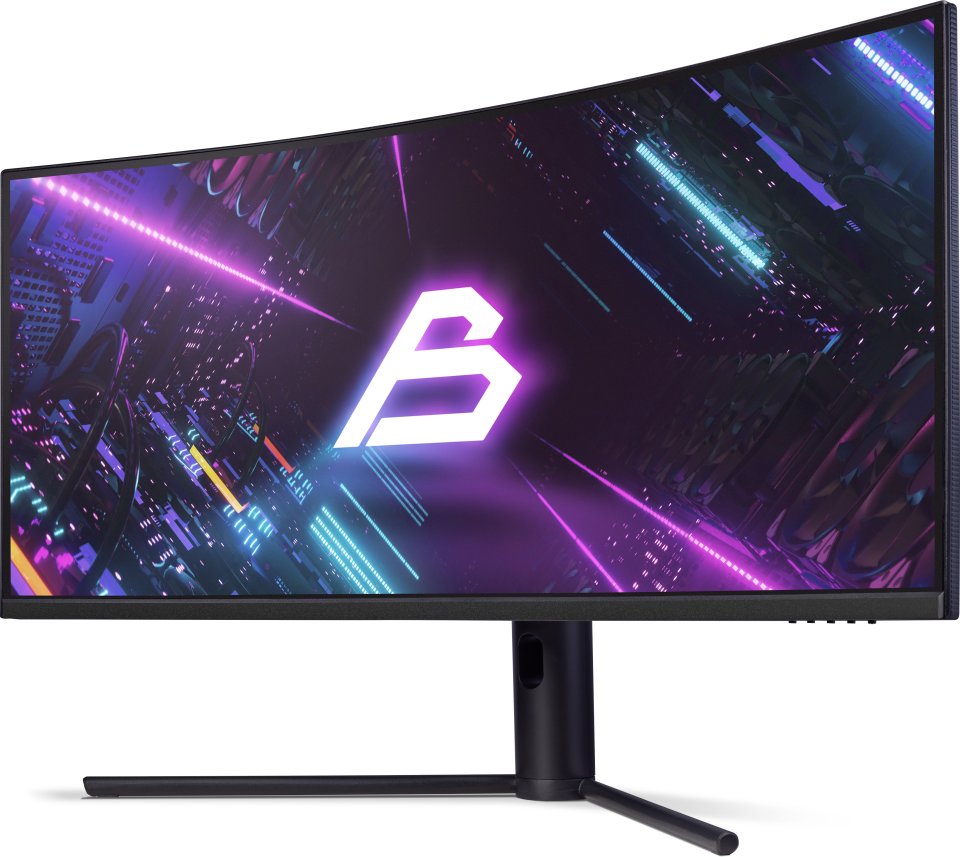
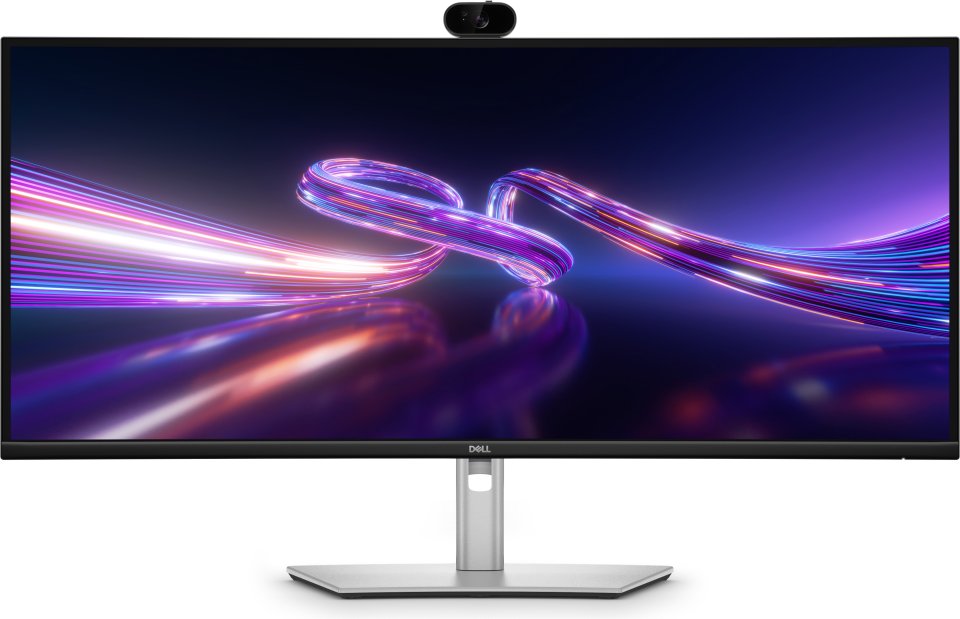
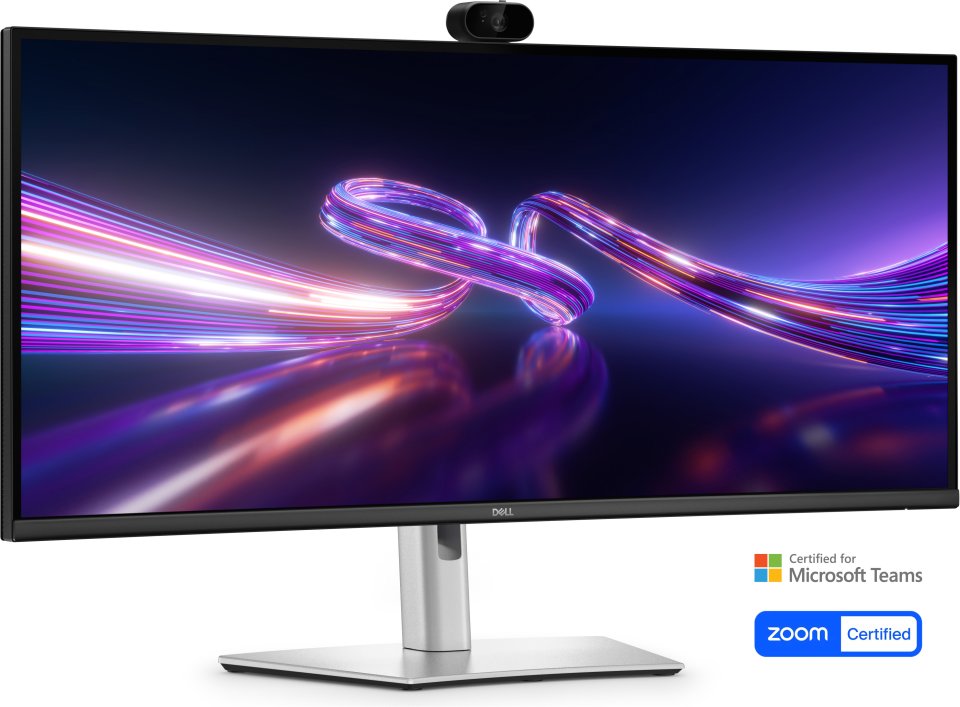
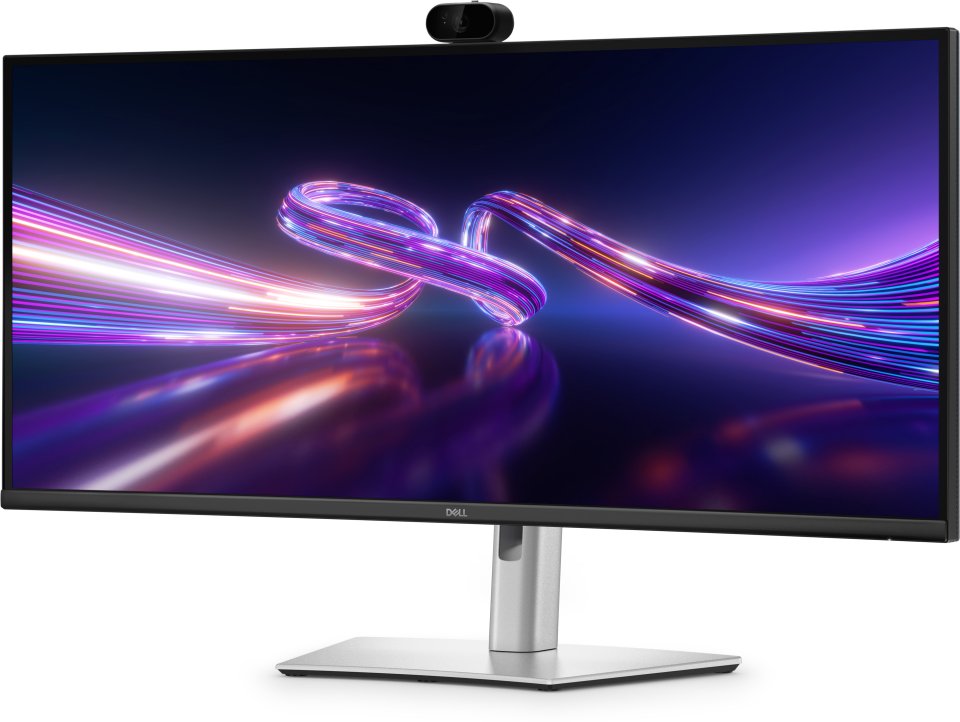
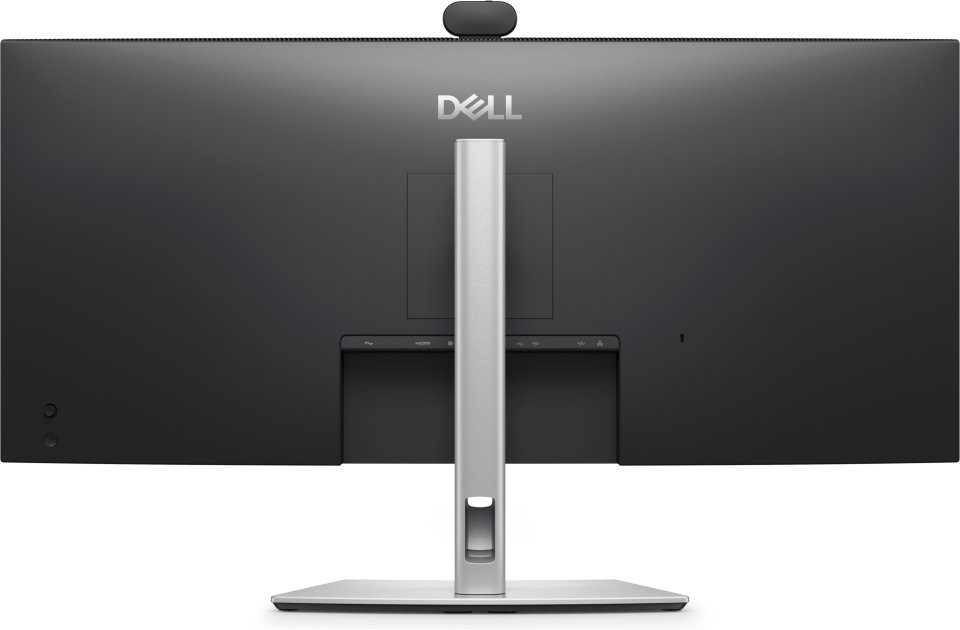
The Dell Pro P P3426WEV is a 34-inch curved QHD monitor designed specifically for business use and open workspaces. The monitor offers a wide 21:9 aspect ratio and a resolution of 3440 x 1440 pixels, providing ample workspace and sharp details. The IPS panel ensures wide viewing angles and color consistency, while the 100 Hz refresh rate delivers smooth motion. The monitor features a built-in 4-megapixel webcam that supports HDR imaging and includes AI Auto Framing, which keeps the user centered during video meetings.
IPS technology enables bright and accurate colors from wide viewing angles. The 3800R curvature of the display enhances viewing comfort and depth perception. A 1500:1 contrast ratio and 350 cd/m² brightness ensure good visibility under various lighting conditions. The anti-glare screen and low blue light technology reduce eye strain during long workdays.
The built-in webcam with a Sony Starvis 5MP sensor provides professional video quality even in low light. The camera’s AI Auto Framing keeps the user precisely centered in the frame. The monitor is certified for Microsoft Teams and Zoom, ensuring smooth remote meetings. Windows Hello facial recognition enables secure, password-free login. The camera also includes a mechanical privacy shutter for added privacy protection.
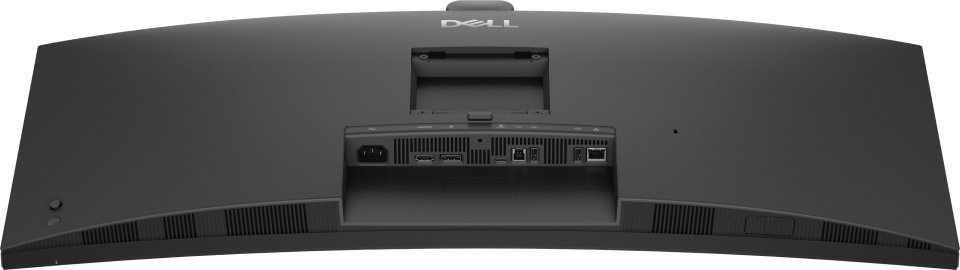
The Dell Pro P P3426WEV offers a wide range of ports including USB-C, USB-A, HDMI 2.1, DisplayPort 1.4, and an RJ45 Ethernet port. The USB-C port supports up to 90 W power delivery, allowing you to charge your laptop with the same cable used for video and data transfer. Picture-by-Picture (PbP) and KVM functions make it easy to use multiple devices with one monitor and keyboard. The monitor also supports macOS devices via USB-C or HDMI connections.
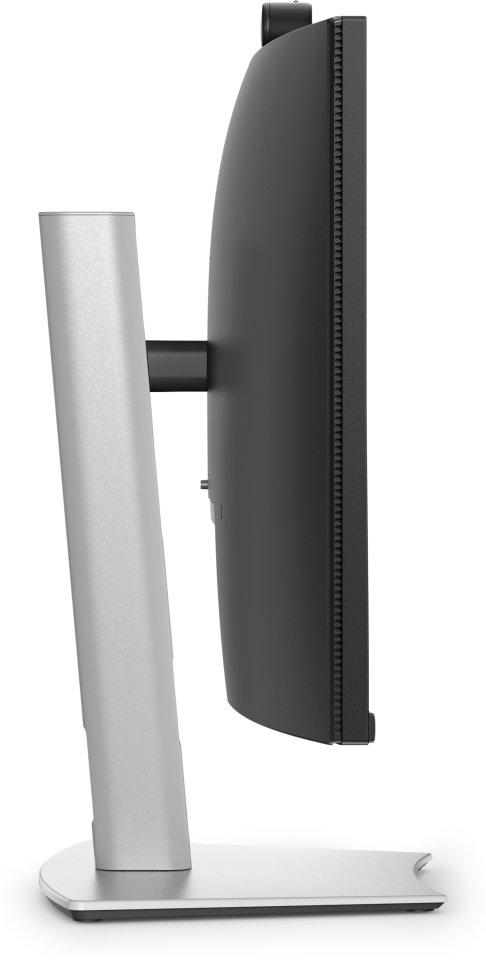
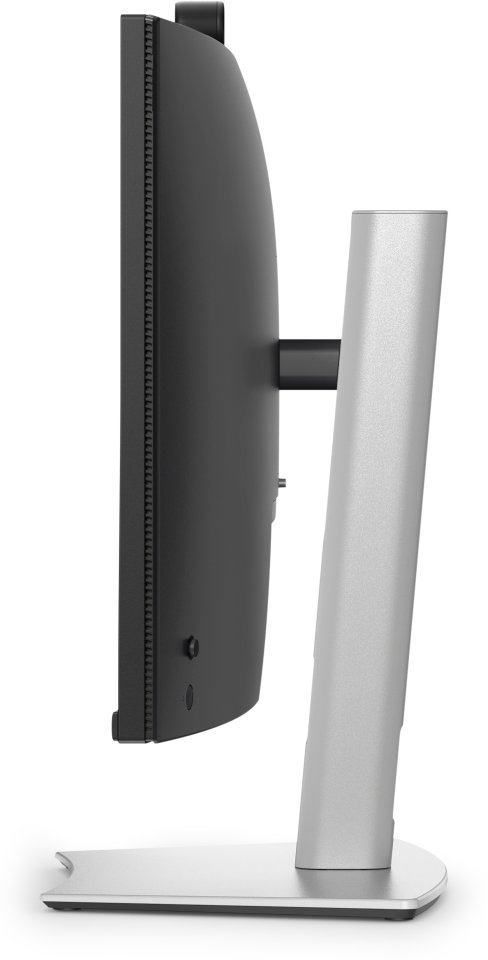
The monitor can be tilted, swiveled, and height-adjusted up to 15 cm, enabling an ergonomic working posture. The detachable stand makes installation and transport easier. Enhanced cable management and a Kensington lock increase convenience and security.
The Dell Display and Peripheral Manager software helps optimize monitor settings and centrally manage multiple devices. The Easy Arrange feature allows efficient window organization across multiple desktops.

The Dell Pro P P3426WEV is a 34-inch curved QHD monitor designed specifically for business use and open workspaces. The monitor offers a wide 21:9 aspect ratio and a resolution of 3440 x 1440 pixels, providing ample workspace and sharp details. The IPS panel ensures wide viewing angles and color consistency, while the 100 Hz refresh rate delivers smooth motion. The monitor features a built-in 4-megapixel webcam that supports HDR imaging and includes AI Auto Framing, which keeps the user centered during video meetings.
IPS technology enables bright and accurate colors from wide viewing angles. The 3800R curvature of the display enhances viewing comfort and depth perception. A 1500:1 contrast ratio and 350 cd/m² brightness ensure good visibility under various lighting conditions. The anti-glare screen and low blue light technology reduce eye strain during long workdays.
The built-in webcam with a Sony Starvis 5MP sensor provides professional video quality even in low light. The camera’s AI Auto Framing keeps the user precisely centered in the frame. The monitor is certified for Microsoft Teams and Zoom, ensuring smooth remote meetings. Windows Hello facial recognition enables secure, password-free login. The camera also includes a mechanical privacy shutter for added privacy protection.
The Dell Pro P P3426WEV offers a wide range of ports including USB-C, USB-A, HDMI 2.1, DisplayPort 1.4, and an RJ45 Ethernet port. The USB-C port supports up to 90 W power delivery, allowing you to charge your laptop with the same cable used for video and data transfer. Picture-by-Picture (PbP) and KVM functions make it easy to use multiple devices with one monitor and keyboard. The monitor also supports macOS devices via USB-C or HDMI connections.
The monitor can be tilted, swiveled, and height-adjusted up to 15 cm, enabling an ergonomic working posture. The detachable stand makes installation and transport easier. Enhanced cable management and a Kensington lock increase convenience and security.
The Dell Display and Peripheral Manager software helps optimize monitor settings and centrally manage multiple devices. The Easy Arrange feature allows efficient window organization across multiple desktops.