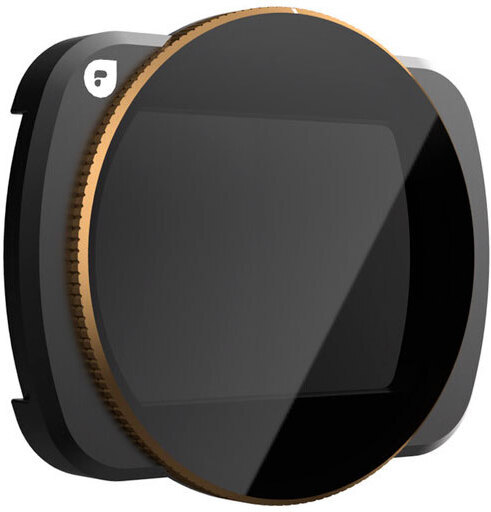
High-quality circular polarizing filter from Polar Pro for the DJI Osmo Pocket 3 video camera. This filter works basically the same way as sunglasses equipped with polarized lenses: it blocks certain types of light from passing through, thereby improving visibility in specific conditions. When light reflects off various surfaces such as water, metal, or glass, it can scatter in different directions. This can cause unwanted reflections in the image or make the sky overly bright. The circular polarizing filter can “filter out” this reflected light and allow only certain types of light to pass through.
Once you have attached the filter to the front of the camera lens, you can rotate it to see how it affects the image. By turning the filter to different positions, you can adjust how much polarization effect you want.
| Country of Origin | United States |
|---|---|
| PID | 904219 |
7 in stock

High-quality circular polarizing filter from Polar Pro for the DJI Osmo Pocket 3 video camera. This filter works basically the same way as sunglasses equipped with polarized lenses: it blocks certain types of light from passing through, thereby improving visibility in specific conditions. When light reflects off various surfaces such as water, metal, or glass, it can scatter in different directions. This can cause unwanted reflections in the image or make the sky overly bright. The circular polarizing filter can "filter out" this reflected light and allow only certain types of light to pass through.
Once you have attached the filter to the front of the camera lens, you can rotate it to see how it affects the image. By turning the filter to different positions, you can adjust how much polarization effect you want.