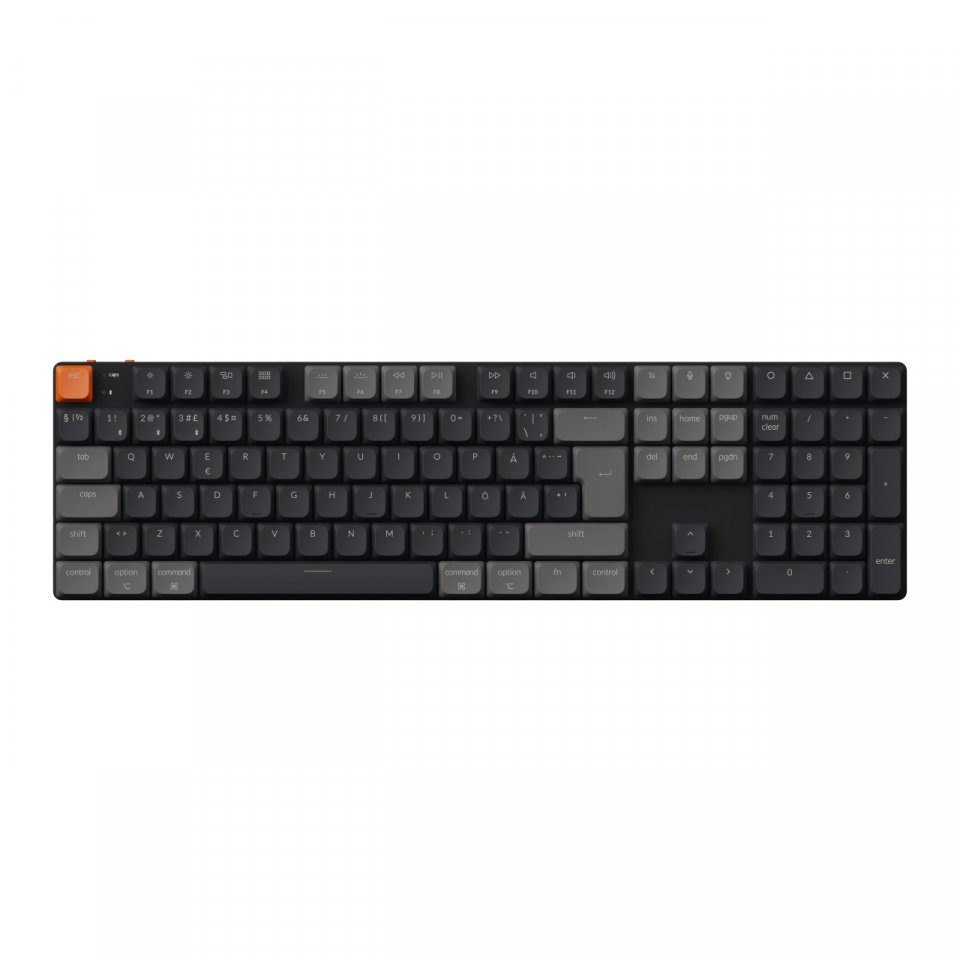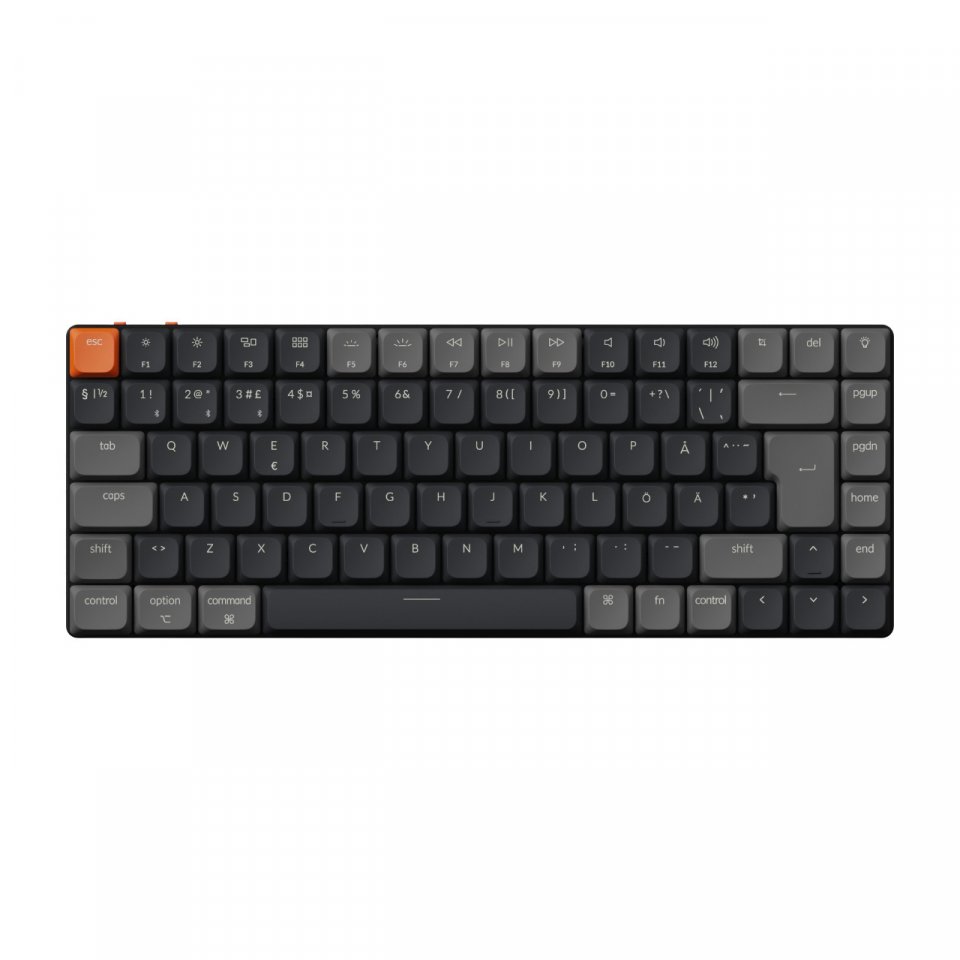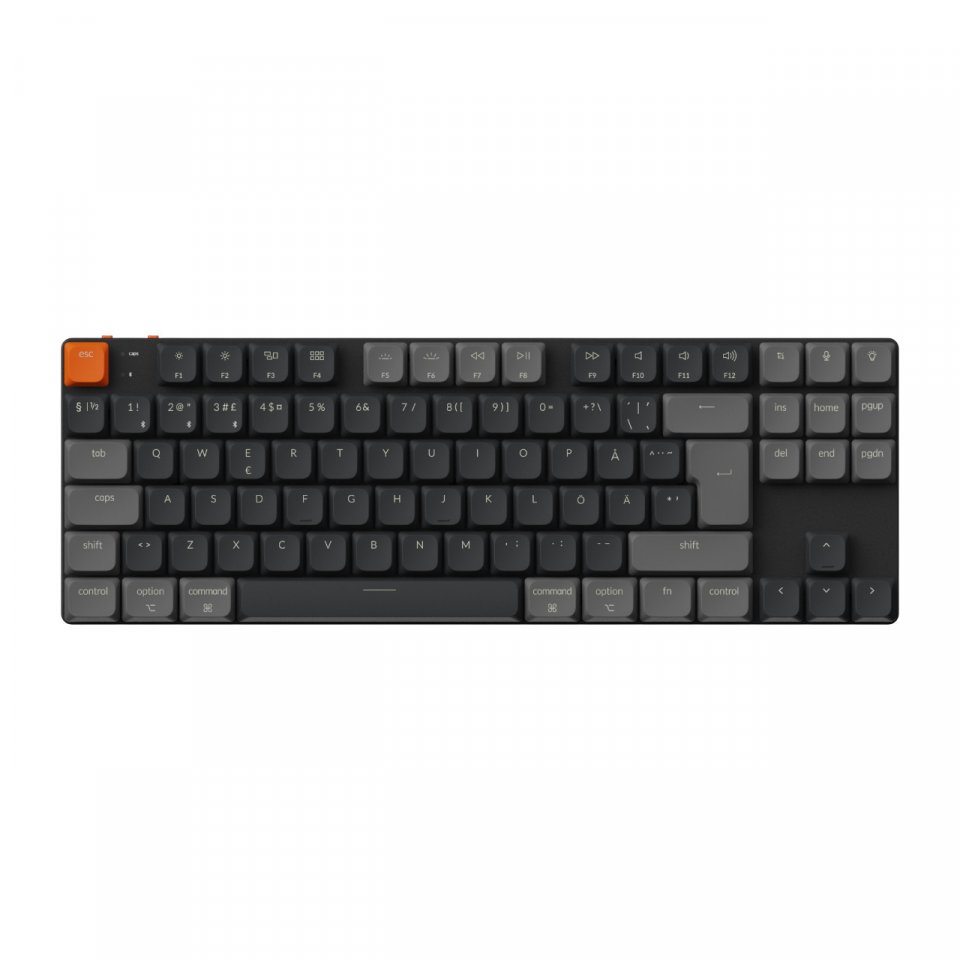
| Color | Multicolor |
|---|---|
| Country of Origin | China |
| PID | 1030262 |
| Connectivity type | USB receiver |
| Charger included | No |
| Maximum charging power (W) | 0 |
| Minimum charging power (W) | 0 |
| USB PD support | No |
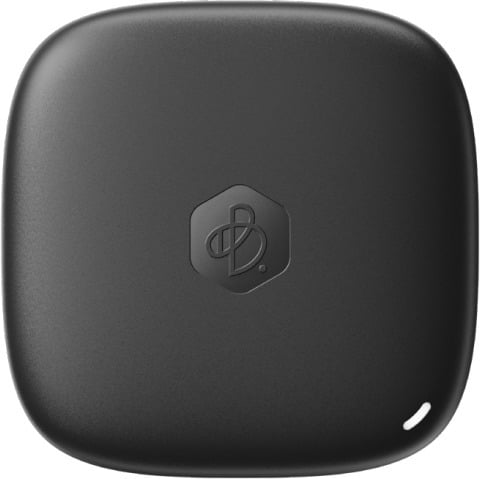
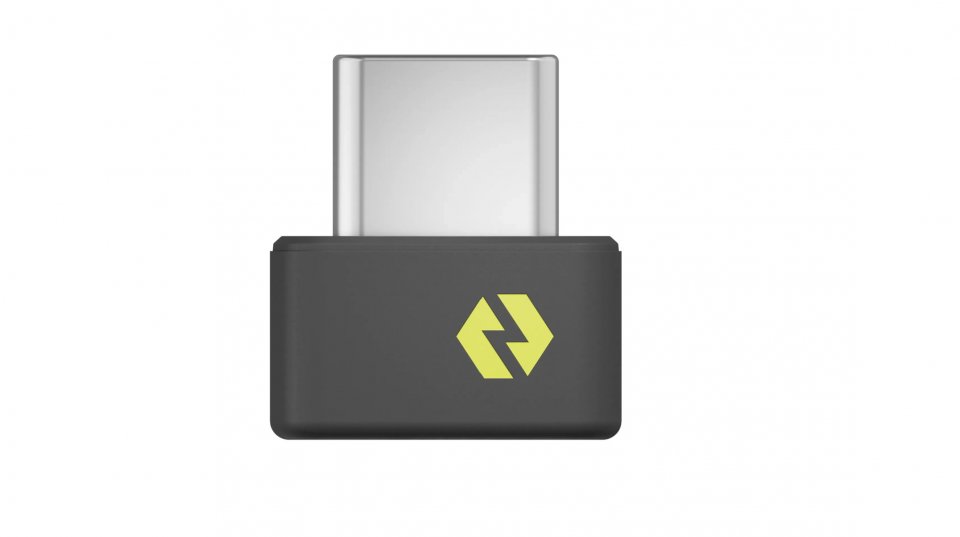
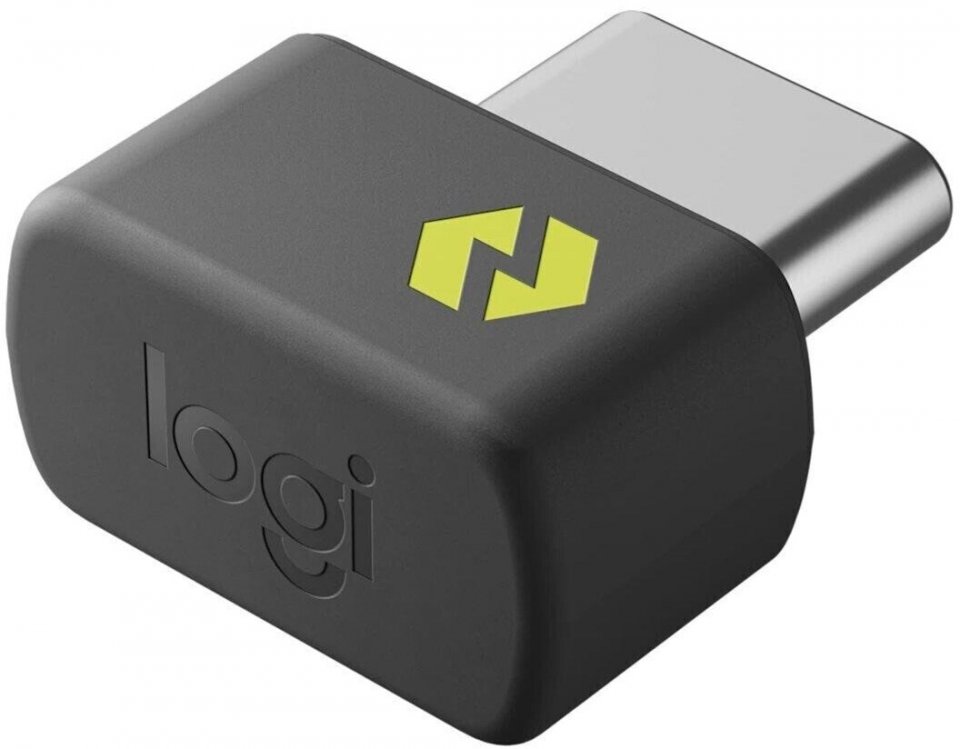
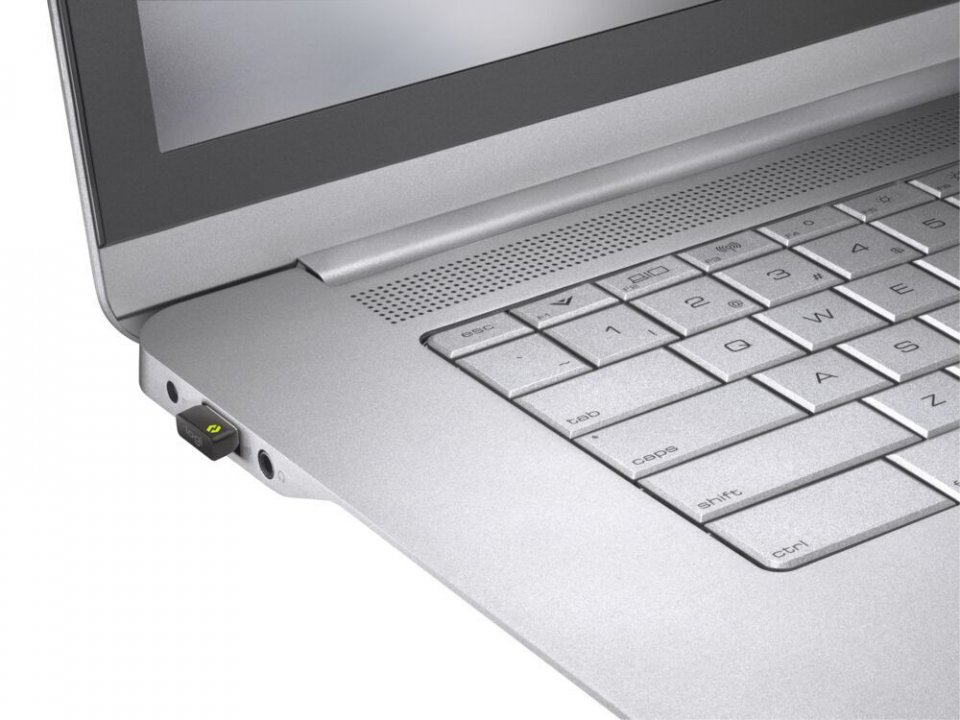
With the Logitech Bolt USB-C receiver, you can establish a high-quality wireless connection between your wireless Bolt mouse, keyboard, or combo and your computer. Keep it in the case in case you need to replace the receiver that came with your wireless Bolt device. Connect to two different computers to get a strong and reliable wireless Bolt connection on both devices. Use it with a Flow-compatible Logi Bolt mouse for multi-computer workflows with the Logi Options+ app.
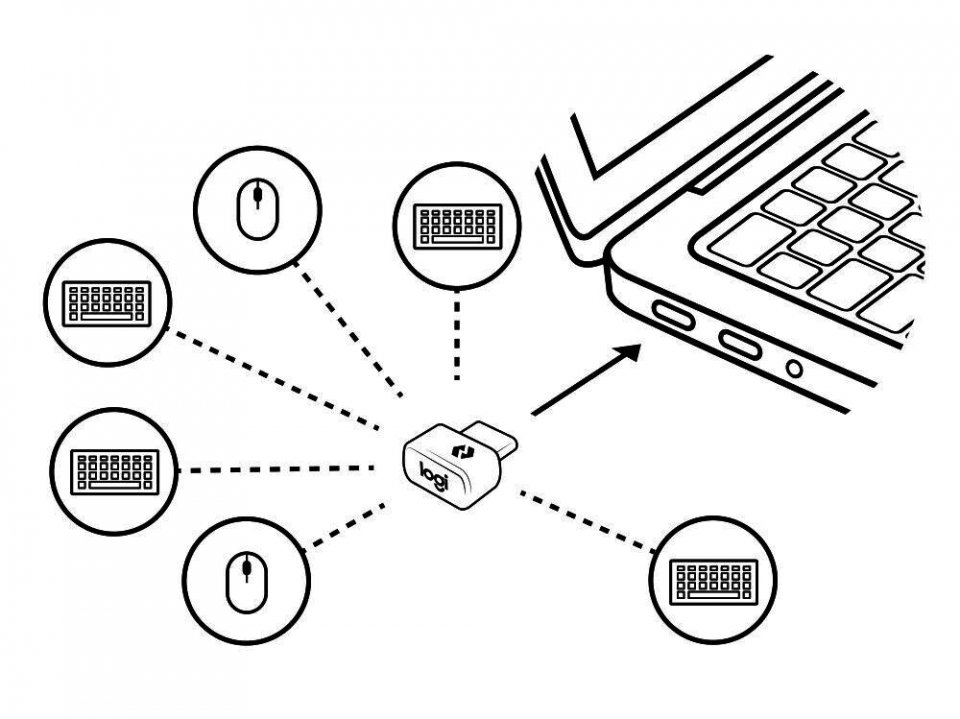
Connect up to six compatible keyboards and mice to one computer with a single Logitech Bolt receiver – without the hassle of multiple USB receivers. Requires Logitech Options software, which can be downloaded for Windows 10 and later or macOS 10.14 and later. You can also keep one keyboard and mouse combo in each workspace and carry only your laptop. No need to bring mice or keyboards with you.
Logitech Bolt features:
3 in stock

With the Logitech Bolt USB-C receiver, you can establish a high-quality wireless connection between your wireless Bolt mouse, keyboard, or combo and your computer. Keep it in the case in case you need to replace the receiver that came with your wireless Bolt device. Connect to two different computers to get a strong and reliable wireless Bolt connection on both devices. Use it with a Flow-compatible Logi Bolt mouse for multi-computer workflows with the Logi Options+ app.
Connect up to six compatible keyboards and mice to one computer with a single Logitech Bolt receiver – without the hassle of multiple USB receivers. Requires Logitech Options software, which can be downloaded for Windows 10 and later or macOS 10.14 and later. You can also keep one keyboard and mouse combo in each workspace and carry only your laptop. No need to bring mice or keyboards with you.
Logitech Bolt features: