
| Color | White |
|---|---|
| Country of Origin | China |
| PID | 1025543 |
| Connectivity type | Wired USB + USB receiver + Bluetooth |
| Charger included | No |
| Maximum charging power (W) | 2 |
| Minimum charging power (W) | 0,2 |
| USB PD support | Yes |
| Manufacturer address | Flat/RM 185 G/F, Hang Wai Ind Centre, NO.6 Kin Tai ST, Tuen Mun NT, Hong Kong. |
| Manufacturer's email address | |
| Manufacturer name | Keychron Tech Limited |
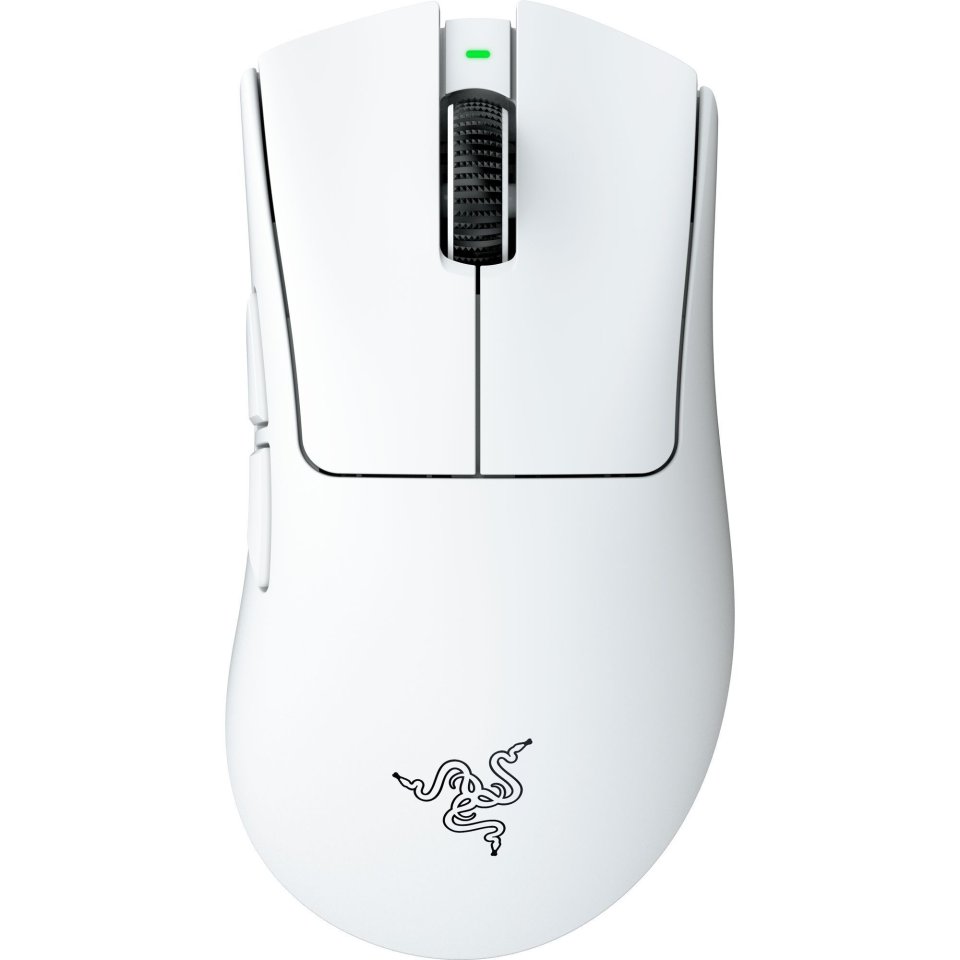
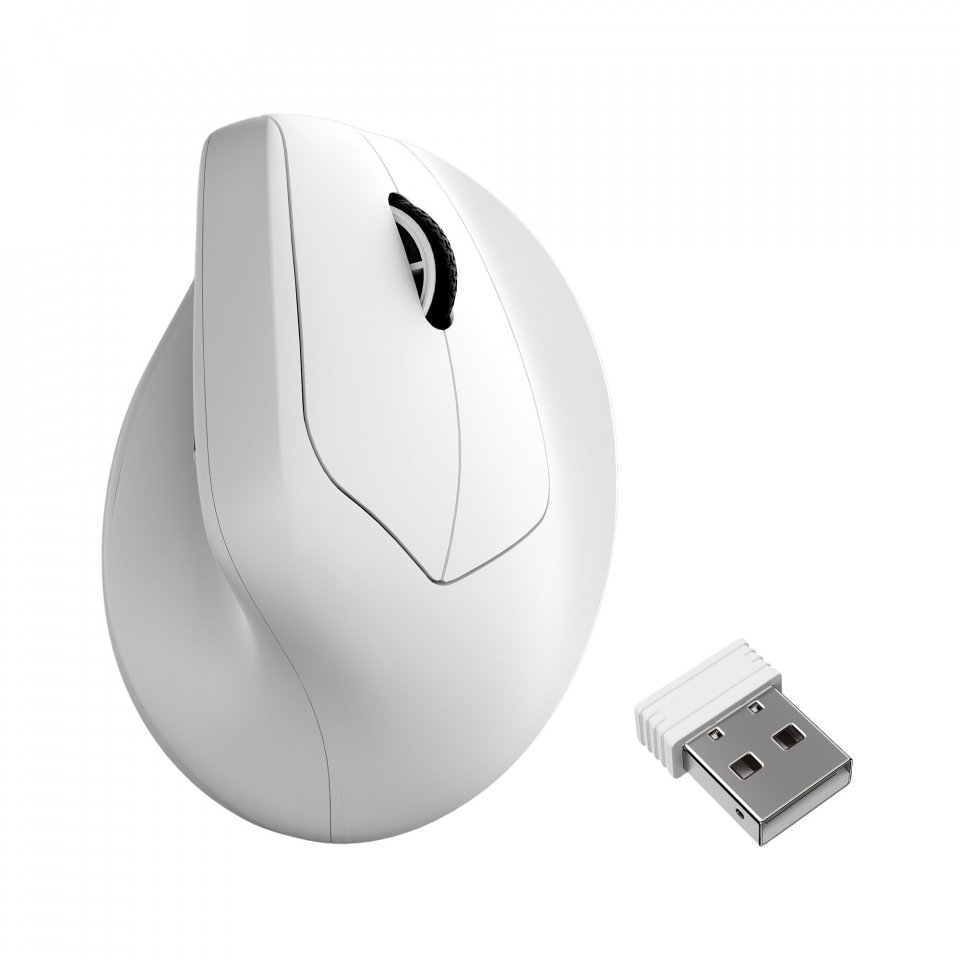
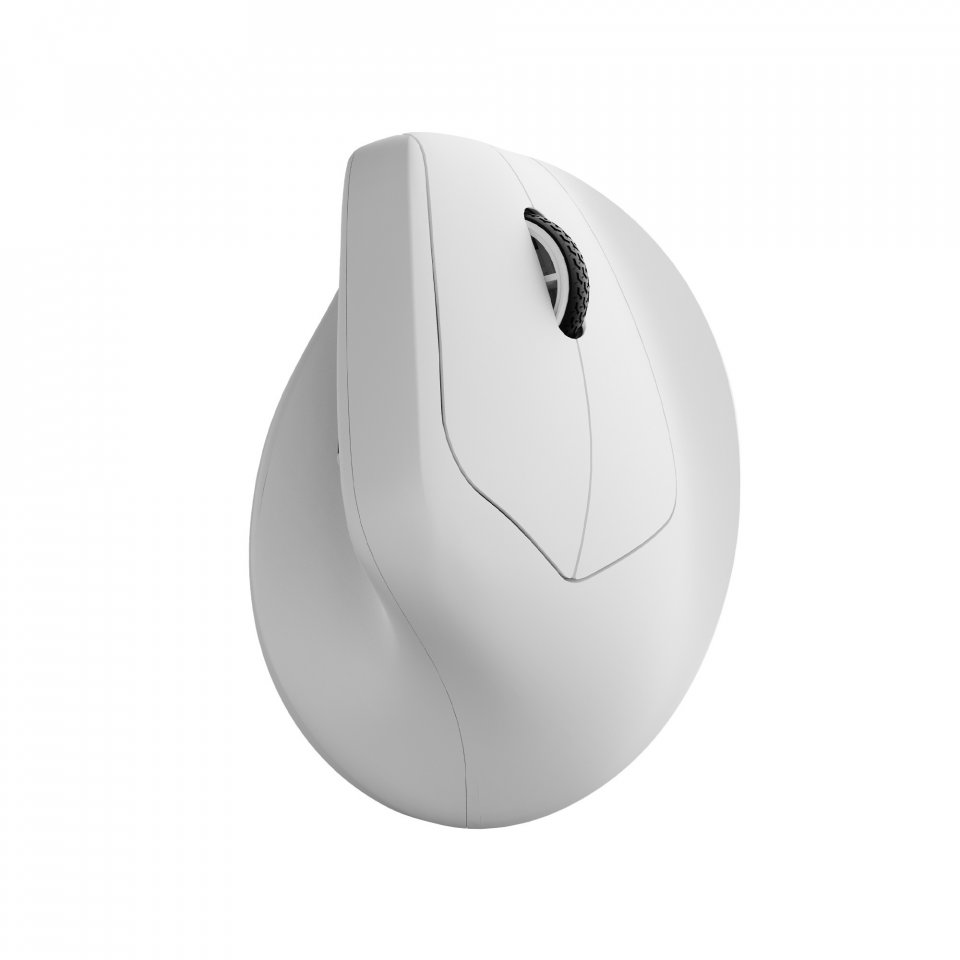
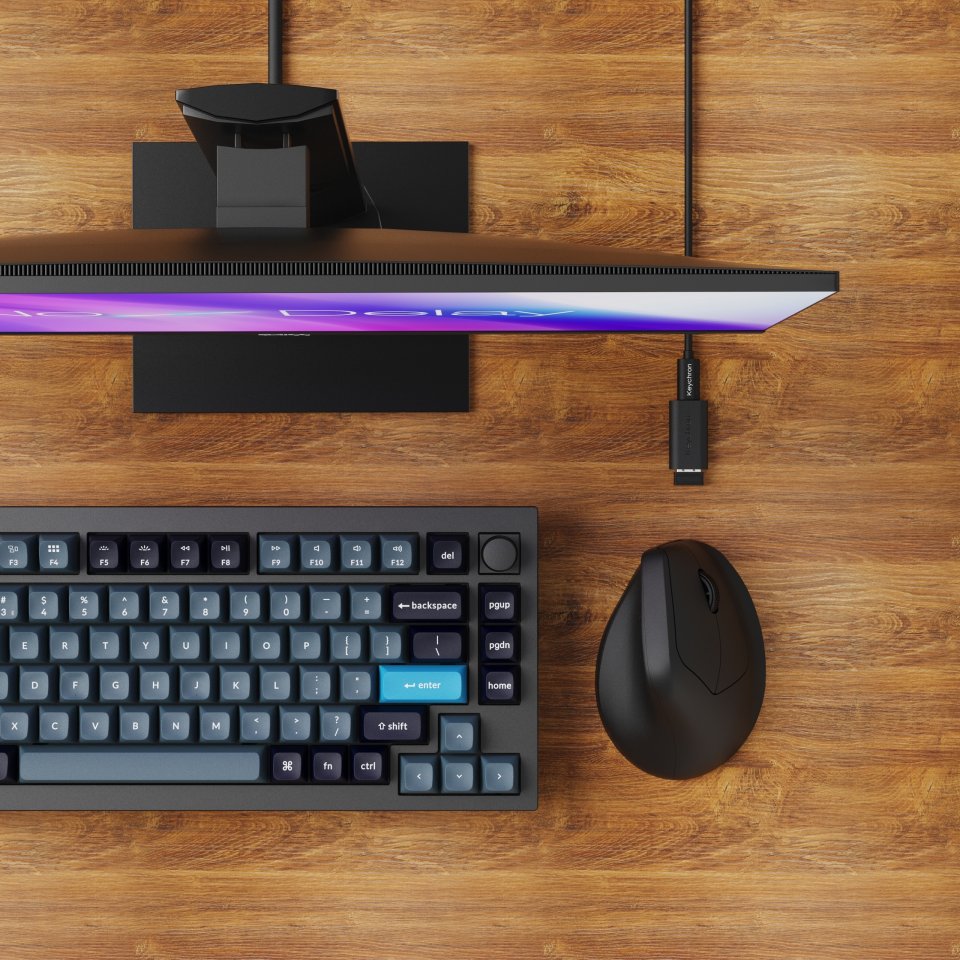
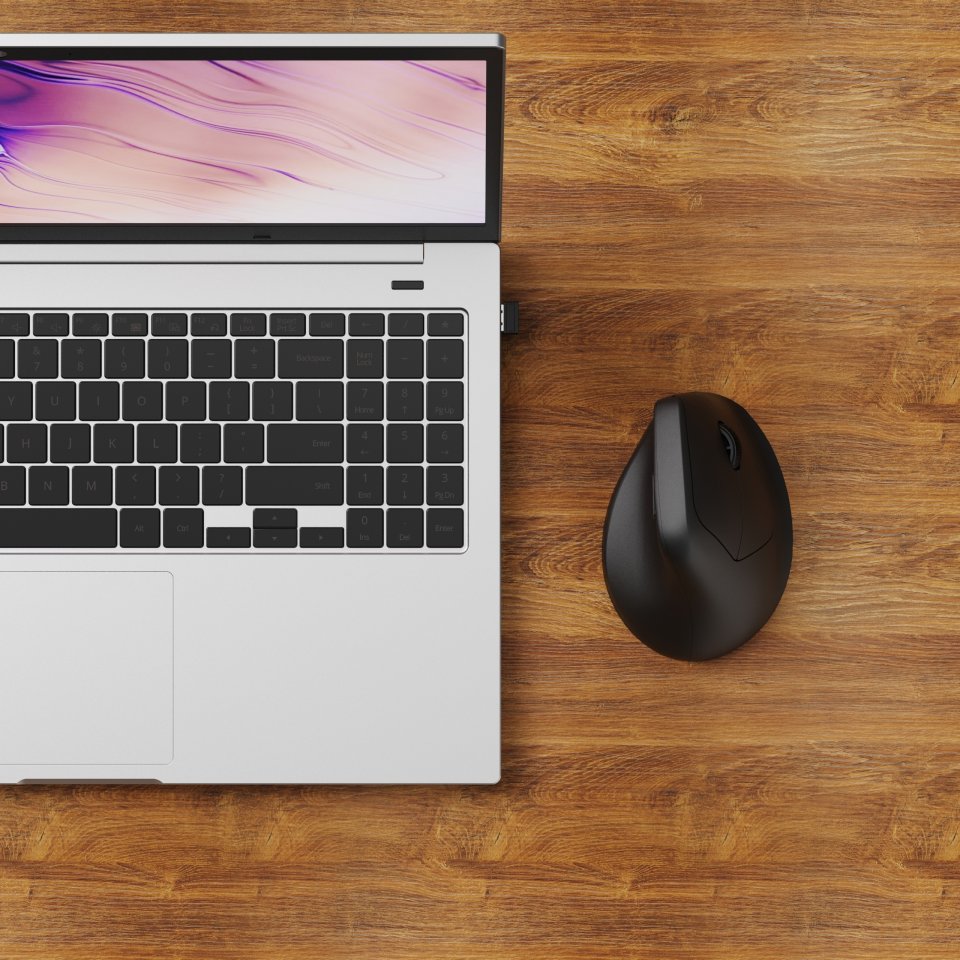
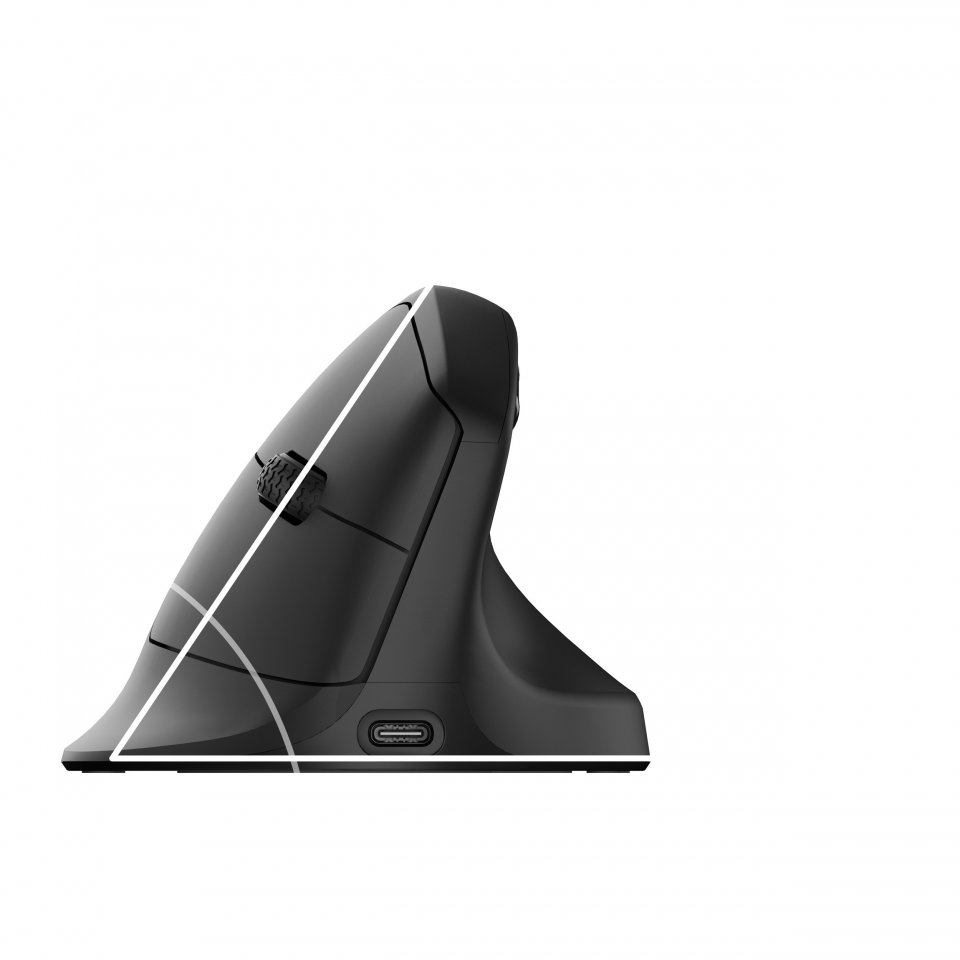
The Keychron M5 8K wireless mouse is designed with ergonomics and performance in mind. Its vertical design at a 47-degree angle reduces wrist strain and offers a natural hand position, making it suitable for long workdays or intensive gaming. The mouse supports both 2.4 GHz wireless and Bluetooth connectivity, allowing flexible use with different devices anywhere.
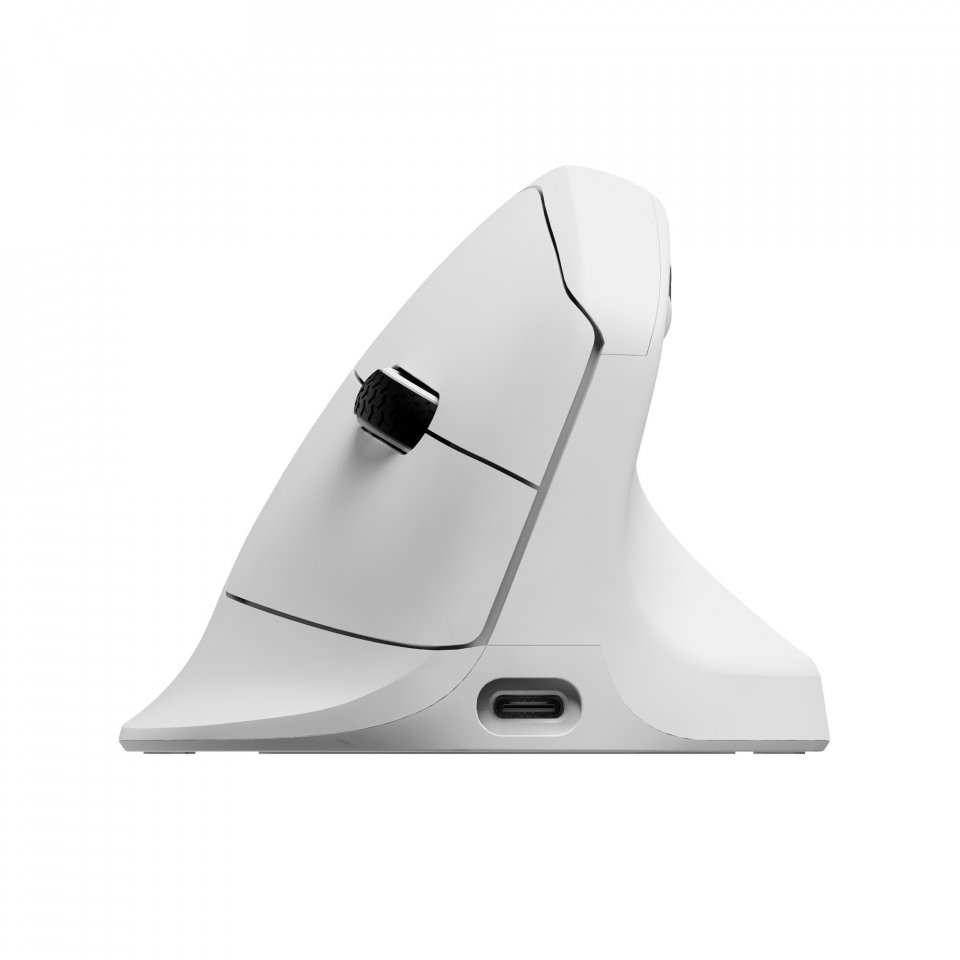
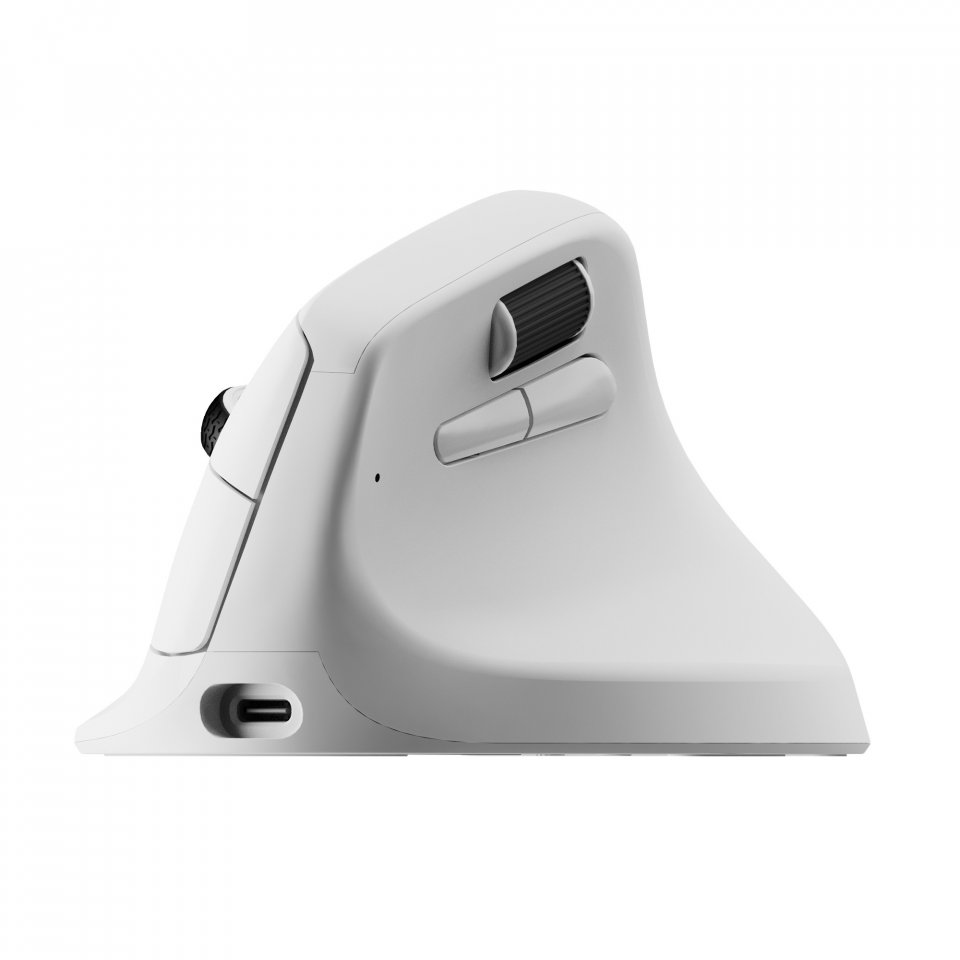
The M5’s unique vertical stance and gentle curvature, along with thumb support, ensure a comfortable grip for all-day use. This design helps reduce wrist load and promotes a natural hand position, which can improve comfort and reduce pain during long working sessions.
The mouse’s optical PAW 3950 sensor offers up to 30,000 DPI accuracy and 750 IPS speed. An 8000 Hz polling rate guarantees extremely fast and precise response, making the mouse suitable for both gaming and professional tasks requiring precision.
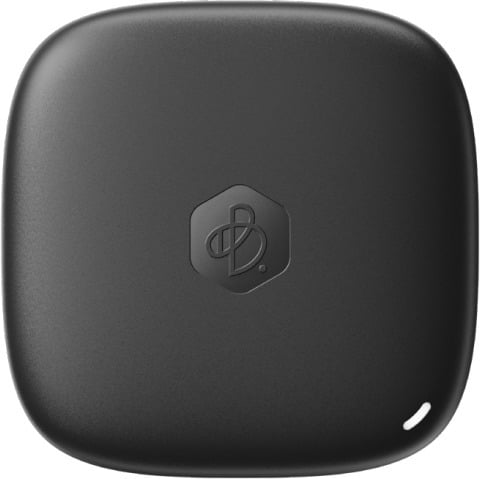
You can connect the mouse wirelessly via 2.4 GHz frequency or Bluetooth 5.3. The large 600 mAh battery provides up to 140 hours of use in Bluetooth mode and 120 hours at a 1000 Hz polling rate. Additionally, the mouse supports quick device switching between three Bluetooth connections using a button on the bottom.
With the Keychron Launcher web app, you can easily adjust mouse settings without installing software. Customize buttons, create macros, and adjust DPI or polling rate. You can save up to five profiles in the mouse’s memory and use them across different applications or computers.
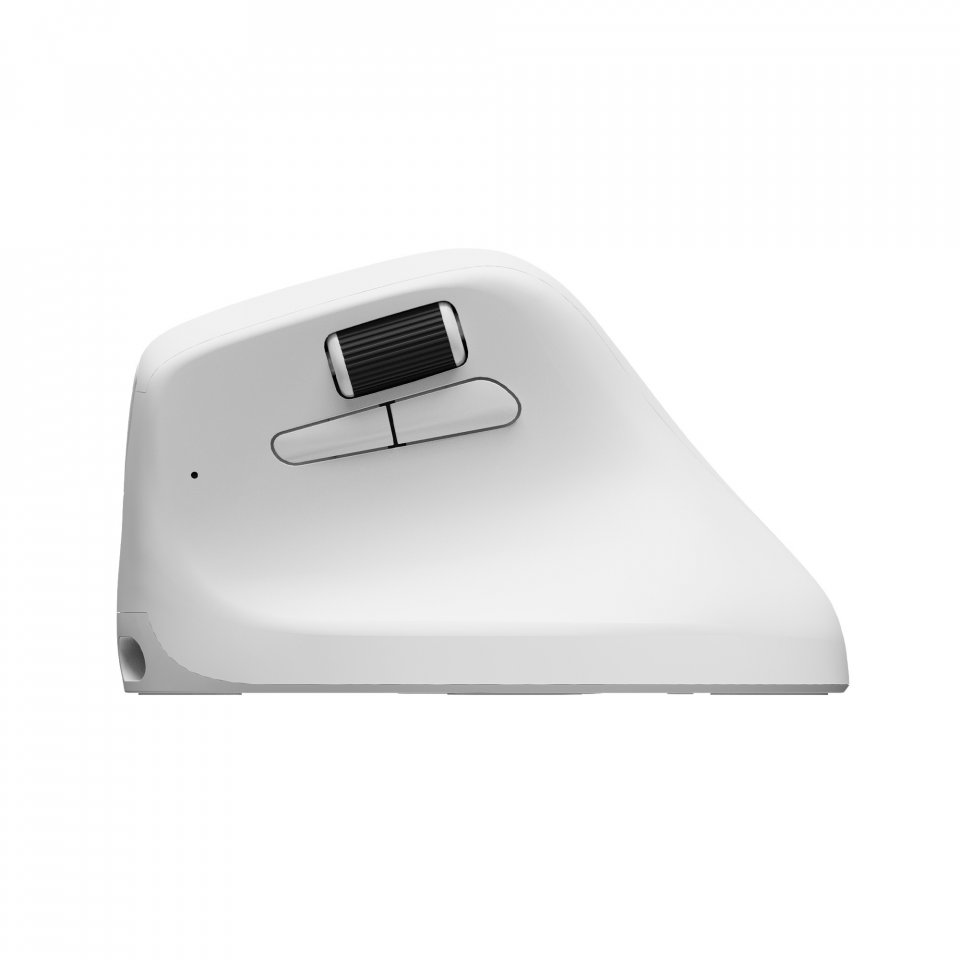
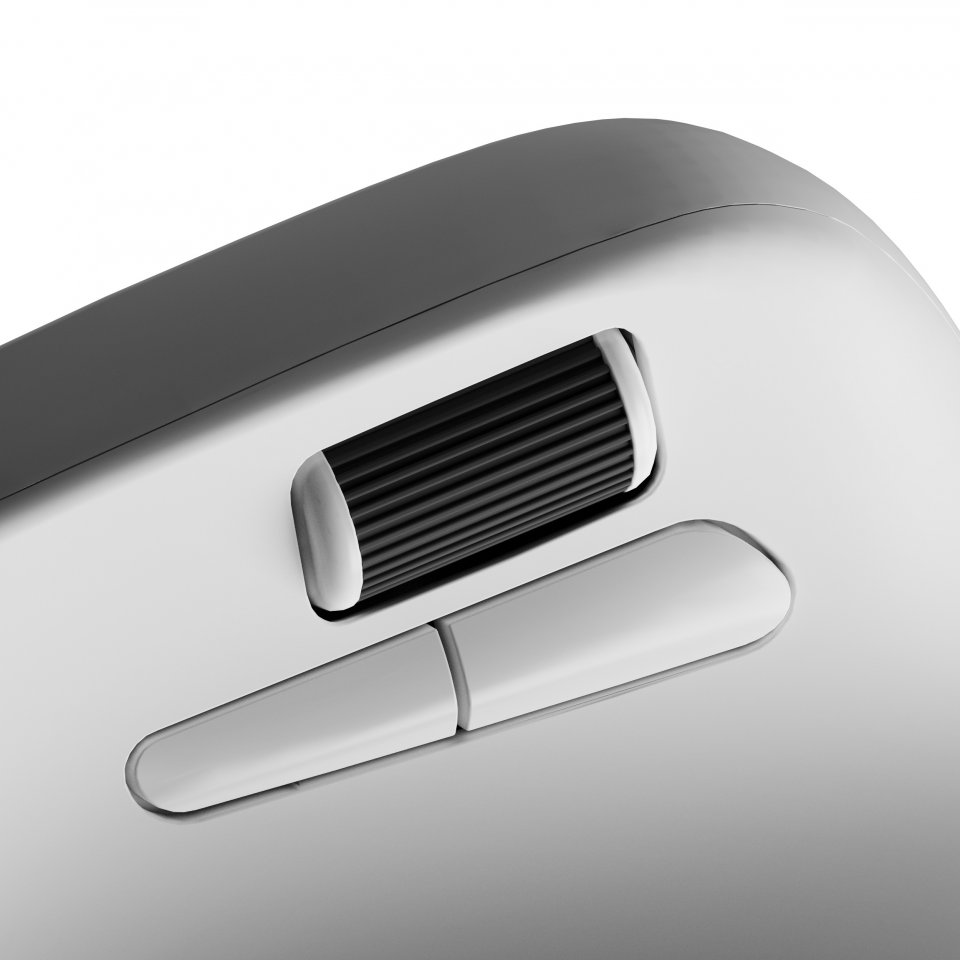
The thumb wheel on the side of the mouse functions as horizontal scrolling, making it easier to navigate wide spreadsheets or edit videos. Huano 80M micro switches provide a clean click feel and last up to 80 million clicks.
The Keychron M5 works with Windows, macOS, and Linux systems. The web-based Launcher works in most browsers, such as Chrome, Edge, and Opera, so adjusting mouse settings is easy anywhere.
2 in stock

The Keychron M5 8K wireless mouse is designed with ergonomics and performance in mind. Its vertical design at a 47-degree angle reduces wrist strain and offers a natural hand position, making it suitable for long workdays or intensive gaming. The mouse supports both 2.4 GHz wireless and Bluetooth connectivity, allowing flexible use with different devices anywhere.
The M5’s unique vertical stance and gentle curvature, along with thumb support, ensure a comfortable grip for all-day use. This design helps reduce wrist load and promotes a natural hand position, which can improve comfort and reduce pain during long working sessions.
The mouse’s optical PAW 3950 sensor offers up to 30,000 DPI accuracy and 750 IPS speed. An 8000 Hz polling rate guarantees extremely fast and precise response, making the mouse suitable for both gaming and professional tasks requiring precision.
You can connect the mouse wirelessly via 2.4 GHz frequency or Bluetooth 5.3. The large 600 mAh battery provides up to 140 hours of use in Bluetooth mode and 120 hours at a 1000 Hz polling rate. Additionally, the mouse supports quick device switching between three Bluetooth connections using a button on the bottom.
With the Keychron Launcher web app, you can easily adjust mouse settings without installing software. Customize buttons, create macros, and adjust DPI or polling rate. You can save up to five profiles in the mouse’s memory and use them across different applications or computers.
The thumb wheel on the side of the mouse functions as horizontal scrolling, making it easier to navigate wide spreadsheets or edit videos. Huano 80M micro switches provide a clean click feel and last up to 80 million clicks.
The Keychron M5 works with Windows, macOS, and Linux systems. The web-based Launcher works in most browsers, such as Chrome, Edge, and Opera, so adjusting mouse settings is easy anywhere.